@JSocializa34015 @Simon_Hypixel That'd be fine with me. I'm just not into Creative Mode because it lacks that 'challenge' of harvesting blocks and having to climb to build high-up.
So if it ends-up in Exploration Mode, great!
English
Goblinounours
2.3K posts








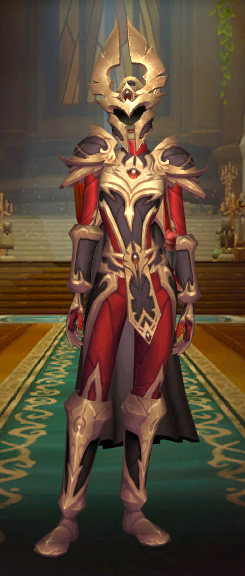


Emotes are coming to Hytale with this week's pre-release update, including easy mod support! Here's the mod structure to add emotes to the game: - Place your emote animation (.blockyanim) in Common\Characters\Animations\Emote\ - Place your emote icon (.png) in Common\Icons\Emotes\ - Create your emote config (.json) in Server\Emote\ (replace "MyEmoteName" with the name of your new emote) An emote config looks like the following: { "Animation": "Characters/Animations/Emote/MyEmoteName.blockyanim", "Name": "My Emote Name", "Icon": "Icons/Emotes/MyEmoteName.png", "IsLooping": true } With that done, you'll now be able to see your emotes in-game! In the future, we'll improve the emote wheel so you can customize it.