

Billy
7 posts




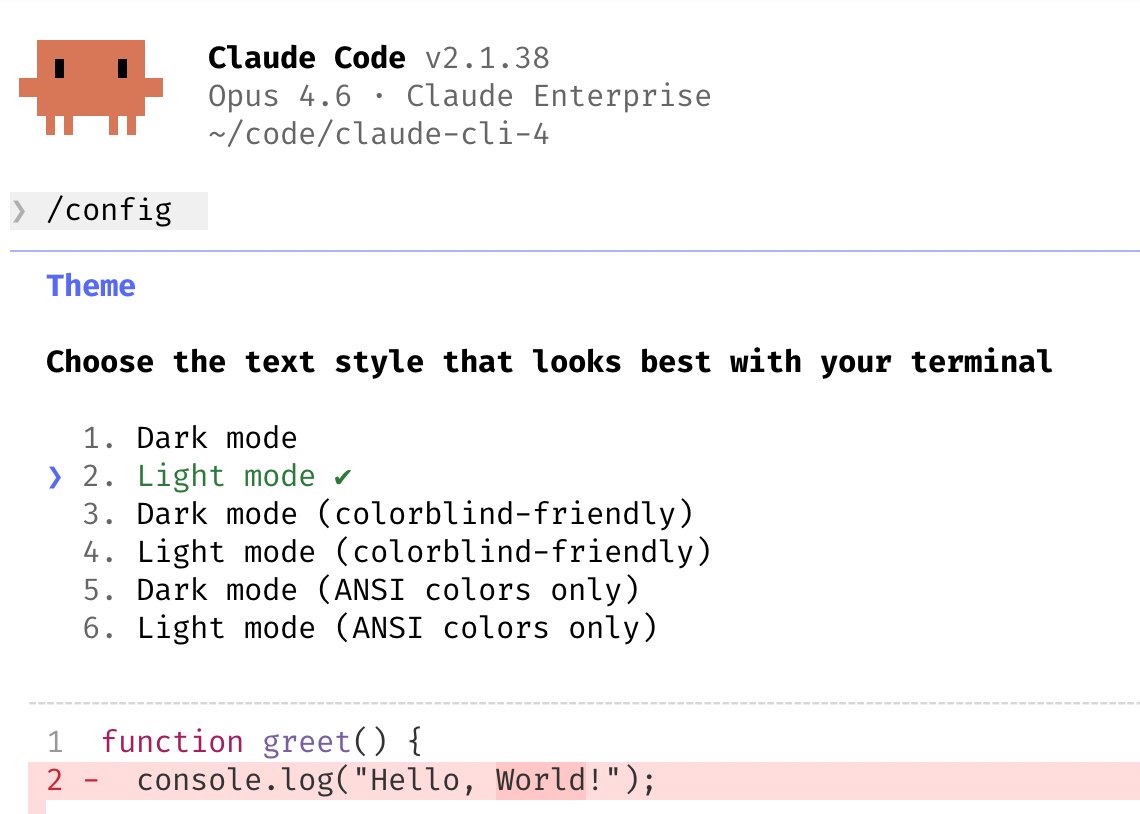
1/ Configure your terminal
- Theme: Run /config to set light/dark mode
- Notifs: Enable notifications for iTerm2, or use a custom notifs hook
- Newlines: If you use Claude Code in an IDE terminal, Apple Terminal, Warp, or Alacritty, run /terminal-setup to enable shift+enter for newlines (so you don't need to type \)
- Vim mode: run /vim
code.claude.com/docs/en/termin…
English
Reflecting on what engineers love about Claude Code, one thing that jumps out is its customizability: hooks, plugins, LSPs, MCPs, skills, effort, custom agents, status lines, output styles, etc.
Every engineer uses their tools differently. We built Claude Code from the ground up to not just have great defaults, but to also be incredibly customizable. This is a reason why developers fall in love with the product, and why Claude Code's growth continues to accelerate.
I wanted to share a few ways we're seeing people and teams customize their Claudes.
English

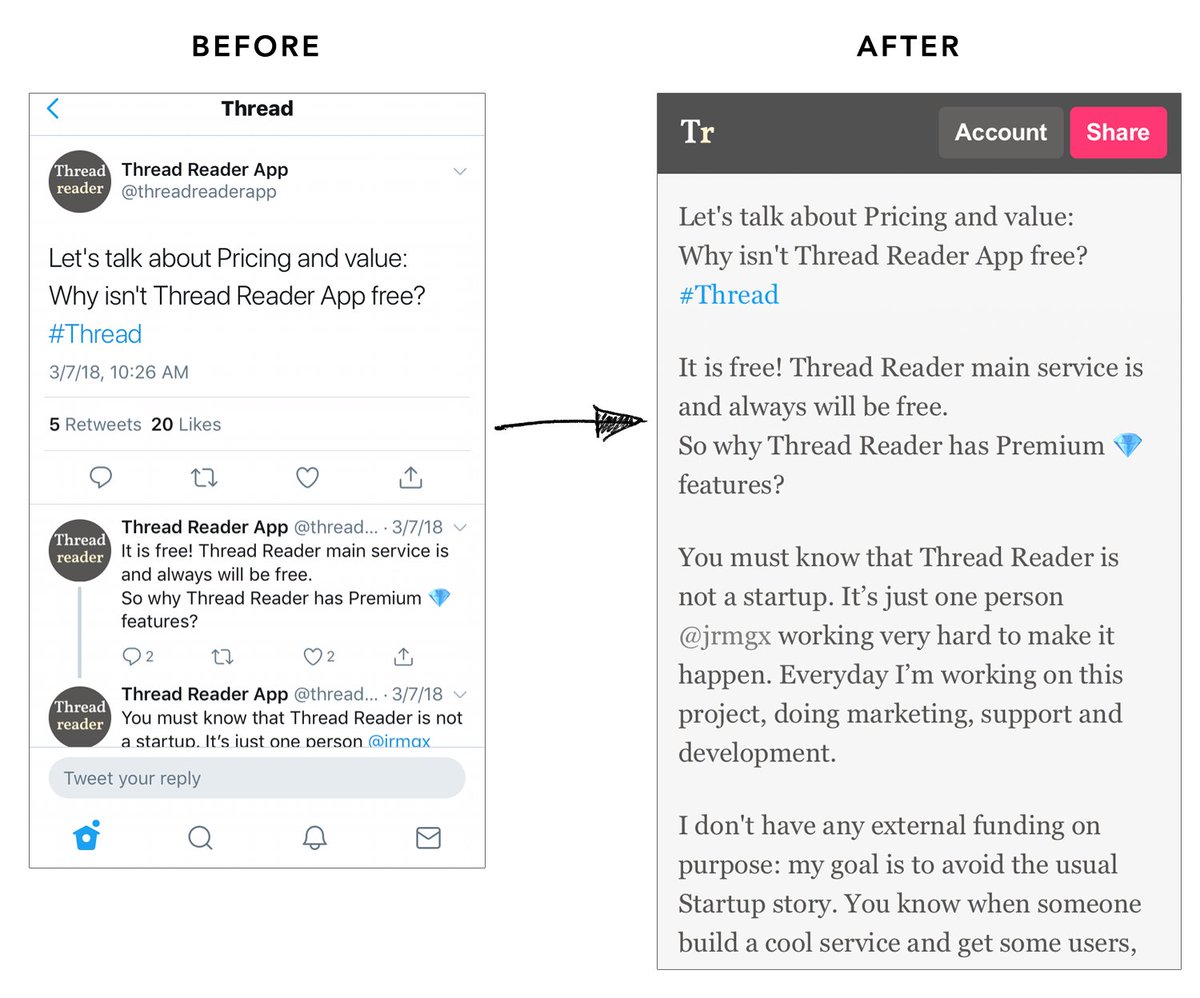
Our bot 🤖 unrolls these Twitter threads in a blog format so it's easier to read the whole story without any noise! Pretty cool right?
English
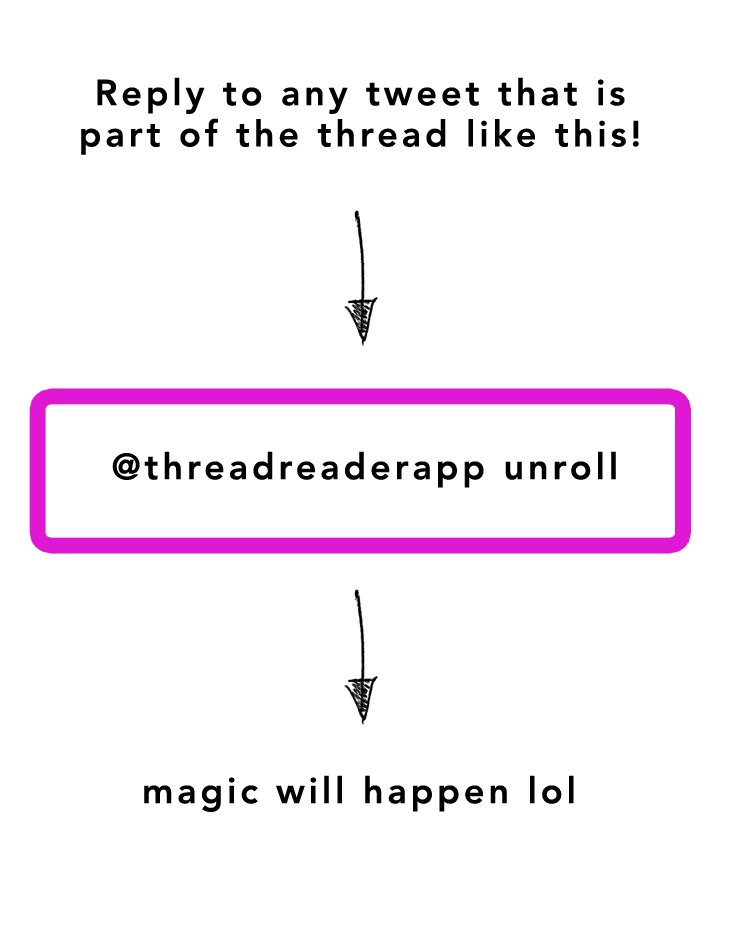
New to unrolling threads? Not sure how it works? You can practice here! Simply mention our name with the keyword "unroll" to any of the tweets in this thread so you can see how unrolling works!
English

We started internal
testing some big updates to the @GoogleAIStudio experience today!
Coming to you early next year but reply below if you’d like early access in the coming weeks 👀
English

Our biggest launch ever is coming August 19th
Stay tuned for a whole new @firecrawl ❤️🔥
+ we are giving away limited edition swag, just reply with '🔥'
English