Tim Davies

6.5K posts

Tim Davies banner
Tim Davies

Tim Davies

@tmdvs

leading product and engineering for the @Sketch web app 💎 🏳️‍🌈

Remote 가입일 Temmuz 2007
317 팔로잉1.5K 팔로워
Tim Davies
Tim Davies@tmdvs·
@duncanmcalester @sketch You can! We have an example project on Github, showing how you might download the tokens via the URLs provided in the export modal, and then update them to your source at build time. github.com/sketch-hq/desi… #design-token-exports" target="_blank" rel="nofollow noopener">sketch.com/docs/developer…
English
0
0
2
50
Duncan McAlester
Duncan McAlester@duncanmcalester·
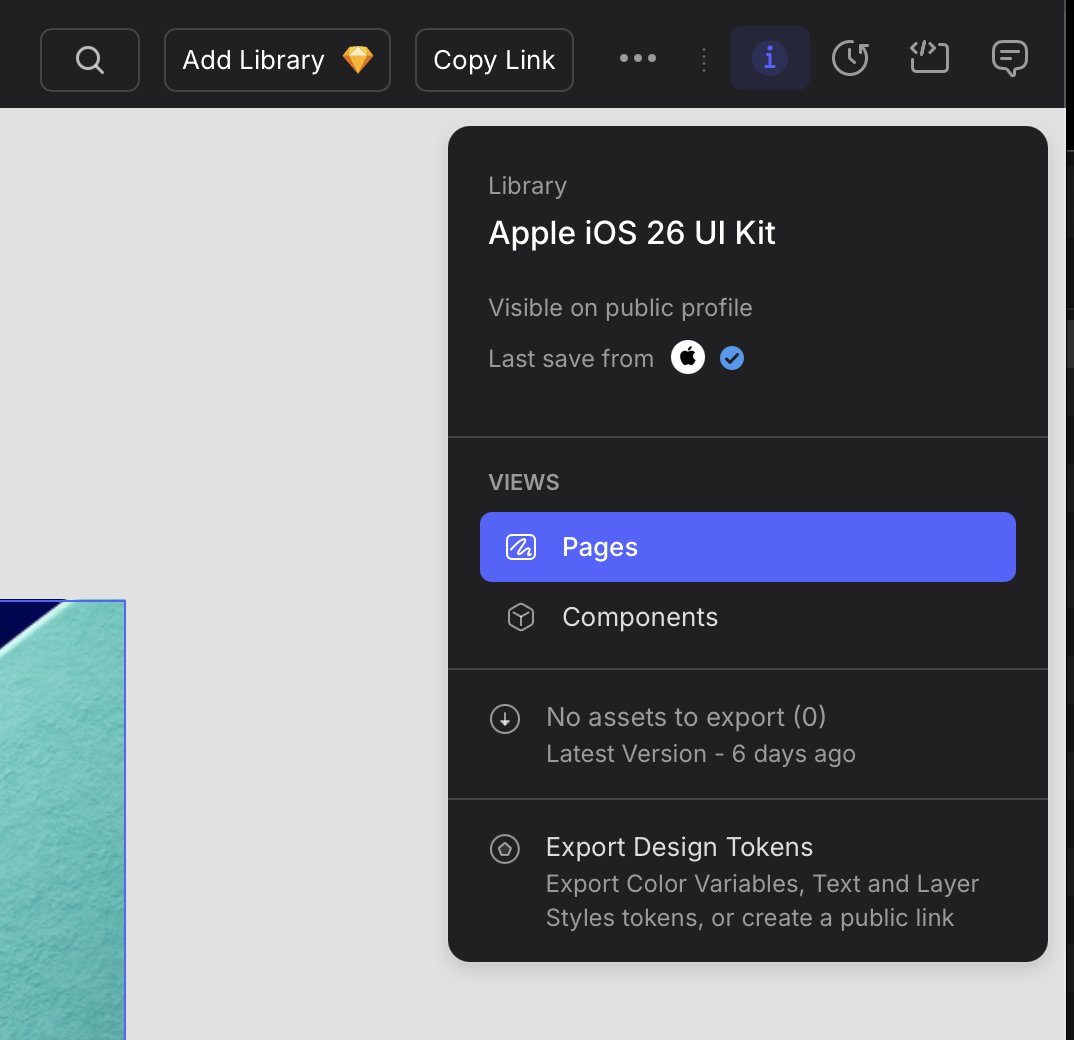
Well this is a super nice feature from @sketch. Export Design Tokens from a library front and center. While I’d still probably lean toward Figma for larger teams, for solo-design/small team I am all-in on Sketch.
Duncan McAlester tweet media
English
1
0
6
124
Tim Davies
Tim Davies@tmdvs·
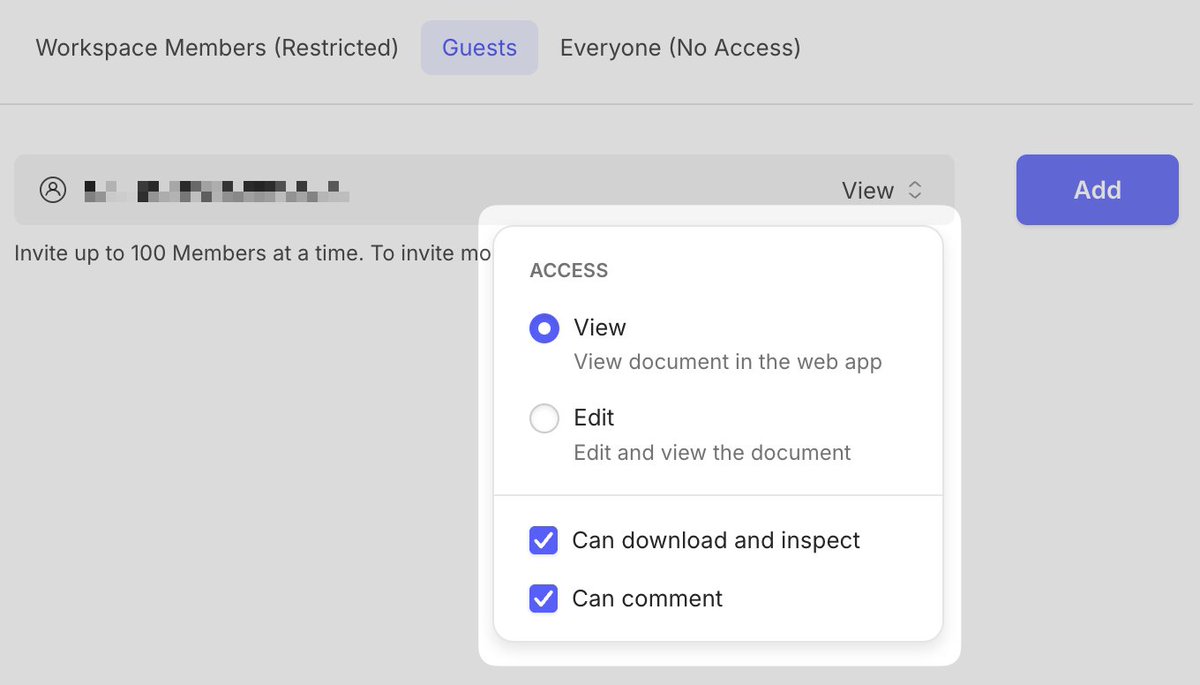
@chunwui When inviting a guest to a document, you can specify whether they can comment or not.
Tim Davies tweet media
English
1
0
0
18
linus lim
linus lim@chunwui·
@tmdvs Waiting for guests to be able to add comments
English
1
0
0
23
Tim Davies 리트윗함
Linda Dong 🍉
Linda Dong 🍉@lindadong·
Okay! Here are the tools we’ve got for you to design with Liquid Glass and the new design system. 🎨 Sketch Libraries – developer.apple.com/design/resourc… 🔜 Figma Libraries – Coming soon! 🎼 Icon Composer App – developer.apple.com/icon-composer/ 📚 HIG – We updated like every page! developer.apple.com/design/ 🎬 Videos – start with Meet Liquid Glass developer.apple.com/videos/play/ww…
English
43
165
1.5K
122.4K
Tim Davies
Tim Davies@tmdvs·
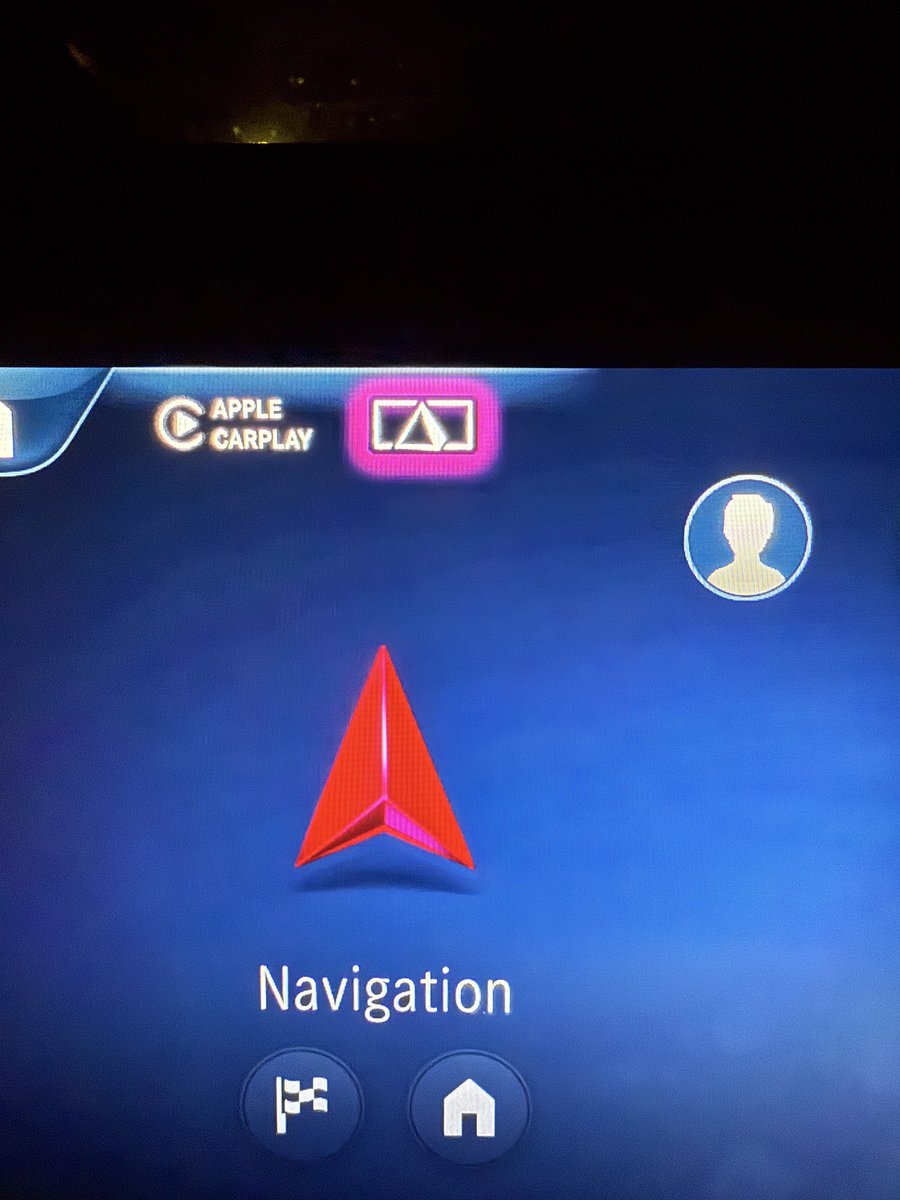
@sdw Three-dimensional, Pyramid evokes points of interest, vaguely compass pointer shaped… AR Navigation?
English
0
0
0
121
Sebastiaan de With
Car UI is amazing. Can anyone guess what the pink triangle icon does? I almost guarantee you can’t
Sebastiaan de With tweet mediaSebastiaan de With tweet media
English
188
6
669
121.5K
Tim Davies 리트윗함
Sketch
Sketch@sketch·
Some details from @RamsesCabello of how handoff looks with Stacks. New box model preview, flex CSS output, all in any browser — and dev seats are free!
rc@RamsesCabello

💛 new version of @sketch is out! 〜 we worked on an update to the web app inspector to include all the new properties from frames, stacks and graphics. now it's easy to copy values, css, and a box model preview 〜 please, play around with it! (˶ᵔ ᵕ ᵔ˶)✨

English
3
1
40
6K
Tim Davies
Tim Davies@tmdvs·
The biggest Sketch release ever just dropped, and it’s a beast. ✨ So much care and craft went into this one from right across the company. "Proud" doesn’t begin to cover it. There’s too much to cover in a single post, so check out the official thread below 👇
Sketch@sketch

Remember when we said auto layout was coming to Sketch? It’s here. It’s called Stacks, and it’s part of our biggest release ever — out now. There’s a lot to cover, so buckle up and we’ll give you a tour. Also, stick around for a surprise at the end of the thread 👀 Let’s go ↓

English
0
0
11
335
Tim Davies
Tim Davies@tmdvs·
🚨 More amazing work shipping from @sketch Super proud of the web team 👏 Not only because of the overhaul of our web app's UI, but for shipping much requested features, like the ability to export any layer without the need to define it in the mac app first (finally, we know) 🎉
Sketch@sketch

What did we do in 2024? We asked @rafahari (and a few friends) to show what we shipped… and… well… enjoy!

English
0
0
3
481
Tim Davies
Tim Davies@tmdvs·
On a serious note, At the end of this release’s promo video, you will spot a special message… The release is dedicated to a friend & colleague, without whom much of @sketch wouldn’t exist. I’m proud that we could dedicate this release to him. Thank you, Gavin 🥃
Tim Davies tweet media
English
2
1
13
894
Tim Davies
Tim Davies@tmdvs·
Animated prototypes? Exporting any layer from the web without waiting for your designer colleague to mark it as exportable?? A new UI in the web app making it easier to navigate your workspace??? It’s like a whole new game!
Sketch@sketch

🆕 in Sketch: Smart Animate, easy Library replacements, better PDF exports, all-new web app UI, better dev handoff, and so much more! Our latest update brings a bunch of new features and improvements, starting with a new Prototyping feature… Smart Animate We’ve had plenty of requests to bring animation to Prototyping — so we’ve done just that. Smart Animate looks for layers with the same name across different Artboards and animates the changes between them. If you’ve used Magic Move in Keynote, you’ll find this pretty familiar! If you want to see Smart Animate in action, check out our blog post where we’ve run through a few examples of how you can bring it into your designs: skt.ch/9fs8fDj As part of Smart Animate, we’ve added easing and duration options for transitions, and introduced a new transition — dissolve. Easy Library swaps You now have a couple of ways to swap the underlying Library and replace the Components in your document. You can choose to replace all Components, a single Component type or your own custom selection of specific Components. This one is super handy if you’re doing things like theming, or designing for dark and light modes. Color Variables in gradients We know, this one has been a long time coming. There’s not much more to say on this one, but we’re glad it’s here now — and we hope you are too! Better PDF exports You can now choose which Artboards to export, optionally add Artboard titles and render Artboards as bitmaps for more precision. Also, for Workspace documents, you can include all comments in your PDF or as a separate CSV file. Sketch en español Di ‘hola’ a diseñar en español. A partir de ahora, podrás usar Sketch en español e interactuar con la interfaz de manera más familiar e intuitiva. (For non-Spanish speakers: That’s us explaining you can now use Sketch in Spanish.) All-new web app UI Following on from our document view refresh, we’ve given the rest of the web app’s UI an overhaul. There’s a new font (Inter, in case you’re wondering), new iconography, and new thumbnail styling for a greater sense of hierarchy. Better developer handoff Developers using the web app for handoff can now export any layer in a document without it being set to export in the Mac app first. You can set your export size/scale, format and filename prefix/suffix — all within the browser. …and so much more There’s a bunch more improvements in the Mac app, like renaming Artboards on the Canvas, HEIC exports, and click-and-drag support for scrolling areas in prototypes. And of course, a few bug fixes, too. Find out more at skt.ch/updates or open the Mac app now to update!

English
1
2
13
1.2K
Tim Davies 리트윗함
Sketch
Sketch@sketch·
🆕 in Sketch: Smart Animate, easy Library replacements, better PDF exports, all-new web app UI, better dev handoff, and so much more! Our latest update brings a bunch of new features and improvements, starting with a new Prototyping feature… Smart Animate We’ve had plenty of requests to bring animation to Prototyping — so we’ve done just that. Smart Animate looks for layers with the same name across different Artboards and animates the changes between them. If you’ve used Magic Move in Keynote, you’ll find this pretty familiar! If you want to see Smart Animate in action, check out our blog post where we’ve run through a few examples of how you can bring it into your designs: skt.ch/9fs8fDj As part of Smart Animate, we’ve added easing and duration options for transitions, and introduced a new transition — dissolve. Easy Library swaps You now have a couple of ways to swap the underlying Library and replace the Components in your document. You can choose to replace all Components, a single Component type or your own custom selection of specific Components. This one is super handy if you’re doing things like theming, or designing for dark and light modes. Color Variables in gradients We know, this one has been a long time coming. There’s not much more to say on this one, but we’re glad it’s here now — and we hope you are too! Better PDF exports You can now choose which Artboards to export, optionally add Artboard titles and render Artboards as bitmaps for more precision. Also, for Workspace documents, you can include all comments in your PDF or as a separate CSV file. Sketch en español Di ‘hola’ a diseñar en español. A partir de ahora, podrás usar Sketch en español e interactuar con la interfaz de manera más familiar e intuitiva. (For non-Spanish speakers: That’s us explaining you can now use Sketch in Spanish.) All-new web app UI Following on from our document view refresh, we’ve given the rest of the web app’s UI an overhaul. There’s a new font (Inter, in case you’re wondering), new iconography, and new thumbnail styling for a greater sense of hierarchy. Better developer handoff Developers using the web app for handoff can now export any layer in a document without it being set to export in the Mac app first. You can set your export size/scale, format and filename prefix/suffix — all within the browser. …and so much more There’s a bunch more improvements in the Mac app, like renaming Artboards on the Canvas, HEIC exports, and click-and-drag support for scrolling areas in prototypes. And of course, a few bug fixes, too. Find out more at skt.ch/updates or open the Mac app now to update!
English
16
30
203
45.7K
Tim Davies 리트윗함
rc
rc@RamsesCabello·
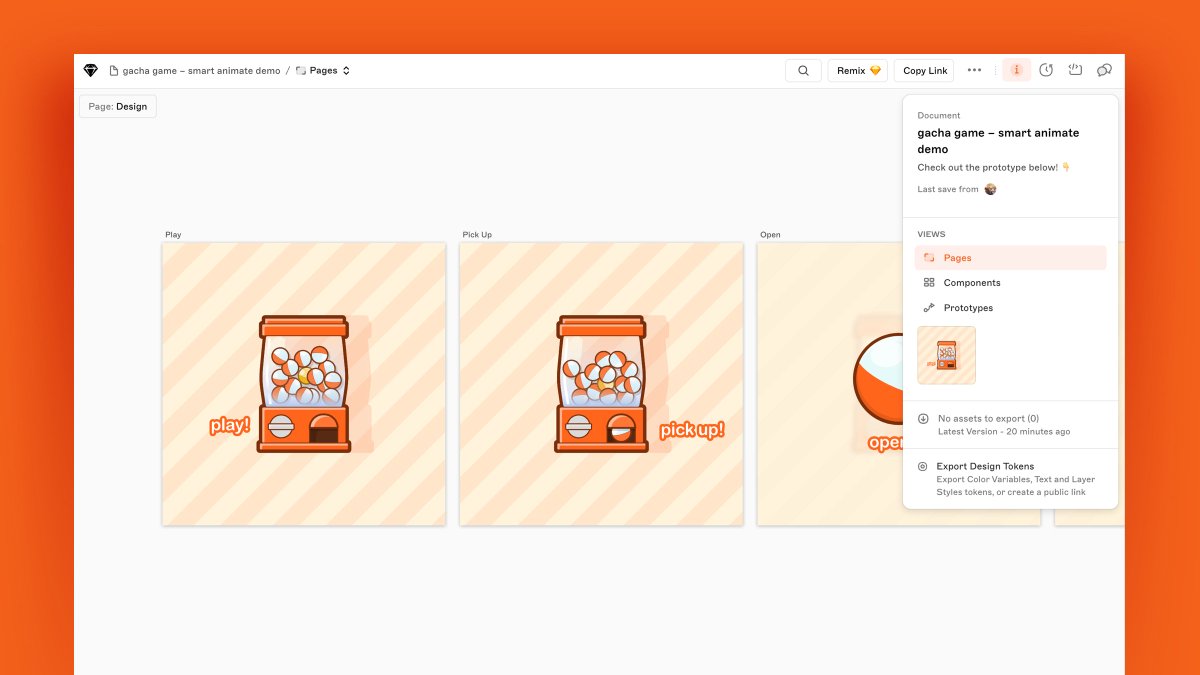
ଘ(˵╹-╹)━☆⋆ ˚。⋆ we've prepared a public doc with the gacha smart animate demo 〜 (*ˊᗜˋ*)/ thanks @Keir @dfmedrano @BrettArchibald @freddiewrites for helping out ↓ link to the doc in the next post
rc tweet media
English
2
4
12
2.6K
Tim Davies
Tim Davies@tmdvs·
Many of us who've worked at Sketch over the last eight years and many in the Mac dev community lost a good friend over the weekend. 
It's a stark reminder of how precious and fleeting our time together is and how it can be over without notice.
 Be like our friend, be kind. 🥃
English
7
3
52
8.7K
Tim Davies
Tim Davies@tmdvs·
👇 Paulo is seeking feedback on layout mechanisms in @sketch – now's your chance to influence how we implement these features 🏃‍♂️
Paulo@paulozoom

We’re bringing auto/stack/flex layout to @sketch and I’d love to know: → What are your must-haves? → What should we borrow from other tools? → What’s missing or lacking in other tools? Let me know in the replies! 👇

English
0
0
3
584
Tim Davies
Tim Davies@tmdvs·
Lots of work went into this behind the scenes to ensure it is a super smooth experience and just works ® Not only is your document always synced as you work, but fewer versions from cmd+s spam leads to more meaningful versions in the web app for your colleagues to work from 🧑‍💻✨
Sketch@sketch

We automatically and regularly save your Workspace documents as you design — no need to manually save anymore. Press ^⌘S to create a new version, add a description or a star — great to indicate important updates and control what Viewers and Guests can see. 2/5

English
1
0
5
606
Tim Davies 리트윗함
Sketch
Sketch@sketch·
🆕 Our latest update just dropped! We thought we’d sneak in a smaller update just before 100 with a few fun quality-of-life improvements and the usual collection of bug fixes. Let’s explore them in more detail 🧵 Find out more and grab the update: skt.ch/Updates 🔗 1/5
English
3
5
22
14.7K