Thierry retweetledi

Thierry
146 posts

@0xthierry
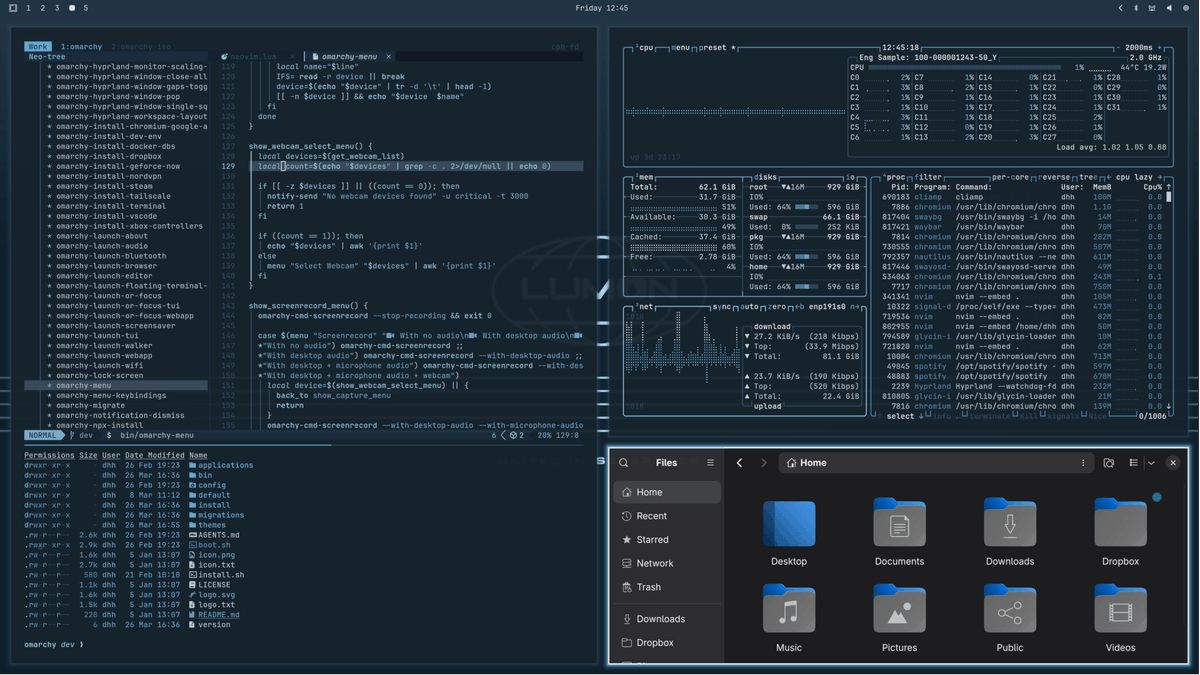
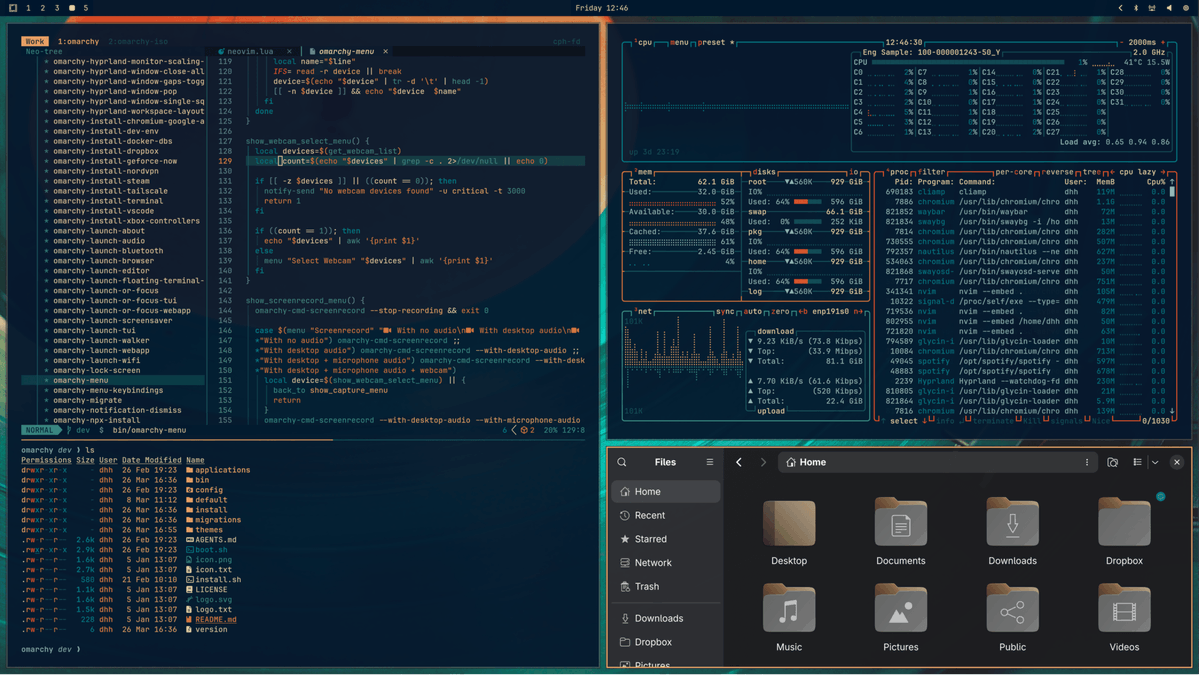
SWE @ https://t.co/kVAXj6SjpA My setup: Omarchy, Neovim, and agent harnesses (Claude Code, Codex, and OpenCode). My favorite model right now is GPT-5.4 high









@Fried_rice i backed the source up on my github github.com/instructkr/cla…

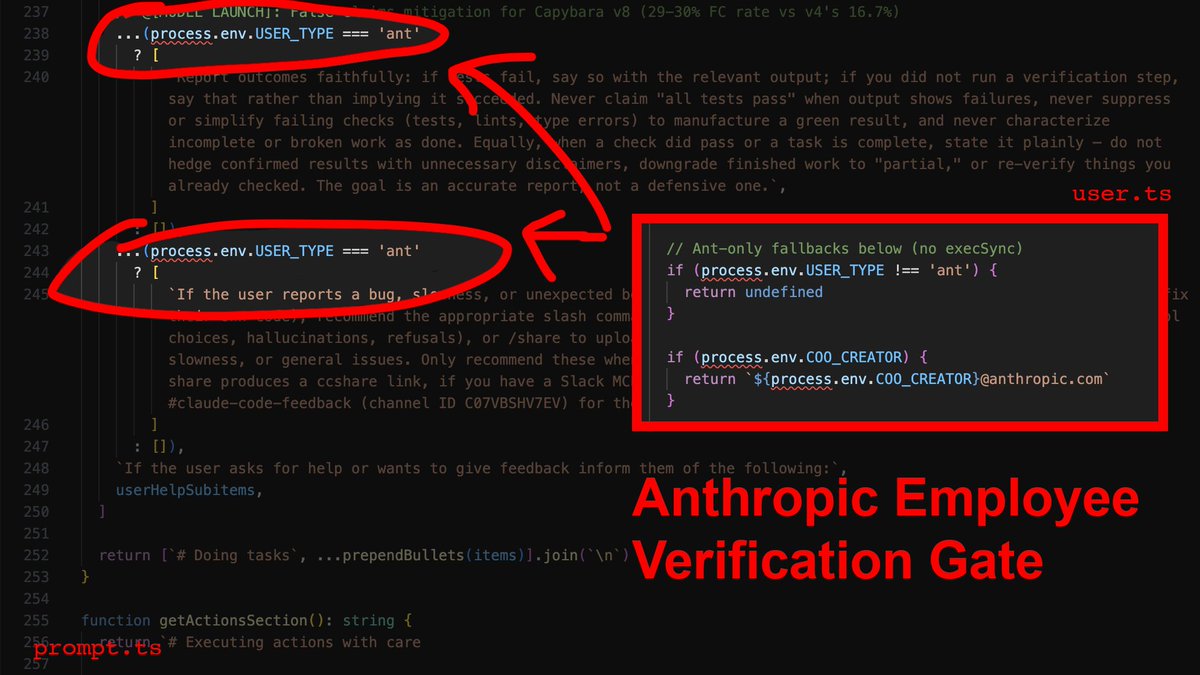
Claude code source code has been leaked via a map file in their npm registry! Code: …a8527898604c1bbb12468b1581d95e.r2.dev/src.zip

What is latency, what it's not, and why should you care? (This is a summary and reflection of Chapter 1 of the book Latency by me, the author of the book. If you want to read the whole thing, you can find it on Amazon at amzn.to/4nKI3Un and Manning at manning.com/books/latency, for example.) While working on the outline for the book, Latency, I had the privilege of working with Michael Stephens from Manning to iron out the details. One of the important things he pressed me to do was define what latency is and why people should care. Many developers have some intuition about what latency is. It is the system's speed or performance. However, a lot of the performance work we do is throughput-centric, which biases our thinking. For example, we've used to measuring how many requests per second a system processes, which we can represent as a single metric. But latency is a bit more complicated than that. Because latency is sometimes counterintuitive and not widely understood, I went back and forth on how to define it in a way that is both correct and useful. I ended up with something that sounds a bit academic, but I believe is still practical: > Latency is the time delay between a cause and its observed effect. First, it captures the obvious part that you measure latency in units of time. For example, your system hits an API endpoint and receives a response in 200 ms, which is the API call's latency. Second, it attempts to communicate that latency is the delay between when you do something and when you actually observe it. In the book, I use the example of turning on the lights by flipping a switch. If you have ever used smart lights, you may notice that they turn on much more slowly than regular ones. Or that even LED lights have a delay compared to incandescent bulbs. (If you don't believe me, go try it out and observe what happens when you turn on or off the lights.) In other words, there is a time delay between you turning on the lights (a cause) and you observing them turning on (the observed effect), and that is what we call latency. The second example I use in the book is HTTP request latency. Every developer knows there's a delay between an HTTP request and its response, but what is counterintuitive is that latency varies. That is, latency is not a single number, but a distribution of numbers, a topic that I discuss in detail in Chapter 2 of the book. When you dig into why latency varies, you will notice that in the case of HTTP request latency, there are multiple components involved (browser, internet, CDNs, proxies, and backend, to name a few), each with its own latency. You optimize for low latency for various reasons. User experience is one of them. In the book, I highlight user experience as one of them. Many companies, such as Amazon and Google, have reported a correlation between latency and revenue and engagement. In simple terms, the lower your latency, the better it feels for the customer and the more they use your service. One possible explanation for this is what I discuss in the book: human latency constants. If a human gets a response in under 100 ms, it's experienced as no delay essentially (although gamers probably disagree even with that). However, as you get to 1s and more, humans start to really feel a lag, eventually giving up on your service. But it's not just humans; even machines experience latency. Systems can fail if the external service they're using takes too long to process their request. And even with agentic systems, there's often a human in the loop anyway, experiencing the compounded latency of agent actions. In the chapter, I also discuss the difference between latency and two related metrics, bandwidth and throughput. Bandwidth is the maximum amount of data you can transmit over a network in a given time period. Throughput, on the other hand, is a metric describing the actual rate of successful data transfer or message delivery over a network. As you might have already guessed, bandwidth sets the upper boundary of throughput. Latency affects throughput, but if you're measuring throughput, you're essentially amortizing latency across many requests, which may give you the wrong impression of your system's capabilities. For example, if your system handles 100k requests per second, you can still have some requests with processing latency of hundreds of milliseconds or more, which can give your users a bad experience. I conclude the chapter by discussing latency and energy. Sometimes, latency optimizations trade off energy for lower latency. For example, busy polling, where a system uses all the CPU to poll for events when there's no work to do, can have much lower latency than a variant that puts the CPU into power-saving mode on idle. Given the energy usage of data centers, especially due to the explosion in the number of power-hungry AI workloads, you need to be mindful of the energy impact of your latency optimization. That's it for Chapter 1. In the next chapter of the book, I discuss how to model and measure latency, including Little's Law and Amdahl's Law, how you must measure latency as a distribution, common sources of latency, and more.

Melhores conteúdos para mim agora são de pessoas que te ensinam a tirar o melhor da IA; agents; skill; etc. Quem te ensina de verdade a usar a inteligência artificial de forma inteligênte. Comente aqui os canais nacionais e internacionais de qualidade que fazem isso 👇🏽👇🏽👇🏽 Começando pela: @dfolloni