AVerMedia Tech Support

1.4K posts

AVerMedia Tech Support banner
AVerMedia Tech Support

AVerMedia Tech Support

@AVerMediaAssist

Our office hours are 9:00 to 18:00 (GMT+8). Monday through Friday. Contact support team: https://t.co/62ZoJOrm07

Katılım Aralık 2018
20 Takip Edilen765 Takipçiler
Sabitlenmiş Tweet
AVerMedia Tech Support
AVerMedia Tech Support@AVerMediaAssist·
🚨 AVerMedia & Nintendo Switch 2 Support 🚨 Some users report issues capturing with AVerMedia devices on Switch 2. We’re investigating & will share updates ASAP. 🔧What to try first: Turn off the HDR on the Switch 2 and see whether it works normally.
English
1
4
8
2.6K
AVerMedia Tech Support
AVerMedia Tech Support@AVerMediaAssist·
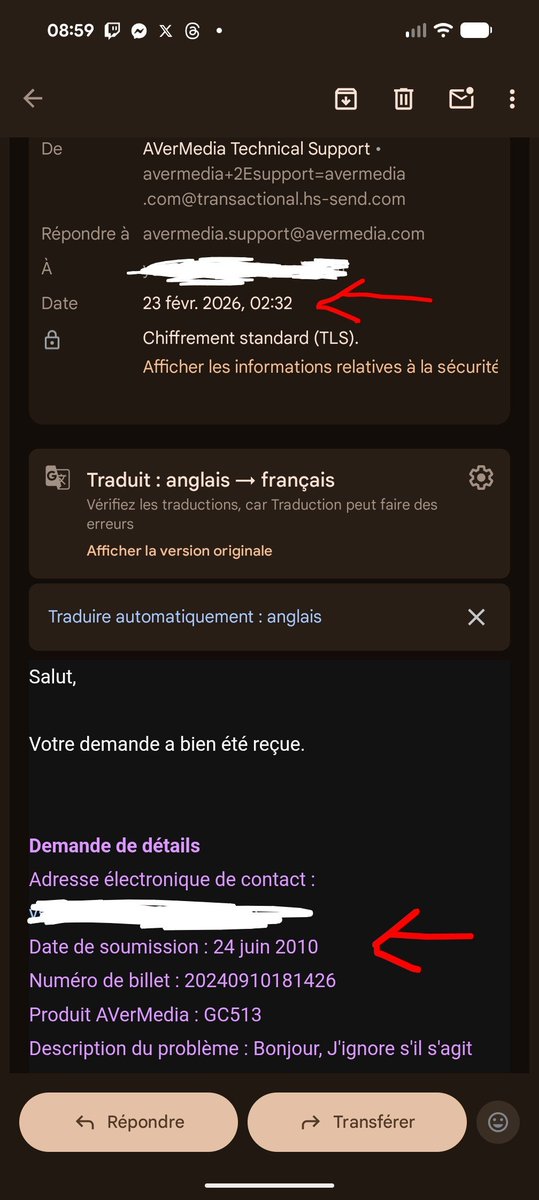
@Harleen_Fae Hi, we recently updated our support system, which may have caused some past inquiries to appear as newly received tickets. We apologize for any confusion. If your issue has already been resolved, no further action is needed. Thanks for your understanding.
English
1
0
3
145
Harleen Fae
Harleen Fae@Harleen_Fae·
Ah mais tranquille AverMedia je ne suis plus à quelques années près 🤭 (Bon en vrai le billet date quand même de 2024 xD)
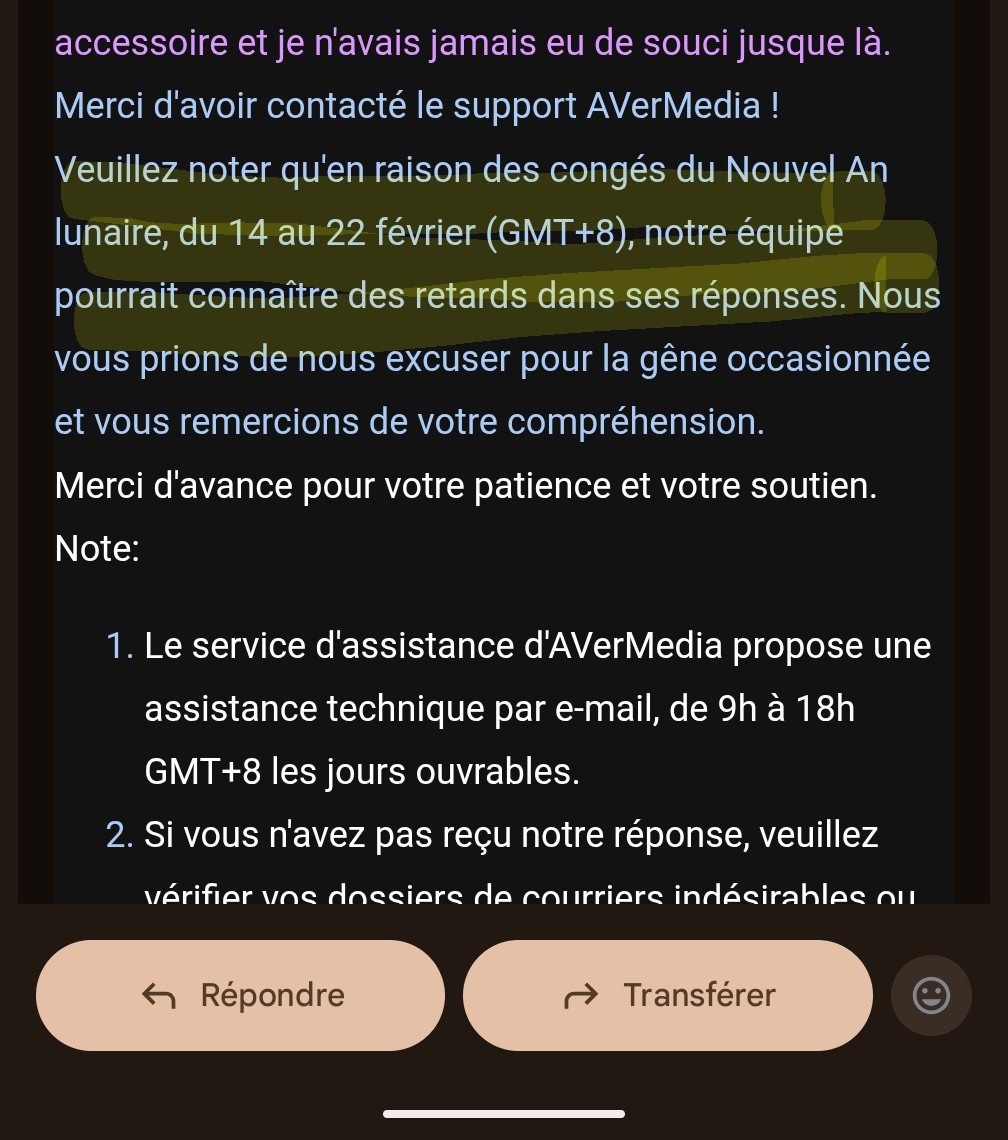
Harleen Fae tweet mediaHarleen Fae tweet media
Français
2
0
15
1.7K
AVerMedia Tech Support
AVerMedia Tech Support@AVerMediaAssist·
@RomireTV @AVerMedia Hi, we recently updated our support system, which may have caused some past inquiries to appear as newly received tickets. We apologize for any confusion. If your issue has already been resolved, no further action is needed. Thanks for your understanding.
English
1
0
0
76
AVerMedia Tech Support
AVerMedia Tech Support@AVerMediaAssist·
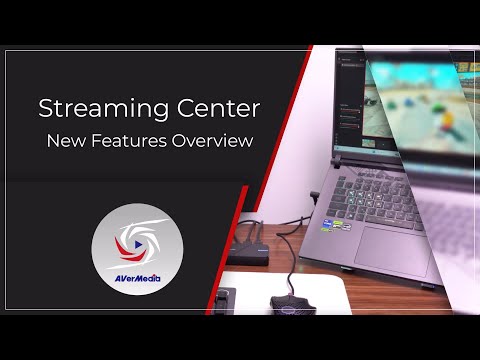
📢 Streaming Center Update: ✅ Zoom & drag preview controls ✅ Custom HDR tone mapping (P010 format) ✅ Screenshot + fullscreen mode ✅ Custom hotkeys ✅ Real-time stream quality indicator 🎥 Full details in our latest video: youtu.be/ayINlrcCk4U
YouTube video
YouTube
English
0
0
0
574
GameTaker
GameTaker@GameTakerGaming·
@AVerMediaAssist Yes, of course! It is the Live Gamer ULTRA. I think that is GC553?
English
1
0
0
60
GameTaker
GameTaker@GameTakerGaming·
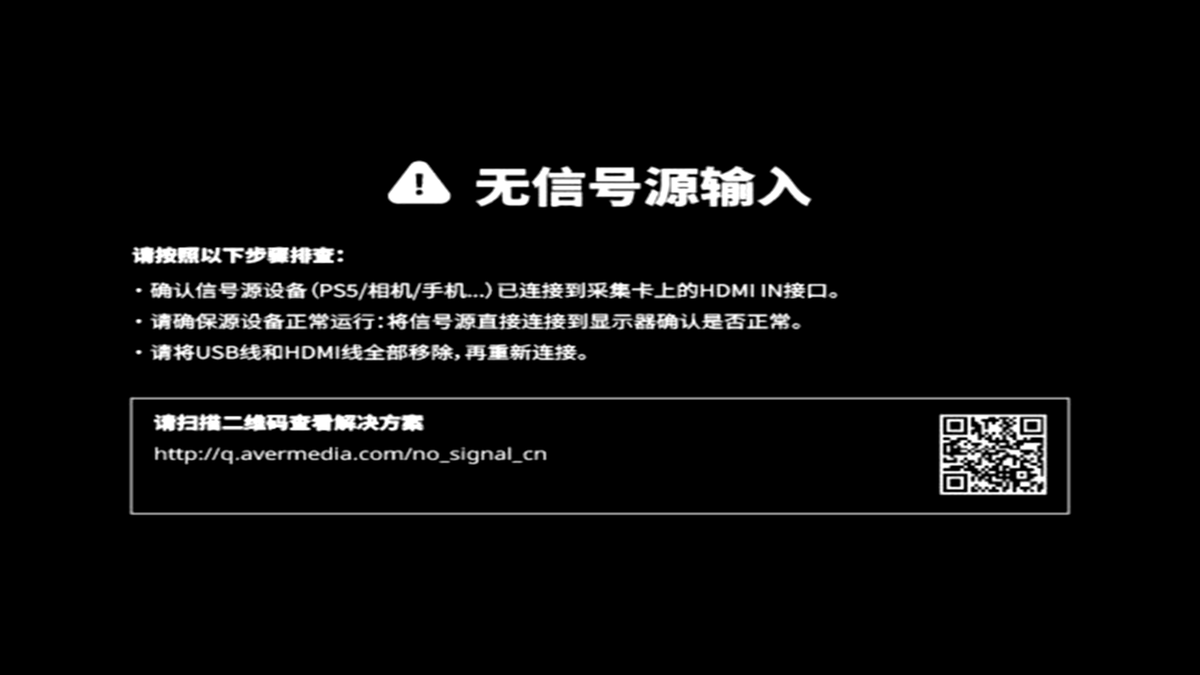
@AVerMedia_DE @AVerMediaAssist Gibt es einen Grund warum nach einem update über Avermedia Assist Central bzw. die Gaming Utility Software meine Capture Card auf einmal nicht länger Englische Info ausgibt? Glaub auch der QR Code für ein HDCP Problem ging auf billibilli.
GameTaker tweet media
Deutsch
1
0
0
96
AVerMedia Tech Support
AVerMedia Tech Support@AVerMediaAssist·
Firmware Updates: Live Gamer MINI (GC311), LIVE GAMER EXTREME 3 (GC551G2), X'TRA GO (GC515), CORE GO (GC313), ELITE GO (GC313 Pro) Software Updates: Assist Central Pro (Supported device: GC553Pro, GC553G2, GC571, GC573, GC575) avermedia.com/event/switch2-…
English
2
4
2
4K
AVerMedia Tech Support
AVerMedia Tech Support@AVerMediaAssist·
🔔Beta Firmware Update: Nintendo Switch 2 🔔 AVerMedia is working to ensure our products (exclude EOL models) are compatible with the Nintendo Switch 2. While efforts continue, full compatibility cannot be guaranteed at this time. Thanks for your patience! Check the link below👇
English
3
5
5
3.6K
AVerMedia Tech Support
AVerMedia Tech Support@AVerMediaAssist·
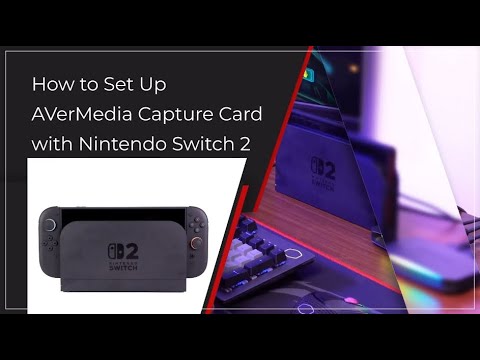
🎮 Having trouble capturing gameplay from your Nintendo Switch 2 using an AVerMedia device? 🔇 No audio in software preview? 📺 No signal or resolution greyed out? 🎨 Washed-out colors? Watch our full setup + troubleshooting guide youtu.be/Eq8gSL2iAus
YouTube video
YouTube
English
1
1
5
452
AVerMedia Tech Support
AVerMedia Tech Support@AVerMediaAssist·
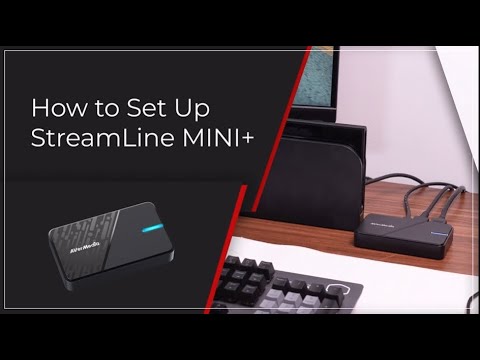
🚀 Hey creators! Setting up your StreamLine MINI+ (GC311G2)? This tutorial will guide you through it. 📩Questions or issues? Reach out to our support team youtube.com/watch?v=O2FsSO…
YouTube video
YouTube
English
0
0
0
233
💎 Tatsuma 💎
💎 Tatsuma 💎@TatsumaVT·
@AVerMediaAssist Hello! I bought an avermedia live gamer extreme 3 last week but the device disconnects randomly. I tried updating the device, the drivers, using Assist central pro and I tried to use my previous capture card (LGP lite) and that worked. Why the new one has so many problems?
English
1
0
0
112
AVerMedia Tech Support
AVerMedia Tech Support@AVerMediaAssist·
@Telominas As noted in our announcement, earlier models have reached End-of-Life and unfortunately won’t be receiving further updates. We appreciate your understanding!
English
2
0
0
73
Telomina➡️NG26 🌸
Telomina➡️NG26 🌸@Telominas·
@AVerMediaAssist I can't afford this. Will my current capture card get an update? I mean if it can handle PS5, which it can, it should technically be able to handle the Switch 2 as well.
English
1
0
0
38
AVerMedia Tech Support
AVerMedia Tech Support@AVerMediaAssist·
🔁 Still Not Working? Try a Power Cycle 1. Turn off (Not Restart) the Switch 2 while in handheld mode 2. Wait 60 seconds 3. Dock it again, connect it to your PC/monitor 4. Then turn on the Switch 2
English
0
0
0
334
AVerMedia Tech Support
AVerMedia Tech Support@AVerMediaAssist·
🖥️ Blurry Screen 1. Unplug the AC adapter from the wall outlet and remove the USB-C cable from the dock 2. Wait 30 seconds 3. Reconnect the cables in this order: Plug the AC adapter into the wall outlet Connect the USB-C cable to the Switch 2 dock Plug in the HDMI cable
English
1
0
0
340
AVerMedia Tech Support
AVerMedia Tech Support@AVerMediaAssist·
🚨 AVerMedia & Nintendo Switch 2 Support 🚨 Some users report issues capturing with AVerMedia devices on Switch 2. We’re investigating & will share updates ASAP. 🔧What to try first: Turn off the HDR on the Switch 2 and see whether it works normally.
English
1
4
8
2.6K