Sabitlenmiş Tweet

Atommap
40 posts

@Atommapminer
POW+Bitmap= Atommap https://t.co/NlbUcK7m4b






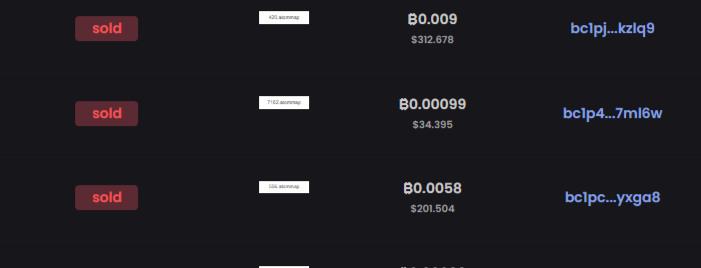

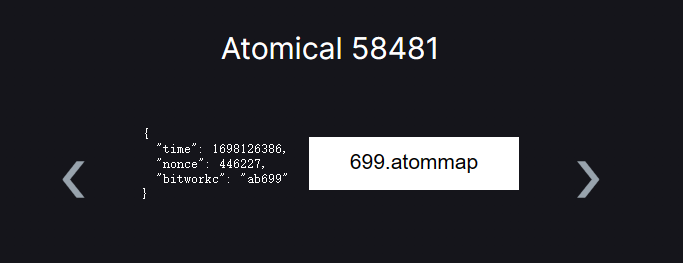
《#Atomicals 反内卷教学第二弹之4d atommap》 当前4d的atommap市场价30u,打到就是赚到!最近发现有人偷撸4位的atommap,并且还开了几十个窗口撸?忍不了了,必须出个教程让大家都能卷到 原理和之前发的3位领域一样,都是先随机生成一个数据然后通过爬索引来确定这个数据是否已经被打过。现在大家都在盲打,这是不科学的。 (但是即使你查的时候没有被打,不代表最终你能打到,因为可能会有其他人同时和你打,并且比你先上链,所以建议打的时候过一会儿查一下,如果被打了马上终止换下一个) 下面正式开始: 1.打开atomicalmarket.com/inscribe,按下F12,点击控制台或者console 2.粘贴以下代码到控制台然后回车: var generateAtommap = async () => { var check = async (number) => { try { const res = await fetch(`geniidata.com/api/dashboard/…` + number) const json = await res.json() const list = json.data.list return list.length === 0 } catch (error) { console.log(error) return false } } function getRandom(n, m) { var num = Math.floor(Math.random() * (m - n + 1) + n) return num } const result = getRandom(999,9999) const isAvailable = await check(result) if(isAvailable) { console.log(`%c ${result}.atommap is OK to mint`,'color:green;') }else { console.log(`%c ${result}.atommap has been minted, please try again.`,'color:red;') } } 3.输入 generateAtommap() 然后回车,即可随机生成一个4位数的atommap并且检测是否可以mint,如果可以mint则会用绿色字体显示,否则用红色字体。比如这里我们生成了一个可以用的4613 4.如果可以mint的话,就把上一步生成的atommap拿去mint,mint的时候先去下载github.com/Atombitworker/…,然后解压,然后找到刚才那四位数对应的svg文件(比如 4613.atommap.svg),拖进去,然后一定要输入的Blocknumber (bitwork), 这参数一定要是 ab后面加你生成的四位数,比如ab4613 5.成功后按照同样的方法重复第3步和第4步 6.记得关注、转发,反响好的话,后续我会出更多教程帮助大家mint其他的东西,也会持续性输出一些关于 #Atomicals @atomicalsxyz 的内容,谢谢!
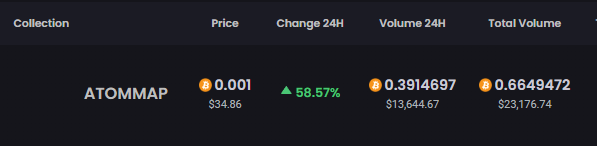
Cools #Atommap is being listed, List your for sale:- atomicalmarket.com/marketplace/co…
How to mint atomap ? step 1. Download the svg file from :- github.com/Atombitworker/… step 3. unzip the folder step 4. go to atomicalmarket.com/inscribe (And click atommap) step 5:- choose the block file and enter the same block step 6:- click next and Inscribe !
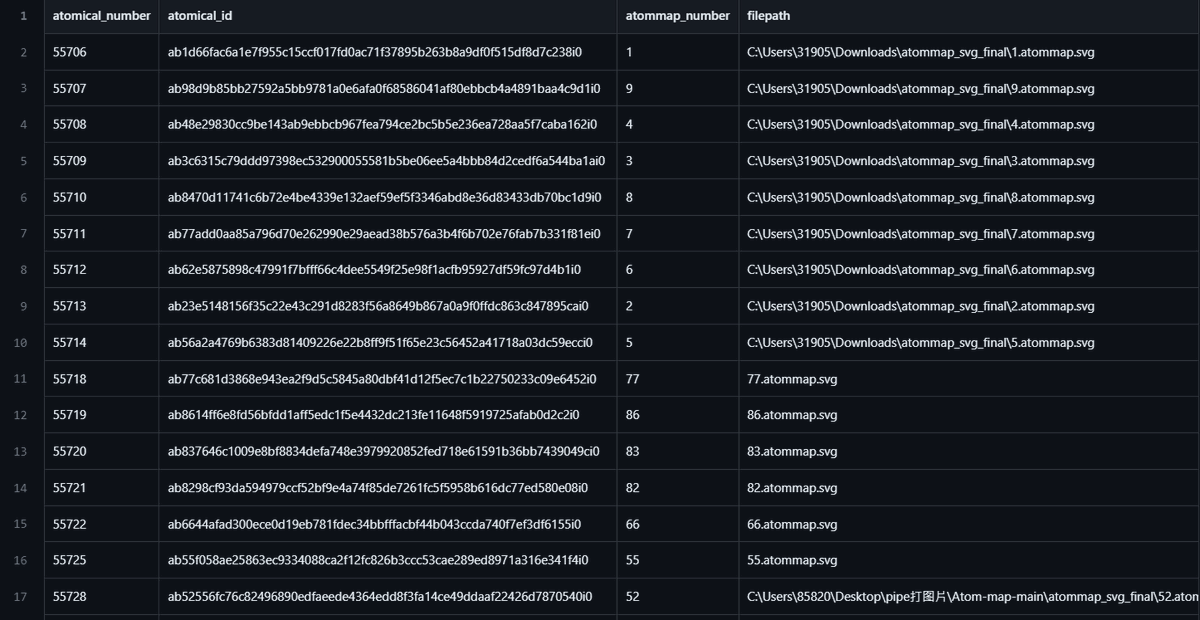
@Atommapminer Share atommap index data as of atomical 63377 If there are any bug, please report them below 分享截至atomical 63377的atommap索引資料 如有誤請在下方回報 github.com/raymondwang022… #ATOM #ATOMMAP #Bitmap #Atomicals