

Ben Cole
88 posts

Ben Cole
@BenColeonBC
I talk about Microsoft Dynamics 365 Business Central #MSDyn365BC
Dallas, TX Katılım Mayıs 2023
77 Takip Edilen70 Takipçiler
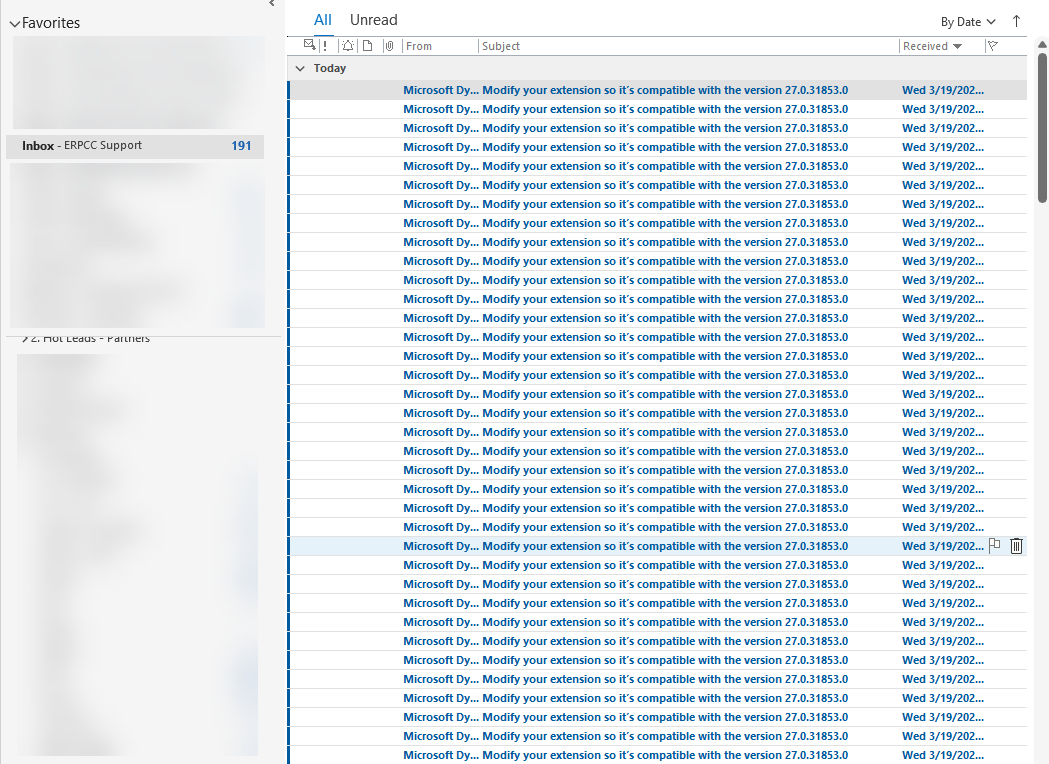

If you’re flooded with emails like this, please ignore them and press delete before raising alarms… 😵💫
#msdyn365bc

English
Ben Cole retweetledi

🕘 It's Time for your Business Central Health Check💊
Check out our Blog below on how you can deploy our FREE app in minutes and instantly gain access to 25 key metrics to analyze your system's health.
Need help? We can recommend a specialist.
erpsoftwareblog.com/2024/11/d365-b…

English
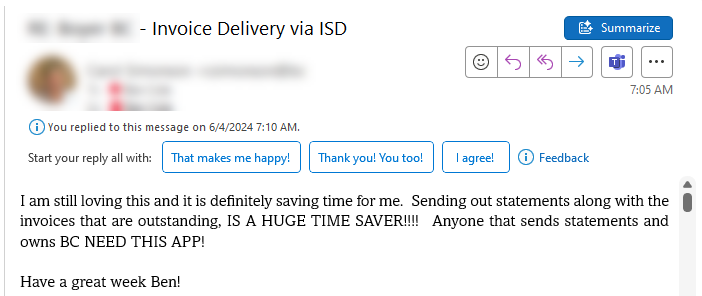
CAUTION - Sending Invoices and Statements Automatically could result in having to work less, increase vacation days, and allow you to spend more time with your family. But don't just take my word for it. #MSDYN365BC
English
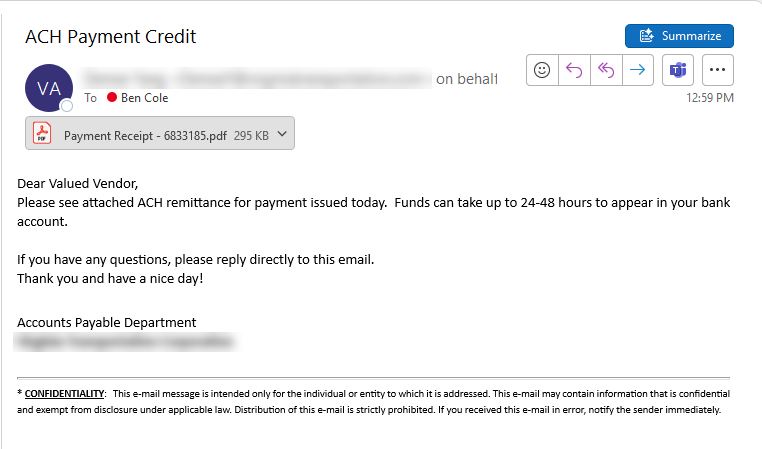
Something that makes me happy. Seeing our clients use our automation tools in their day to day business. I just got notified that a payment is headed my way (from their Vendor Payment Auto Remittance Function of course).
#MSDYN365BC #BusinessCentral #BusinessCentralToolbox
English
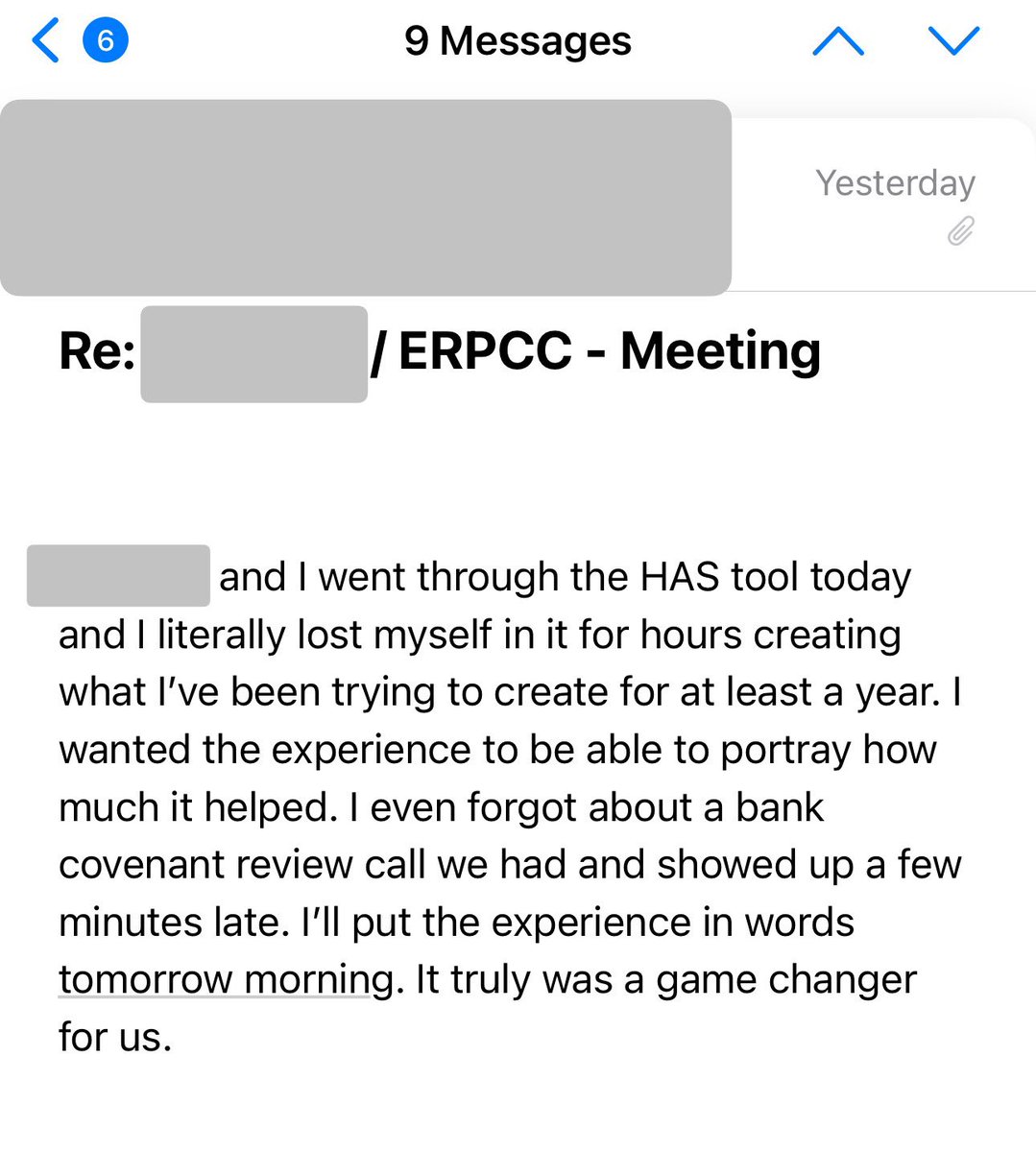

Let's Connect Next Week At Directions!
Looking forward to connecting with everyone and attending some amazing sessions of friends and colleagues in the D365 Business Central Space.
Be sure to stop by booth E2 as well!
#MSDYN365BC #Directions #BusinessCentralToolbox

English
@MaryMyers_WM Dang - I might have to take my Jeep in. Going to ask for them to pay for my round as well though.
English

@BenColeonBC No they charged $899 to Jeep as a check up put me in a loner car loaded up my golf clubs and sent me on my way. 🤷🏻♀️
English
POV- me explaining to the dealership what’s wrong w my car
Them- “your RPM’s spike but you don’t move?”
Me-“I can’t confirm what the dashboard does because I just panic and pull over and turn my car on and off but it goes “vrooom”
Them- musters strength to keep straight face
English

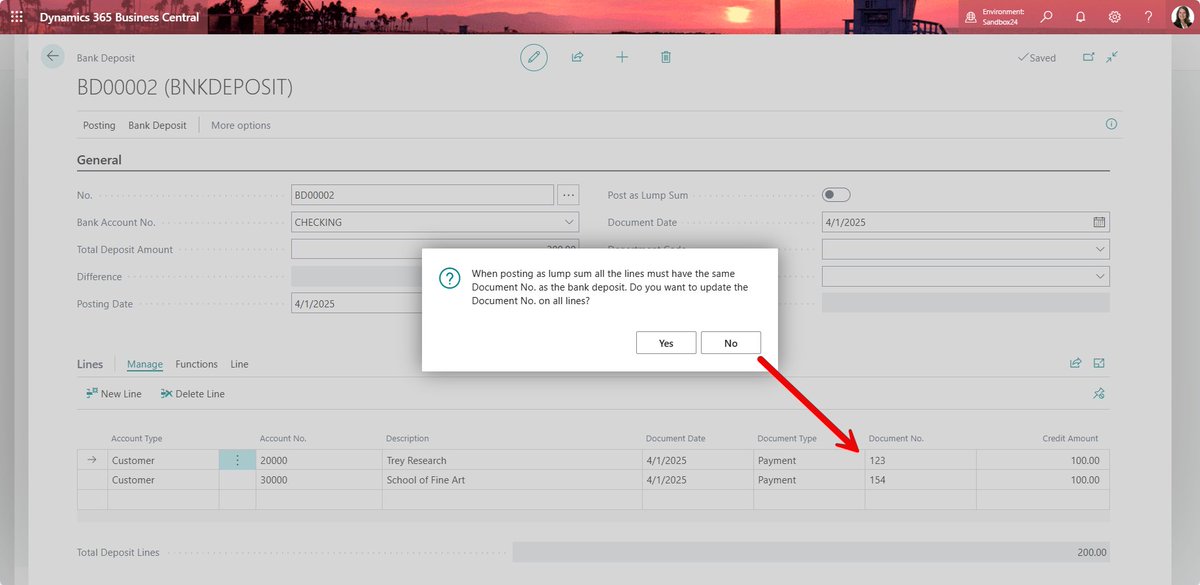
I met with my Microsoft contact this morning and good news this issue is resolved in v24, however there isn't a way then to add the payment/check number at the customer level. Sounds like they may add an External Document No. field to fix this issue (TBD).
Fix: when you toggle on Post as Lump Sum the Document No field on the Lines will be updated to the Bank Deposit number.
There is still an issue then with reversing one customer payment that is posted as a lump sum. Right now, it will reverse all customer payments within the bank deposit if posted as a lump sum. Microsoft will investigate that functionality.
English

Anyone else recently seeing this with BC customer ledger entries tied to the bank deposit ? You cannot reverse the transaction because it is out of balance. The customer ledger entries tied to a bank deposit are fine but we get this message over again.
Also getting the image when trying to undo the bank deposit.
If requesting support, please provide the following details to help troubleshooting:
You cannot reverse the transaction because it is out of balance.
Internal session ID:
7259ecac-dd6c-4d47-801b-3f7bcde1c215
Application Insights session ID:
cc96103f-3029-4411-9f1f-1db3278516fa
Client activity id:
d17f5fb8-843a-4659-b4fe-04fd51968945
Time stamp on error:
2024-04-05T02:56:44.3328126Z
User telemetry id:
a5286ddd-75aa-4be5-b053-38b2388f2e9a
AL call stack:
"Reversal Entry"(Table 179).CheckEntries line 39 - Base Application by Microsoft
"Reversal-Post"(CodeUnit 179).OnRun(Trigger) line 42 - Base Application by Microsoft
"Reverse Transaction Entries"(Page 183).Post line 5 - Base Application by Microsoft
"Reverse Transaction Entries"(Page 183)."Reverse - OnAction"(Trigger) line 2 - Base Application by Microsoft
#bcalhelp #msdyn365bc

English
@1ShannonMullin1 I consider this a bug yet and have reported to MS twice and they can’t replicate on their end. I’ll share my notes with you tomorrow.
Colorado, USA 🇺🇸 English
@KristenHosman @1ShannonMullin1 Yes I remember working on this one a while back, Kristen. Lump sum rings a bell. Would have to test both again to confirm but I’m sure Shannon knows as well since it’s resurfacing for her client. Any extra push to your folks at Microsoft can never hurt either.
English
@BenColeonBC @1ShannonMullin1 Yes the bank transaction uses the bank deposit number and the customer ledger uses the document number from the lines. So they don’t link together in the GL and that’s the issue I think. Has something to do with posting lump sum if I recall.
Colorado, USA 🇺🇸 English
@1ShannonMullin1 In my opinion this is still a bug, but each time I have opened a ticket it has been closed as “by design” so have been using cash receipts instead, but that has other workaround implications too as you know.
English
@1ShannonMullin1 I reported this to Microsoft as a bug about a year ago and they said it was “by design”. Basically the deposit entry posts fine but you cannot reverse it out as you are seeing because it is posting the cash deposit and customer applications separately.
English
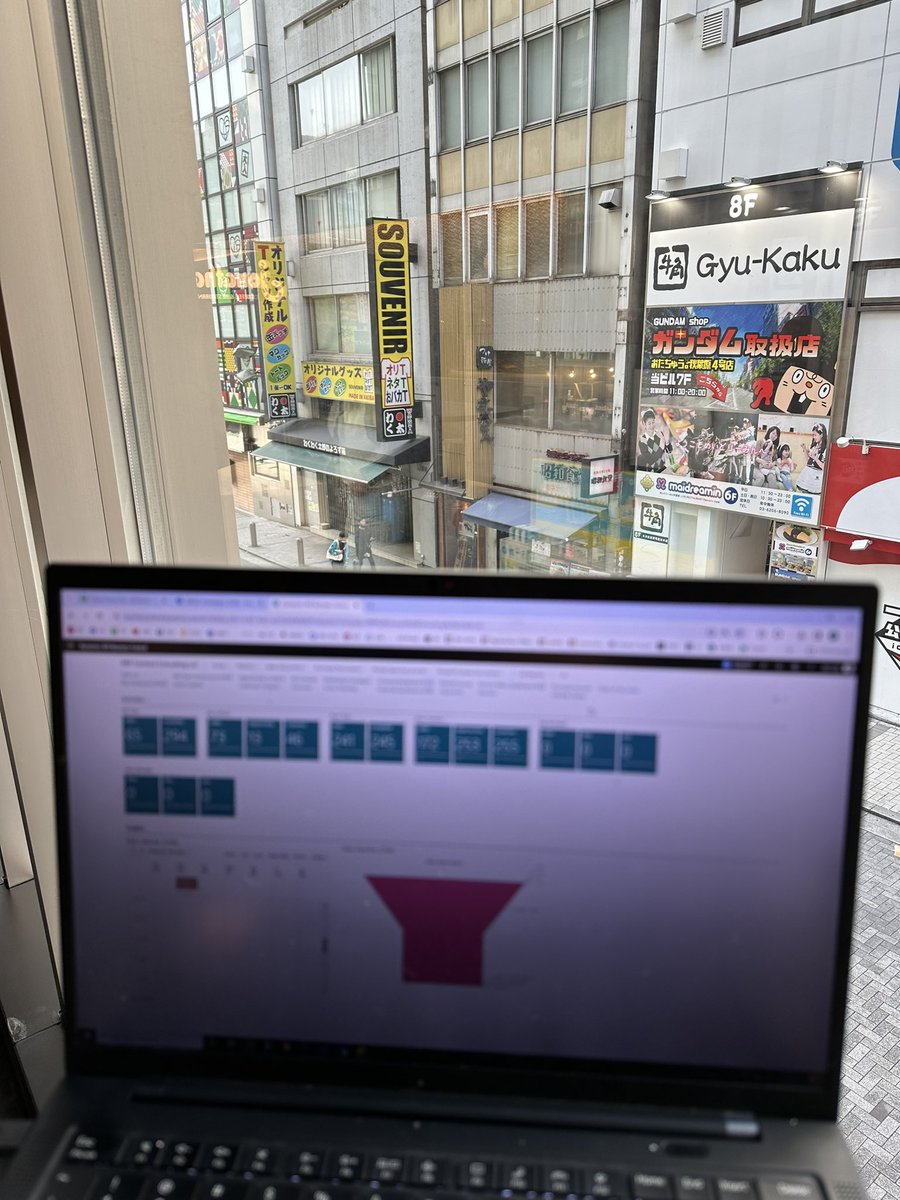
One of the blessings (and curses) of modern technology. Being able to work from anywhere. Getting some invoices out in Tokyo this morning. Luckily I use ISD from the Business Central Toolbox so it only took me a few minutes.
#MSDYN365BC #BusinessCentral #BusinessCentralToolbox
English
Ben Cole retweetledi
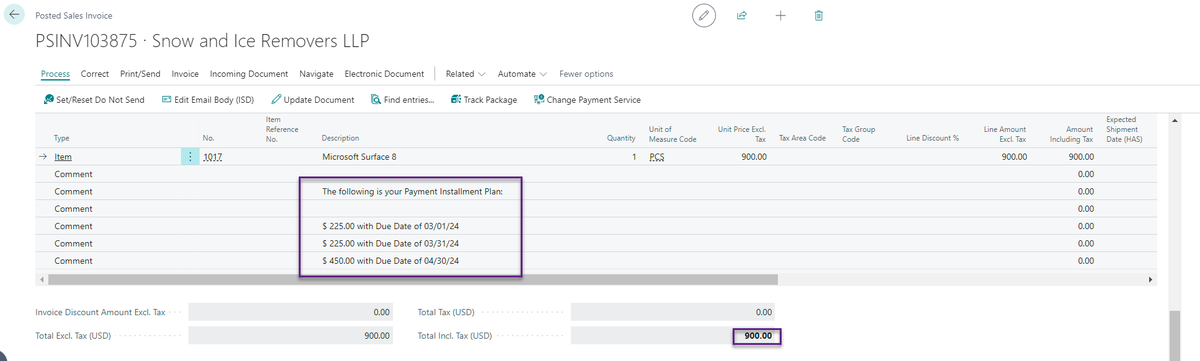
Looking to split an Order or Invoice (Sales & Purchasing) into multiple payments? Then check out our newest addition to the BC Toolbox.
Introducing Payment Plans for D365 Business Central.
#MSDYN365BC #BusinessCentral #PaymentPlans
youtube.com/watch?v=t8fm6c…

YouTube
English
Ben Cole retweetledi
It's that time of year again. Time to close your books.
TLDR:
- Close Your Accounting Periods
- Create New Accounting Periods
- Close Income Statement
- Post Closing Entries
For a full step by step, see the video below.
#MSDYN365BC #BusinessCentral
youtube.com/watch?v=vTLzgO…

YouTube
English
@KristenHosman @CopperMtn Looks awesome. Snow is finally starting to pick up this season. We were in Telluride last weekend and it's finally getting a good base.
English



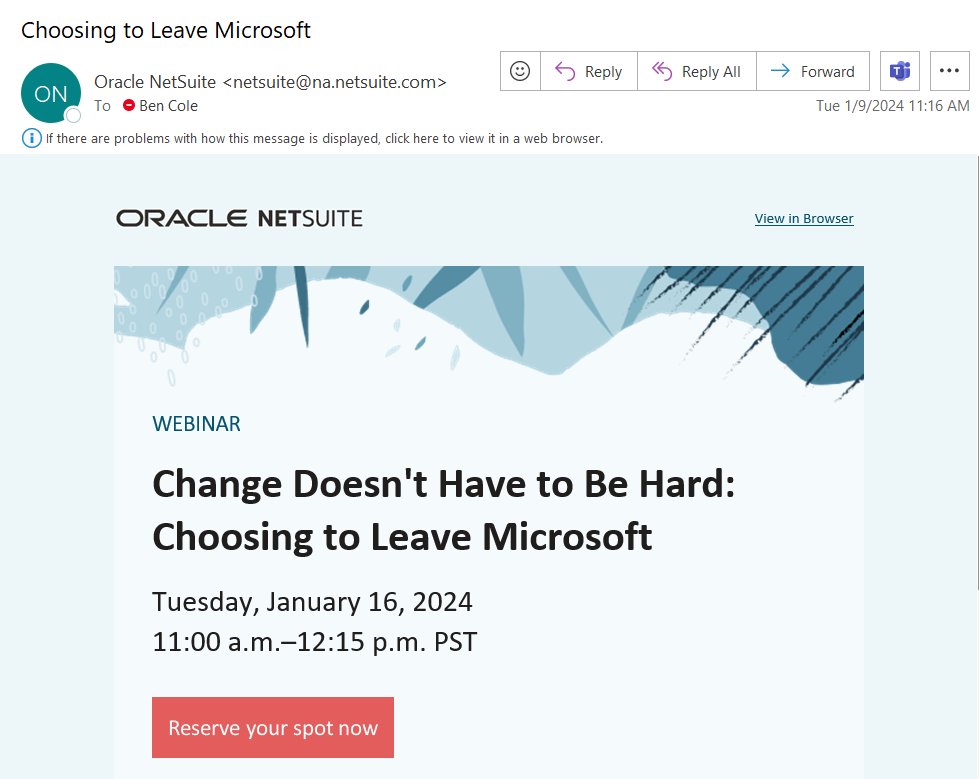
Not sure how I got on this mailing list but some things I find interesting
1. The registration link indicates that Microsoft (as a whole) is an aging software (not true)
2. Makes no mention of Microsoft's D365 Solution Options like BC or F&SC (marketing buzz)
#MSDYN365BC
English