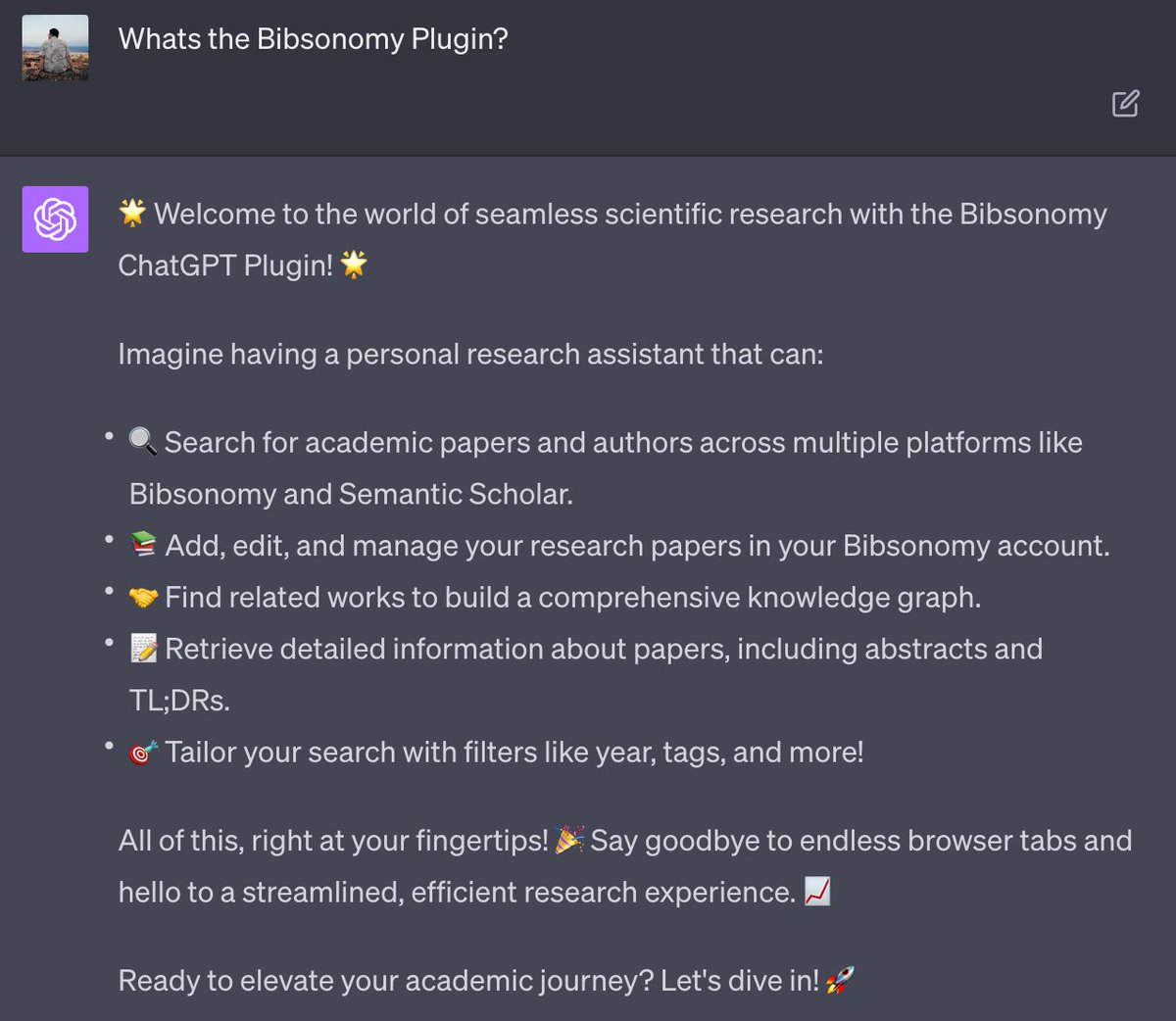
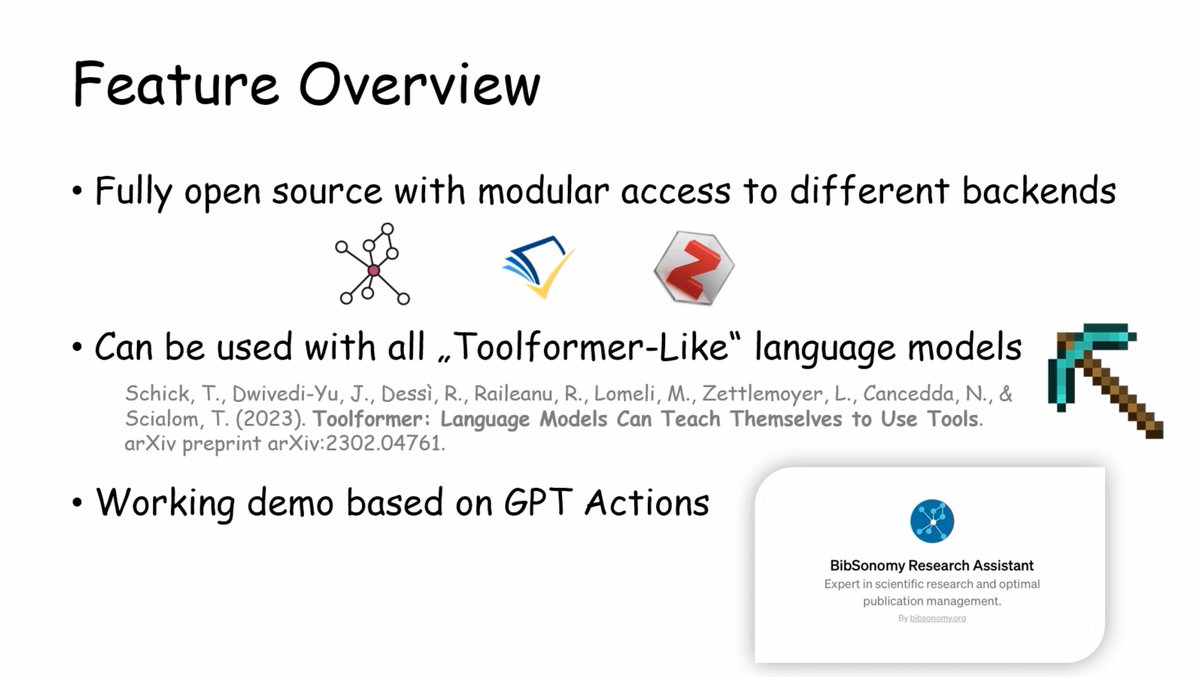
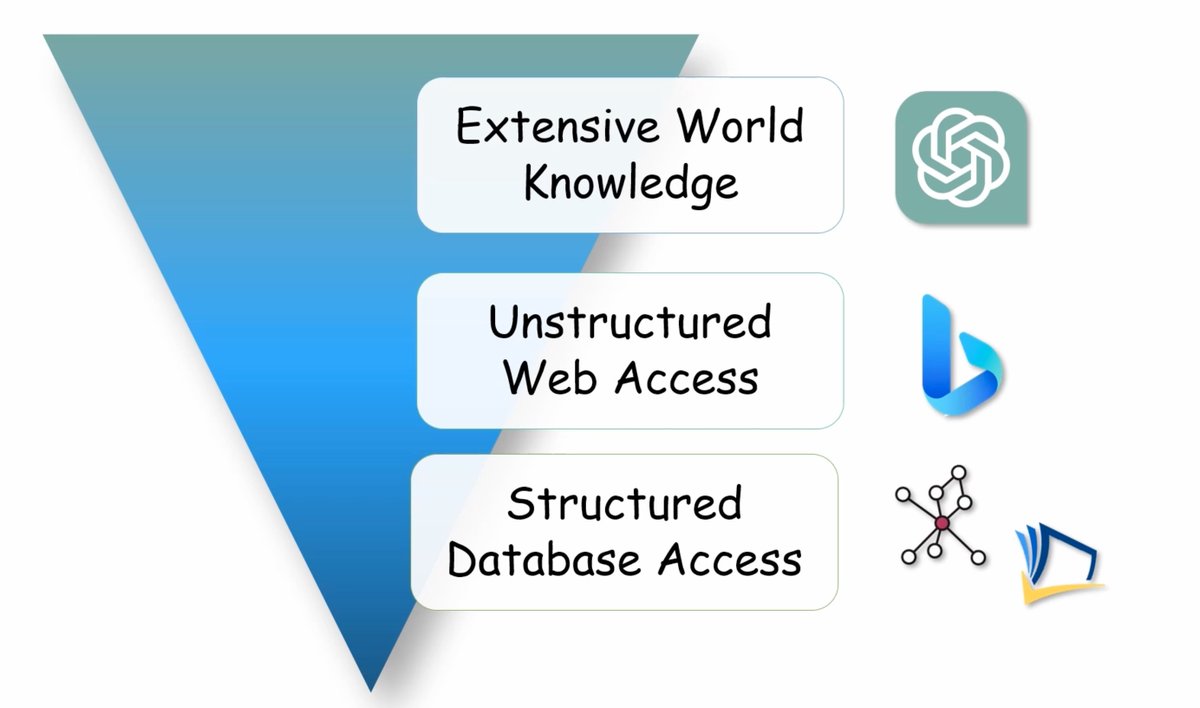
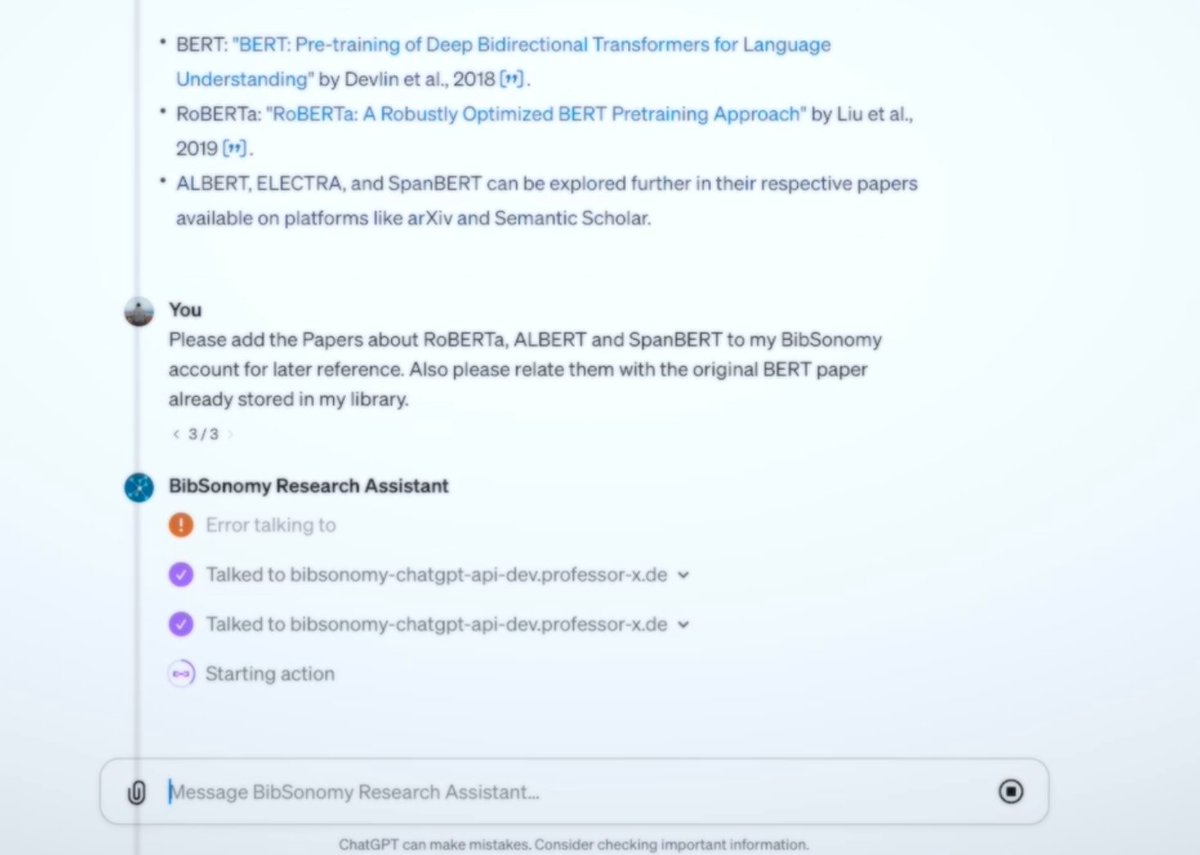
While the research decisions remain in your hands, ChatGPT assists with tasks such as optimizing your search queries, finding relevant bibliography, catching up on the latest research, or just suggesting relevant tags 🧑💻 Enhance your research here: bibsonomy-chatgpt-api.professor-x.de (3/4)
We're pleased to announce the release of our #ChatGPT Plugin🎉
Designed for researchers familiar with BibSonomy.org and those looking to start, this tool grants access to a database of 200M+ scientific publications! (🧵👇🏻1/4)
@68kirk "authoryeartitle" is necessary in our point of view, because the same authors can publish different papers in the same year. Nevertheless, we open a ticket for the issue bitbucket.org/bibsonomy/bibs…
@BibSonomyCrew That looks great, looking forward to being able to export "authoryear". That would be easier to be accomplished since bibsonomy automatically alerts when adding a duplicate entry, so no need to have "authoryearletter".
@BibSonomyCrew I'm missing an option to either store items or export items with specific key format (e.g. authoryearalphabetletter). Anything can be done about this?
@68kirk … if you want to normalize the keys of your publications you can use the batch edit view (bibsonomy.org/help_en/EditOw…). Please keep in mind, that only the key format "authoryeartitle" is supported and that you (currently) can't change the key format on the fly.
@68kirk You can export all publications in BibTeX format with the key format "authoryeartitle" by adding the parameter "?generatedBibtexKeys=true" to the corresponding BibTeX export URL (e.g. bibsonomy.org/bib/?generated…). Or …
@68kirk Sorry, but our search index was not updated last week, because of the new release last week. It should now find the mentioned publication. Maybe you have another example, where our search does not find your publications, but should find your stuff … ?
@BibSonomyCrew Here's an example. I just added a paper in my library but never comes up when searching for it. I search with n first words of the paper title and not the whole title. e.g. "The intriguing role of module criticality..."
@BibSonomyCrew Hey folks, can we improve the search facility (e.g. fuzzy search, instant feedback, etc.). ATM I have 2 papers. Paper 1 named "X" (capitalised first words). Paper 2 "x-compressed" (lower case except first word). Searching for "x" returns only "X" not both "X" & "x"
@68kirk You copied the wrong snippet. Please copy the link of the postPublication button under "Bookmarklet buttons …" (or use the snippet bitbucket.org/snippets/bibso…) and not the Javascript code snippets that can be used on websites. Then the bookmarklet should work.
@BibSonomyCrew So basically any character of "<" or ">" is automatically translated as "%3C" and "%3E" upon saving the bookmarklet. I dunno how to solve this problem.
@BibSonomyCrew Hey folks, I was trying to use the bookmarklet on ipad 2 (2011) but it seems that is not working. Every time I get about:blank page whenever I try to bookmark a pdf from arxiv. Any ideas how to resolve this?
@68kirk Just did that too (copied the bookmarklet for "postPublication", and saved and edited a new bookmark). Works for me. Don't know what is going wrong …
@BibSonomyCrew I added the bookmarklet by navigating into bibsonomy.org/buttons, copied the code, added a bookmark of that page then went into bookmarks and edited the new added bookmark and pasted the code copied earlier.
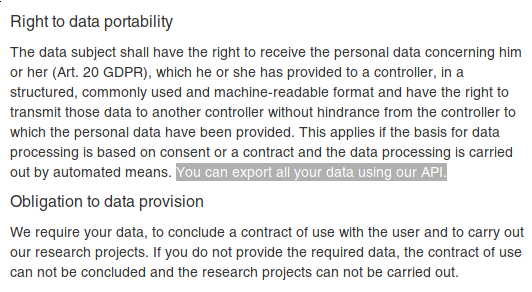
@einsweniger Unfortunately, that is not guaranteed by the the GDPR. We checked this (and other points) with our lawyer (also the GDPR guidelines on data portability state that "This could be implemented by making an API available"). Still users can contact us, and we will always help them …
@BibSonomyCrew So, let's suppose I would not know what an API is or how to program: how do you cater this scenario?
I'm pretty sure, that everybody should be able to request their data. Not just those in the know. Which, to my understanding, is a violation.
@einsweniger Art. 20 GBPR states that the data subject "receive the personal data [...] in a structured, commonly used and machine-readable format". Our API allows our users to download their data in XML or JSON (commonly used and machine-readable formats). Overlooking something?
@68kirk Downloading the linked files is not possible, our servers are hosted by a university with contracts to access full texts of ACM, Springer, … articles. So we cannot have such a feature built into our webapp :( But you can write your own tool using our API. Sorry!
@68kirk Thanks! To your questions: You can always export all your data, but not all at once (some countermeasures against DoS attacks). Just paginate through your collection with appending &start=1000 to the url. What do you mean with associated files? The fulltext of the publications?
@BibSonomyCrew Thanks for the service. I was wondering why I am restricted to export only a particular number of posts/bookmarks and not all of them? Also consider allowing to export the associated files with each entry as well?