The newest version of the #ChartsWatcher Desktop Connector for external linking now natively supports DAS Trader.
The new feature is available in the newest version 1.0.17+
- New: Dark theme is the new default theme for new users
- New: Columns: Shares short, Held by insiders, Float Rotation
- New: Filter option for "Percentage change (%)": YTD and 1 Year
New: Alert: 5 Year All Time High
3/3
- New: Alert mode: or/and
- New: Easy ChartsWatcher plan upgrade for newer users
- New: Option to enable API access for personal use
- New: Display plan limits for imports going over the limit
- New: Updated Days since news icon column with new icon per day
2/3
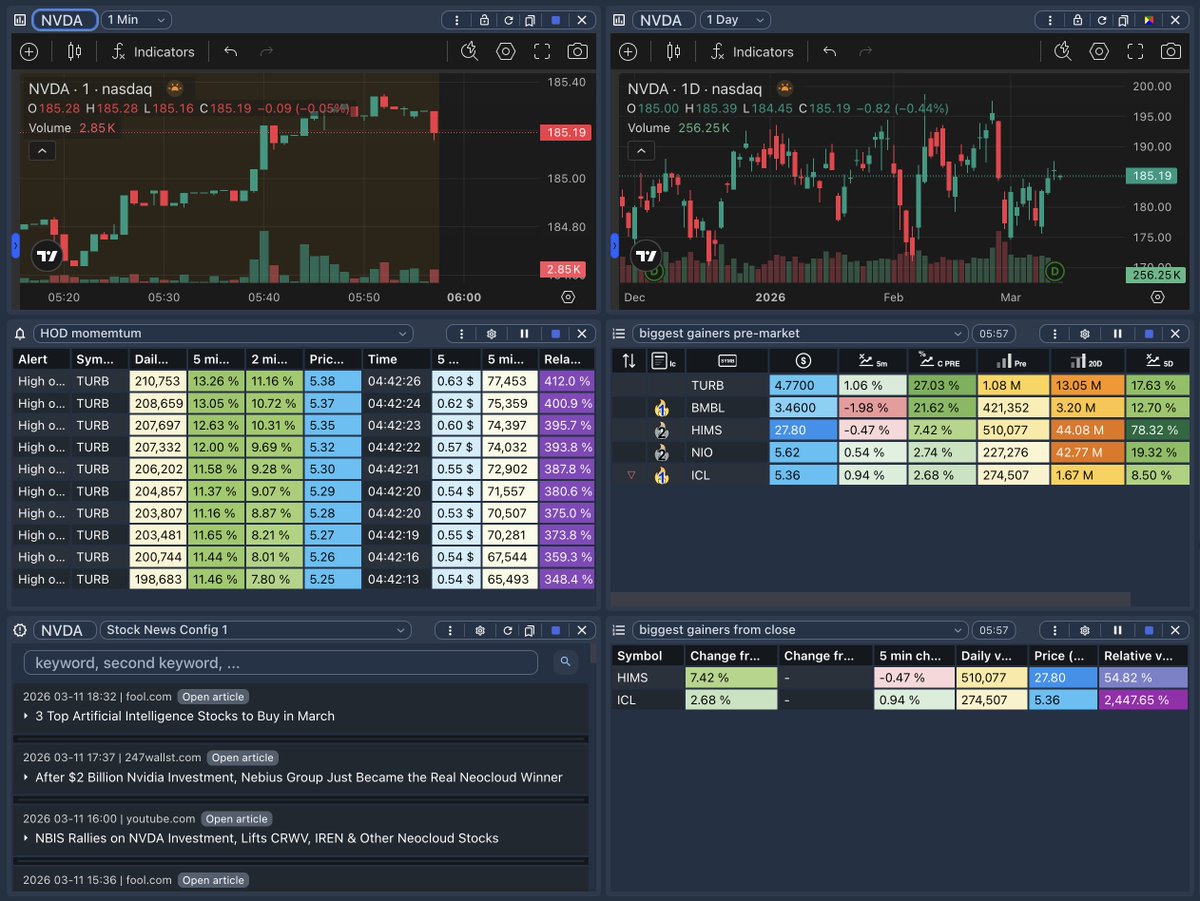
We had another big update going live yesterday:
- New: Re-usable configs for Stock Data window
- New: Re-usable configs for Stock News window
- New: Keywords configs for Stock News window
- New: Dashboard window headers re-design
- New: Rich text editor for Notes window
1/x
@jste67@ChartsWatcher Thanks for the feedback. We are actually currently working on new tutorials.
Also highly recommend checking out our community Discord server (linked on the Home Page) if you need help, asvise or config templates.
@ChartsWatcher20@ChartsWatcher It might be helpful if you mentioned it was a backtest.
Your tutorial are 4 years old. You might want to update them. It’s a great product. I wish I had found it sooner before I spend thousands on other programs that do the same thing.
New: Custom Text-To-Speech alert option without symbol
New: Alert: Near high/low of the day (pre/post-market) - New: Alert: 52 week high/low (pre/post-market)
New: Pin dashboard menu to top option ('Hide Menu' dropdown in dashboard)
2/2
The newest update just went live with the following additions 🚀
New: Symbol type selector in configs
New: Country selector in configs 🇺🇸🇩🇪🇯🇵
New: Sector selector in configs 🏭
New: Sorting on newsfeed keywords
New: Volume config is now permanently saved per screen config
1/2
- Fix: Newsfeed header behaves same as other tables
- Fix: Split ratio default set to 1.0
- Fix: Click on newsfeed links to connector
- Fix: Increased newsfeed cache
- Fix: Column resizing now works with multiple columns
- New: External Linking - Choose mode (row click and manual)
- New: All global table related settings moved to single configs into the column config tab
New update is live with loads of changes 🤯:
- New: Data window color customization
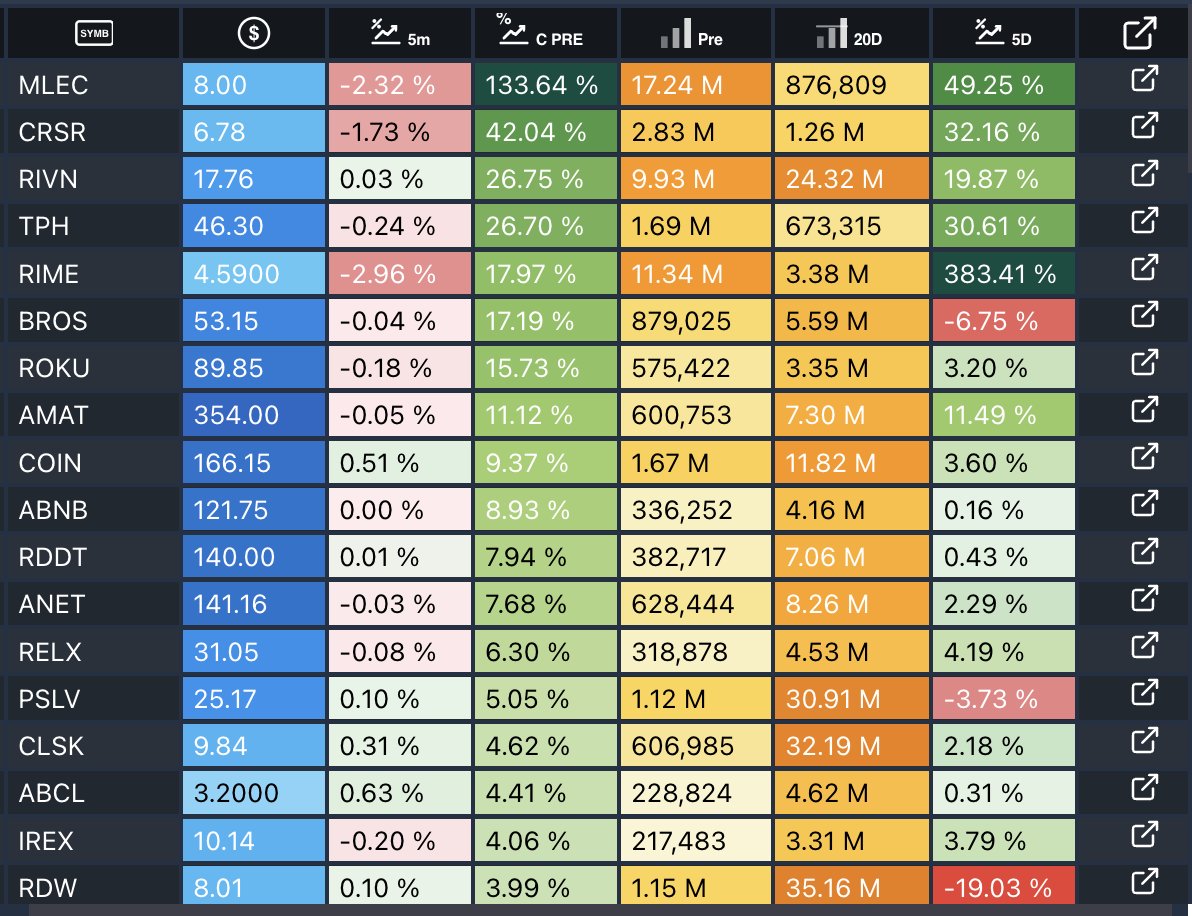
- New: Icons for columns and filters
- New: Icon table header mode and scrollable tables option
- New: External Linking Column with manual click
....more below
Available with the newest update we now support External Linking to platforms like @tradingview@WebullGlobal, Interactive Brokers TWS and many more via generic automation 🫡
v1.10.2
- New: External Linking Beta
- New: Column Country name
- Fix: Color picker for strategies