aychocho
55 posts

aychocho
@ChosenOne229
Building @quok_it | CS @pennengineers | @franklin_dao dev + investments
Katılım Mayıs 2022
194 Takip Edilen118 Takipçiler

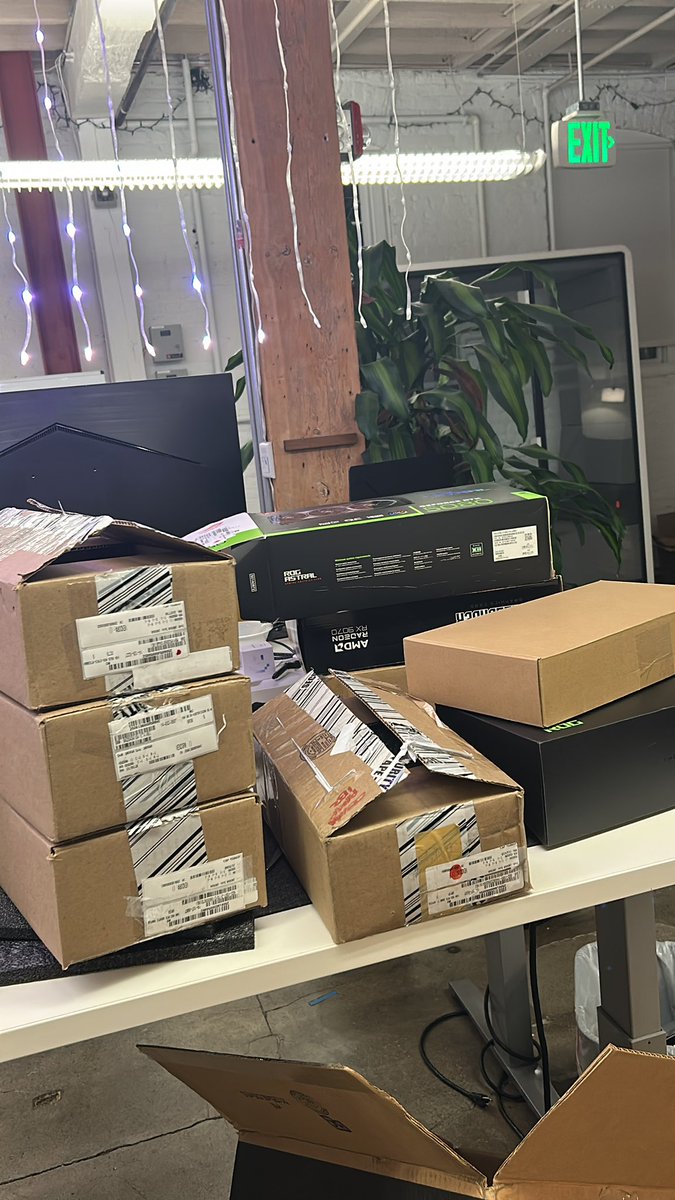
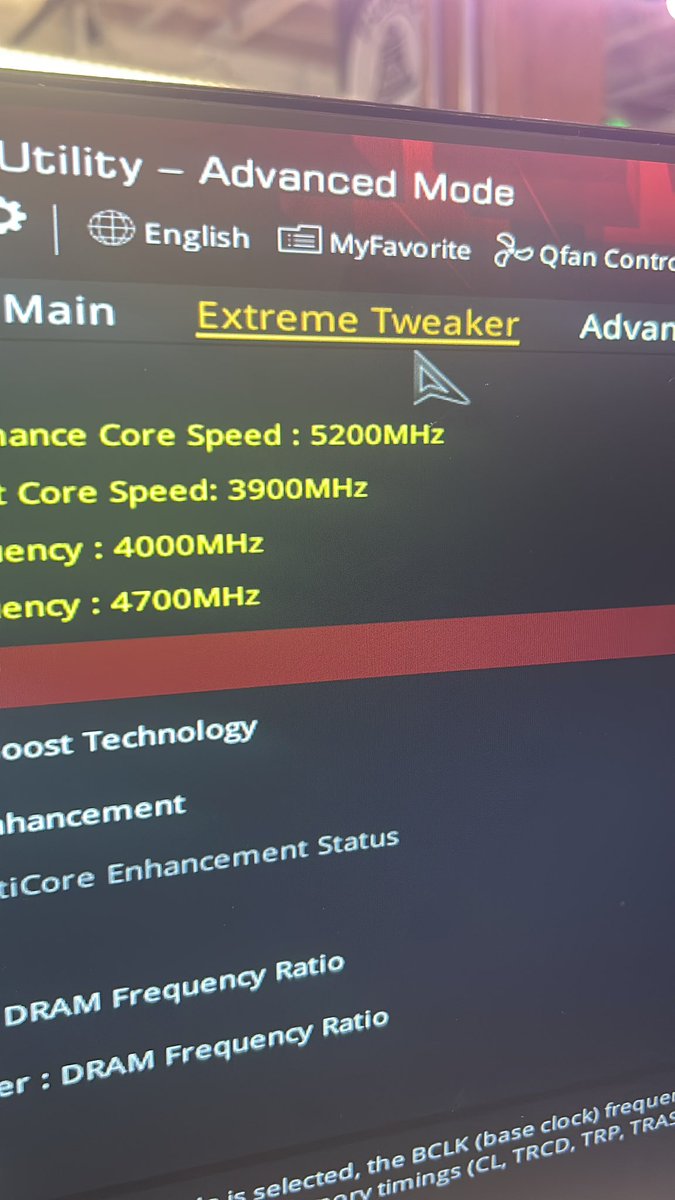


You know I do have a question. Has anyone actually tried to write a usable program for any of the npus that AMD and Intel have put in some of their latest generation chips? Also, I do agree with you. There's just something really important. We all got to remember. There's always useful. Compute you just got to be willing to spend your time learning how to access it.
English
@HotAisle @BenBajarin How come? AFAIK, between OEMs the chips r mostly the same (save for mobo), warranties & support r similar, and the only differences I can rly see r the software and airflow. Are iDRAC and Dell’s chassis design worth that much of an upcharge? I’ve got to be missing something here
English

@BenBajarin $DELL is the best.
$SMCI is the worst.
People are finally waking up to what we've understood for a while now. This is why I laugh at all the NeoClouds that went the cheap route.
English

Ok, just want to throw this out there. Double whammy of an insight. Updated my GW tracker by name to reflect newest announcements in capacity.
Note the neoclouds... A lot of those AI buidouts will be filled with $DELL $NVDA racks.

English
Not sure abt the accounting shenanigans, but a GPU's functional depreciation only rly kicks in after its warranty expires. my understanding is that most hyperscalars are buying GPU nodes from OEMs, which offer a 3 year extendable warranty (with some OEMs extending up to 7 years).
Cassandra Unchained@michaeljburry
Understating depreciation by extending useful life of assets artificially boosts earnings -one of the more common frauds of the modern era. Massively ramping capex through purchase of Nvidia chips/servers on a 2-3 yr product cycle should not result in the extension of useful lives of compute equipment. Yet this is exactly what all the hyperscalers have done. By my estimates they will understate depreciation by $176 billion 2026-2028. By 2028, ORCL will overstate earnings 26.9%, META by 20.8%, etc. But it gets worse. More detail coming November 25th. Stay tuned.
English

aychocho retweetledi

If you feel like your GPU’s been scamming you - now you can check it 😎
@quok_it tests cloud GPUs from Vast, Octa, Hyperbolic & more to see who really delivers.
@gensynai members get early access 🧠⚡️
I made a setup guide here 👉 github.com/AgataGolik/quo…
Drop me a ⭐️ there! :)

English
🔥
FELLOW 🪽 ⚔️@fellow_cm
𝐇𝐎𝐖 𝐓𝐎 𝐔𝐒𝐄 𝐐𝐔𝐎𝐊.𝐈𝐓 𝐂𝐋𝐈 𝐓𝐎 𝐓𝐄𝐒𝐓 𝐘𝐎𝐔𝐑 𝐆𝐏𝐔 ➲ step 1: register at quok.it/gensyn fill in your discord username and email and make sure the selected options and click "get early access" ➲ step 2: after registering, you'll receive the login details for your account and your 𝐀𝐏𝐈 𝐊𝐄𝐘 (very important) in your email after login, reset your password when prompted to fully access your dashboard. ➲ step 3: for @octa_space users, go to your sessions and click on it to reveal the popup modal then click on "access web ssh" to open the command line screen on a new tab ➲ step 4: run the following commands IN ORDER in the command line ⤏ sudo install -d -m 0755 /etc/apt/keyrings && curl -fsSL repo.quok.it/quok.asc | gpg --dearmor | sudo tee /etc/apt/keyrings/quok.gpg >/dev/null && echo 'deb [signed-by=/etc/apt/keyrings/quok.gpg] repo.quok.it cross main' | sudo tee /etc/apt/sources.list.d/quok-stable.list >/dev/null && sudo chmod 0644 /etc/apt/keyrings/quok.gpg /etc/apt/sources.list.d/quok-stable.list && sudo apt-get update ⤏ sudo apt install quok ⤏ quok init then input your API KEY (the one sent to your email) when prompted ps: you can also find these commands under the "get started" tab on your dashboard
ART
aychocho retweetledi

The Cloud GPU Battle has begun
The @gensynai just teamed up with @quok_it a tool that benchmarks real GPU performance across cloud platforms like Octa, Hyperbolic, Vast, and more
I’ve joined the challenge to see which provider truly delivers top performance
Gensyn members get early free access to the CLI tool just run one command to test your rented GPUs for speed, stability, and network quality
Let’s find out who’s really on top
👉 quok.it/gensyn

English
aychocho retweetledi