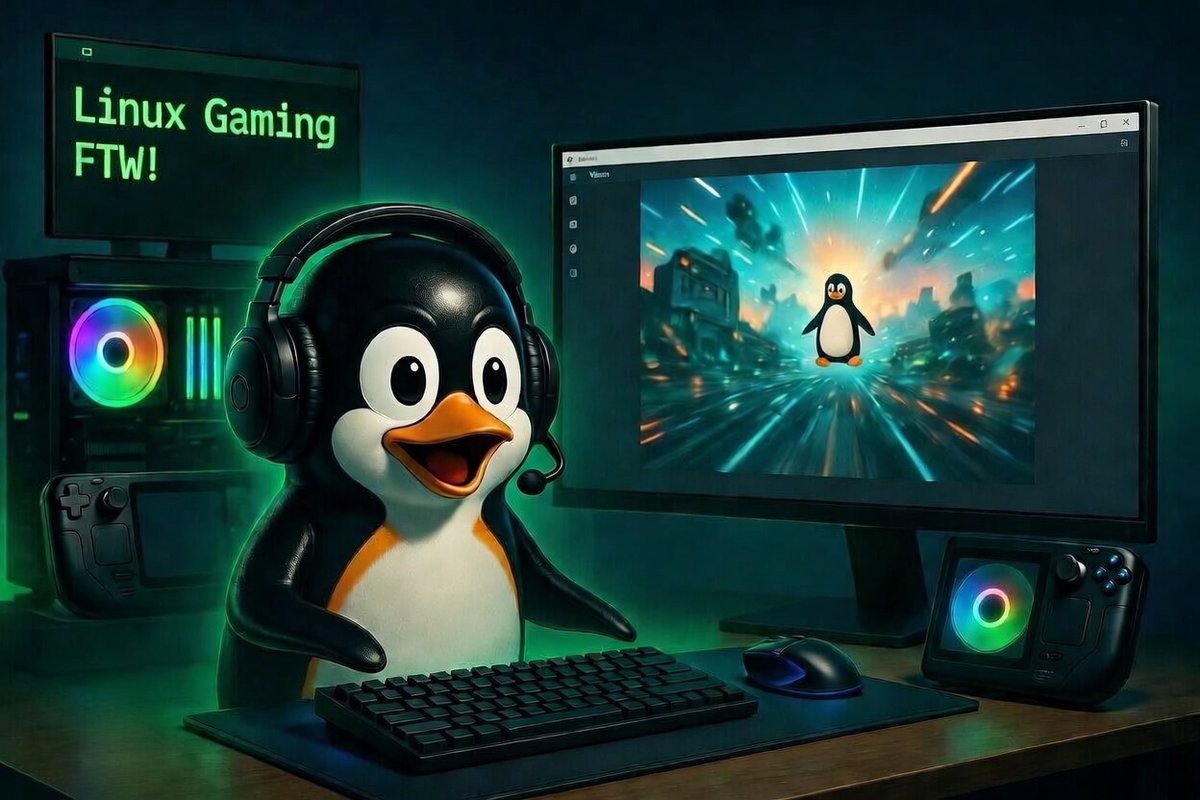
Linux gaming has never been better. Switching from Windows? Here some open-source tools that make it easy in 2026:
1. Wine is the foundational open-source compatibility layer that runs Windows games and apps on Linux: winehq.org
2. Lutris is the best open-source game launcher and manager for non-Steam titles:
lutris.net
3. ProtonDB lets you check real-world compatibility for thousands of Windows games on Linux: protondb.com
4. Heroic Games Launcher is the top open-source client for Epic, GOG, and Amazon: heroicgameslauncher.com
5. Bottles makes running Windows games and apps easy with isolated environments: usebottles.com
6. ProtonUp-Qt lets you easily install the latest custom Proton-GE versions: davidotek.github.io/protonup-qt/
7. MangoHud gives you a real-time FPS, CPU, GPU and performance overlay in games: github.com/flightlessmang…
Make the switch, it's worth it!
P.S.: Nowadays there are even specific Linux distros designed for gamers, such as Bazzite, Nobara, and also pop!_OS.
You can also start with a classic like ZorinOS or Mint, which come with Windows-like interfaces, but you will have to spend more time on your gaming setup.
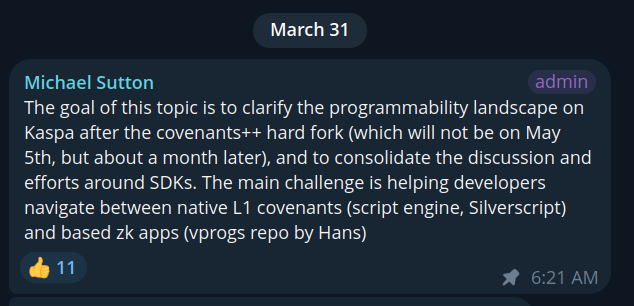
The anticipated covenants++ hard fork will not be May 5th but about a month later.
No dates given are ever absolute. Much testing and research is always involved which can always push things back.
Stay in tune with Kaspa Core developments via Telegram: t.me/kasparnd
Something useful for first time Linux users.
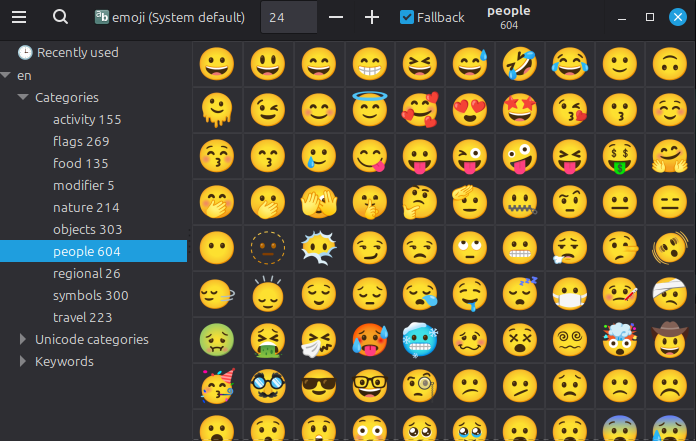
Emoji picker.
Download:
sudo apt install ibus-typing-booster
run by typing 'emoji-picker'
Go to keyboards and add a shortcut to run that command with any key you want on your keyboard.
Nokia had the largest network effect! Incredible single purpose technology.... Reliable and trusted
Then came the iPhone, it's network effect was mocked in the beginning, but it did everything Nokia could do and has utility value outside of just being a phone
This is an identical pattern of BTC and kaspa network effect is temporary
x.com/i/status/20390…