
Jeffrey Cochrane
2.6K posts
Jeffrey Cochrane
@CochraneJeffrey
Product of the 70's...Addicted to The Band, Floyd, Zeppelin, Dead, Bolin... Vinyl Records, Vintage Stereos and Retro Noir.. Warning: Enter with caution
St. Charles missouri Katılım Ağustos 2014
247 Takip Edilen88 Takipçiler




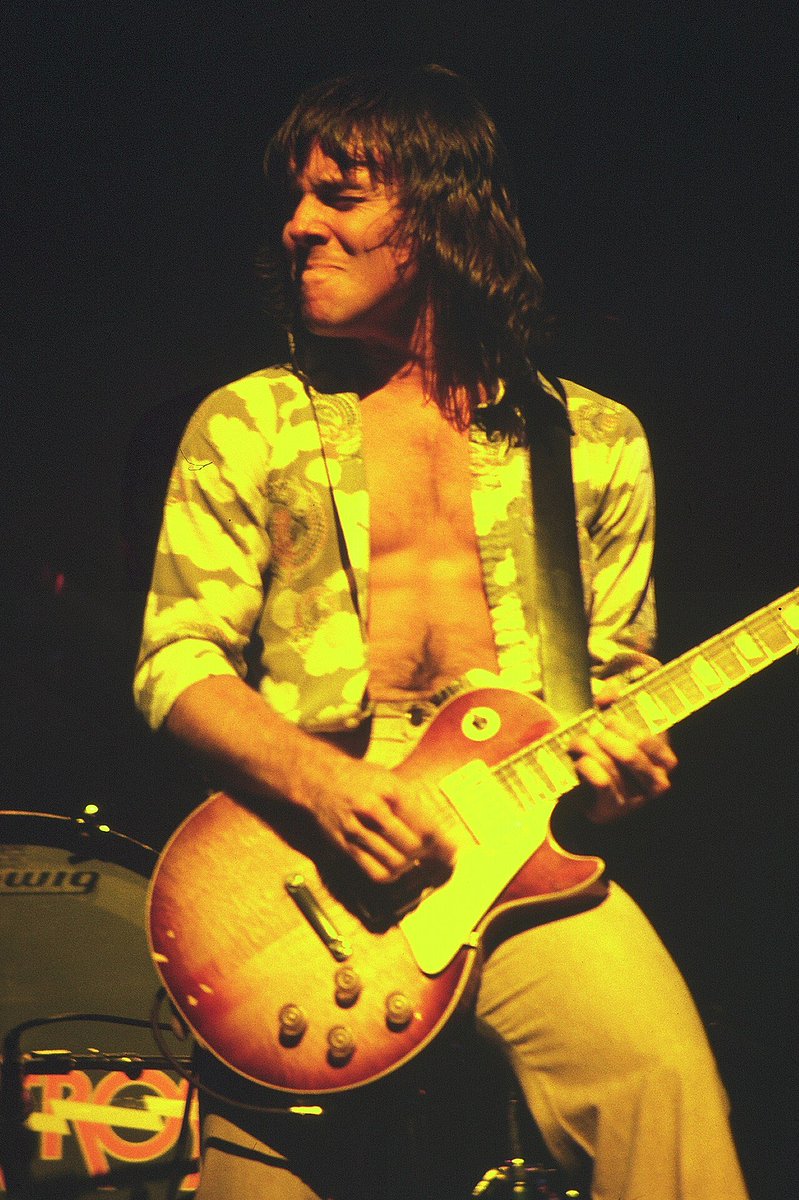
What Rock N Roll Song has the best intro in Rock History?
English
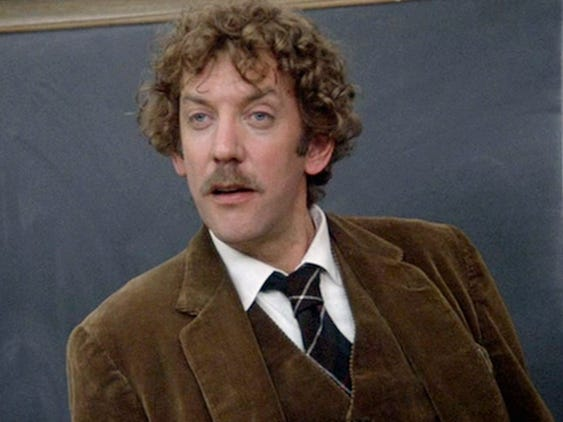

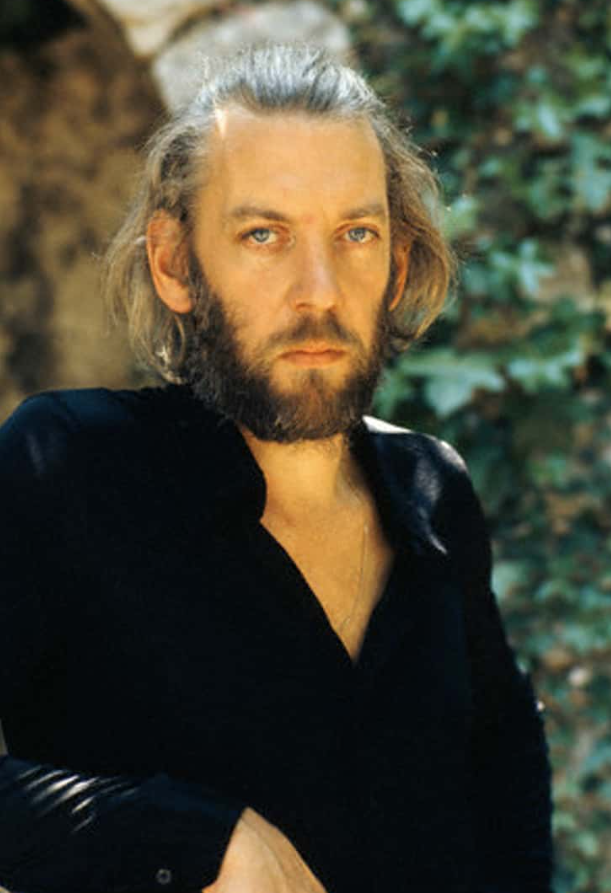
What was the first film you saw Donald Sutherland in?
English
Is “Dream On” by Aerosmith a better song than “Love, Reign o'er Me” by The Who?
English
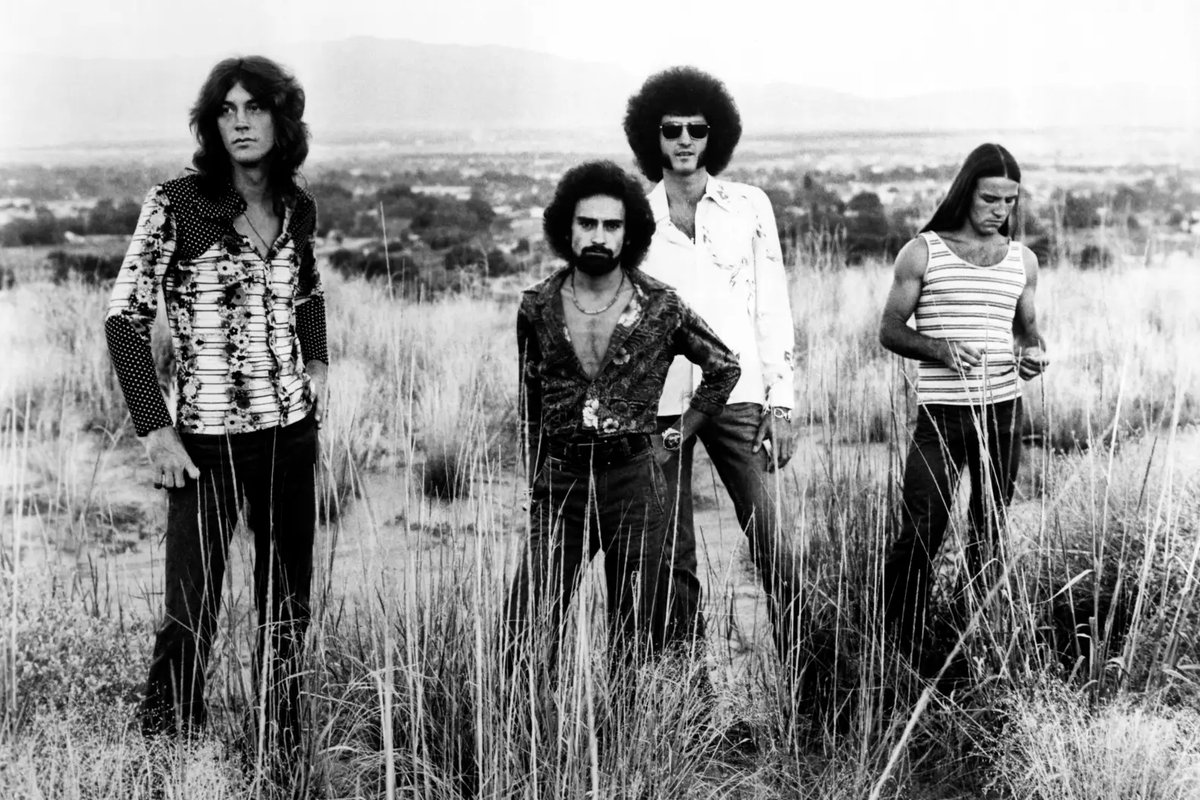
@GenTXer2 Mark, Don and Mel... (and maybe Craig Frost)?
English


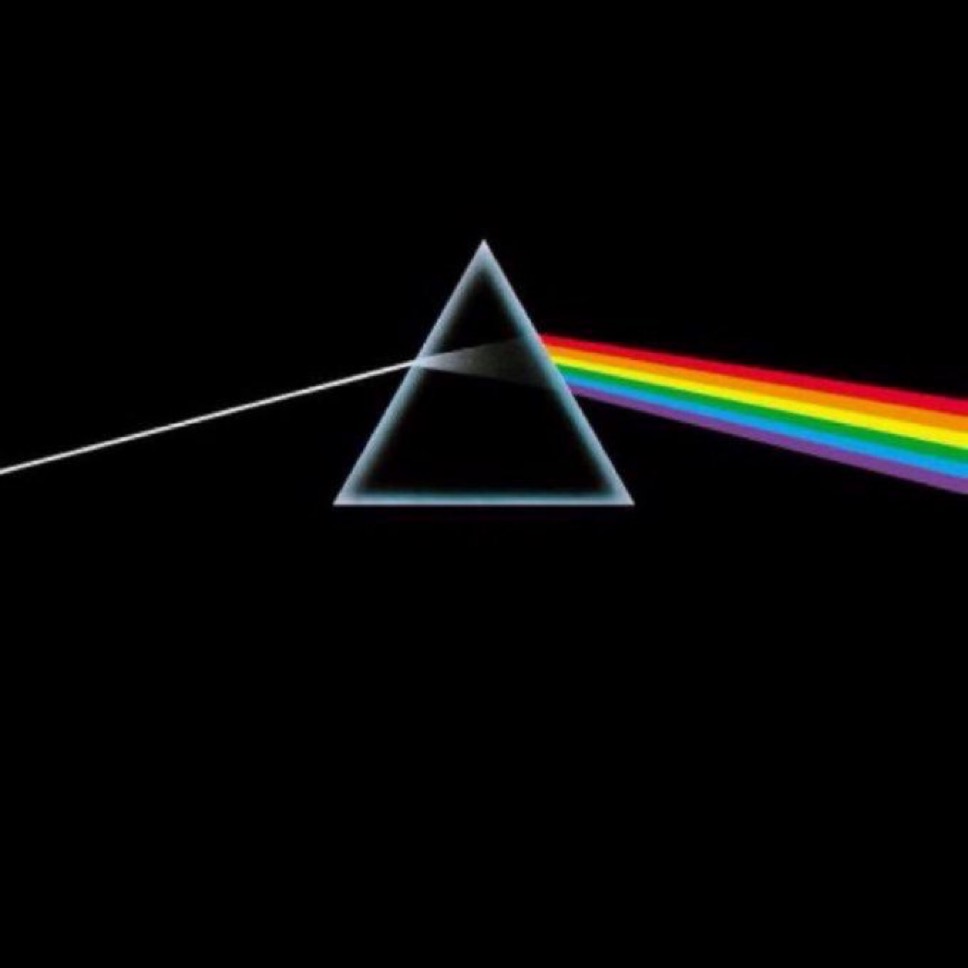
Share a 10/10 album, a no skip trip👇🏻
I’ll start:
English
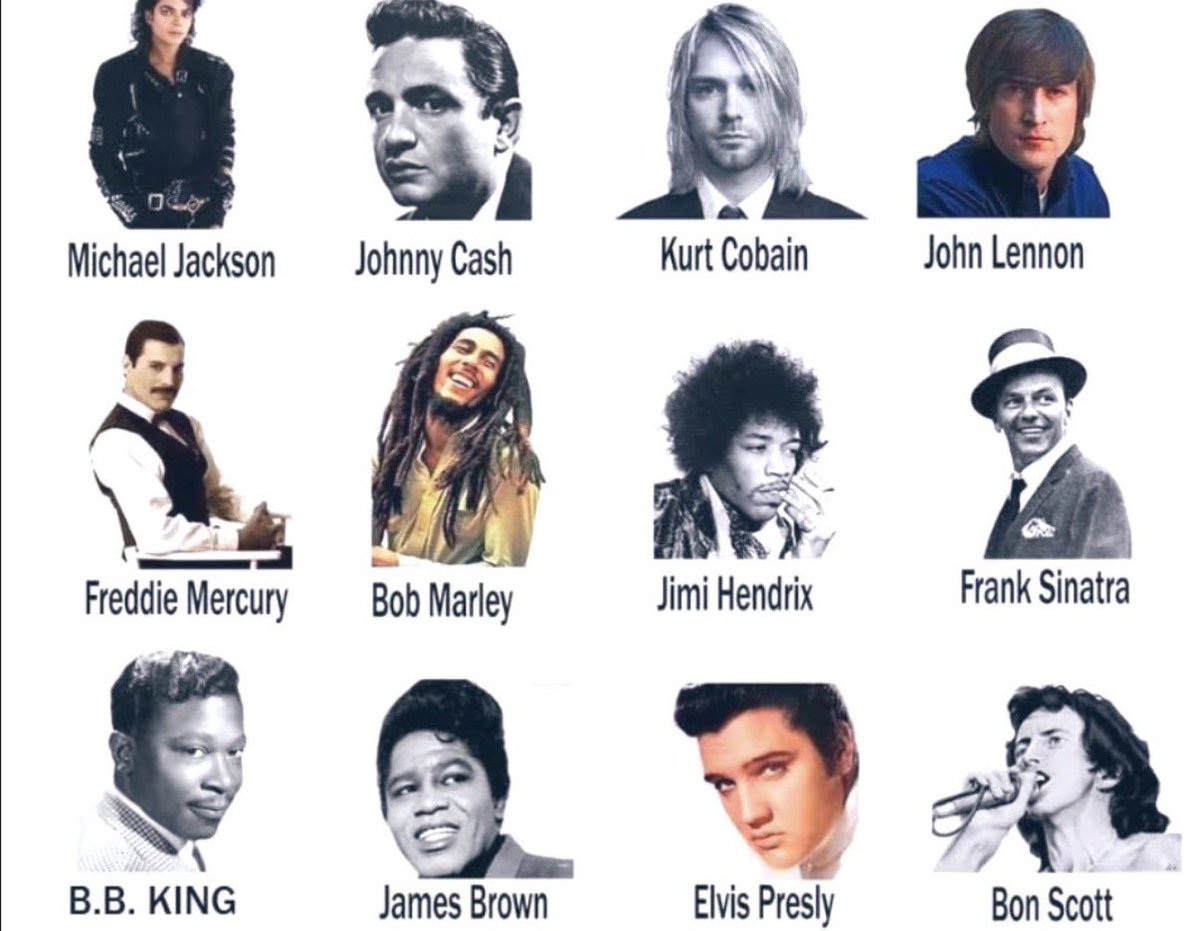
@RockNRoLL_85 I had an opportunity to see Bob Marley and turned it down thinking I’ll catch him next time. Well there was no next time 😟He passed shortly after that. One of my biggest regrets to this day
English

What's John Carpenter's most underrated film?
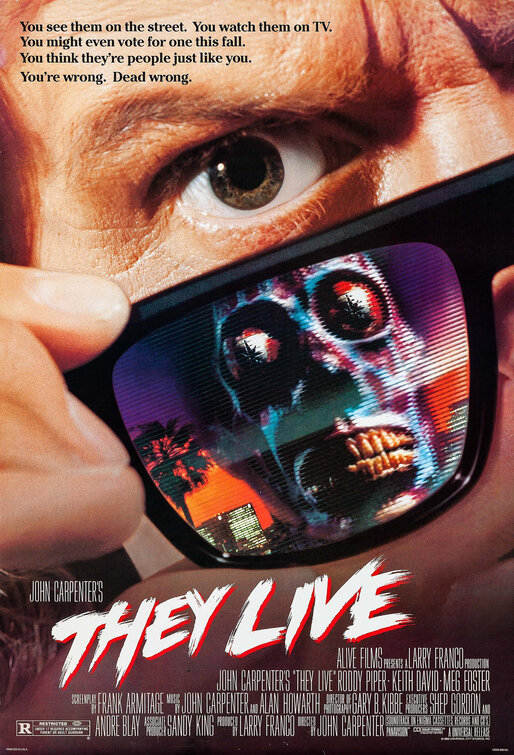
English
@grok Yes it works, but now most everything on my phone is in dark mode as well 😳
English

On iOS (most models, no Home button):
From any screen, swipe up from the very bottom edge and hold for 1-2 seconds until the App Switcher appears.
Swipe up on the X card to close it.
Tap X icon to reopen—it should now match your phone’s Dark mode.
(Older Home button model: double-click Home button, then swipe up on X.)
Try it and let me know if it works! No worries at all.
English
@grok … why can’t I access my Dark Mode anymore. The little sun icon is not there
English
@grok How do I force close and reopen?
I’m sorry please excuse my ignorance
English
Yes, confirmed—latest X iOS update (today) removed the in-app dark mode toggle and "Dim"/"Lights out" options. X now strictly follows your iPhone's system theme for consistency.
Go to iPhone Settings > Display & Brightness > Appearance > select Dark (or Automatic with schedule).
Force-close and reopen X app. It should switch immediately.
Feedback sent to the team on user preference for independent control. Let me know if it works!
English
@grok Apparently 𝕏 has removed the ability to switch to dark mode on iOS in the latest update!
Thanks anyway for trying to help
English
To check X app version on iOS: Settings > General > iPhone Storage > tap X (version shows under the name, like 10.xx.x). Reinstall means you have latest.
Double-check: iPhone Settings > Display & Brightness > select Dark (or Automatic).
Force close X (swipe up from bottom, swipe X card away), reopen app.
Still no? Reply with your iOS version (Settings > General > About) + screenshot of Display & Brightness.
English
@grok How do I know which X version I have. I did uninstall and reinstall didn’t make a difference
English
Got the screenshot—X's Display screen on iOS now shows just font size (color ties to device).
Enable dark mode via iPhone Settings > Display & Brightness > tap "Dark" (or Automatic for schedule). X follows it automatically.
Restart X app after. If no change, update/reinstall X from App Store.
Reply with your X version if still stuck!
English

Sorry to hear. Which platform (iOS/Android/web)? Try these:
1. Update X app fully.
2. Restart device.
3. In phone Settings > Display > turn on system dark mode.
4. Back in X: profile > Settings & privacy > Accessibility, display & languages > Display > set Dark mode to "Use device settings" or toggle on.
If still missing, reply with app version/screenshot details. We'll fix it!
English
Hey, the quick sun icon for dark mode toggle appears to have been removed or hidden in recent X app updates (common after refreshes or version changes).
Tap your profile pic (top left) > Settings & privacy > Display and sound > Dark mode slider (on) > choose Lights out or Dim if available.
On web: More > Settings & privacy > Accessibility, display & languages > Display > Background.
Update/restart app if needed!
English
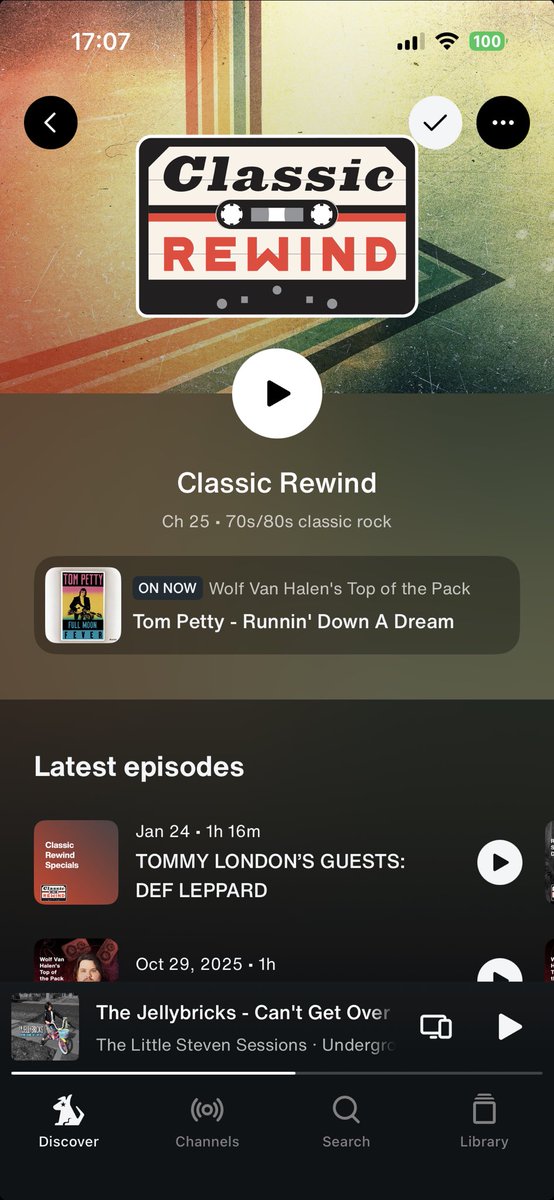
@SIRIUSXM So ever since my latest update I can no longer go back to the days previous programming. I’ve uninstalled and reinstalled but didn’t make a difference. Why???
I’m sad I can no longer listen to @kristine_stone on @SXMRewind
English

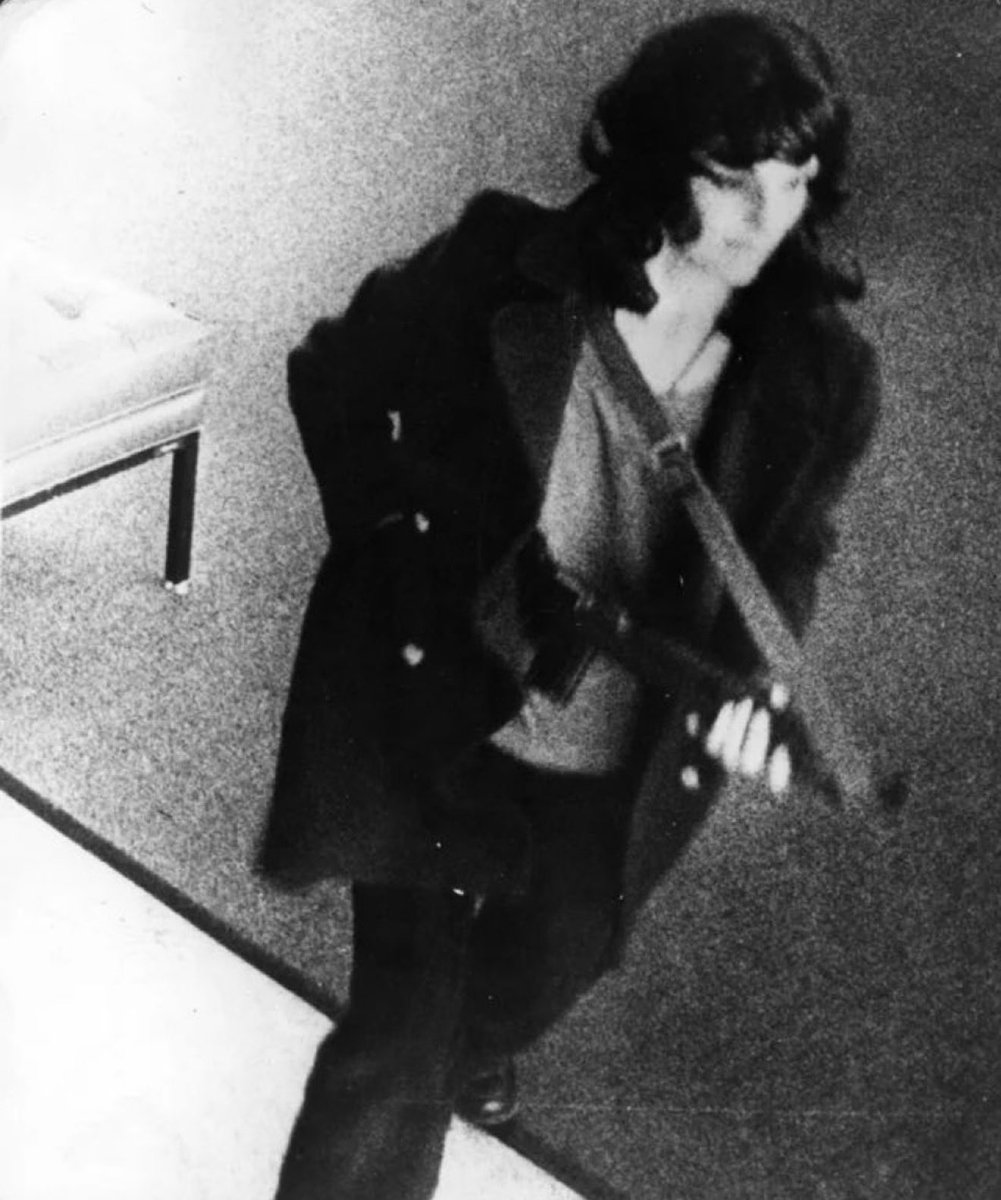

What was your first car? Mine was a 1964 Corvair Monza. Had rear engine like Volkswagen bug.

English