Sabitlenmiş Tweet
D3TH Polo
9K posts


D3TH Polo
@D3thPolo95
👑🇿🇦 IGL and Fragger I do coaching for beginners in the Markets 📊 Business Manager Trader and Investor 💰📈📉
Paarl, South Africa Katılım Ekim 2020
1.3K Takip Edilen422 Takipçiler
D3TH Polo retweetledi

D3TH Polo retweetledi

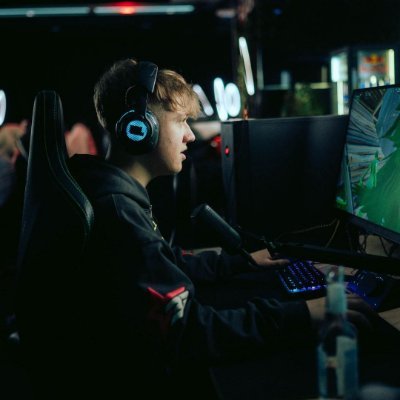
4 weeks until we know our FNCS Summit champions ⭐️
English
D3TH Polo retweetledi

D3TH Polo retweetledi

D3TH Polo retweetledi
D3TH Polo retweetledi

D3TH Polo retweetledi

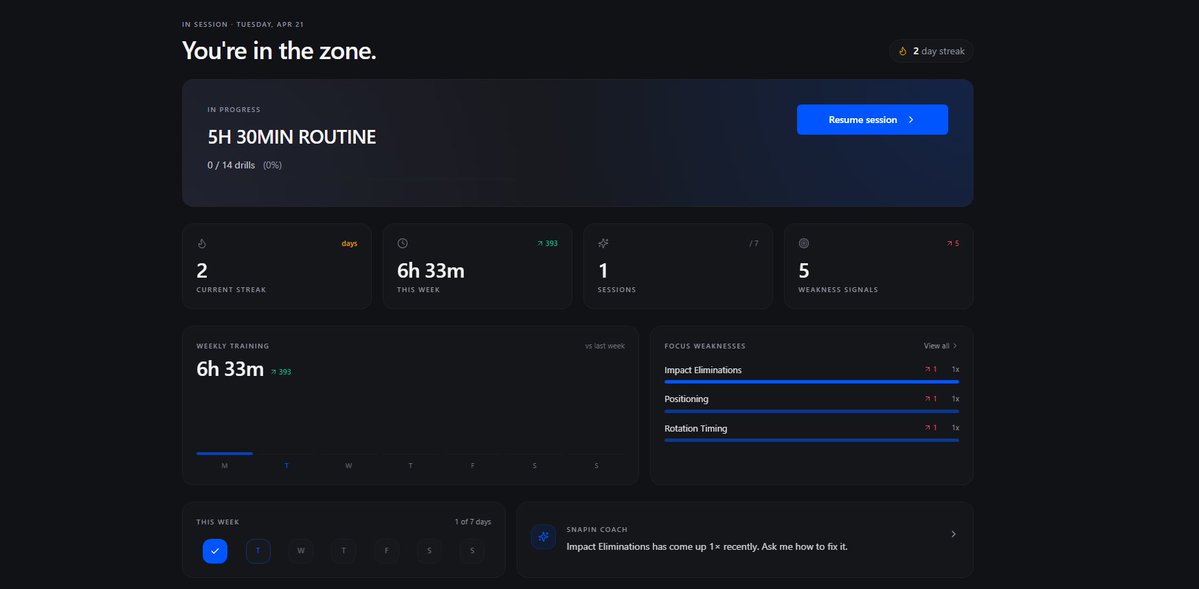
🚨 HOW TO ACTUALLY GET TO FNCS DIVISION 1 🚨
Imagine you had a pro-level fortnite coach who's...
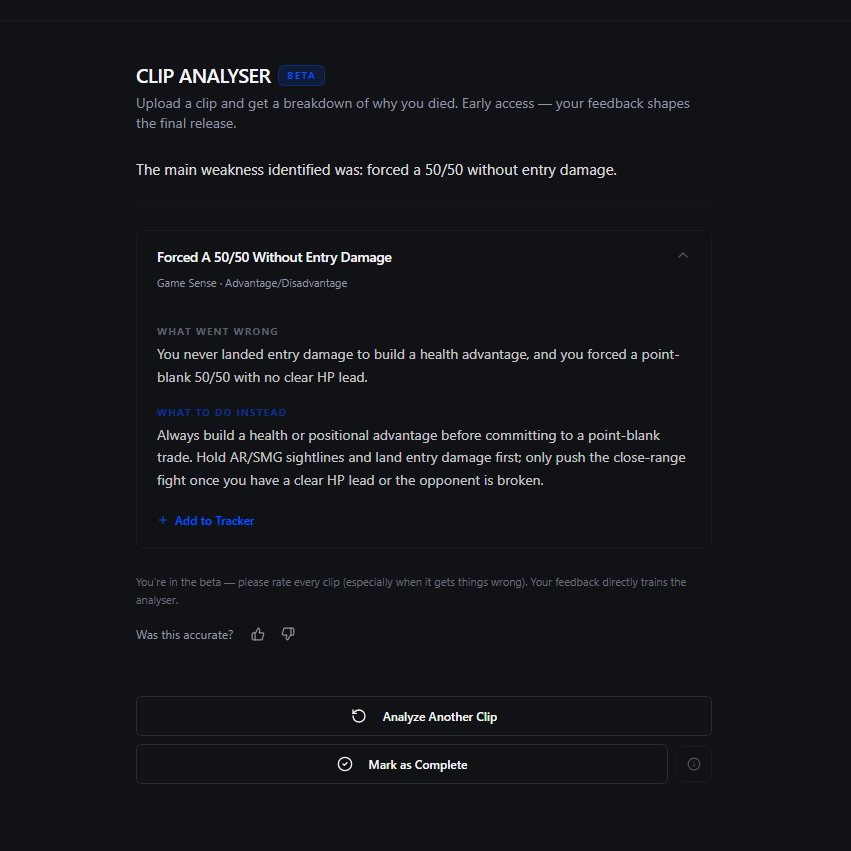
Studied over 1,000+ pro scrims
Knows 200+ pro strategies
And knows all of your weaknesses...
Then works relentlessly until you hit FNCS Division 1...
Finding your weaknesses, building you routines, teaching you pro strategies, and much more.
Just imagine how fast you would improve.
Comment 'SNAPIN' and I'll give some of you FREE access.
#fortnitecompetitive
English
D3TH Polo retweetledi


D3TH Polo retweetledi


D3TH Polo retweetledi



D3TH Polo retweetledi
D3TH Polo retweetledi

D3TH Polo retweetledi

Fortnite
1: Go into creative, unlimited fps. note down, fps/ping
2: Close FN / Epic
3: In windows menu type %localappdata%
4: Right click FortniteGame, Rename to FortniteGameA,
- this is done as a backup in case the next step makes something worse
5: open Fortnite again, redo your graphic settings, performance mode, restart FN
6: Go back into FN, creative, unlimited fps.
7: comment on the post here what your before and after was, even if it went wrong
Restore, if it made it worse, this is what you do
1: close FN / Epic
2: go back into %localappdata%
3: delete the new FortniteGame
4: rename FortniteGameA to FortniteGame
5: open FN again, and everything is back as before you did anything
English
D3TH Polo retweetledi

Former Epic Games employee confirms how he was working on a feature in Fortnite competetive where everybody would have a minimum of 30 ping🤯
This would make it so NAC could merge with NAW and remove the need to move for 0 PING 👀

English
D3TH Polo retweetledi

D3TH Polo retweetledi

D3TH Polo retweetledi

D3TH Polo retweetledi


D3TH Polo retweetledi