Dan Divine retweetledi

Most block explorers are like reading a spreadsheet during a fire drill.
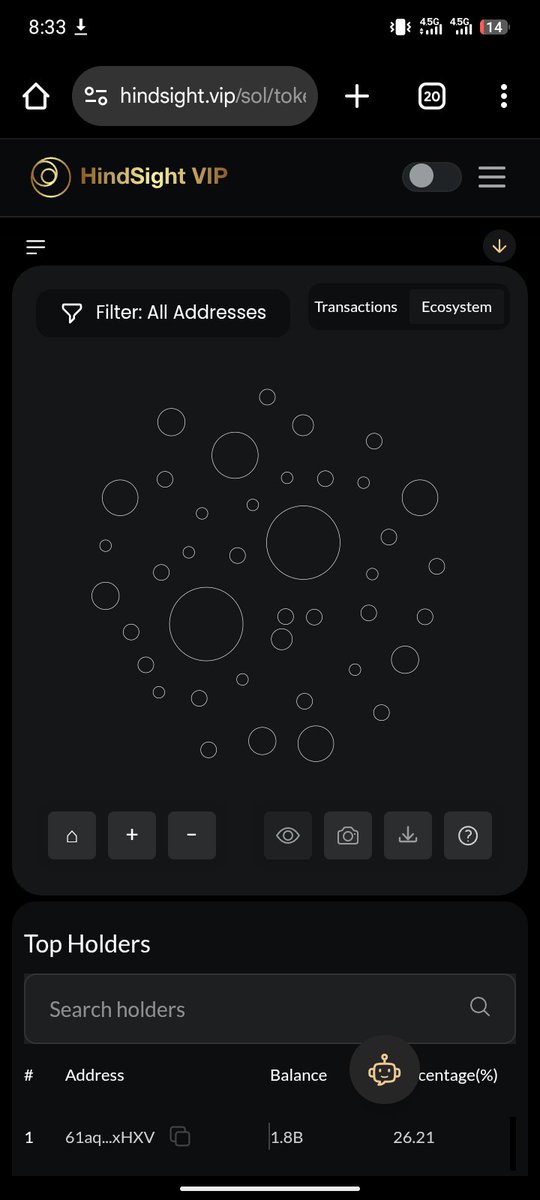
This walkthrough shows a different approach: make on-chain data readable at a glance.
Here’s what stands out:
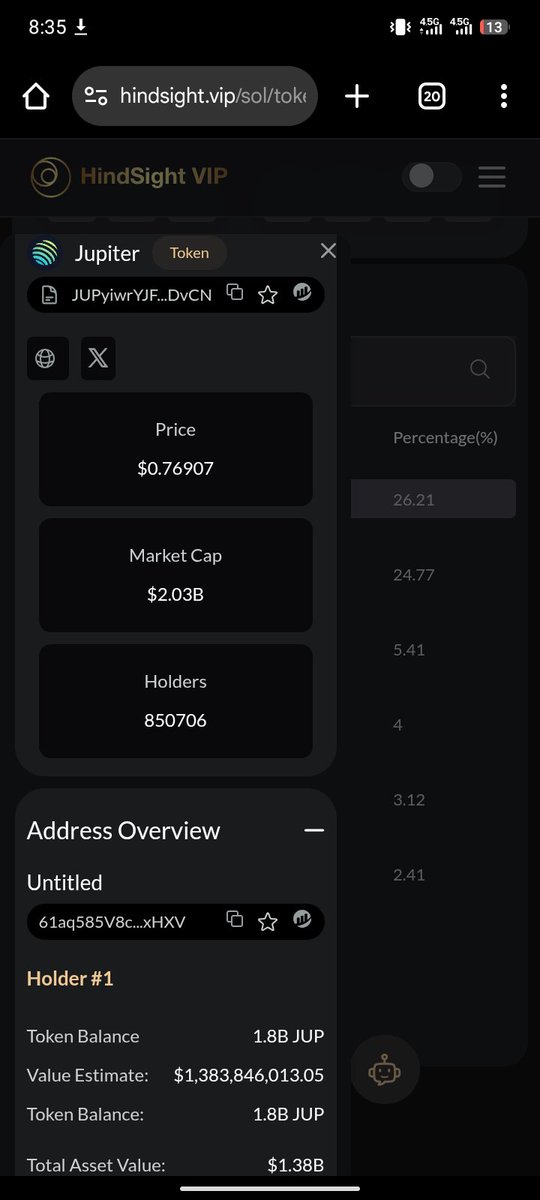
You land on an Explore page with the most-searched tokens, so you’re not starting from a blank screen.
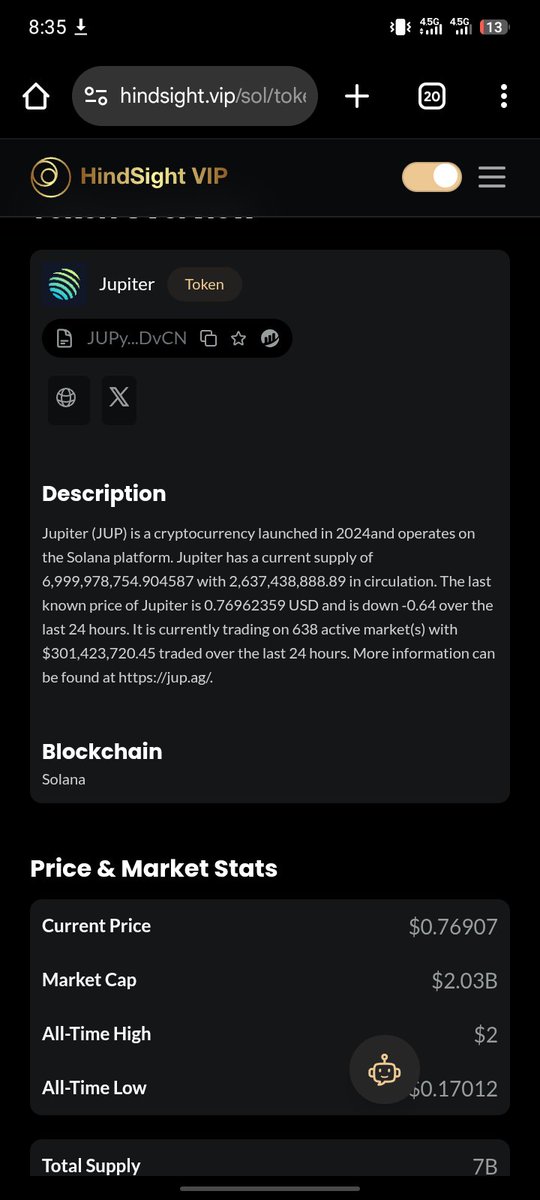
Each token shows the basics up front: contract address, token name, and current price context.
When you click in, the page uses simple visual signals to reduce guesswork:
Orange markers = something looks suspicious (example shown: flagged for phishing via Chainabuse tagging).
Triangle markers = an entity-type signal (often exchange activity, liquidity pools, or heavy swapping/moving).
Instead of forcing you to “interpret raw logs,” it gives you quick clarity: what you’re looking at, what might be risky, and why it’s flagged.
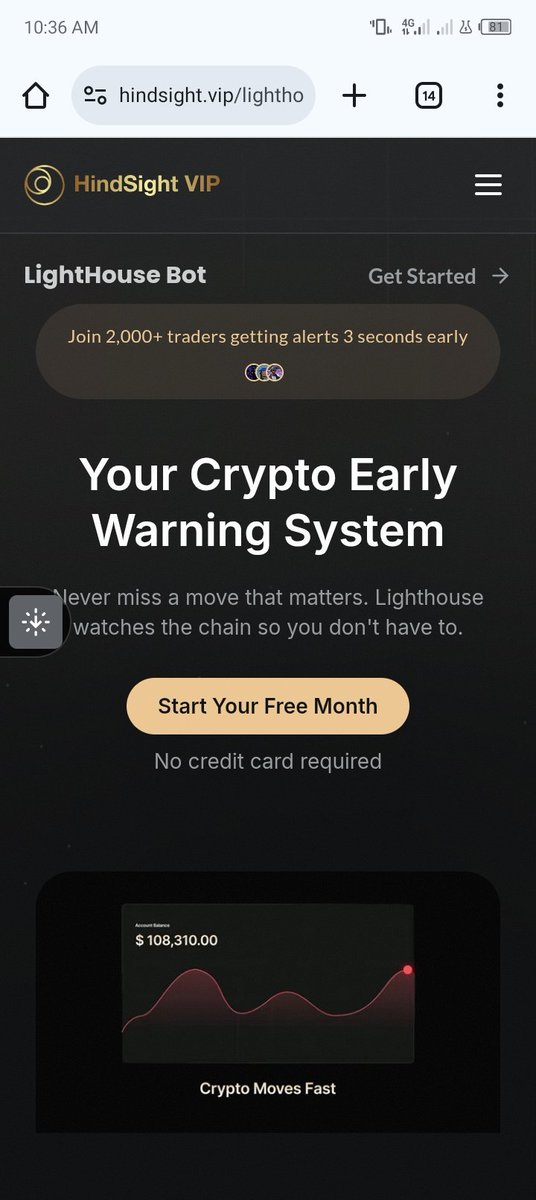
Visit: hindsight.vip/lighthouse
First month is on us
English