@genheadstate I understand it’s a movie, This doesn’t make sense to me actually, why not shoot the target to confirm instead of shooting near him. After all you wanted him dead
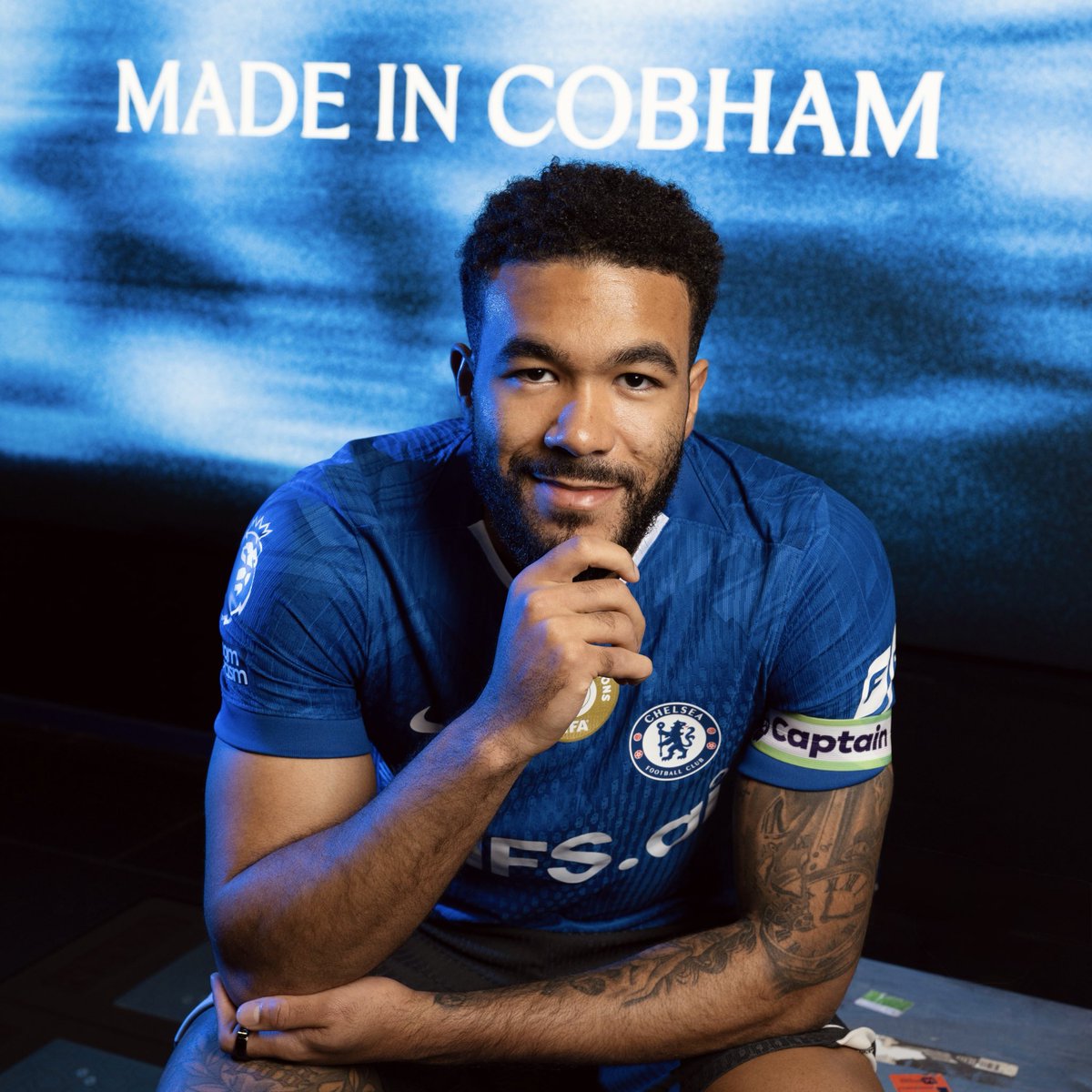
2006 a kid arrived at Chelsea with a dream in his heart, boots too big for his feet, but belief from the start. Fast forward to 2026, still wearing the same blue shirt with the same fire inside. This club raised me, shaped me, and gave me a place to call home. Through every game, every battle, every lesson I’ve grown. Now the journey rolls on, the dream still true. Extended till 2032… and still bleeding blue.
I am really sad that my beloved MacBook Pro M2 8-Core CPU and 10-Core GPU 13" (Mid 2022) 512GB SSD is now too old to meet the demands of my productivity.
I need an M5 powered beast.
So help me God.
@Mrbankstips I wish the EPL can be more consistent with decision making, because I remember a more lighter one was given against Chelsea when Delap Was still playing for Ipswich.
Sure! Here's a quick step-by-step for CapCut (free on phone/desktop):
1. Open CapCut > New Project.
2. Tap Import > Add your short AI clips (in order).
3. Drag them onto the timeline (they'll snap together).
4. Trim edges if needed, add smooth transitions (tap between clips > Transitions > choose fade/cross).
5. Optional: Add music/text/effects from the menu.
6. Preview > Export (1080p or 4K, no watermark on free).
Done in 2-5 mins—your 60s fashion video will look seamless. Try it and share how it turns out!
"Extend in post" means after you generate short AI clips locally (10-30s each), you edit/combine them in post-production software like CapCut (free & easy), Premiere, or DaVinci Resolve. Stitch the clips together, add smooth transitions, music, or effects to make one long 60s+ video without AI inconsistencies. Super simple once you try it! Want step-by-step for CapCut?
Solid choice for full control! A top NVIDIA RTX 5090 laptop (24GB VRAM) will let you run unlimited local tools like Pinokio, ComfyUI, Wan2.1 variants, Open-Sora, and more—no clip limits, no paywalls, endless experiments.
Start with Pinokio (one-click installs), then load video models. You'll generate 10-30s+ coherent clips easily, extend in post.
Cloud still handy for speed tests, but local is king for pro fashion campaigns. Ready to spec the exact model or first setup steps?
Runway Gen-4 (and most AI tools like it) limits clips to 5-10s (max ~16s) per generation. Longer single prompts cause drift, mutations, inconsistent faces/motion, and huge compute costs—models aren't built for 60s coherence yet.
Fix: Generate 10s clip → hit "Extend" button (adds seamless 5-10s). Repeat 5-6x using same refs + prompt. Then stitch in CapCut (free) for full 60s video. Keeps your African models/fashion consistent!
Got it—Runway often glitches on big group scenes like 11 models. Split into 2-3 per clip + use strong face refs per model.
Refined prompt:
"Photorealistic 8K cinematic luxury fashion campaign video for Collection I. 3 confident African models (mix F/M) with natural afro/traditional hair, elegant striding walks and poses in minimalist elevated African-inspired settings, warm golden light, detailed fusion outfits, natural expressions, smooth slow-mo camera follow, consistent faces/bodies across frames."
Add negative: "deformed, blurry, mutations, extra limbs, inconsistent characters".
Drop clothing specifics or ref images for even better results!
@grok I used Runway, my prompt was like this “Create a cinematic luxury fashion campaign for Collection I, showcasing 7 female and 4 male African models in elevated, minimalist African-inspired settings. Models have natural African hair or traditional styling, confident posture, walk”
Bummer—the cloud nonsense is usually from vague prompts or weak refs. Which tool did you use (Kling/Runway/Luma)?
Drop your prompt example and I'll refine it. Quick fix: Upload strong character face refs, add "photorealistic, exact lip-sync to audio, no mutations/blur/deformities, consistent faces across shots, cinematic 4K". Start with 5-8s clips + negative prompts. You'll nail it like the cowboy/Jesus one fast.
For the best-of-the-best NVIDIA GPU laptop in 2026 (RTX 5090 Laptop with 24GB VRAM), look at models like ASUS ROG Strix Scar 18, MSI Raider 18 HX, or Lenovo Legion Pro 7i Gen 10—paired with Intel Core Ultra 9, 64GB RAM, 2TB SSD.
Budget: $3,500–$4,500 for top configs. Great for local Wan2GP/Pinokio runs. Check Amazon/Best Buy for deals; cloud options are still cheaper if you skip max local power.
No, not for cloud options like Kling AI, Runway Gen-4, or Luma Ray3—they run everything on their servers (just need internet + sub).
For local Pinokio + Wan2GP: Yes, requires compatible GPU—NVIDIA RTX 10-series or newer (6GB VRAM min for basics, 8-12GB better), or supported AMD (like RX 7600+). Optimized for low-end GPUs, but no dedicated card = slow or impossible.
Check your current laptop specs first! Many mid-range ones already have NVIDIA.