

@shiva_devops
89 posts
@shiva_devops
@Devops_Shiva
DevOps Engineer | Docker · Kubernetes · Terraform · Azure Building in public | Open to remote roles GitHub: https://t.co/gdWNVwklCs
India Katılım Mayıs 2026
27 Takip Edilen6 Takipçiler


Imagine having a senior dev who works silently & is always there. You're stuck on a coding problem. You've tried every possible way to fix it, but nothing works. You show him 50 lines of code. He looks at it, say nothing, and replace it with one. It works incredibily well.
That's Ponytail. I have been using this for a while now. It saves a lot of tokens.
GitHub Repo: github.com/DietrichGebert…

English

DevOps / MLOps / AIOps are the same.
They're not.
The difference comes down to one simple question:
What are you actually managing?
• DevOps manages software and infrastructure.
• MLOps manages machine learning models and data.
• AIOps manages operational noise, incidents, and telemetry.
They share similar tools.
But they solve completely different problems.
Understanding this early can save you months of learning the wrong things and help you make better career decisions.

English

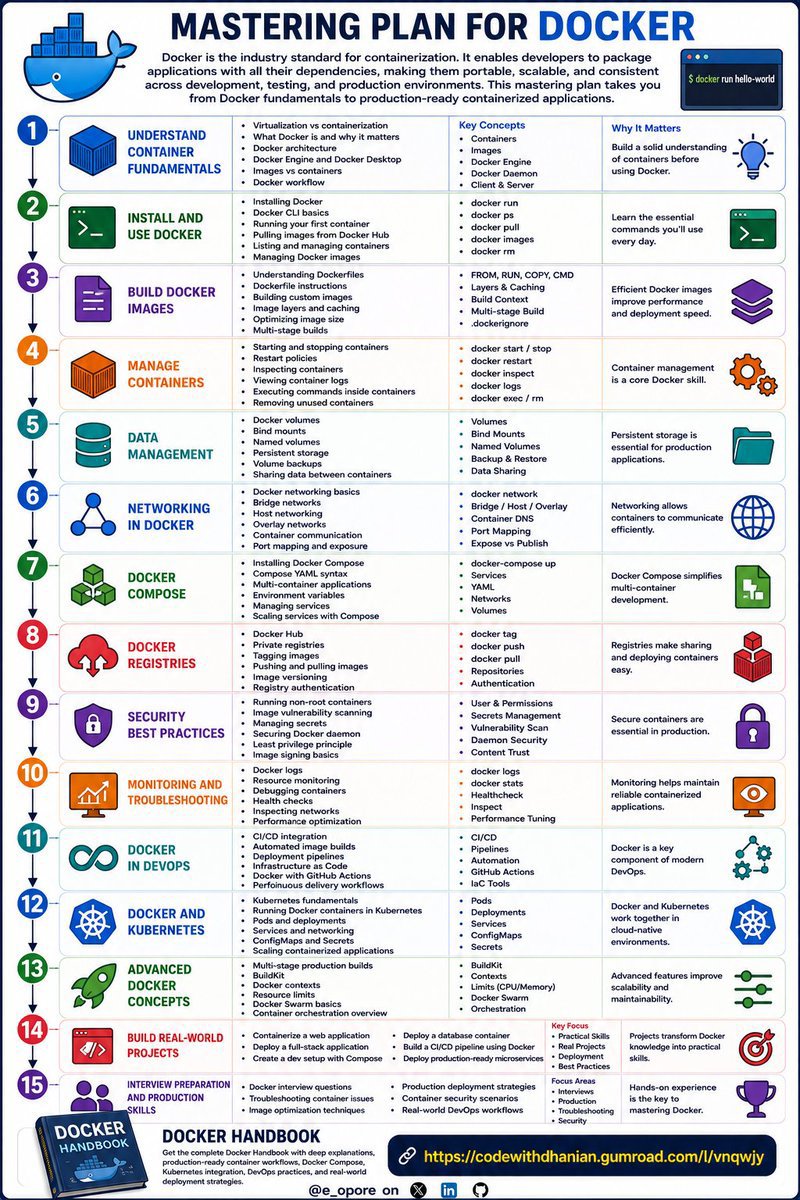
MASTERING PLAN FOR DOCKER
STEP 1: UNDERSTAND CONTAINER FUNDAMENTALS
→ Virtualization vs containerization
→ What Docker is and why it matters
→ Docker architecture
→ Docker Engine and Docker Desktop
→ Images vs containers
→ Docker workflow
Build a solid understanding of containers before using Docker.
STEP 2: INSTALL AND USE DOCKER
→ Installing Docker
→ Docker CLI basics
→ Running your first container
→ Pulling images from Docker Hub
→ Listing and managing containers
→ Managing Docker images
Learn the essential commands you'll use every day.
STEP 3: BUILD DOCKER IMAGES
→ Understanding Dockerfiles
→ Dockerfile instructions
→ Building custom images
→ Image layers and caching
→ Optimizing image size
→ Multi-stage builds
Efficient Docker images improve performance and deployment speed.
STEP 4: MANAGE CONTAINERS
→ Starting and stopping containers
→ Restart policies
→ Inspecting containers
→ Viewing container logs
→ Executing commands inside containers
→ Removing unused containers
Container management is a core Docker skill.
STEP 5: DATA MANAGEMENT
→ Docker volumes
→ Bind mounts
→ Named volumes
→ Persistent storage
→ Volume backups
→ Sharing data between containers
Persistent storage is essential for production applications.
STEP 6: NETWORKING IN DOCKER
→ Docker networking basics
→ Bridge networks
→ Host networking
→ Overlay networks
→ Container communication
→ Port mapping and exposure
Networking allows containers to communicate efficiently.
STEP 7: DOCKER COMPOSE
→ Installing Docker Compose
→ Compose YAML syntax
→ Multi-container applications
→ Environment variables
→ Managing services
→ Scaling services with Compose
Docker Compose simplifies multi-container development.
STEP 8: DOCKER REGISTRIES
→ Docker Hub
→ Private registries
→ Tagging images
→ Pushing and pulling images
→ Image versioning
→ Registry authentication
Registries make sharing and deploying containers easy.
STEP 9: SECURITY BEST PRACTICES
→ Running non-root containers
→ Image vulnerability scanning
→ Managing secrets
→ Securing Docker daemon
→ Least privilege principle
→ Image signing basics
Secure containers are essential in production.
STEP 10: MONITORING AND TROUBLESHOOTING
→ Docker logs
→ Resource monitoring
→ Debugging containers
→ Health checks
→ Inspecting networks
→ Performance optimization
Monitoring helps maintain reliable containerized applications.
STEP 11: DOCKER IN DEVOPS
→ CI/CD integration
→ Automated image builds
→ Deployment pipelines
→ Infrastructure as Code
→ Docker with GitHub Actions
→ Continuous delivery workflows
Docker is a key component of modern DevOps.
STEP 12: DOCKER AND KUBERNETES
→ Kubernetes fundamentals
→ Running Docker containers in Kubernetes
→ Pods and deployments
→ Services and networking
→ ConfigMaps and Secrets
→ Scaling containerized applications
Docker and Kubernetes work together in cloud-native environments.
STEP 13: ADVANCED DOCKER CONCEPTS
→ Multi-stage production builds
→ BuildKit
→ Docker contexts
→ Resource limits
→ Docker Swarm basics
→ Container orchestration overview
Advanced features improve scalability and maintainability.
STEP 14: BUILD REAL-WORLD PROJECTS
→ Containerize a web application
→ Deploy a full-stack application
→ Create a development environment with Docker Compose
→ Deploy a database container
→ Build a CI/CD pipeline using Docker
→ Deploy production-ready microservices
Projects transform Docker knowledge into practical skills.
STEP 15: INTERVIEW PREPARATION AND PRODUCTION SKILLS
→ Docker interview questions
→ Troubleshooting container issues
→ Image optimization techniques
→ Production deployment strategies
→ Container security scenarios
→ Real-world DevOps workflows
Hands-on experience is the key to mastering Docker.
DOCKER HANDBOOK
Get the complete Docker Handbook with deep explanations:
codewithdhanian.gumroad.com/l/vnqwjy
English

Detailed system design case studies for technical interview preparation
github.com/systemdesign42…

English
@KushalVijay_ This is a truly inspiring post! Congratulations, and I wish you continued success.
English

Every middle-class boy's dream...❤️
.
.
.
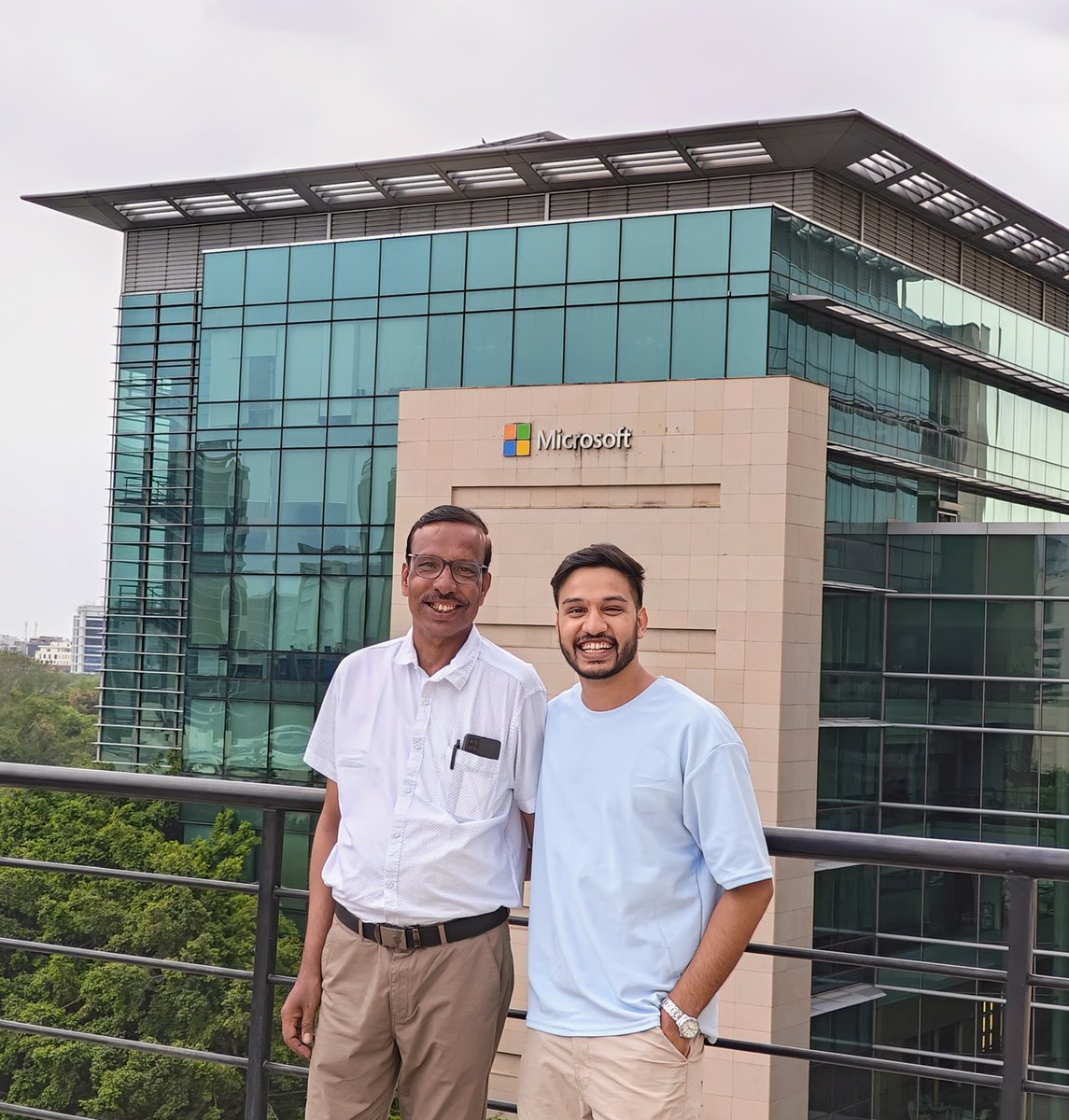
My father visited me for the first time since I started my first job at Microsoft. 💯
For all the boys and girls out there, You're the biggest investment of your father, make it worth it. Don't waste it on cheap dopamine.✨
English
@AnkitStivastava I find your work truly inspiring; let's connect.
English

| ̄ ̄ ̄ ̄ ̄ ̄ ̄ ̄ ̄ ̄ ̄|
Follow me for job
Opportunities.
|___________|
\ (•◡•) /
\ /
---
| |
English

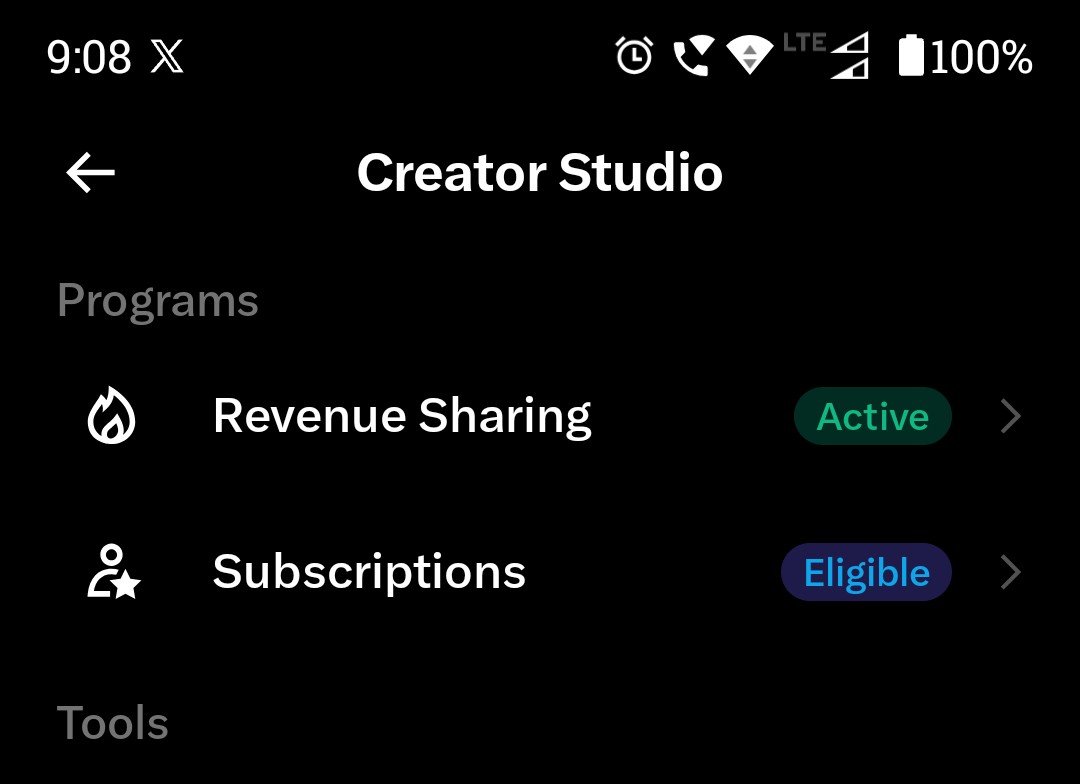
Finally Eligible for the subscription after 5 months of grinding 🥹
English



Do you have a GitHub profile?
Share the link and let's connect.

English
@ayesha_fatiima While no single entity owns the internet, its operation is maintained by thousands of organizations and institutions globally.
English




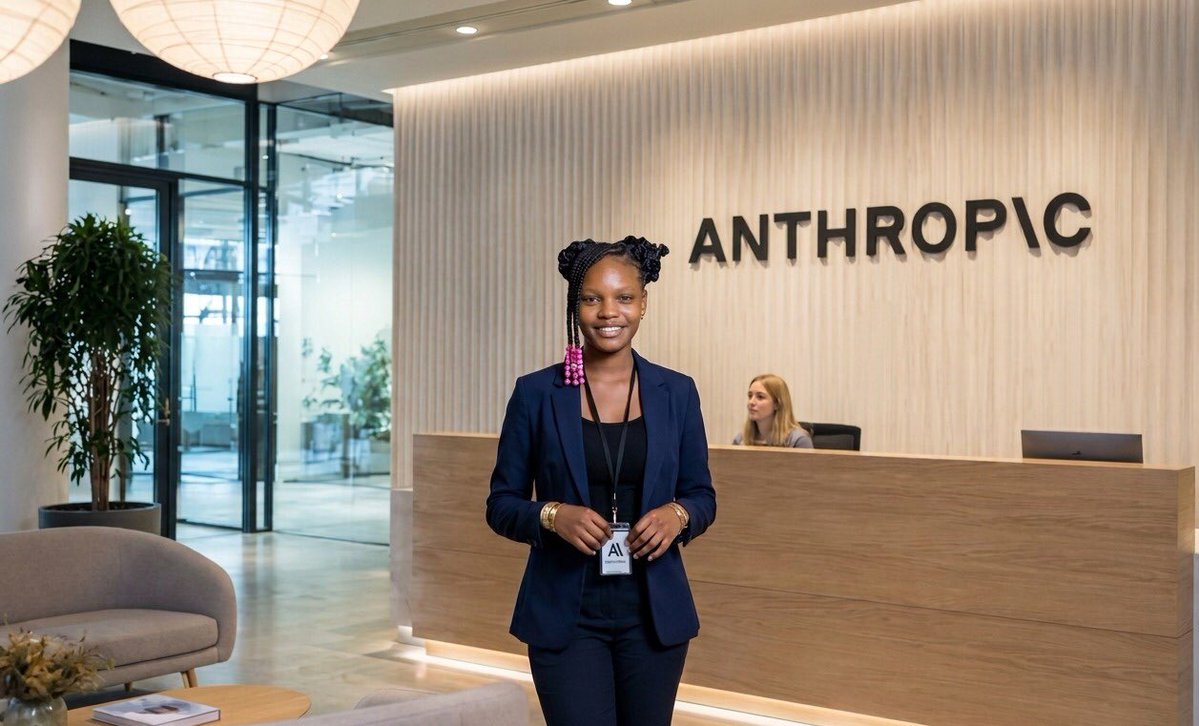
I'm so proud of myself for getting the opportunity to intern at Anthropic.
It's been a long journey, and I'm incredibly grateful for everyone who supported me along the way.
I hope this leads to even bigger opportunities in the future
English
@AskYoshik I chose DevOps because I wanted to go beyond writing code or managing servers. I wanted to understand how large-scale systems are designed, deployed, secured, monitored, and scaled. DevOps gave me that end-to-end perspective.
English


