

DinDin
220 posts
DinDin
@Dindin97101
iOS Developer
Taipei City, Taiwan Katılım Haziran 2013
507 Takip Edilen181 Takipçiler

DinDin retweetledi

LLM Knowledge Bases
Something I'm finding very useful recently: using LLMs to build personal knowledge bases for various topics of research interest. In this way, a large fraction of my recent token throughput is going less into manipulating code, and more into manipulating knowledge (stored as markdown and images). The latest LLMs are quite good at it. So:
Data ingest:
I index source documents (articles, papers, repos, datasets, images, etc.) into a raw/ directory, then I use an LLM to incrementally "compile" a wiki, which is just a collection of .md files in a directory structure. The wiki includes summaries of all the data in raw/, backlinks, and then it categorizes data into concepts, writes articles for them, and links them all. To convert web articles into .md files I like to use the Obsidian Web Clipper extension, and then I also use a hotkey to download all the related images to local so that my LLM can easily reference them.
IDE:
I use Obsidian as the IDE "frontend" where I can view the raw data, the the compiled wiki, and the derived visualizations. Important to note that the LLM writes and maintains all of the data of the wiki, I rarely touch it directly. I've played with a few Obsidian plugins to render and view data in other ways (e.g. Marp for slides).
Q&A:
Where things get interesting is that once your wiki is big enough (e.g. mine on some recent research is ~100 articles and ~400K words), you can ask your LLM agent all kinds of complex questions against the wiki, and it will go off, research the answers, etc. I thought I had to reach for fancy RAG, but the LLM has been pretty good about auto-maintaining index files and brief summaries of all the documents and it reads all the important related data fairly easily at this ~small scale.
Output:
Instead of getting answers in text/terminal, I like to have it render markdown files for me, or slide shows (Marp format), or matplotlib images, all of which I then view again in Obsidian. You can imagine many other visual output formats depending on the query. Often, I end up "filing" the outputs back into the wiki to enhance it for further queries. So my own explorations and queries always "add up" in the knowledge base.
Linting:
I've run some LLM "health checks" over the wiki to e.g. find inconsistent data, impute missing data (with web searchers), find interesting connections for new article candidates, etc., to incrementally clean up the wiki and enhance its overall data integrity. The LLMs are quite good at suggesting further questions to ask and look into.
Extra tools:
I find myself developing additional tools to process the data, e.g. I vibe coded a small and naive search engine over the wiki, which I both use directly (in a web ui), but more often I want to hand it off to an LLM via CLI as a tool for larger queries.
Further explorations:
As the repo grows, the natural desire is to also think about synthetic data generation + finetuning to have your LLM "know" the data in its weights instead of just context windows.
TLDR: raw data from a given number of sources is collected, then compiled by an LLM into a .md wiki, then operated on by various CLIs by the LLM to do Q&A and to incrementally enhance the wiki, and all of it viewable in Obsidian. You rarely ever write or edit the wiki manually, it's the domain of the LLM. I think there is room here for an incredible new product instead of a hacky collection of scripts.
English
google最近推的vibe design服務stitch 挺不錯的,把Spec丟給他就產生UI
bnext.com.tw/article/90350/…
中文

話說,我跟 @janechao_dev 還有幾個朋友
打算在今年暑假為台灣的學生籌備一場 iOS AI Coding 夏令營
有興趣出錢出力的朋友可以跟我說
細節我之後會寫在 13 報
中文
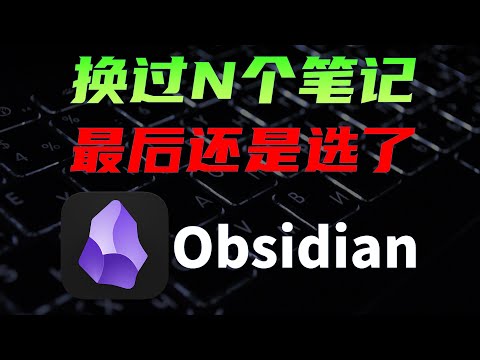
原本都是用notion存ai日記與ai週記,結果這週ai太會寫,字數多到無法直接貼上,要先創md檔再匯入,想說倒不如轉成本地端作業,因此發現另一個好方法,除了開啟速度快,還可以使用AI IDE來協助我做筆記跟查詢內容了
youtu.be/IlNOhNeWGgY?si
YouTube
中文
DinDin retweetledi






DinDin retweetledi

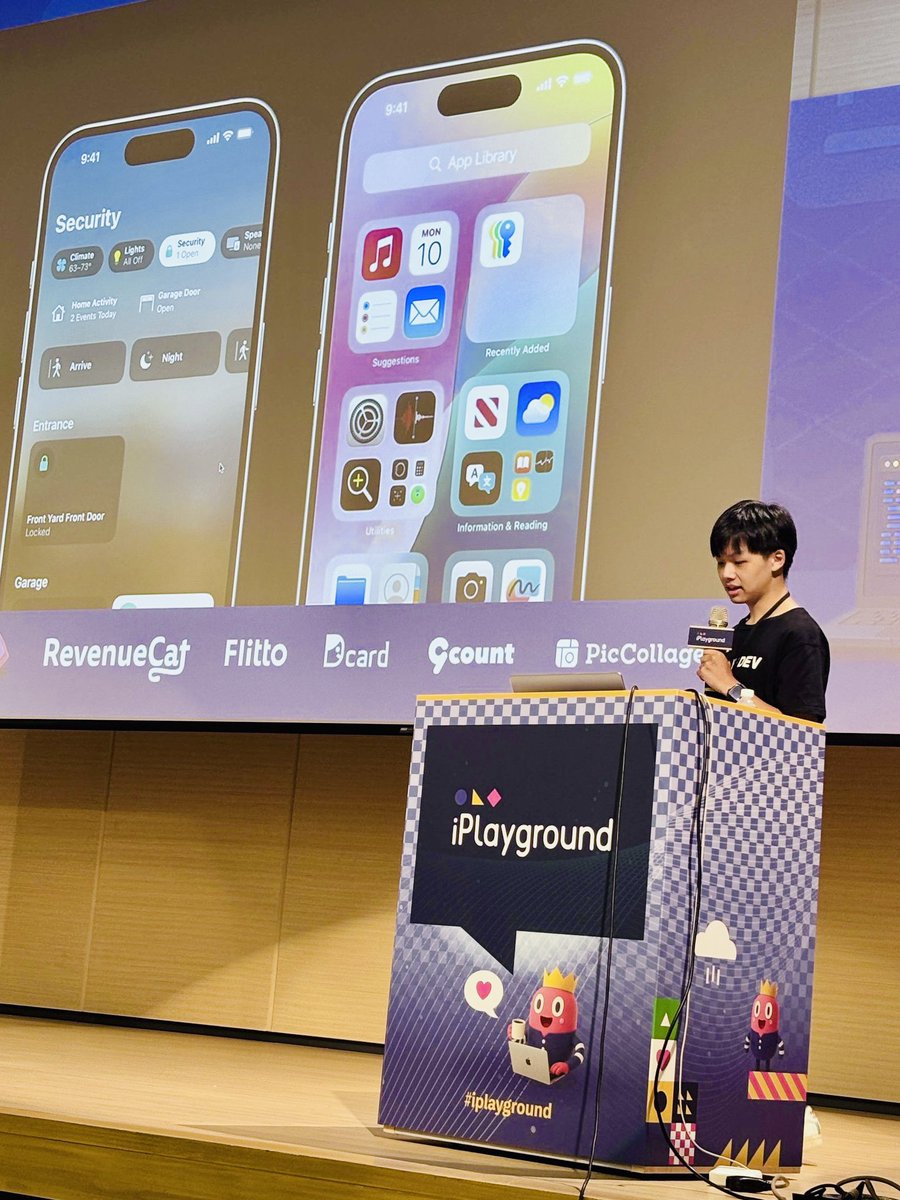
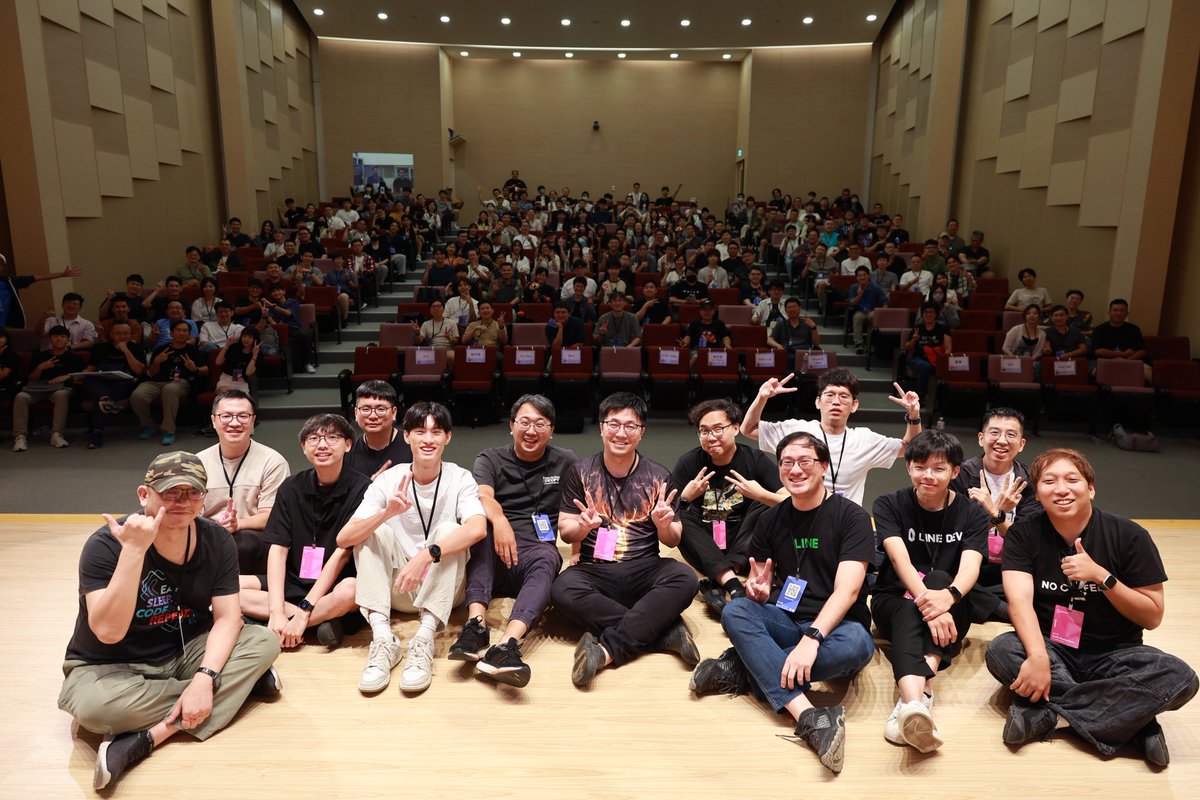
恭賀今年成為 iPlayground 2025 順利結束 🎉
感謝 @theiPlayground 的邀請, 讓我第一次作為講者在這麼多人前面分享
在這兩天裡面遇到了各種人, 不管是各種資深的前輩們還是少年有成的新血, 都讓我獲益匪淺 (社交能量歸零), 希望我的小小演講能夠為各位帶來一些收穫
#iPlayground


中文
DinDin retweetledi

年度發文記錄一下~終於忙完了🎉🎉🎉
這是我iPlayground的頭投影片,也有更新連結到共筆上,有興趣的朋友歡迎載回去看看:
speakerdeck.com/chiaoteni/mcp-…
#研討會後又忙了兩天TvT
#杯子感覺到時代的演進
#研討會的一切很有趣
#iPlayground

中文
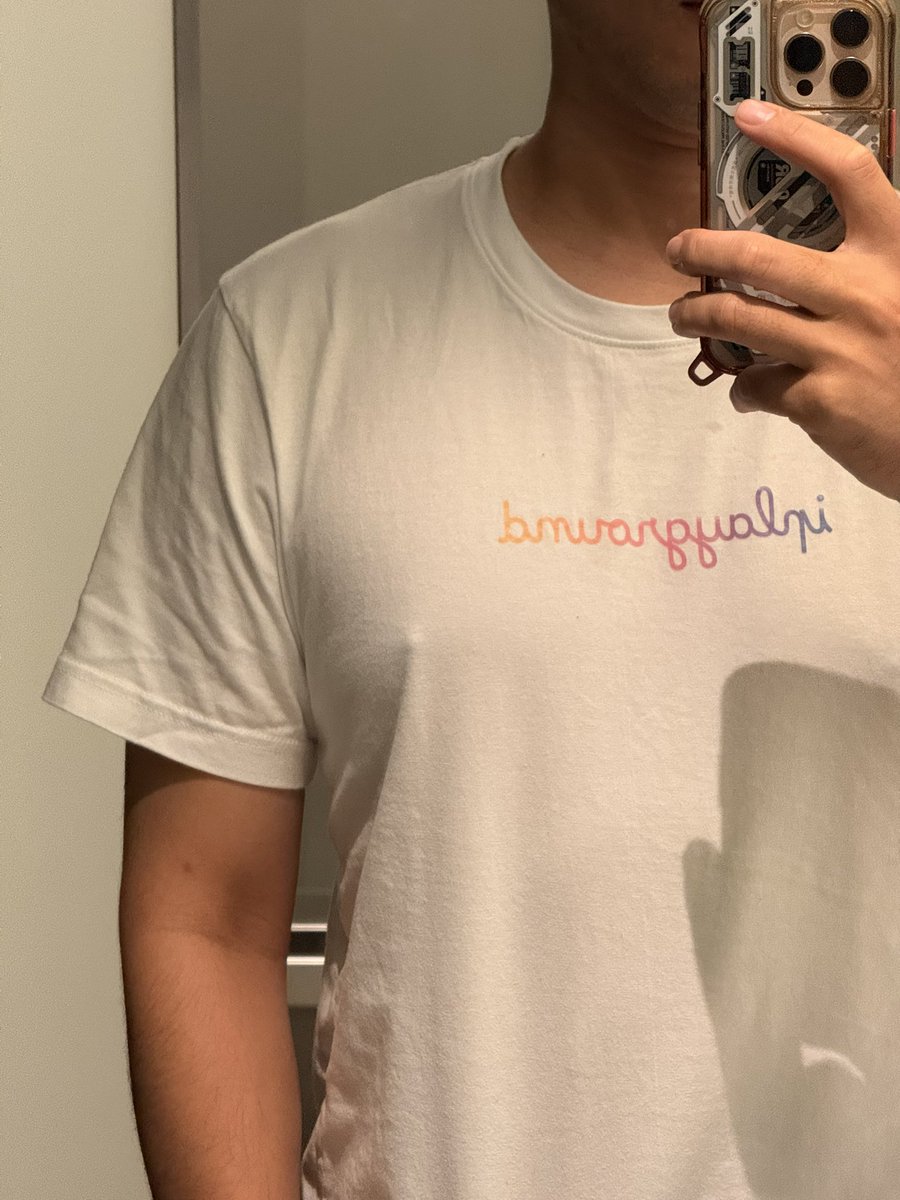

iPlayground心得還來不及寫
結果香菇今天在說,如果可以接iplayground的餐點,好像很酷。
然後一直在旁邊跟我討論要怎麼做,我就跟她說400份難度很高,就算一半也還有200份,算了一下肉和醬還有飯讓她覺得困難。不過,最後根據場地限制,我們還是討論了一個可行的餐點,大概就是市集的咖哩熱狗堡之類的,也還問我上個月限定的口味優格雞咖哩的醬是不是可以做成熱狗堡的口味。
講著講著,在旁邊自己很開心的說,她明年想要參戰,要跟 @hokilaJ 說。(我好怕)
#iplayground
中文