
Excel Hacks
1.6K posts
Excel Hacks
@Excel_Hacks
Excel tips/tricks/hacks/treats to get your analytical workflow juices flowing. Join our FREE community of Excel-ers who love Q&As 👉👇👉
World Katılım Temmuz 2009
45 Takip Edilen705 Takipçiler
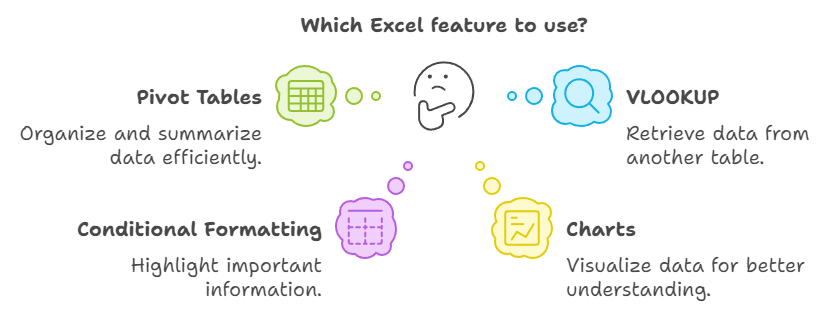
Microsoft Excel turns raw data into meaningful insights. From organizing spreadsheets to building powerful dashboards and automating tasks with formulas, it's an essential tool for making smarter decisions every day
#MicrosoftExcel #DataAnalysis
English
From budgeting and reporting to forecasting and dashboards, Microsoft Excel remains one of the most valuable tools for professionals across every industry. Small improvements in your Excel skills can lead to big gains in efficiency.
#SpreadsheetSkills #OfficeProductivity
English
Every great decision starts with organized data. Microsoft Excel helps you automate repetitive tasks, visualize trends, and transform complex information into clear, actionable insights
#ExcelTips #excel #Productivity
English
Microsoft Excel is more than a spreadsheet - it's a powerful tool for turning raw data into meaningful insights. Master formulas, PivotTables, and charts to save time, improve accuracy, and make smarter decisions with confidence
#MicrosoftExcel #DataAnalysis
English

Would you rather:
Debug someone else’s code?
OR
Debug your own code from 6 months ago?
English
@MicrosoftLearn Exactly. The fundamentals don’t change - AI just raises the stakes.
Strong governance + clear visibility + controlled access = reliable AI in production.
The real differentiator? Teams that treat AI systems like critical infrastructure, not experiments.
English

🚨 Gemini Pro 1 Year Giveaway! 🚨
✨ Gemini 2.5 Pro
💰 1000 AI Credits/Month
🎬 Veo 3 + Flow AI + Whisk
📚 NotebookLM
📩 Gmail & Docs Integration
To Enter:
1️⃣ Follow
2️⃣ Like & RT
3️⃣ Comment “GEMINI”
⏳ 48 Hours Only.

English

Watch Agent Mode in Excel get sales data executive-ready in minutes. Prompt and watch it review sales data, surface top insights, and generate dashboard charts and summaries.
English
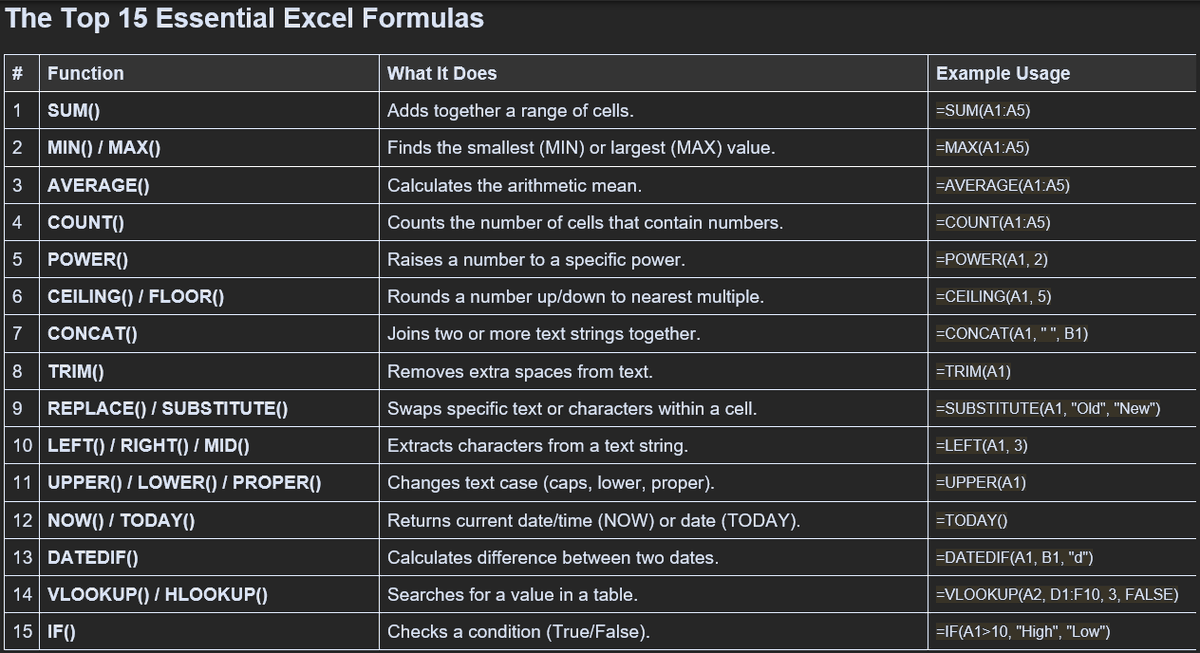


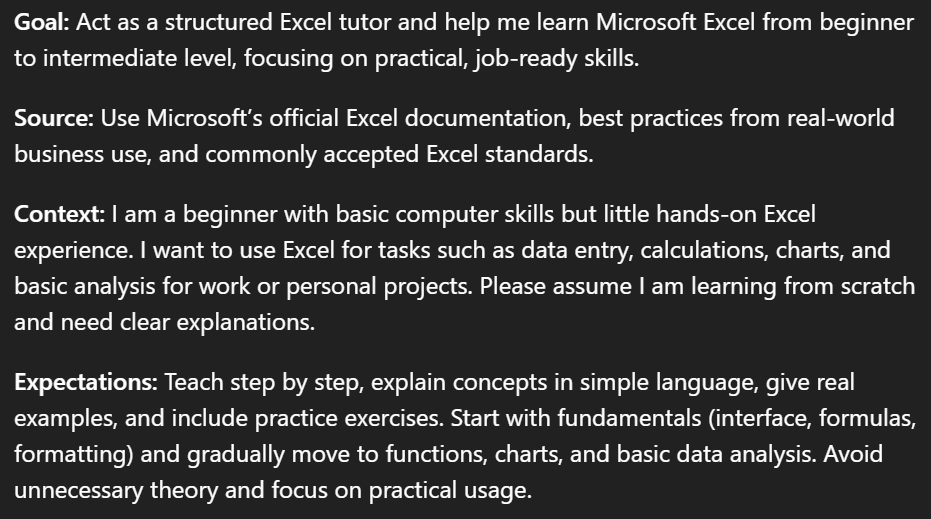
💡 Use these 4 prompt ingredients for a sharper output:
1. Goal → Start with what you want the Generative AI assistant, aka Copilot, to do
2. Source → Share where you want to look for the information
3. Context → Add extra information to make the answer more useful
4. Expectations → Say what kind of answer you want
aaand voila, you're welcome 🔥
English
Meet our winners of the 2025 Microsoft 365 Copilot Challenge. Congratulations to you all.


English
You can now access Agent Mode in Excel right from Copilot. Just turn on Agent Mode using Copilot in Excel and describe your task—then, watch formulas, tables, and charts come to life directly in Excel.
English


@MSPowerBI My fave memory? Probably when I first saw a complex dataset transform into a stunning, interactive dashboard in minutes! What's yours?
English

Which of these apps do you open first?
1. Excel
2. Outlook
3. OneDrive
English