Giggle OS
29 posts

Giggle OS
@Giggle_OS
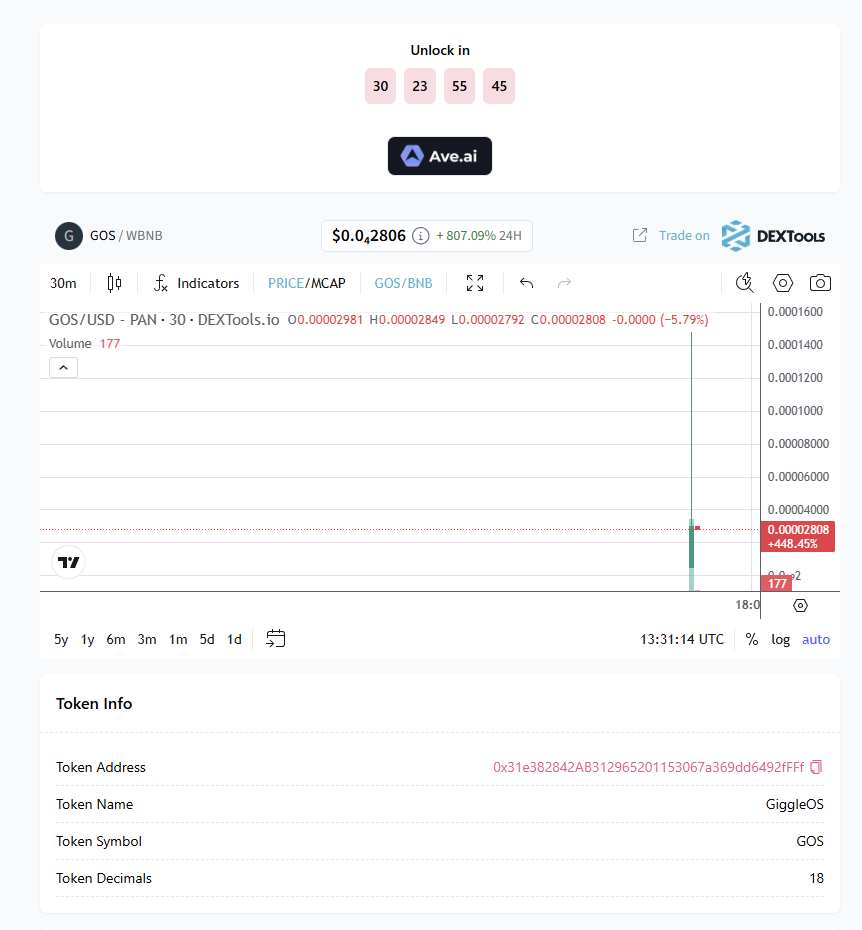
Building Giggle OS - an AI-native OS for kids, powered by OpenClaw. CA: 0x31e382842ab312965201153067a369dd6492ffff


A small update, but a big step forward 🌱 Giggle Academy v1.26.0 is rolling out — with smoother learning, better reading tools, and more ways to explore. ✨ Tap-to-read, word cards & highlights 🎰 Updated gacha + outfit sharing 🗺️ Improved map & learning flow Learning just got a little easier (and more fun). 💛 Download now giggle.onelink.me/xG40?af_xp=soc…


Giggle OS starts with the parent side first. Before a kid ever reaches the home screen, the device is set up around the boundaries that matter: language timezone wifi screen time bedtime safety level parent pin AI setup The goal is simple: make the creative part feel magical for kids, while the controls stay clear and locked down for parents.


Wow, I keep discovering new things in @GiggleAcademy Kids, step away from the screen for a moment — this one is for your parents 🙃 As a father of two boys, I sometimes want to understand what my kids are doing and how they’re learning. Today I discovered the Learning Report in Giggle Academy. There’s a small age-verification step, and inside you can see a detailed report about your child’s activity and progress — even with AI insights. It’s actually very helpful to see what your child enjoys and what they’re improving at.I recorded a short video to show how it works. Great feature, Giggle Academy. Bravo👏 #GiggleAcademy

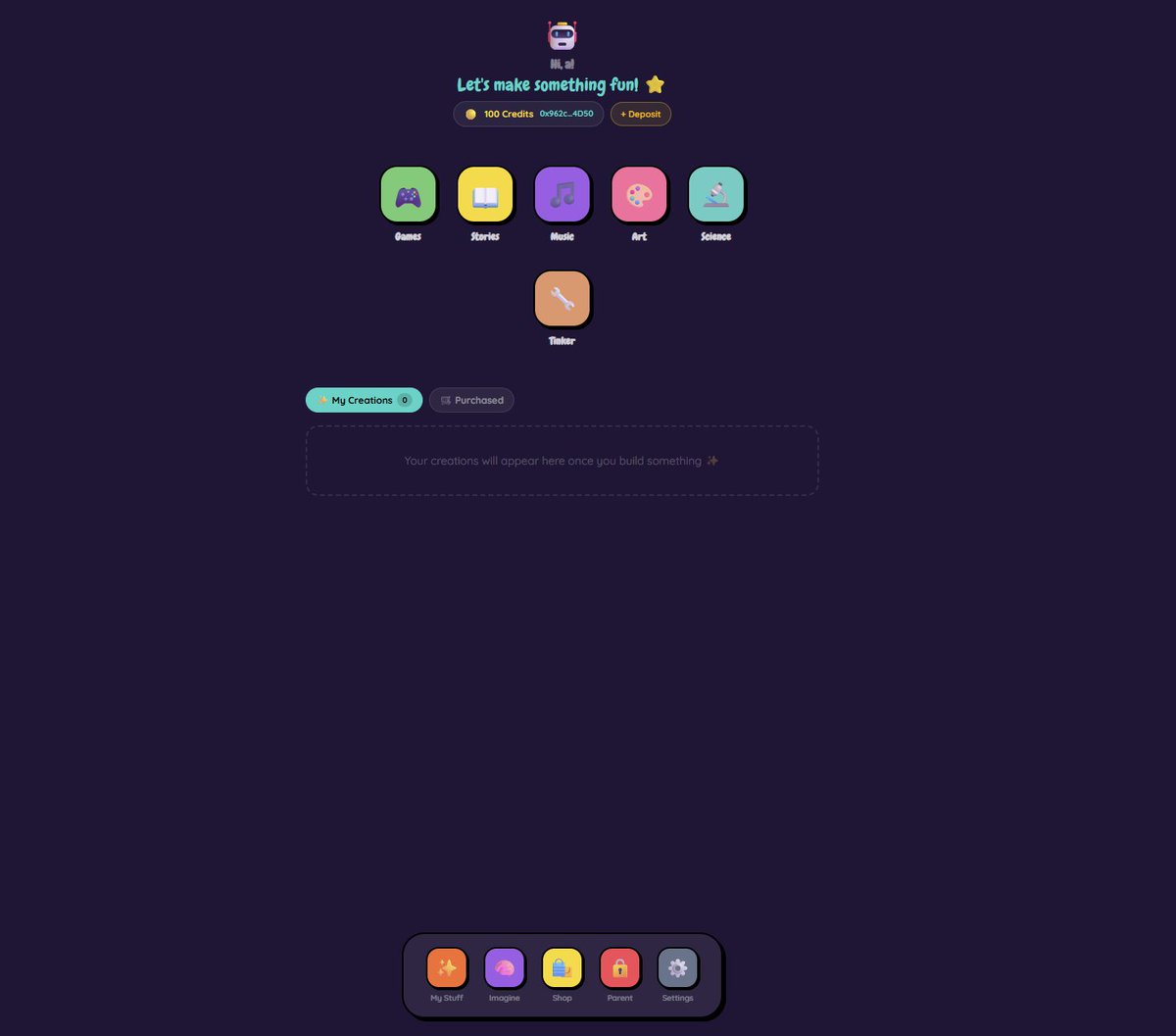
our core beta is almost finished so a lot of the work now is just using Giggle OS normally tap through the studios test the setup flow open creations hit edge cases find friction fix it same AI-powered system that builds for kids now helping us make the product feel right too