
Sabitlenmiş Tweet
HOON
12.2K posts


HOON
@HOONIGALL
I drive fast, but i make AI videos faster. AI Generative Team @EcosystemCall
Katılım Kasım 2021
1.2K Takip Edilen2.4K Takipçiler


Straight from AI video production #15
TAG your references.
Every image you attach should be named in the prompt (@Image1, @Image2, ect.).
Most people attach five references and write "the man walks his dog in the castle" and then wonder why the model put the wrong face on the wrong body.
The model is GUESSING which image means what, sometimes it guesses right but sometimes you get chaos.
Tagging removes the guessing ✅
HOON@HOONIGALL
Straight from AI video production #14 Already 2 weeks of sharing my workflow and creating a video every single day. Congrats to everyone who applied these tips 🔥 Generation resolution 720p is the sweet spot. That's my default for EVERYTHING. Below 720p the quality collapses, faces mush, details die and no upscaler can invent what was never generated. Above 720p the price per generation explodes and in a workflow where you reroll, iterate and test constantly, that cost multiplies across every attempt. Here is my advice : iterate everything at 720p until the scene is exactly right then, only if that shot truly demands more, regenerate that single validated scene in 1080p. You pay premium price once on a shot you already know works
English

HOON retweetledi

HOON retweetledi

we’re in that time of the cycle where it’s easiest to quit and hardest to stay
majors chop in accumulation phase sideways
alts are down 90%+
legacy protocols are sunsetting
and that’s EXACTLY the time to stick around
Solana is inevitable
English
HOON retweetledi


@moonpay I'll do my best, i really appreciate the support 💙
I also hope you saw this today lol
x.com/HOONIGALL/stat…
HOON@HOONIGALL
All I need is this PayBox.. @moonpay
English

Straight from AI video production #14
Already 2 weeks of sharing my workflow and creating a video every single day.
Congrats to everyone who applied these tips 🔥
Generation resolution
720p is the sweet spot. That's my default for EVERYTHING.
Below 720p the quality collapses, faces mush, details die and no upscaler can invent what was never generated.
Above 720p the price per generation explodes and in a workflow where you reroll, iterate and test constantly, that cost multiplies across every attempt.
Here is my advice : iterate everything at 720p until the scene is exactly right then, only if that shot truly demands more, regenerate that single validated scene in 1080p.
You pay premium price once on a shot you already know works
HOON@HOONIGALL
Straight from AI video production #13 Negative prompting. Describing only what you want is good but the model still has a thousand doors left open, and it will happily walk through the wrong one. The majority of video models don't need a separate negative prompt field. You write the negatives INSIDE the prose, right next to what they protect. The rules that make negatives work: - Place the ban right next to the element it protects (The weather is sunny, no rain) - Pair it, positive first and negative to seal it. Use the negative prompt to prevent unwanted outcomes, but also to fix bad gens ✅
English
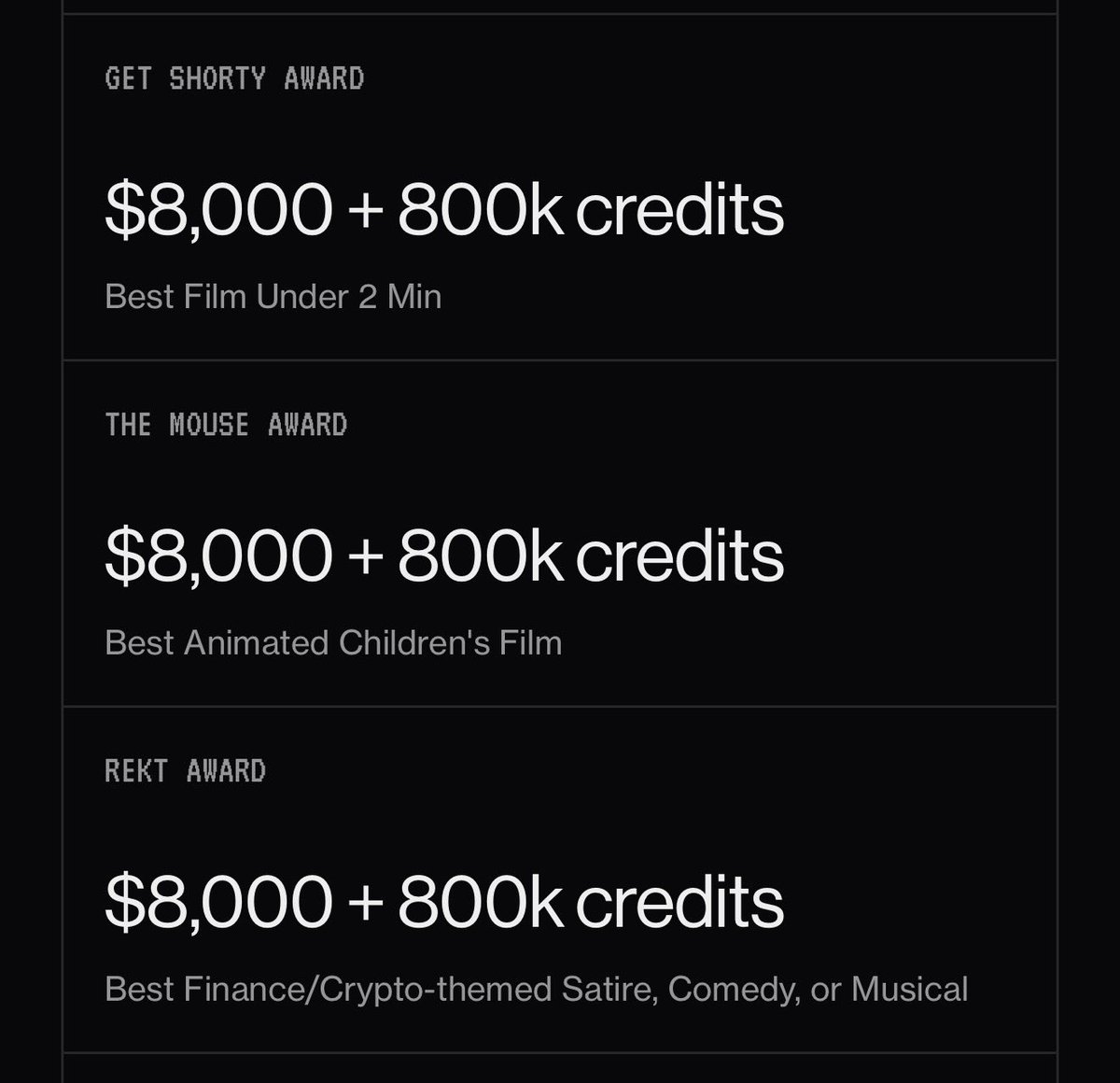
@HOONIGALL you should enter the Lumara Film Festival
lumarafilmfestival.com
English
HOON retweetledi

INTRODUCING THE FIRST SUPERHERO IN THE SQUIG UNIVERSE
Muse - a.k.a. The Needle (la aguja)
@soy_muse
English
HOON retweetledi

Big W for @MeteoraAG last month: their Referral Staking Program is live.
Gotta admit: the team is thinking their stuff through!
You can tell they are extremely clever by simply looking at what they ship: spotless, clean, gud fee tek.
don't forget: rockmakes.money
English
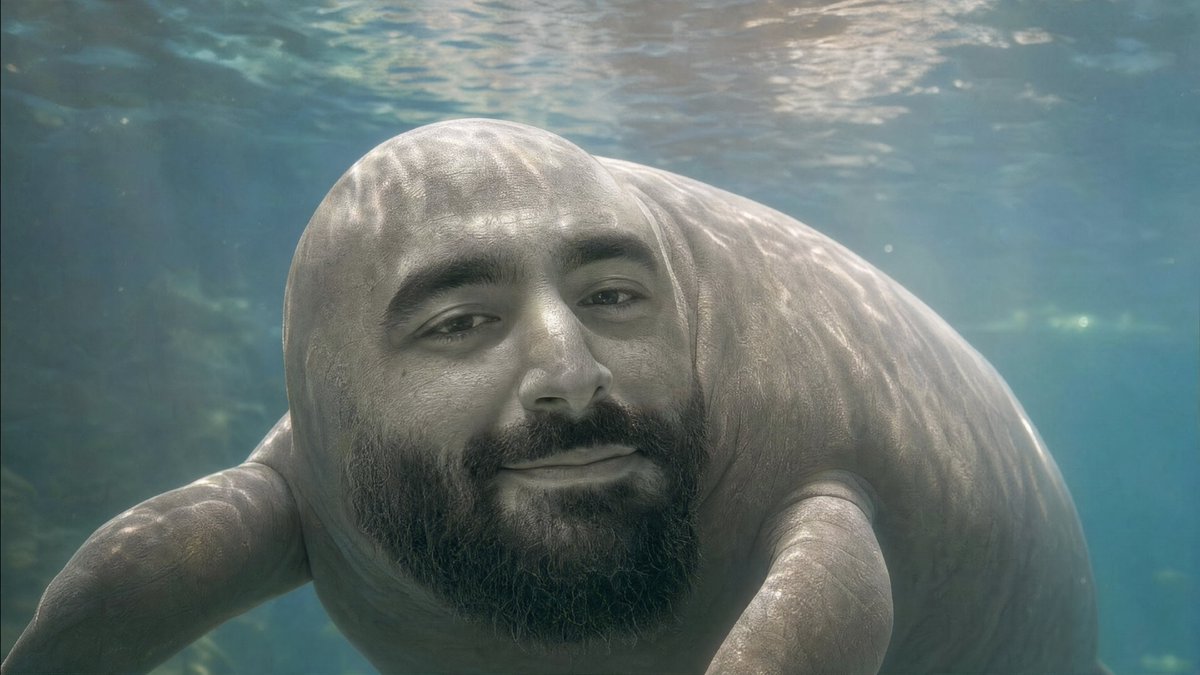
If you or your child have drawn any animals or imaginary creatures, share the pictures below.
I want to bring them to life.
English
