
JUG 🇬🇧
4.4K posts
JUG 🇬🇧
@JUG_SEC
Services of Windows and game OPTIMIZATION for competitive and best results settings • Get the most out of your PC 🔧 • (https://t.co/QgvOffSXWv off)
Katılım Kasım 2020
366 Takip Edilen1.8K Takipçiler

JUG 🇬🇧 retweetledi
🚨R6 SIEGE NEW SEASON LOW FPS TEMP FIX 🚨
Go to:
➡️ C:\Program Files (x86)\Ubisoft\Ubisoft Game Launcher\cache\avatars
Delete the content of the folder.
(Ubisoft screen 3 time every profile picture of every players in your matches, by clearing this, you should get back FPS)
English
JUG 🇬🇧 retweetledi
JUG 🇬🇧 retweetledi

JUG 🇬🇧 retweetledi

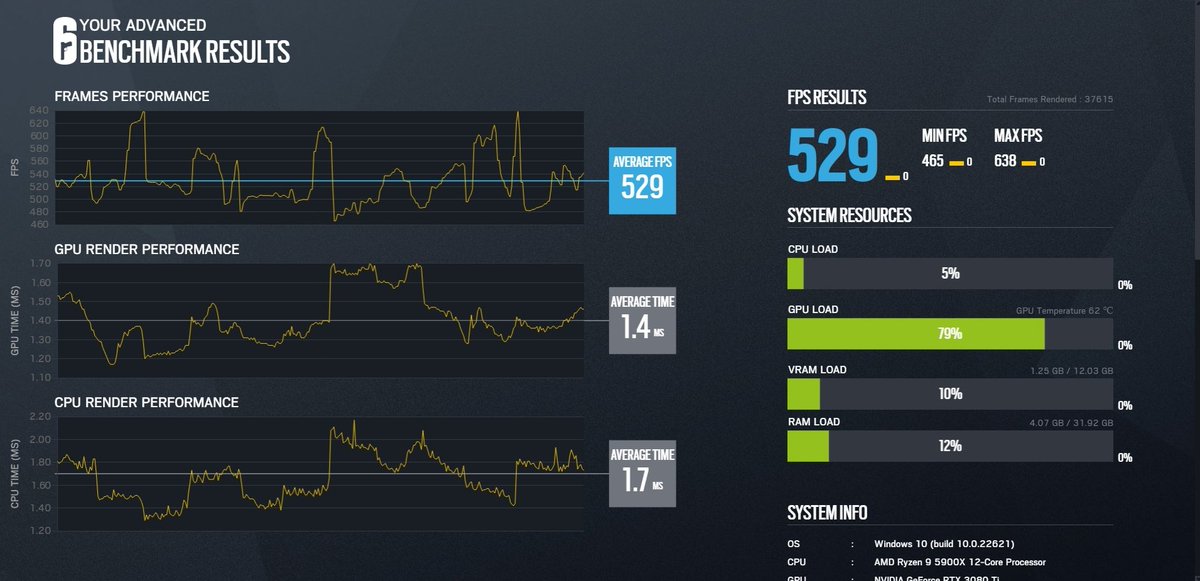
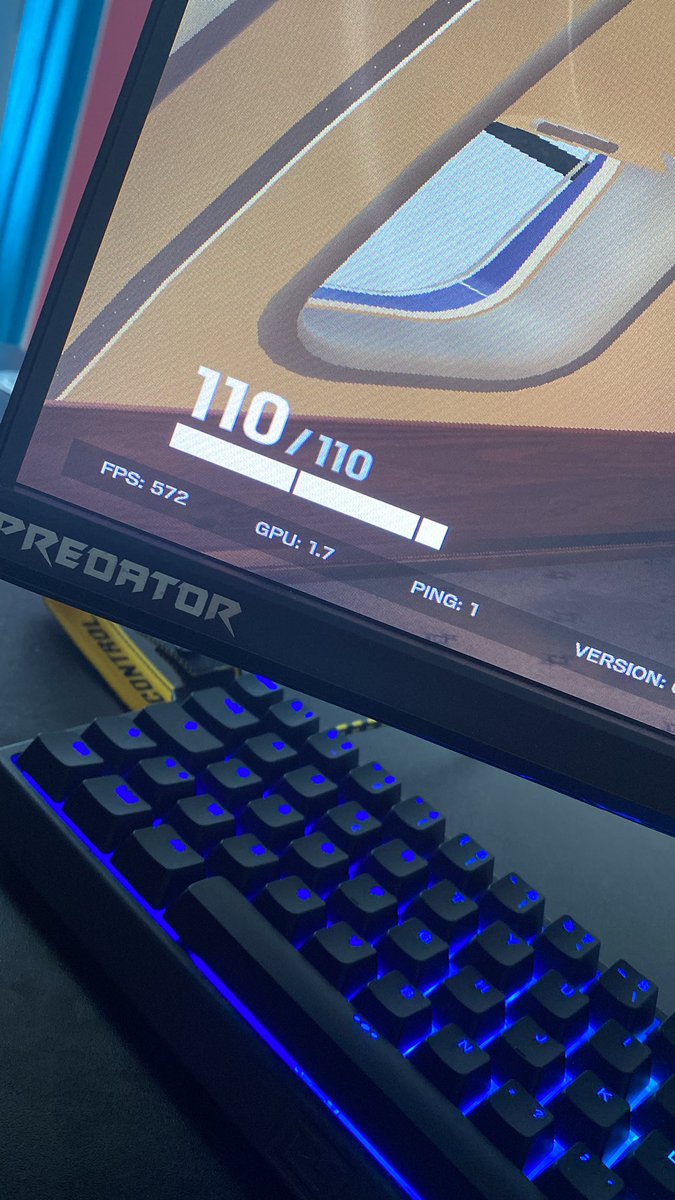
Putin incroyable opti de @RC_YouKyi est @JUG_SEC , de 480 fps a 572 exceptionnel est de 1,8 gpu a a 1.7 merci encore
Français

@kaji_sijo The Covenant & 13h is the best ever made when it comes to peak realism
English



Pardon mais on dirait tellement de l'ia c'est trop chelou le rendu
MEN@MENin4K
Iñaki Godoy as Luffy in 'ONE PIECE' Season 2
Français
PC optimizations available this week:
・Only 1 package, complete, 50€
・Fast & Reliable - 30mins
・Windows, CPU/GPU,RAM & game optimization
---> discord.gg/SZDRw3rMVN --> Ticket or DM
English


@astrrixbtw zero performance difference for losing access to streaming services
goated advice
English
Disable HDCP for lower input lag & faster display response:
Open regedit → navigate to:
HKLM\SYSTEM\CurrentControlSet\Control\Class{4d36e968-e325-11ce-bfc1-08002be10318}\0000
The last folder may be 0001, 0002 etc — check each one for your NVIDIA adapter
Add DWORD: RMHdcpKeyglobZero = 1
Restart
⚠️ Note: may break Netflix/streaming. Removing the Dword will revert it

English


Open NVIDIA Control Panel
↓
In the left menu, click “Manage 3D Settings”
↓
At the top, switch to the “Program Settings” tab
↓
Click the “Add” button under “1. Select a program to customize”
↓
Select “Rainbow Six Siege” from the list
(If it's not listed, click “Browse” and manually find the game's .exe file)
↓
With Siege selected, scroll down the settings list
↓
Find “Max Frame Rate” and turn it On
↓
Set the value to your monitor’s refresh rate +10
Examples:
・360 Hz monitor → set to 370 fps
・240 Hz monitor → set to 250 fps
・144 Hz monitor → set to 154 fps
↓
Click “Apply” in the bottom right
English
シージでプチフリが起きてる人これで少しは緩和されるかも。
NVIDIAコントロールパネルを開く
↓
左側のメニューから「3D設定の管理」をクリック
↓
上部のタブで「プログラム設定」を選択
↓
「プログラムの設定」の中にある「追加」ボタンを押す
↓
リストから「Rainbow Six Siege」(R6 / シージ)を選ぶ
(見つからない場合は「参照」からゲームのexeファイルを直接指定)
↓
シージが選択された状態で下にスクロール
↓
「最大フレームレート」の項目を探して「オン」にする
↓
数値を自分のモニターのリフレッシュレート +10 くらいに設定
例:360Hzモニター → 370fps
例:240Hzモニター → 250fps
例:144Hzモニター → 154fps
↓
右下の「適用」をクリック
日本語


@XxCaRuSoXx1 @UbisoftConnect @RC_YouKyi That may help, but for your temps it is not related
Go bios and set your fans to a higher speed value
Download Quickcpu, use high performance profile and your core issue is gone
English

@JUG_SEC @UbisoftConnect @RC_YouKyi I play 2/3 games or rounds and my 7800x3d go 80° and 4 core go on 100% this method fix this shi7?
English
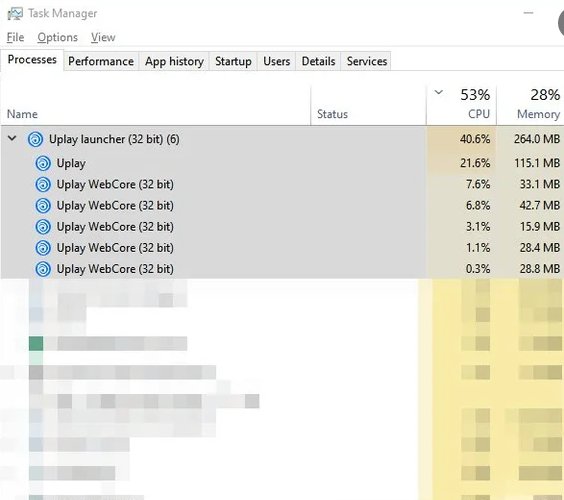
🔧 [SIEGE UNEXPECTED FPS LOSS PROBLEM]
[FIX SOLUTIONS BELLOW] 🔴
You may have noticed recently on the game rainbow six siege, a significant performance loss.
This is due to the overload of your CPU caused by @UbisoftConnect when the game is started and used.
⬇️ READ BELOW
English



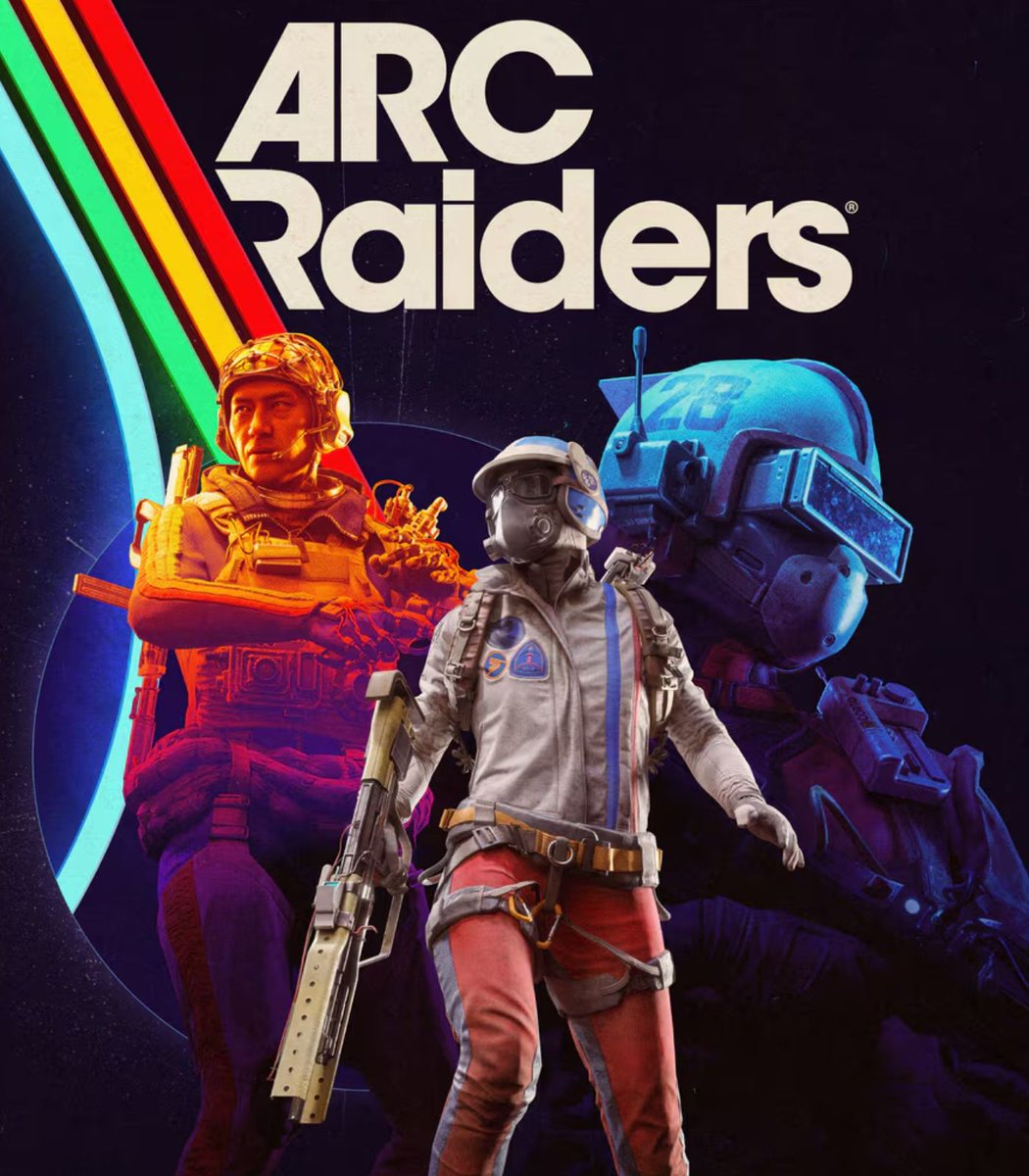
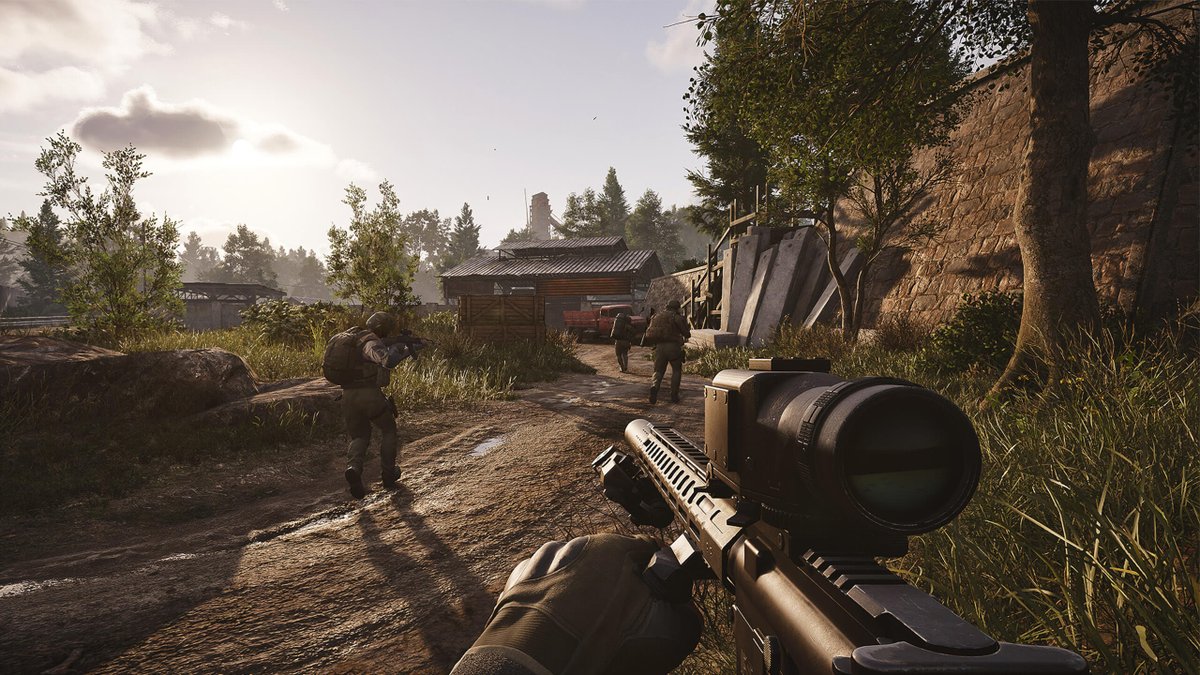
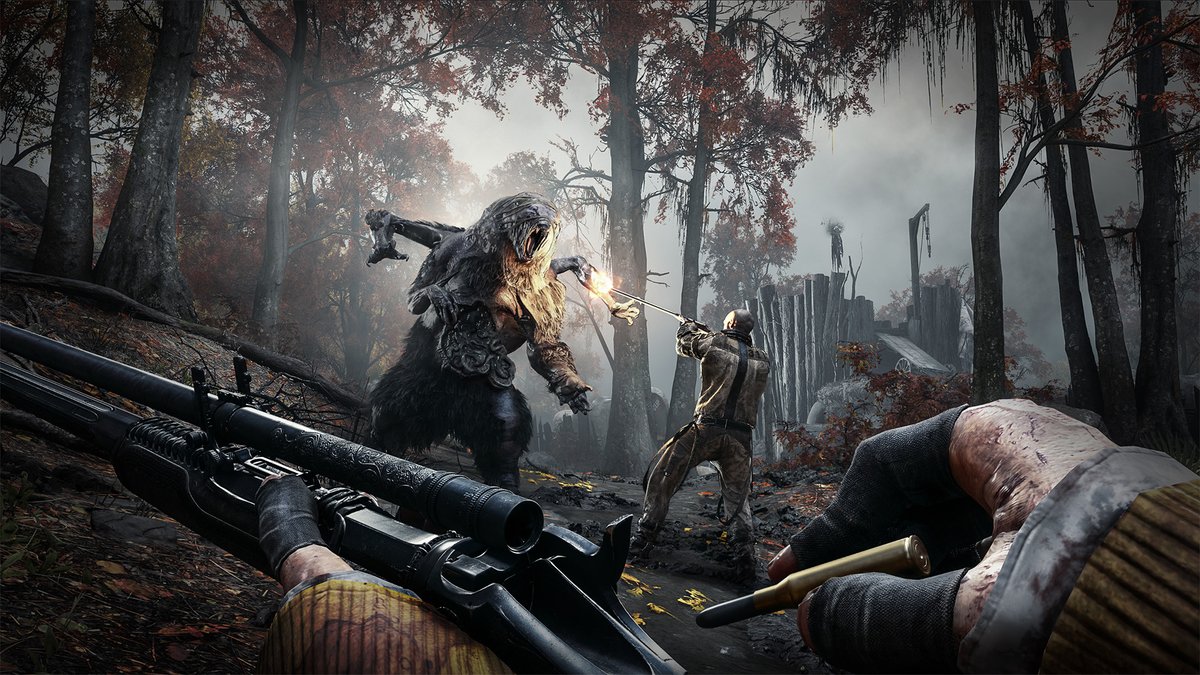
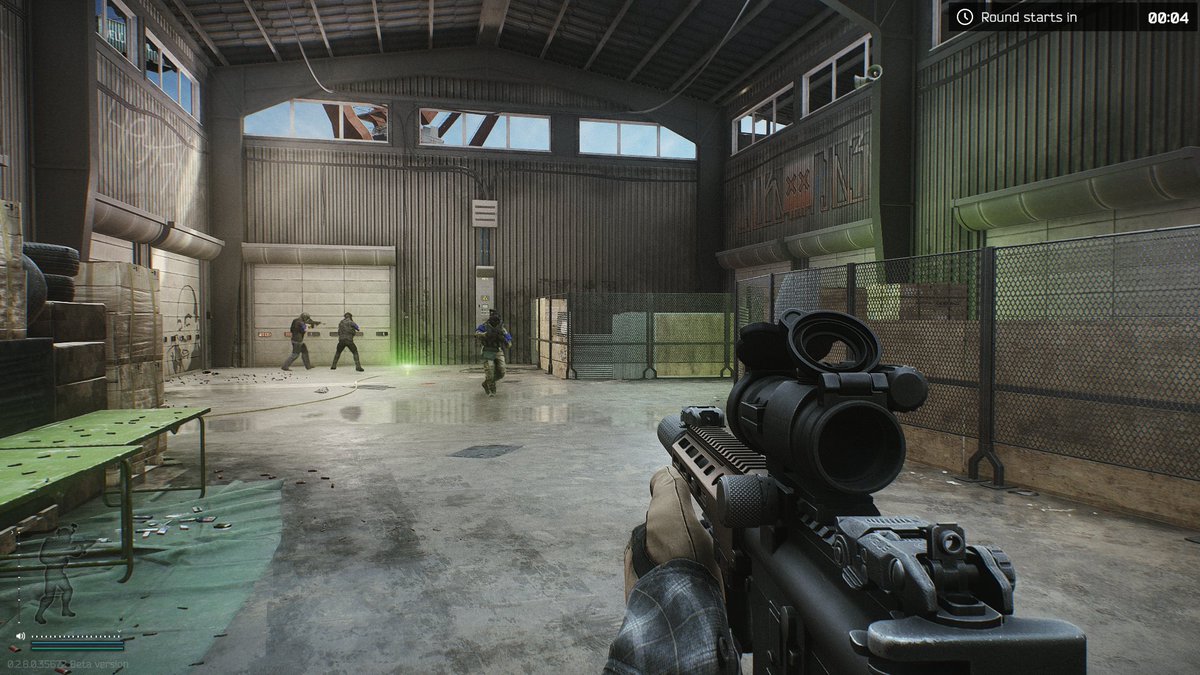
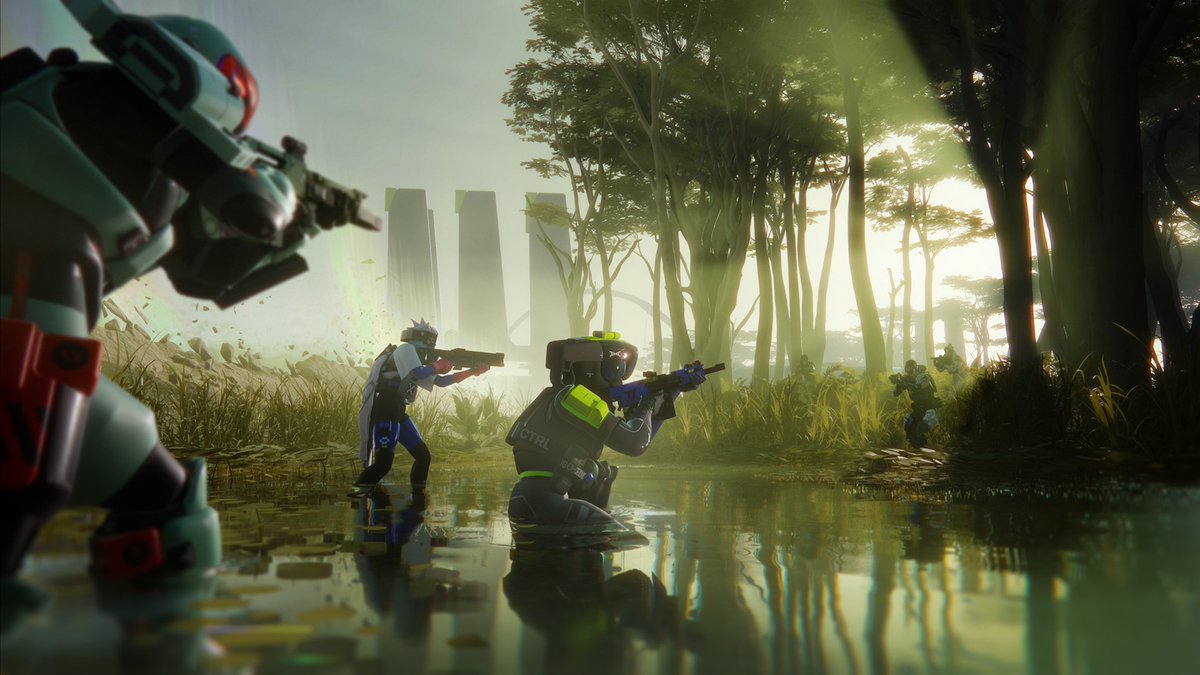
Top 5 BEST Extraction Shooter Games!
⚠️ OFFICIAL LIST ⚠️
5. Arena Breakout
4. Arc Raiders
3. Hunt: Showdown 1896
2. Marathon
1. Escape From Tarkov
English
@MaaraDemon @e_Kaesy Il a pas eu les perf qu’il voulais, le nombre de FPS exact en bas à droite de l’écran, et cash a demander remboursement plus reset du pc pour ne plus rien avoir 🥸
Français

tout ce que j’ai à dire, c’est de ne pas faire de l’optimisation chez @JUG_SEC !!
Gruby@hellgruby
Thanks for the fresh optimization, if anyone needs help with his PC, make sure to message the goat @Afromnazareth 😎
Français

toujours des gros accents de bdg FR qui tchoup les gadjis pour un bout de bezoul sur discord en plus elle a un no recoil n3al sheitan et je m’en blc jvous bz irl
bloppy❤︎₊ ⊹@blxppyy
take smg12 away from me
Français