
Sabitlenmiş Tweet
Jitter
2.2K posts

Jitter
@jittervideo
Motion design for creative teams. Powered by AI 💫
Katılım Temmuz 2019
2.3K Takip Edilen24.1K Takipçiler


@cypher_toon While Jitter doesn't support 3D yet, you can use Jitter AI to create 3D-like effects. Take a look at our AI templates for examples of 3D rotations, card flips, and more: jitter.video/templates/jitt…
And yes, you can totally export with transparent background!
English

@jittervideo Can I import a picture and ask jitter to do a 3d rotation on it with lights and all.
Will it export at alpha mode ?
English
@jasonngsx You can try it with our Free plan! It comes with limited AI credits that should be enough to test things out ☺️
English


@jittervideo linkedin.com/posts/sagarlud…
@jittervideo this is something we created recently, thanks to such a great product. First time, we haven't used after effects.
English

@jittervideo This looks awesome! Can’t wait to try it out and see what effects I can create.
English



@jittervideo Option to publish tools you build, will be a total game changer
English

@jittervideo OH MY GOD YES. I CAN MAKE CUSTOM CONTROLS THATS AMAZING
English

@thehardikdesign Noted! 3D transforms are on the roadmap already. Just added your vote for that feature so we can let you know when it's live!
English

@jittervideo It’s already soo useful to prototype within seconds this adds more functionality with shaders now. @jittervideo can we please also allow importing glb files for 3D edits
English
@aidash_aldiyar Hey Aidash! Just go to Jitter, import the design, select the layers you'd like to animate, and hit "Animate with AI". From there, describe the effect you're looking for in a prompt and you'll see it come to life in a few seconds!
English

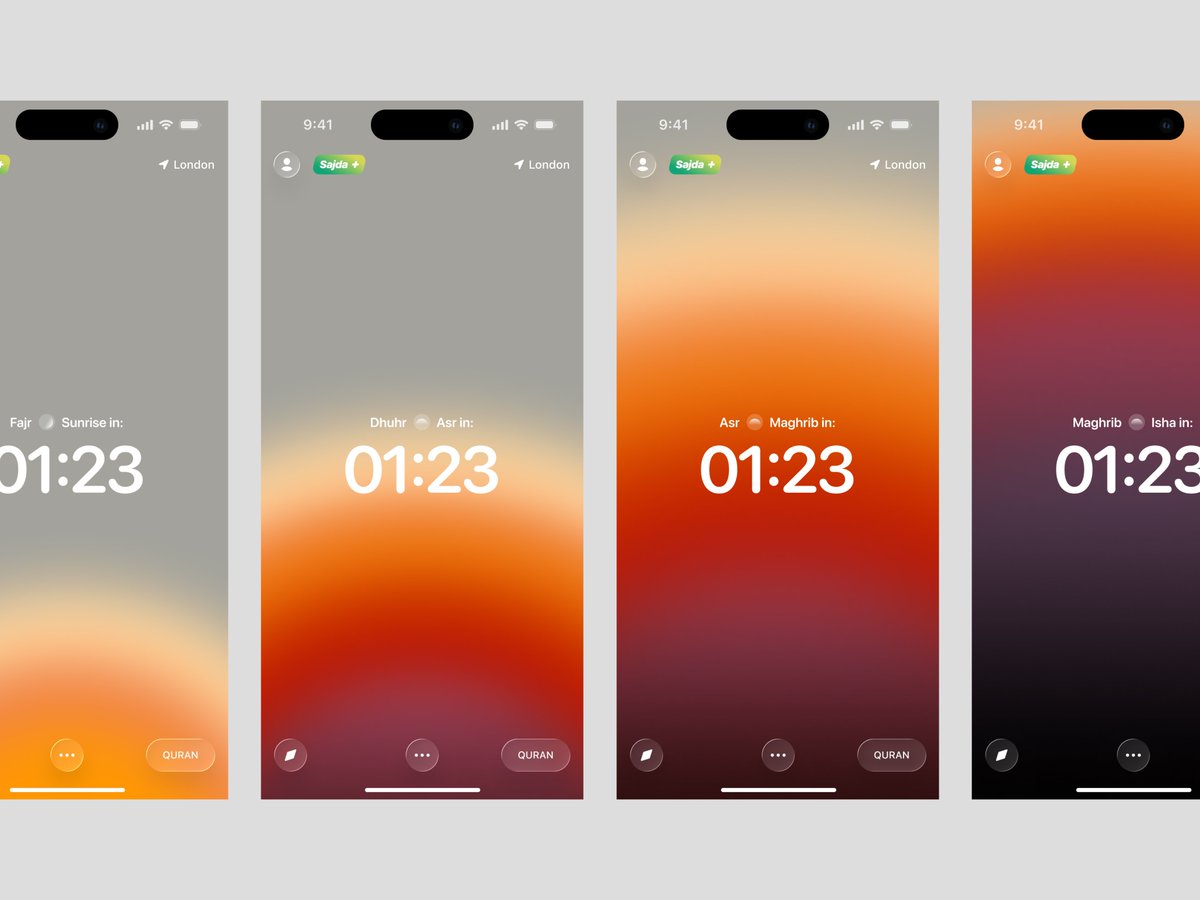

@krispuckett Dude @jittervideo is one of my favorite products. 10/10 and incredible quality.
English


This is absolutely insane! I love it and I need this NOW!
Jitter@jittervideo
Introducing Jitter AI ✨ Don't search for the right creative tool. Build it. Just type your idea and get a ready-to-use effect in seconds. Live today 👇
English

I thought a product designer uses Figma.
Now i regularly use:
- Jitter
- Figma
- Github
- Framer
- Codex
- Claude
- Gemini
- Midjourney
- Screen Studio
- Unicorn Studio
You need to figure out copy
You need in-depth knowledge of UX
You need to be insanely fast in Figma
You need to know how to animate things
You need to be able to present your designs
You need an understanding of mobile and web
You need to be able to explain your expert opinion
You need in-depth knowledge of interaction design
And about 1 billion more things.
It's wild to me how some still don't understand the value of a proper product designer.
English


I have to say this is pretty damn cool! got to test it a little before the release.
First time I've seen Ai do a good job of what I want from quick animations. You better believe I'll be testing this more for projects now!
Jitter@jittervideo
Introducing Jitter AI ✨ Don't search for the right creative tool. Build it. Just type your idea and get a ready-to-use effect in seconds. Live today 👇
English