@DesegnistoR Absolutely not. If it sounds too good to be true, you can usually be sure it is not true. We've filed a claim with aliexpress to remove this.
We’re hosting a Sylenth1 sound design contest with thousands of dollars worth of studio prizes! Check the link for details and join today:
lennardigital.com/home/contest.p…
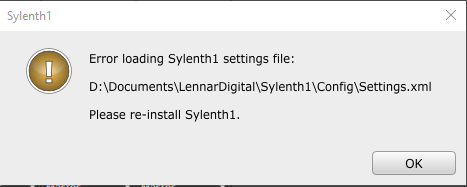
@gaba_music If you keep having problems, try deleting the Sylenth1 data folder and re-install Sylenth1. Choose a different folder to install the Sylenth1 data folder (public documents for example).
@LennarDigital Hello guys, I have a legal copy on windows, I installed the latest version by login in on you website but i get this message everytime I try to open Sylenth1. This file is not missing, I checked it... I'm stuck
@gaba_music Hi, please make sure that you are actually running the latest version of Sylenth1. Check your VST folders and make sure there's no old version lingering around somewhere.
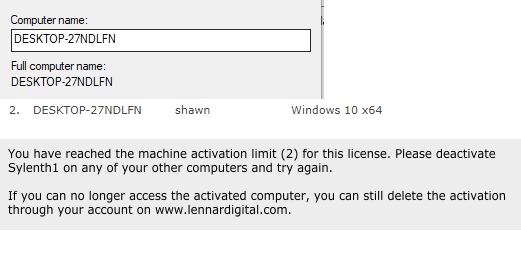
@LennarDigital hello guys, i just have a new pc (WIN 10) but I can't activate Sylenth 1. I deactivated my other sylenth on my old pc. I have internet, everything is ok.
Please help
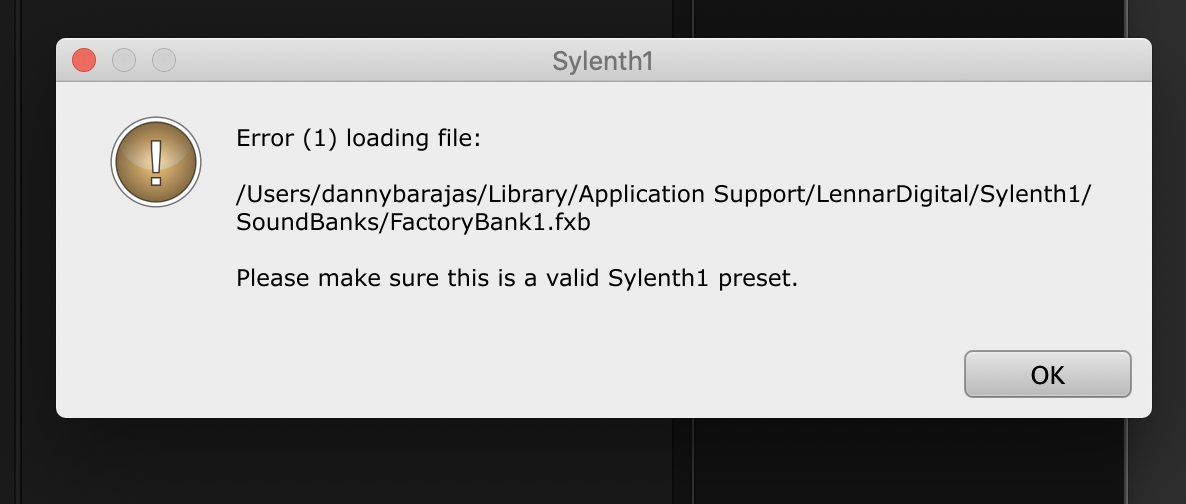
@dannyraylive Possibly a problem with the file permissions in that folder. Have you tried deleting the Sylenth1 data folder and re-installing Sylenth1 already?
@codeukdnb Hi, did you re-install your OS or put back a drive backup or something similar maybe? That could interact with the activation. Just delete the activation through the website to fix it.
@LennarDigital Can you please help me? Im trying to activate my Sylenth on my computer and despite it having all the correct information it doesnt work?! Its not the first time this has happened either.
@SoundRemedy We can't make it update itself because it is a plug-in, not an application. To do that Sylenth1 would need to kill the DAW in order to update itself, and that's generally a very bad idea.
@SoundRemedy You can find a link in your license email that will log you in without actually entering your code. You can bookmark it if you want to make things quick. You don't have to uninstall Sylenth1, nor activate it. Just install right over it, should be very easy!
@barrluk@lancethackeray Do not load or save presets through the DAW's functionality, as we cannot guarantee that the DAW can read and write Sylenth1's data format properly.
@LennarDigital@lancethackeray Hi, I just installed the new version (3.066) and the problem still persists.
The message: "Error (20) loading preset data. Invalid data format."
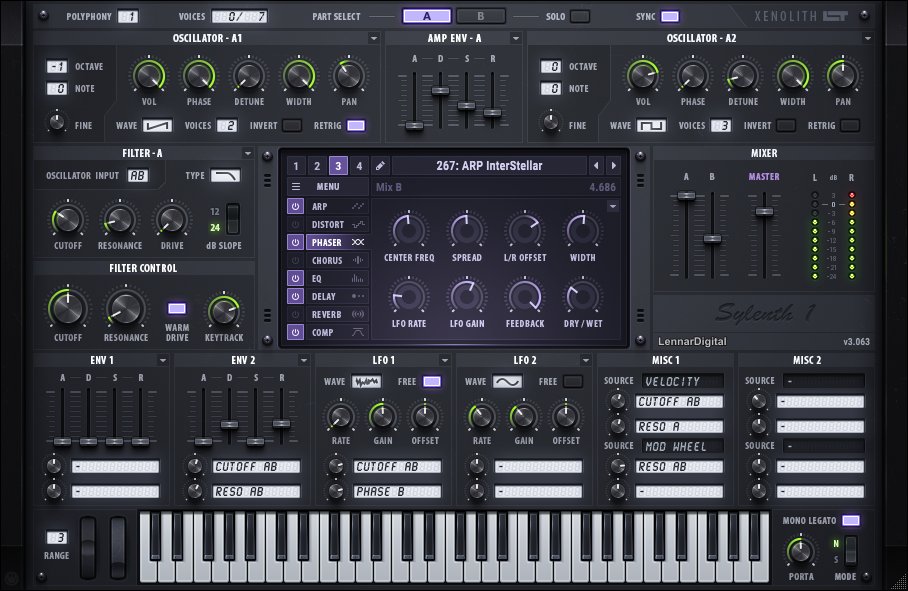
Sylenth1 version 3.063 is released! This version includes the new Xenolith skin by @lancethackeray, which is an improved high-res version of the original Thackeray skin.
Read more and download on lennardigital.com
@barrluk@lancethackeray Hi, Please make sure to load and save presets and soundbanks in Sylenth1 by clicking the MENU button on the center of Sylenth1's user interface -> Preset/Bank -> Load/Save.