
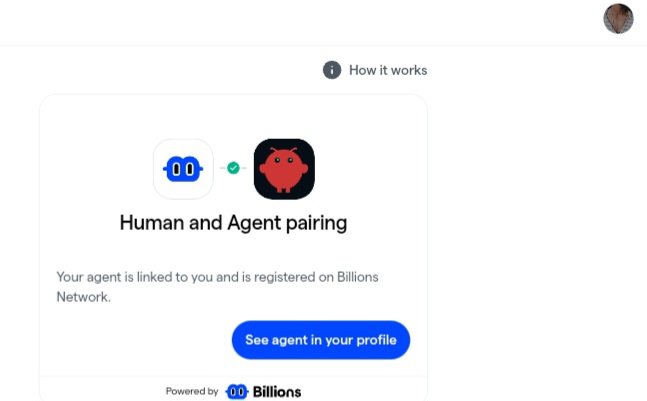
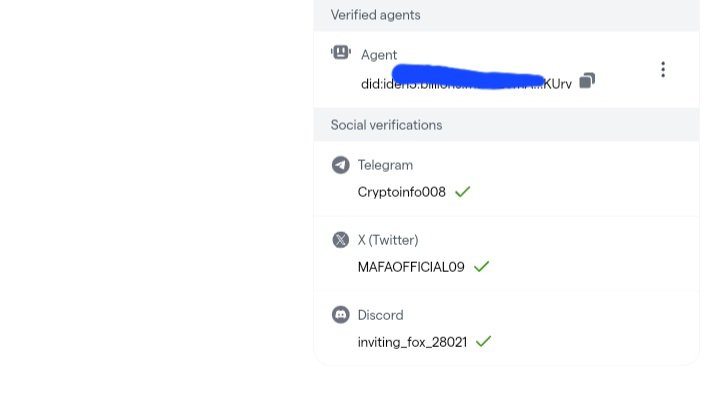
Step-by-Step Guide: Create & Verify Your AI Agent Using Only an Android Phone (No Computer Needed If you don’t have access to a computer, you can still create and verify your AI agent directly from your **Android phone**. The entire process can be completed using a terminal app and a few simple commands. Follow the steps below carefully. 1️⃣ Install Termux First, install a terminal application called **Termux**, which allows you to run commands on your phone. Download it from here: [f-droid.org/repo/com.termu…](f-droid.org/repo/com.termu…) After installing, open the app to begin. 2️⃣ Prepare the Environment Once Termux opens, run the following commands to update the system and install the required tools. ``` pkg update pkg upgrade -y pkg install git nodejs -y node -v ``` If the terminal asks for confirmation during installation, simply type **Y** and press **Enter**. 3️⃣ Download the Verification Project Next, download the Billions Network verification repository. git clone github.com/BillionsNetwor… cd verified-agent-identity ``` This will copy the necessary project files onto your device. 4️⃣ Install Required Dependencies Now install the packages needed for the verification scripts. ``` npm install shell-quote @iden3/js-iden3-auth @0xpolygonid/js-sdk ethers uuid cross-fetch ``` Wait until the installation completes. 5️⃣ Generate Your Agent Identity Navigate to the scripts folder and create your agent identity. ``` cd scripts node createNewEthereumIdentity.js ``` After running the command, you will receive a **DID (Decentralized Identifier)** similar to this: ``` did:iden3:billions:main:xxxxx ``` Make sure to **save this DID somewhere safe**. 6️⃣ Generate the Verification Link Now create the link that will allow you to verify your agent. ``` node manualLinkHumanToAgent.js --challenge '{"name":"my","description":"Billions AI Agent from Asia"}' ``` After running this command, a verification link will appear. Example: ``` wallet.billions.network#i_m=xxxxxxxx ``` Copy this link and open it in your **mobile browser**. 7️⃣ Complete Human Verification When the link opens, it will take you to the **Billions Wallet verification page**. Follow the instructions shown there and complete the human verification process. Once approved, your **AI agent will be successfully linked to your identity**. 8️⃣ (Optional) View Your Private Key If you want to check the stored private key, run: ``` cat ~/.openclaw/billions/kms.json ``` ⚠️ Your **private key is extremely sensitive**. Store it securely and never share it with anyone. --- Important Reminders • Never share your private key publicly • If the verification link expires, simply run the linking command again to generate a new one Creadit- @salesman_1k