Neil Maloney

940 posts

Neil Maloney

Neil Maloney

@MGLWorld_Neil

Education Consultant for MGL world

Katılım Eylül 2020
54 Takip Edilen129 Takipçiler
Neil Maloney
Neil Maloney@MGLWorld_Neil·
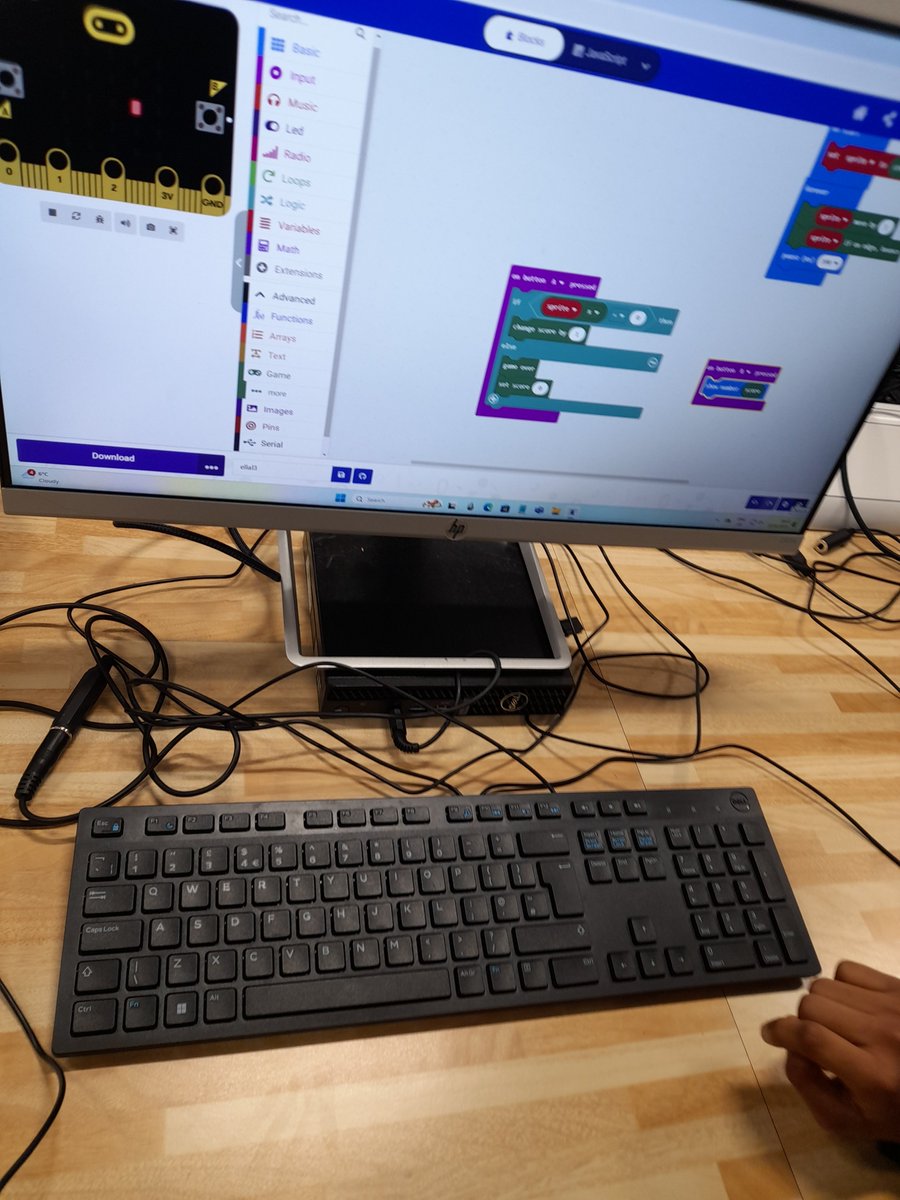
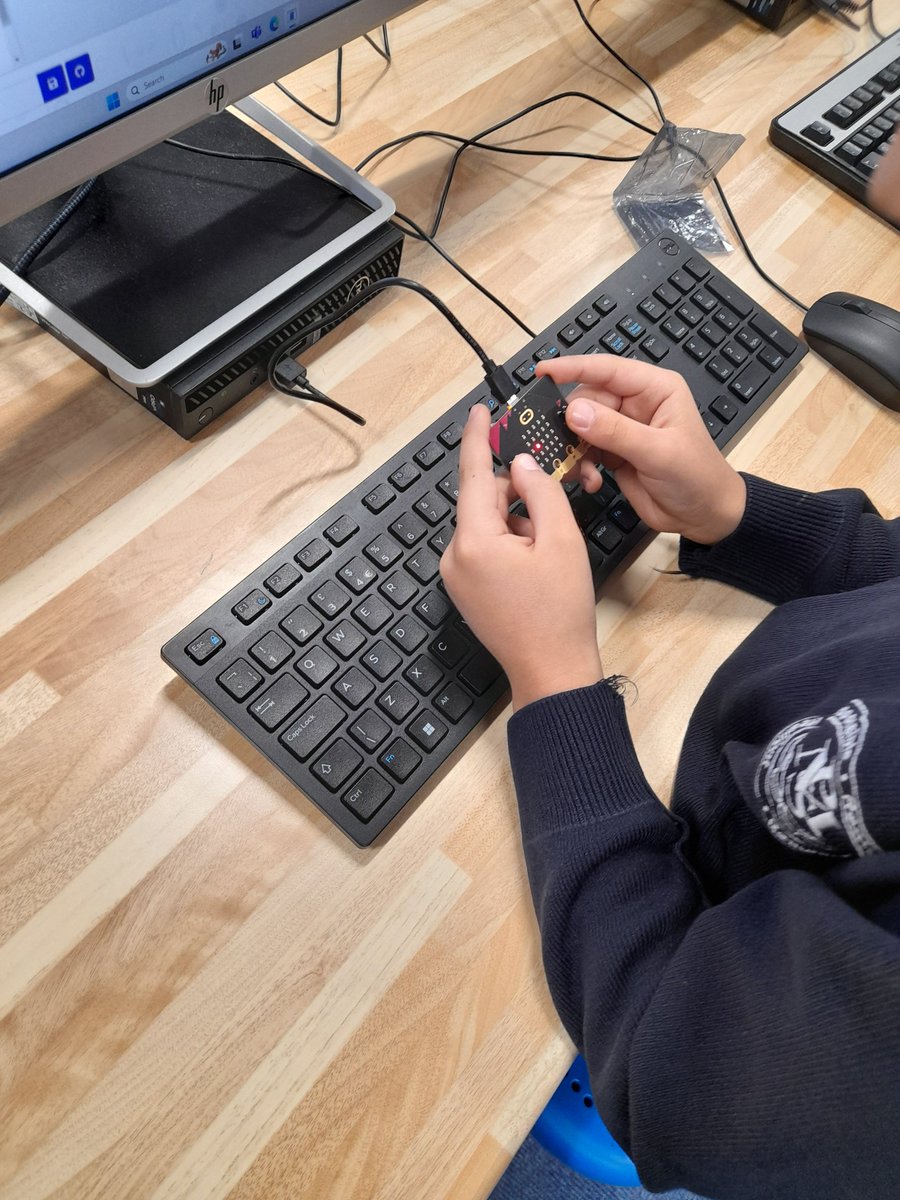
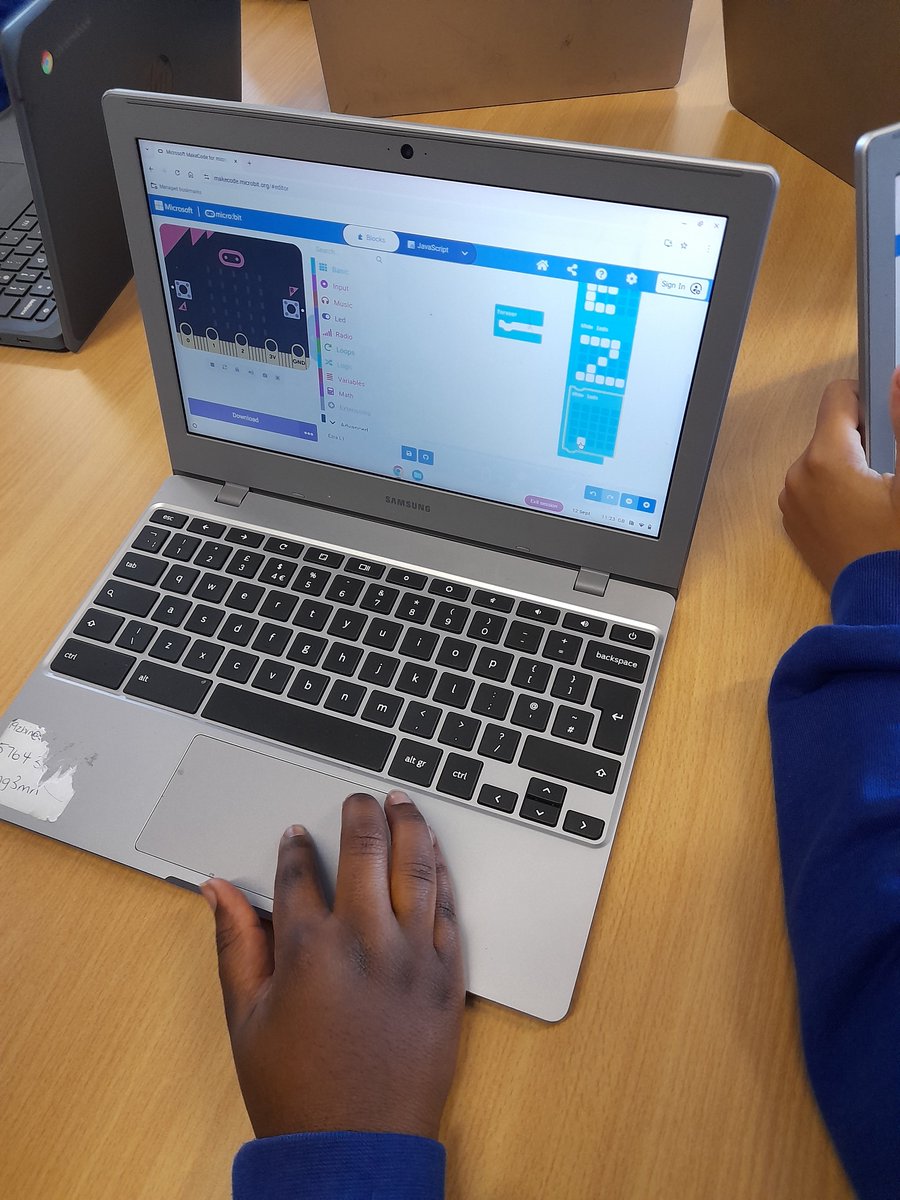
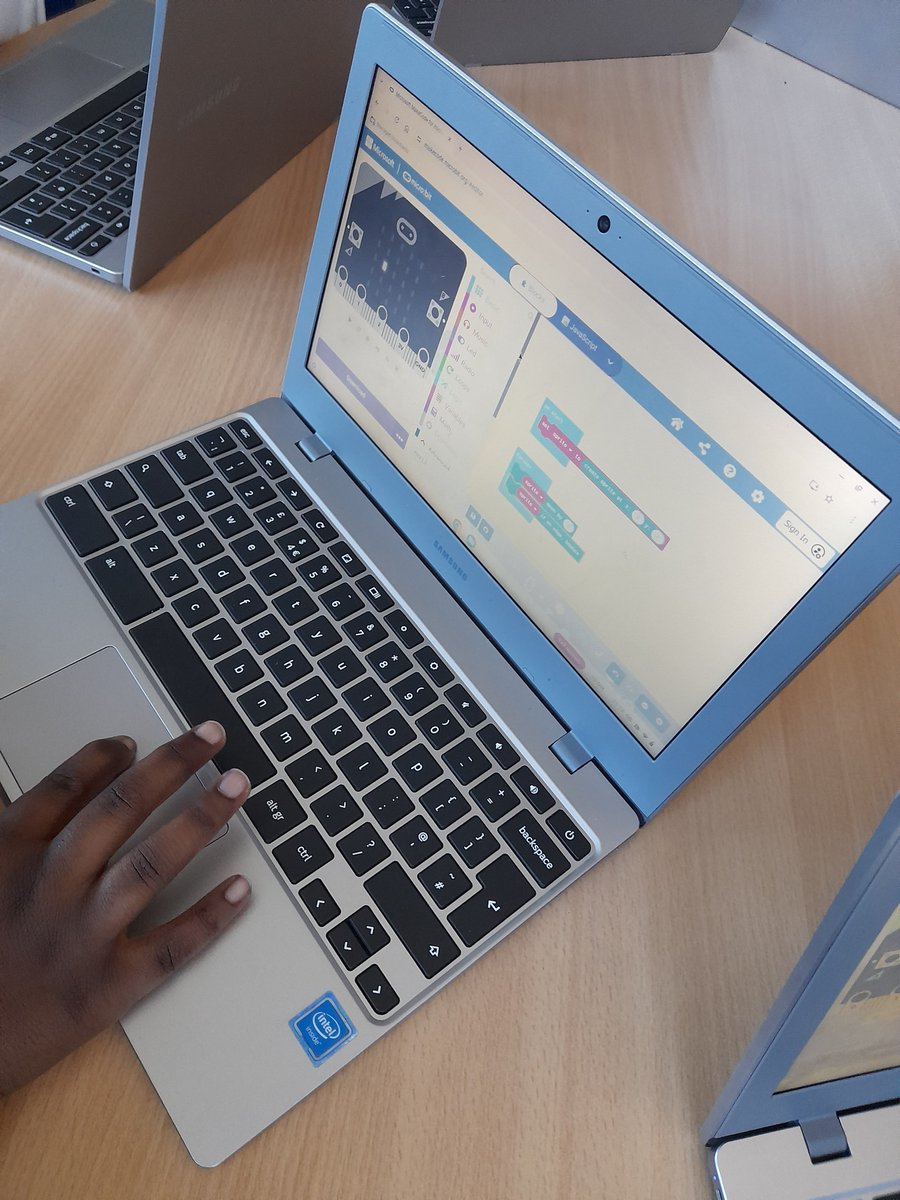
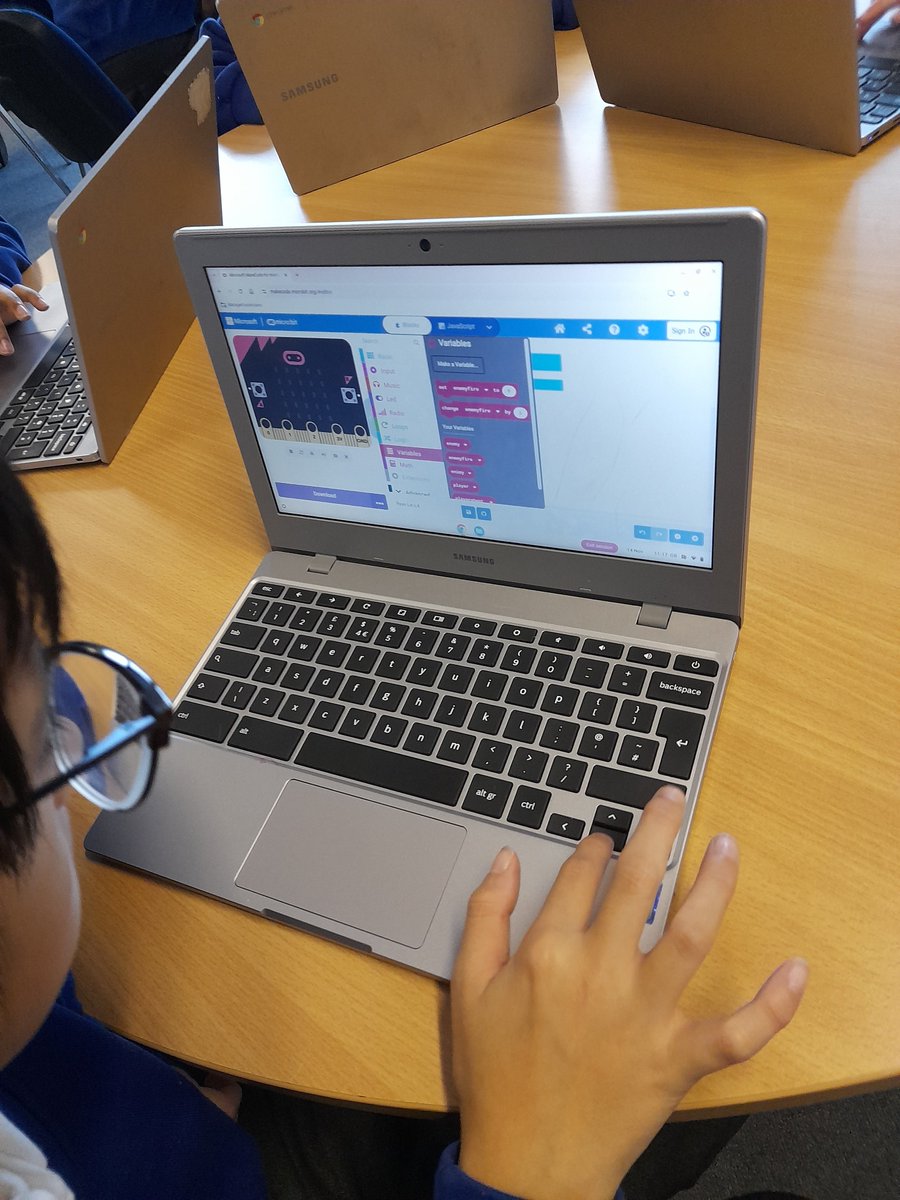
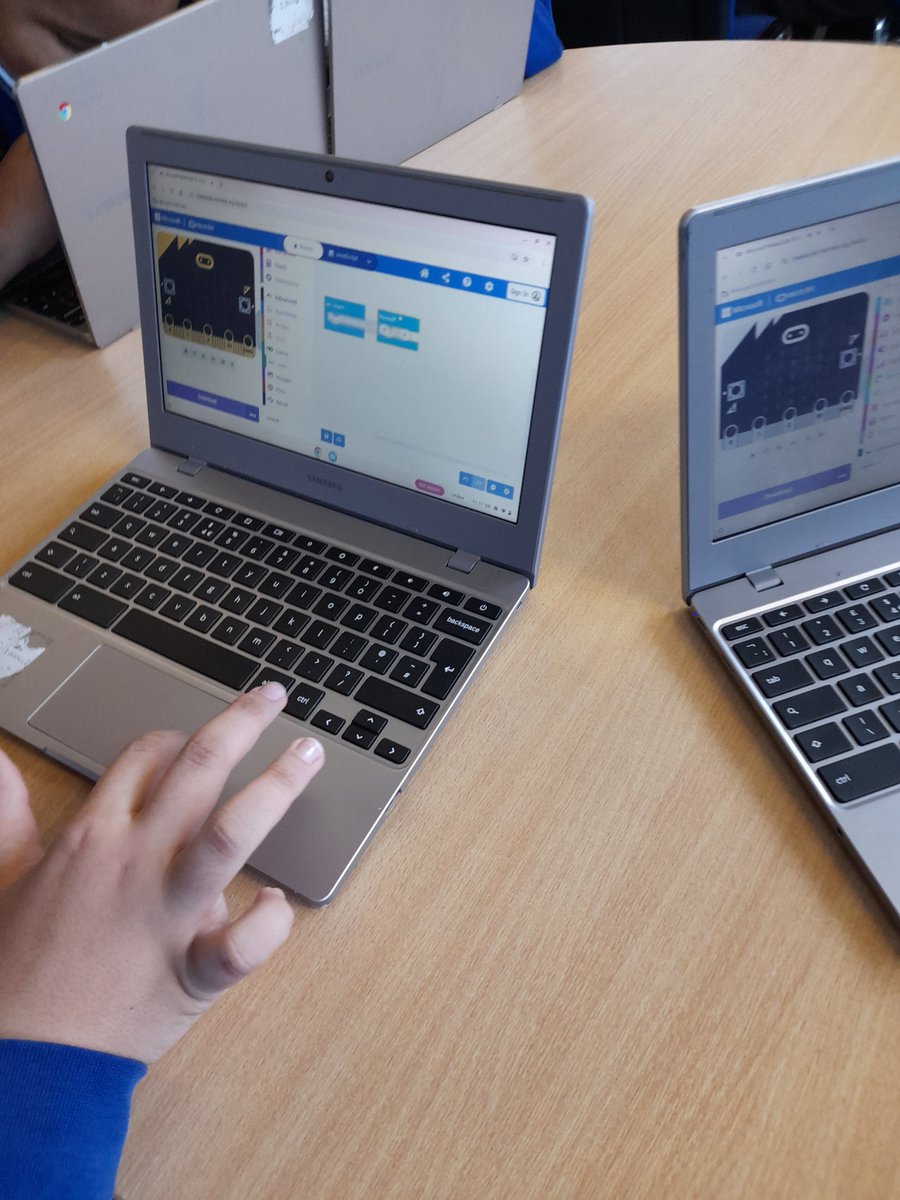
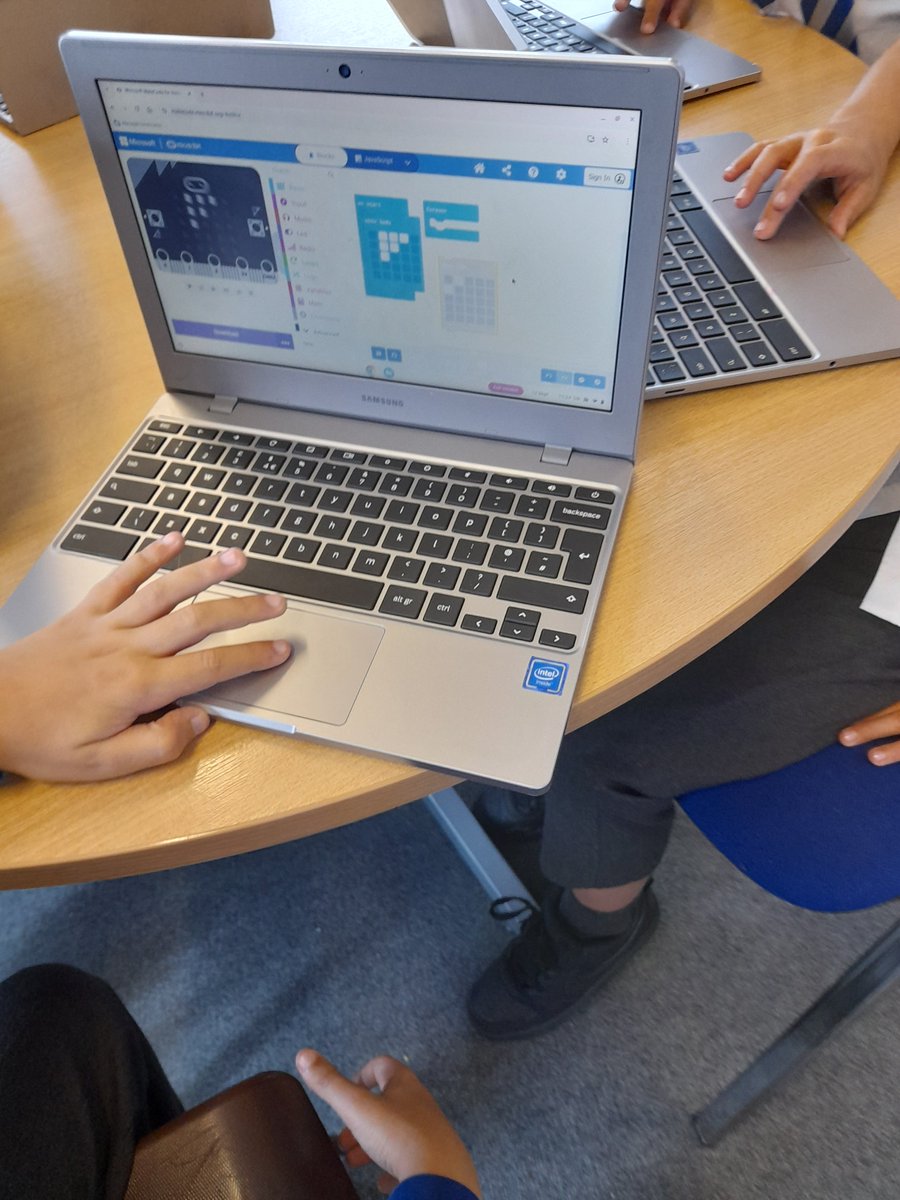
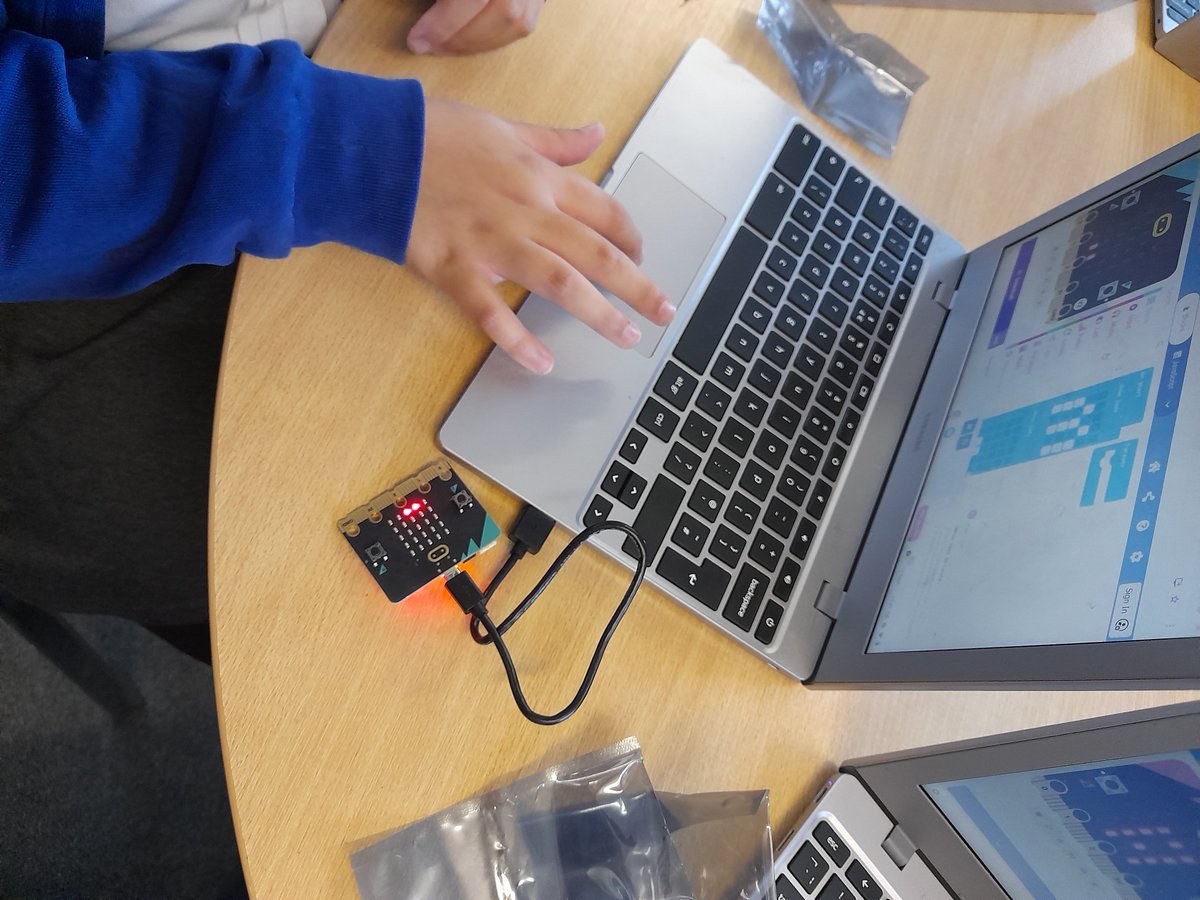
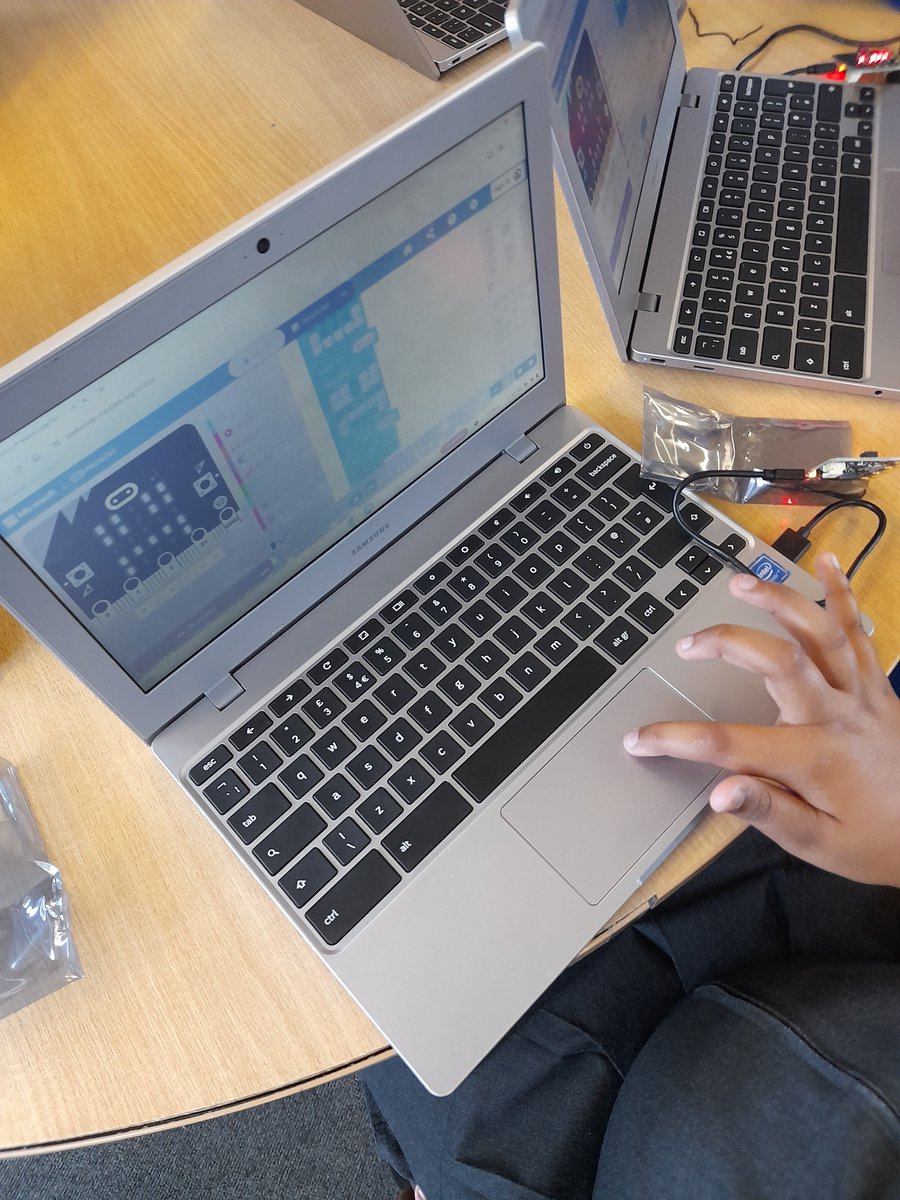
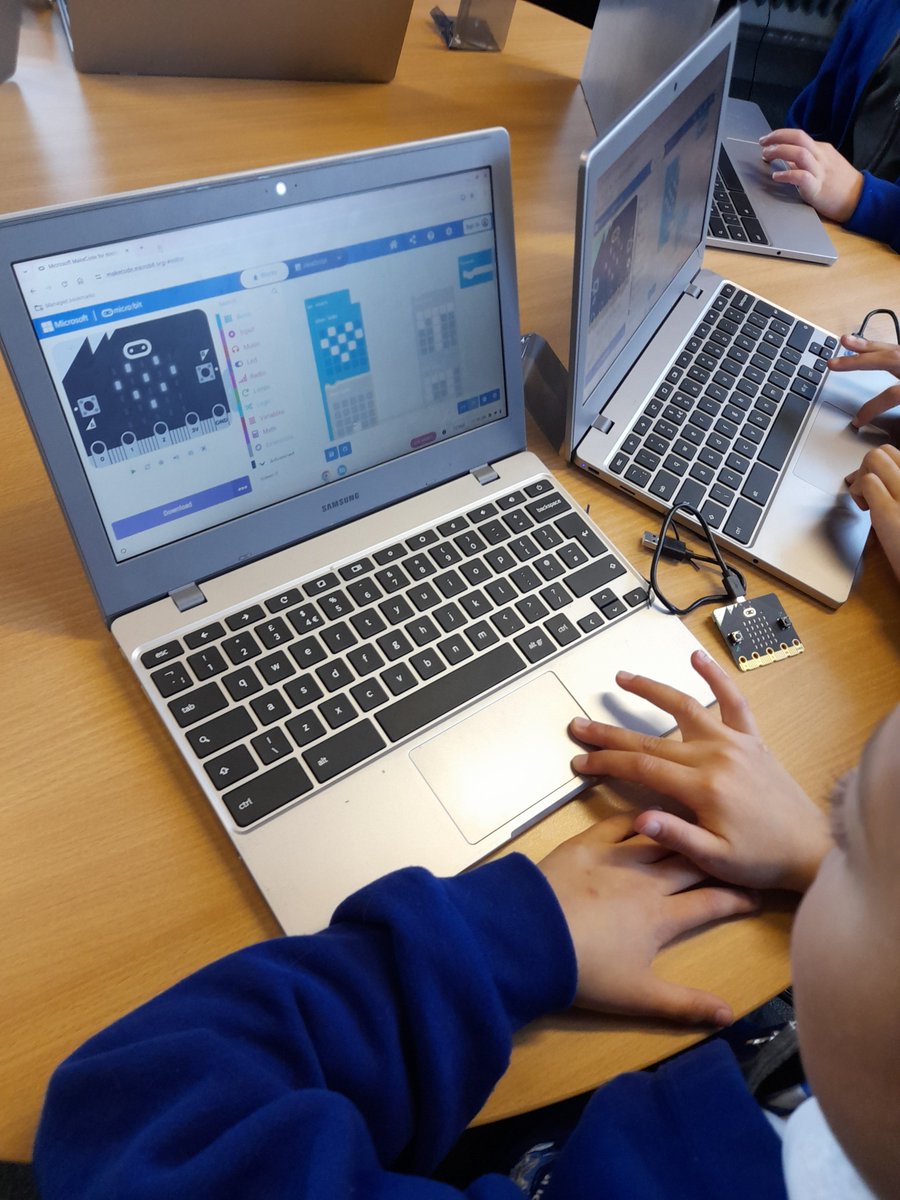
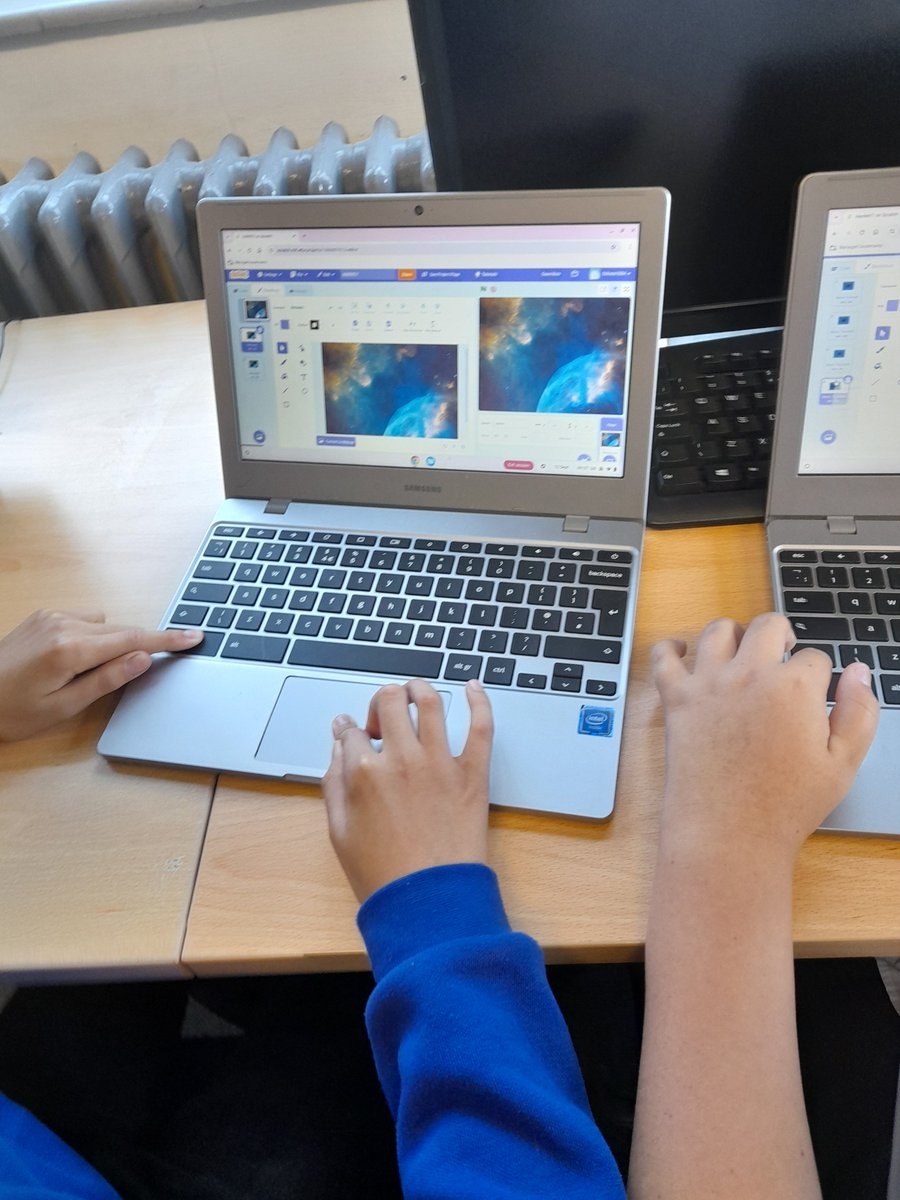
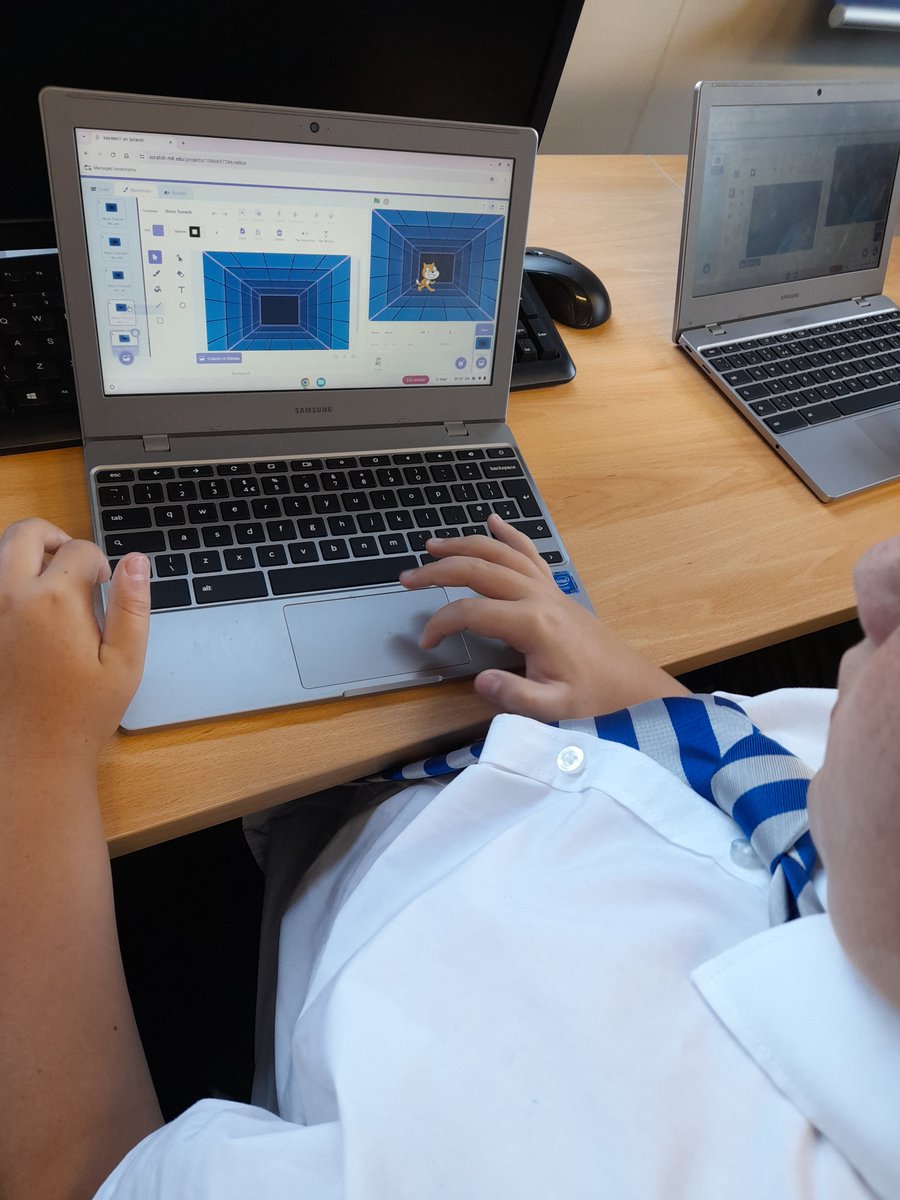
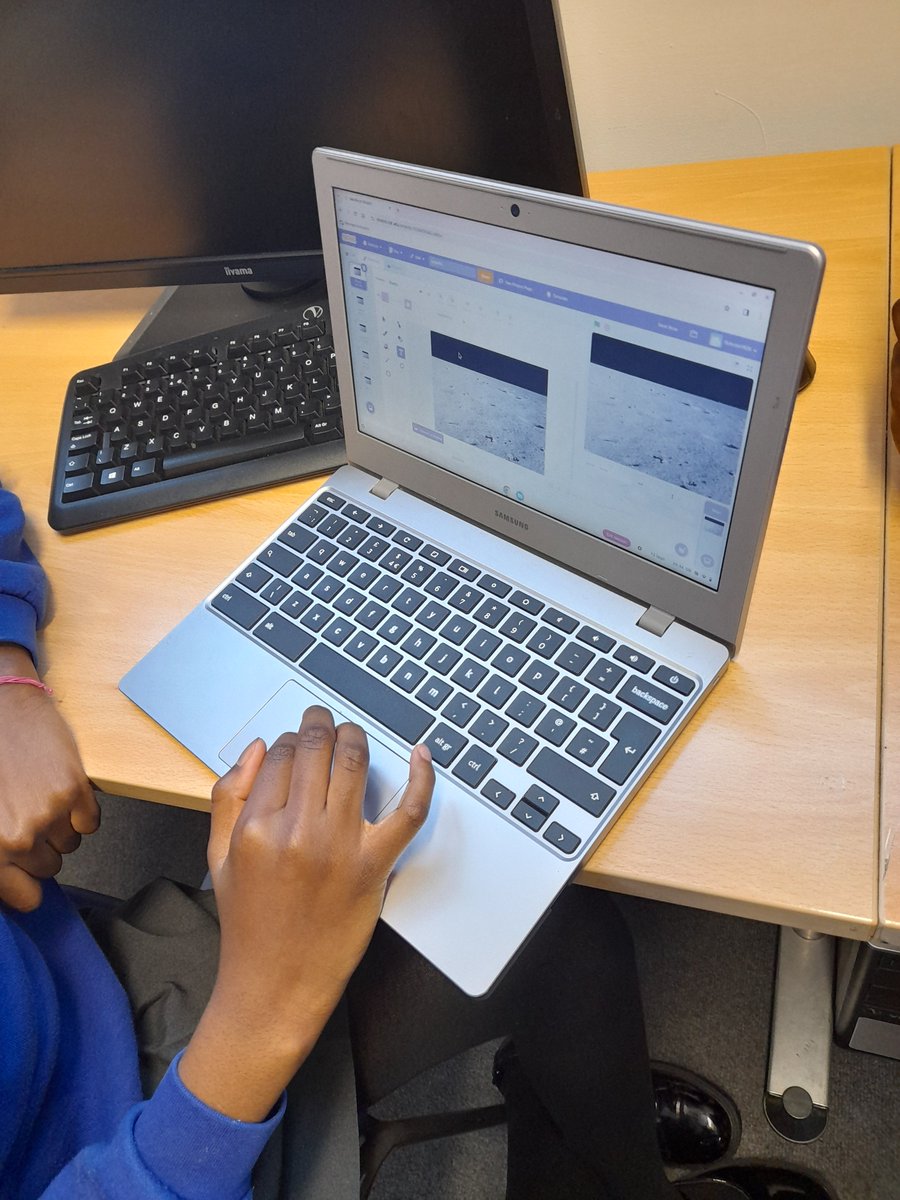
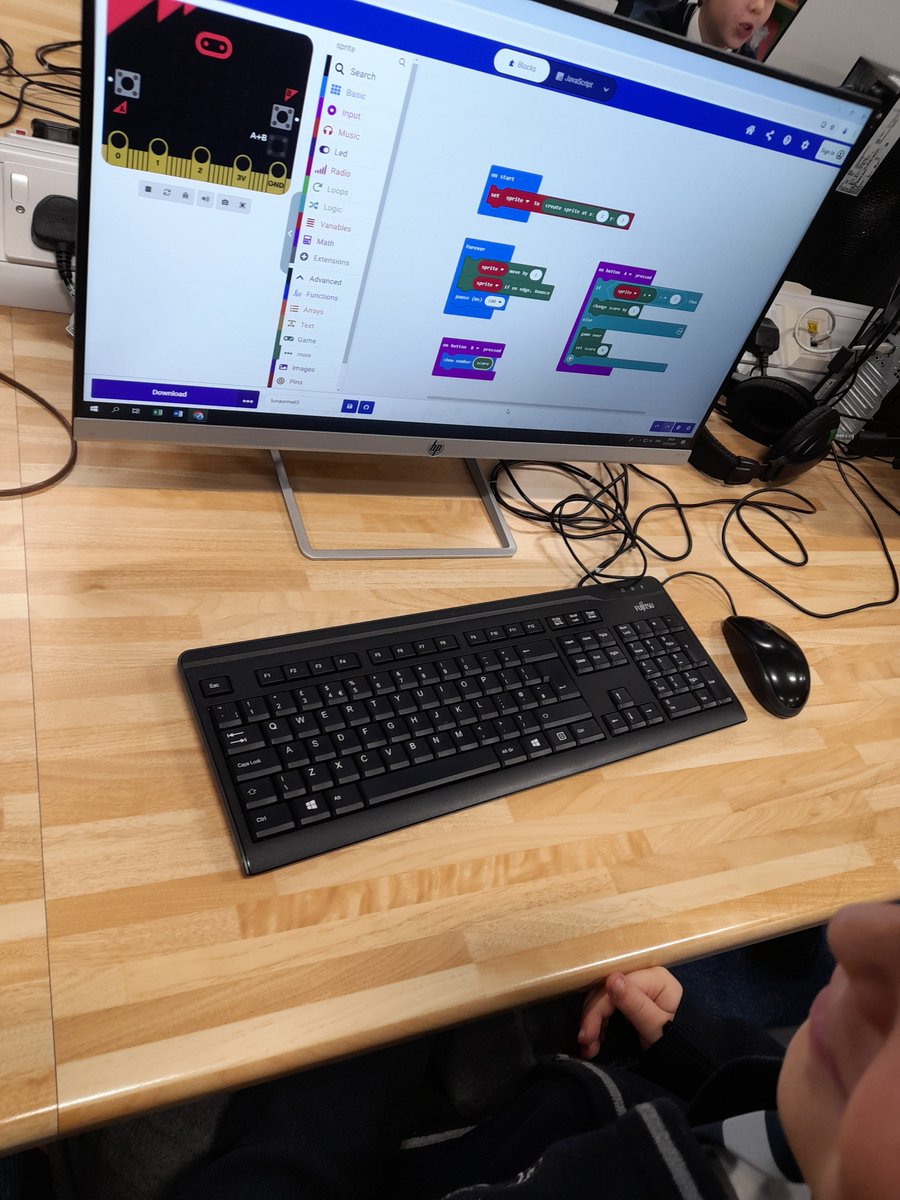
Yesterday @Y5Monksdown coded a Micro:bit using inputs, loops and conditionals. Children created a reaction game getting a ‘Sprite’ to move left and right, when they pressed the A button at the right time they scored a point, if it wasn’t in the correct spot the game restarted.
Neil Maloney tweet mediaNeil Maloney tweet mediaNeil Maloney tweet mediaNeil Maloney tweet media
English
0
1
4
448
Neil Maloney
Neil Maloney@MGLWorld_Neil·
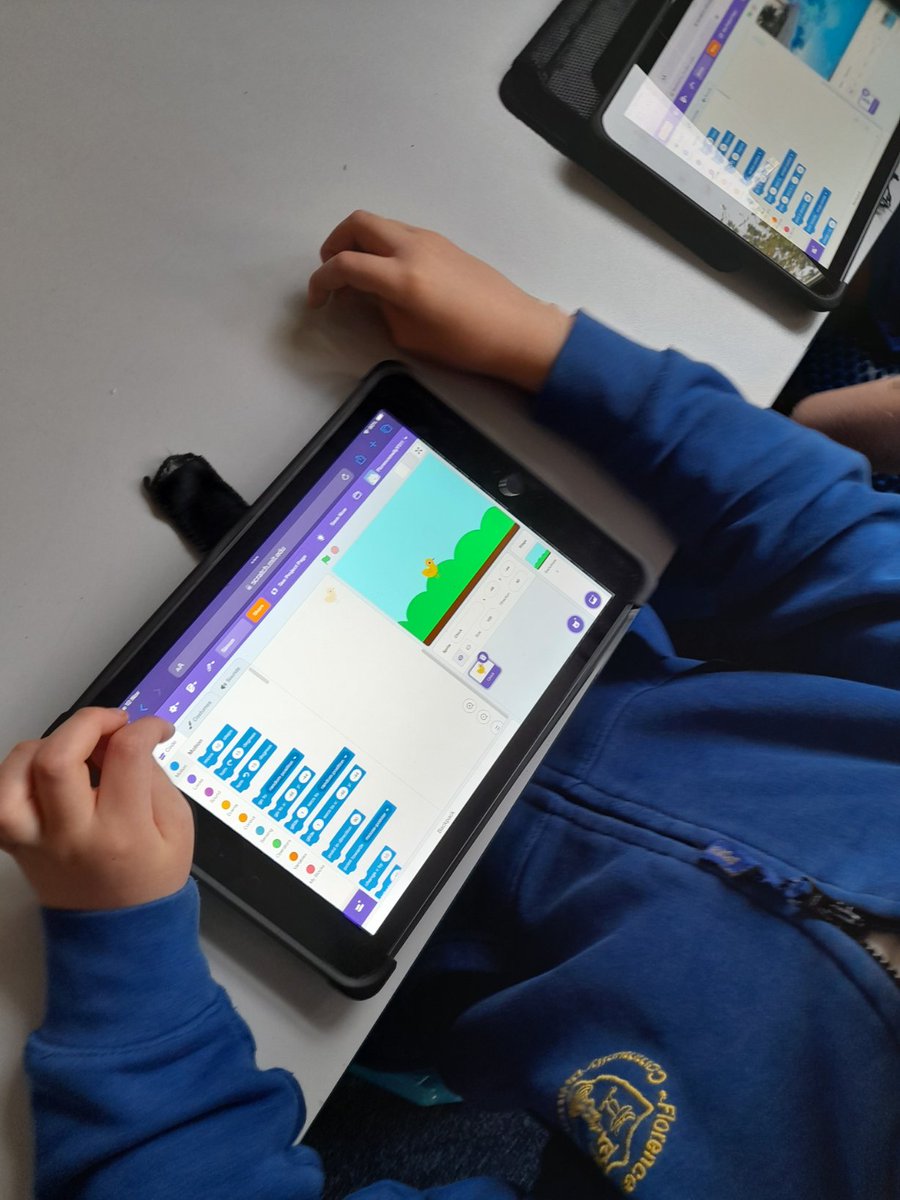
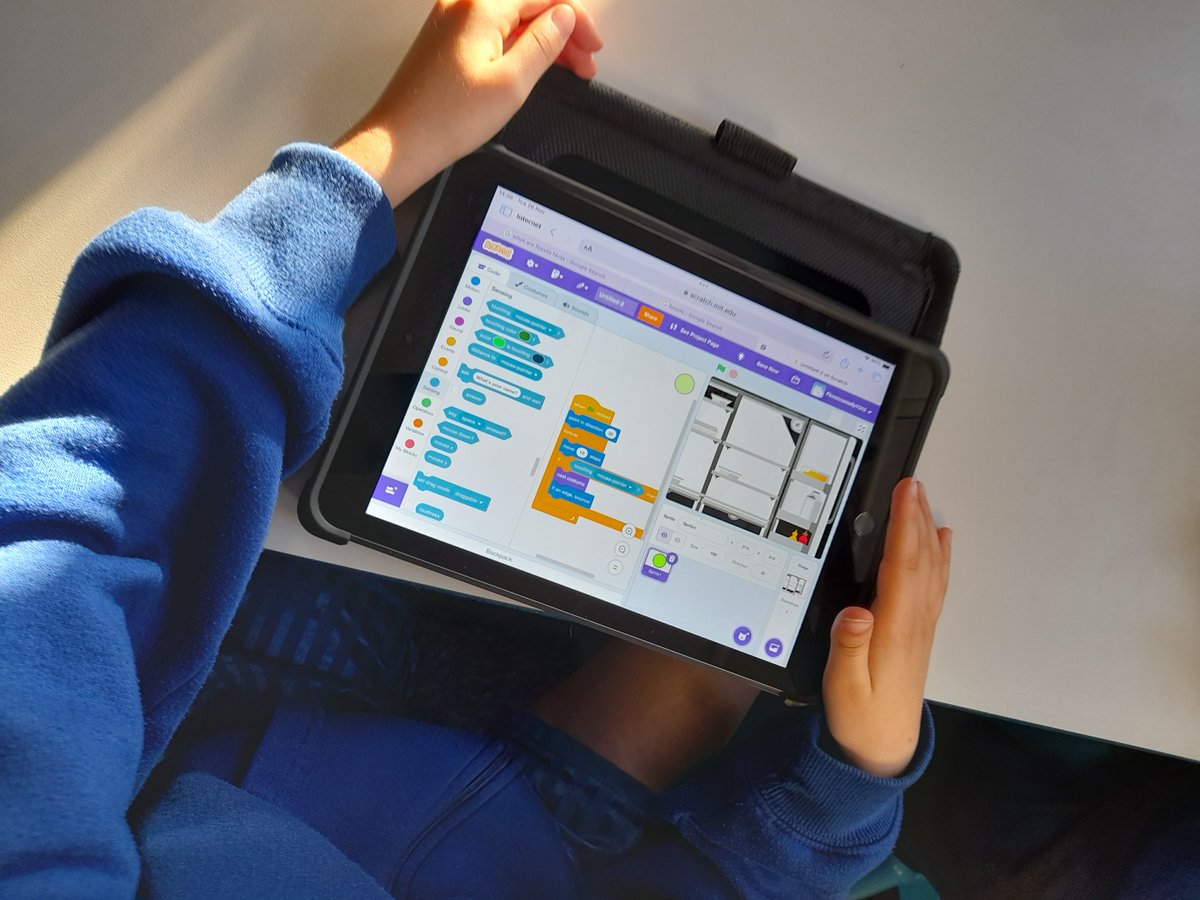
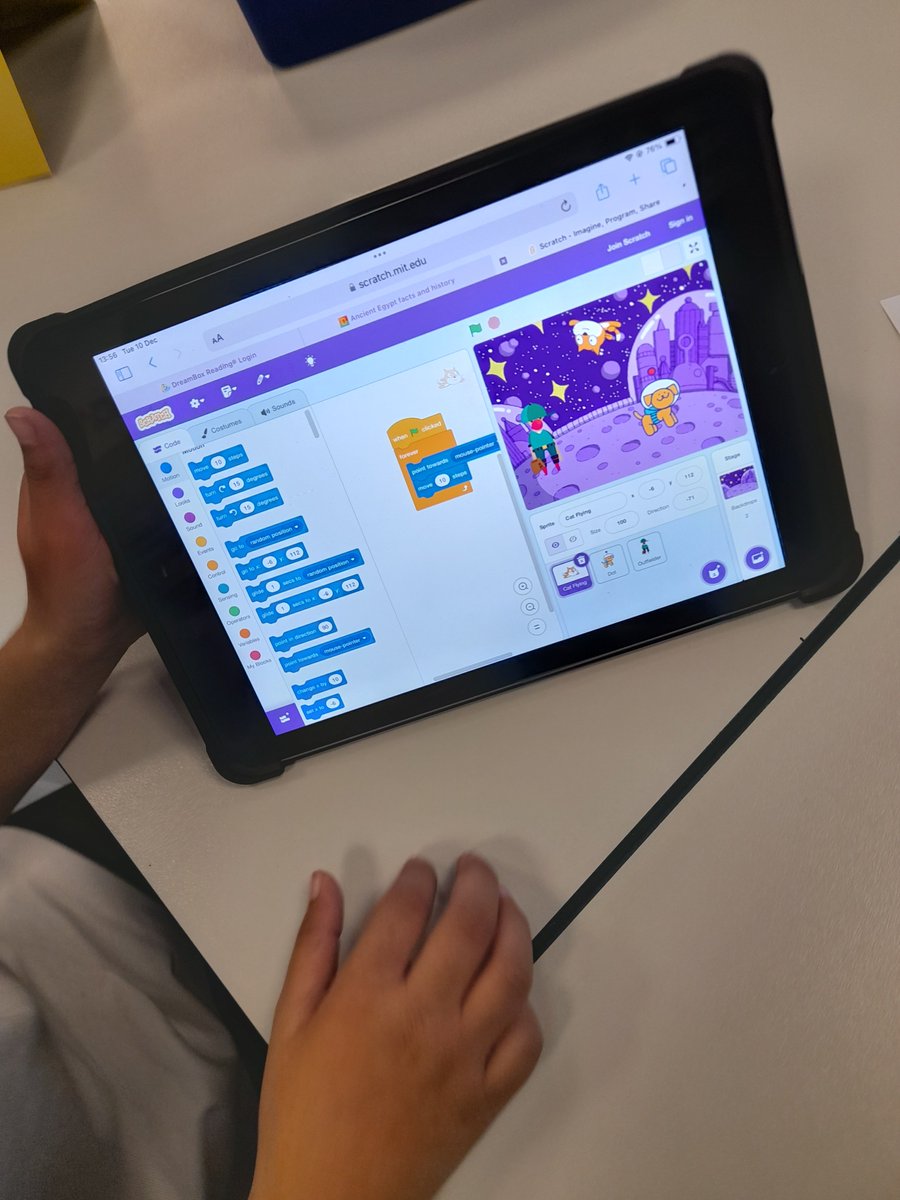
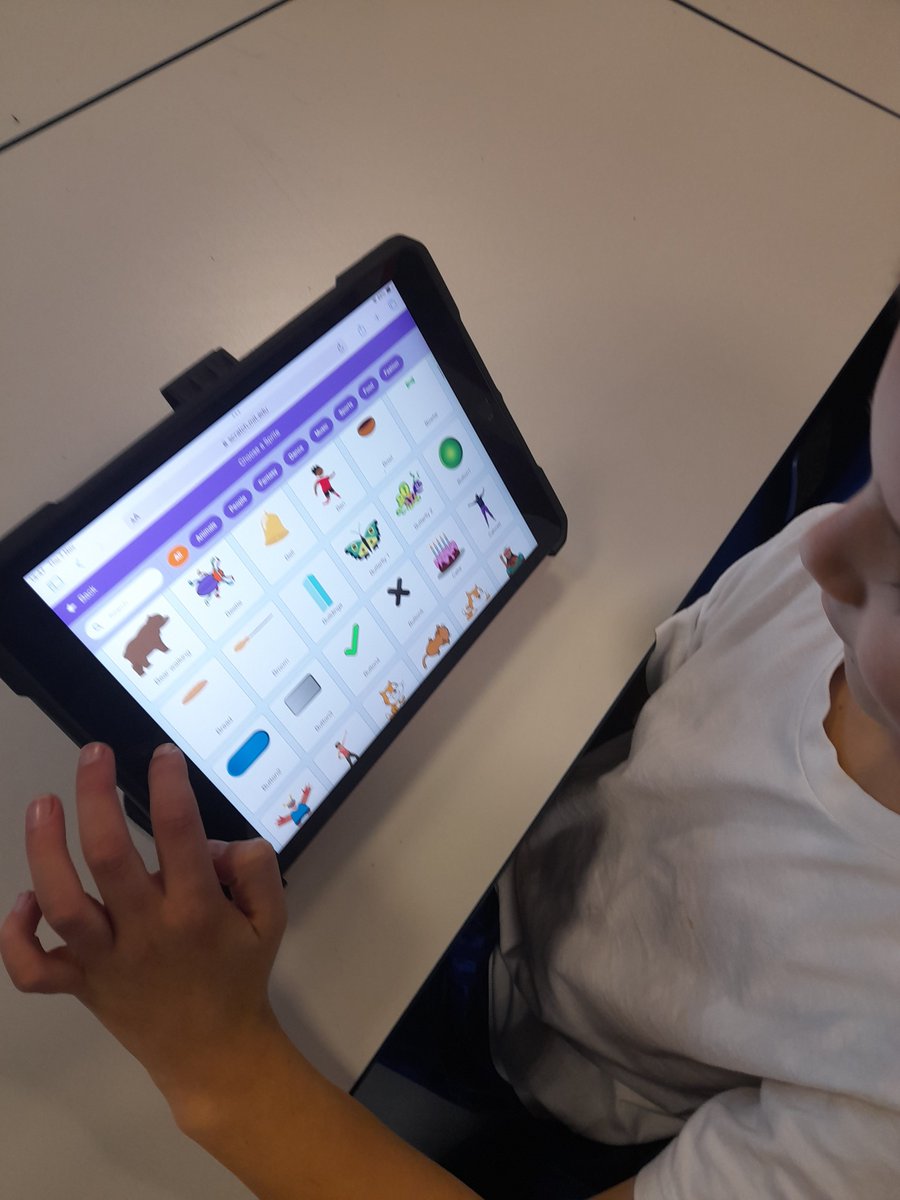
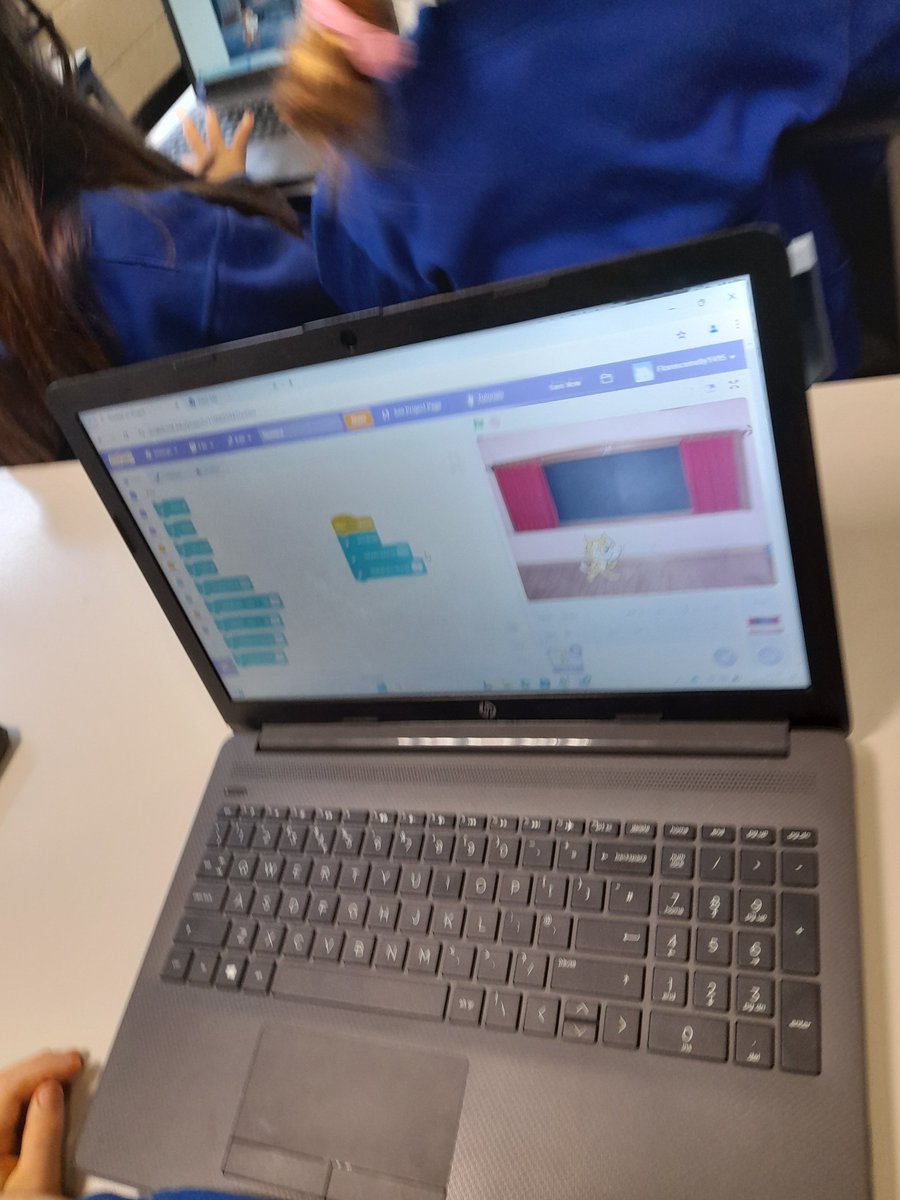
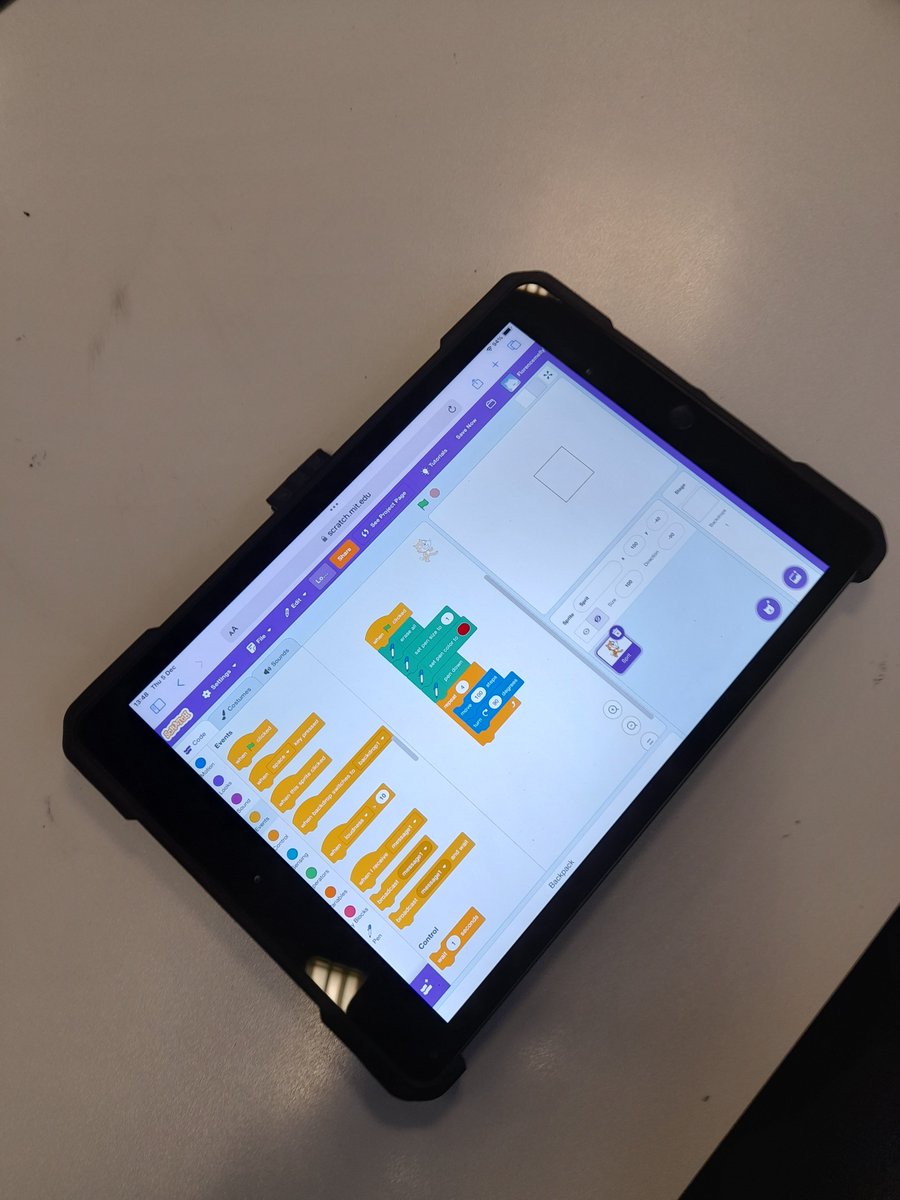
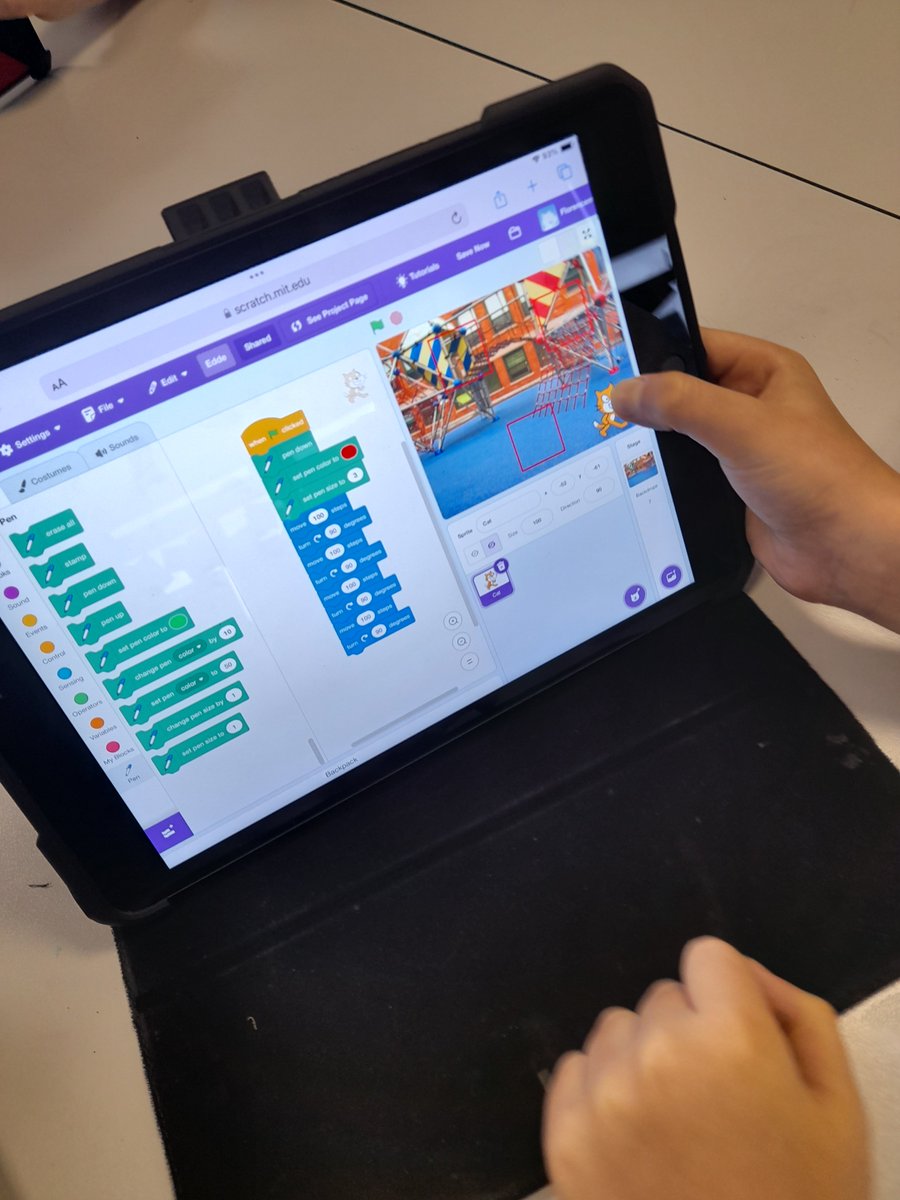
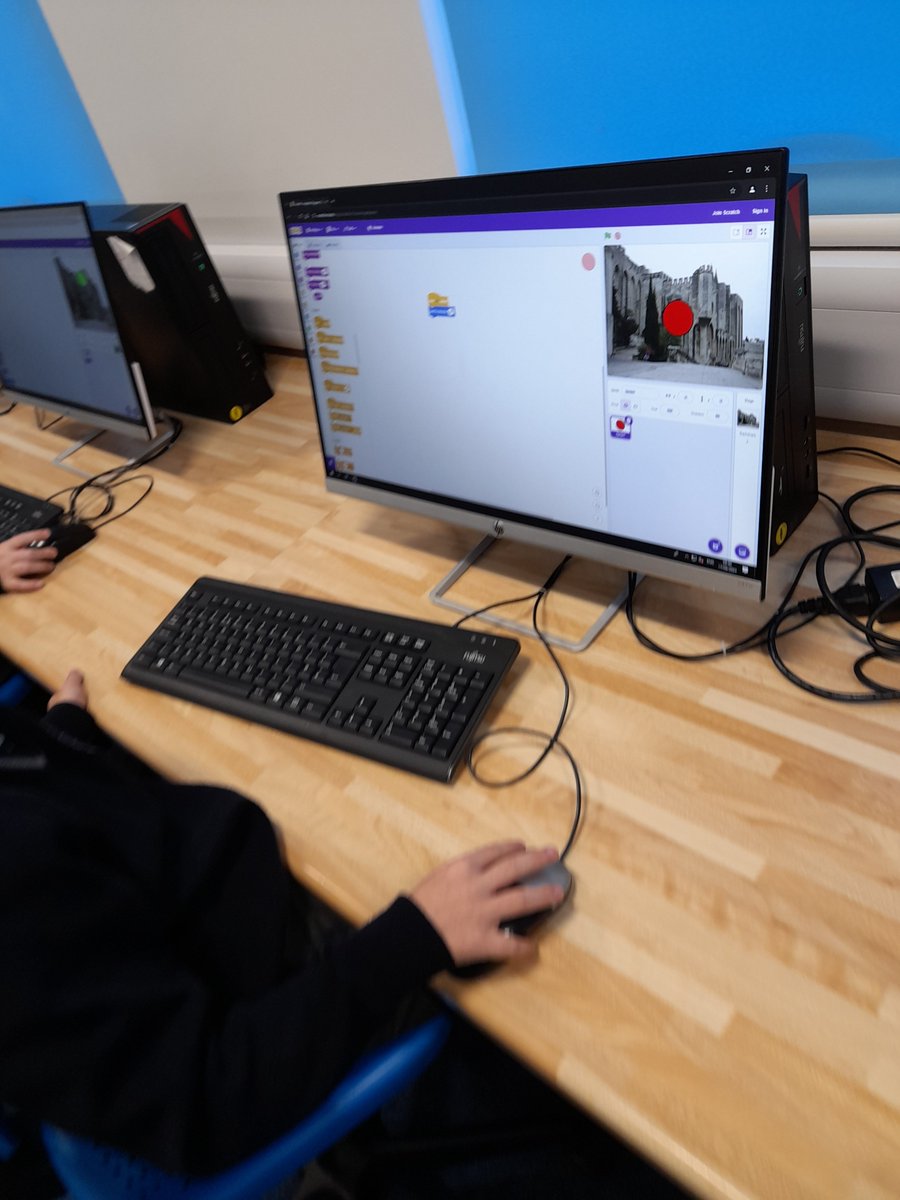
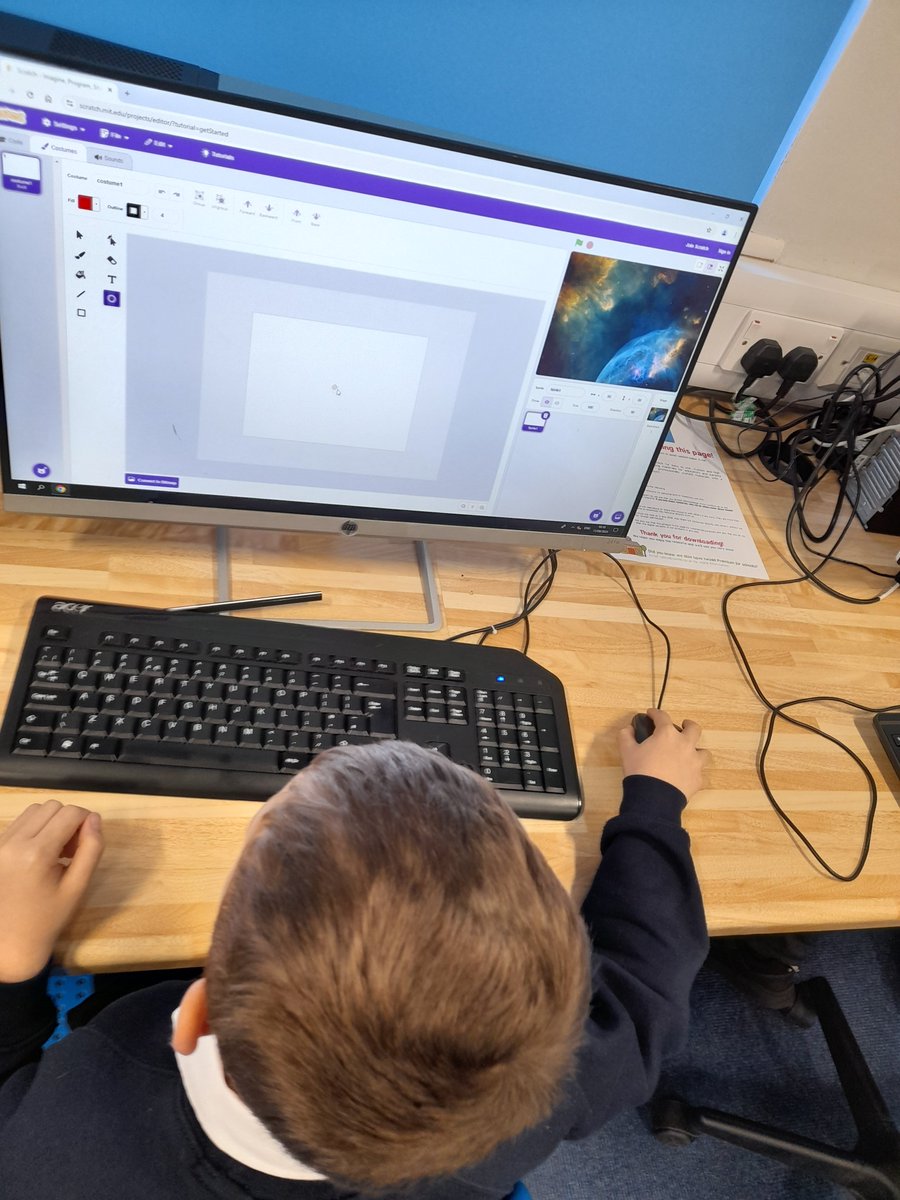
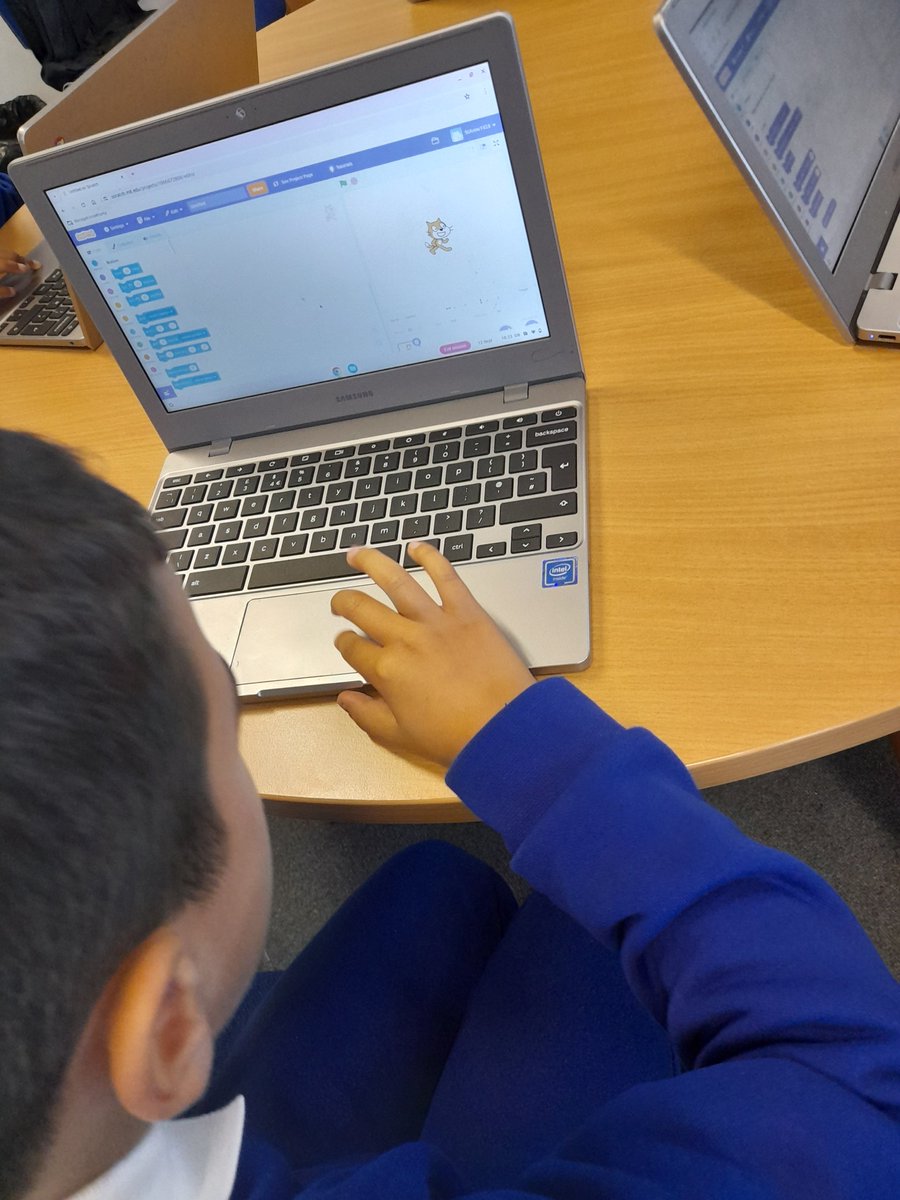
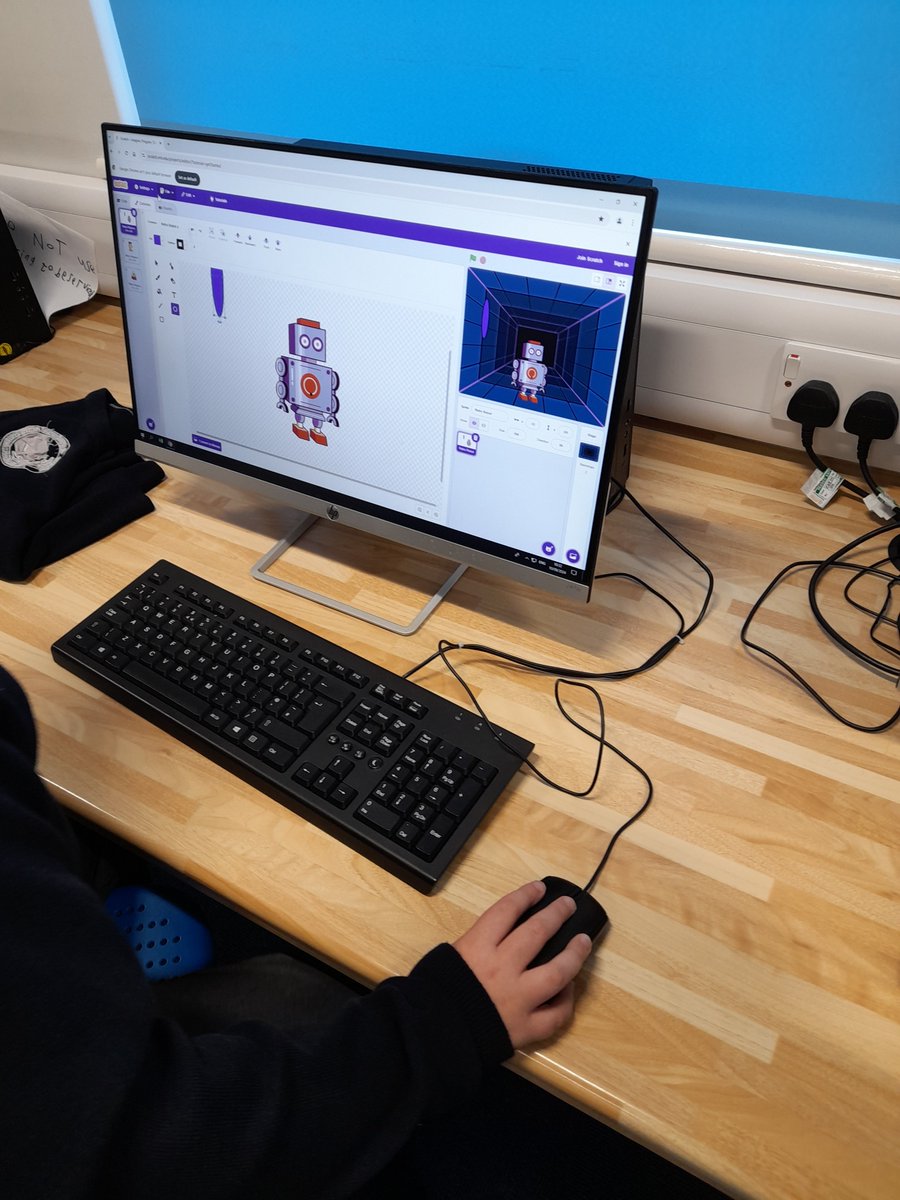
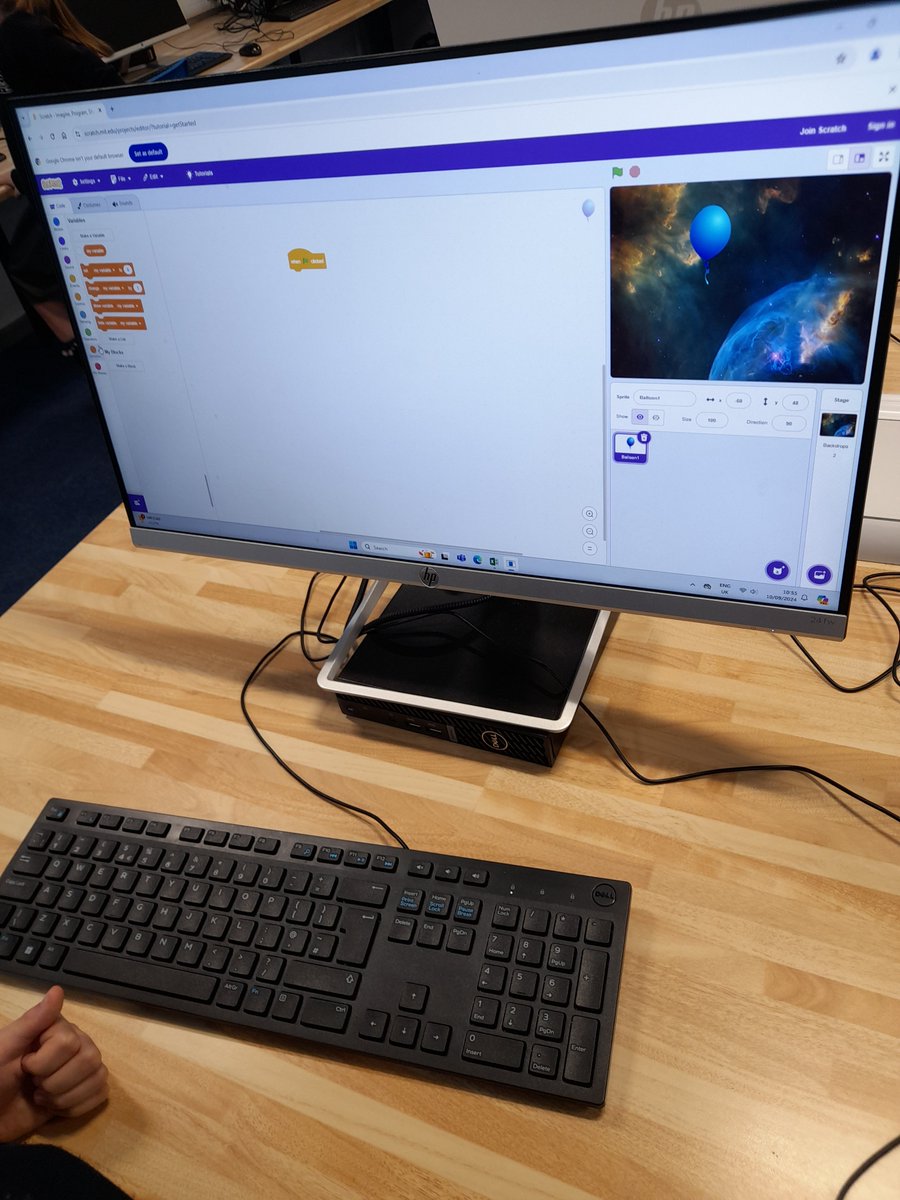
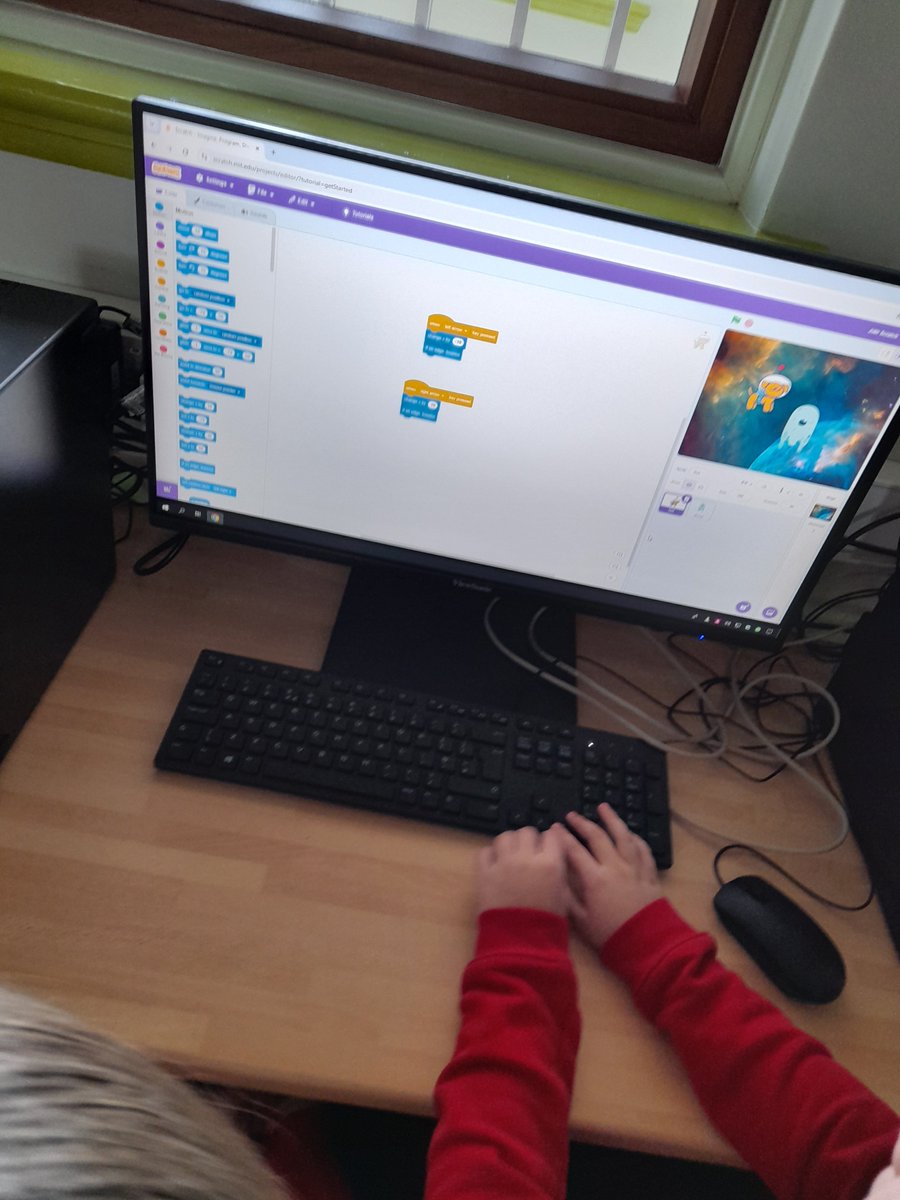
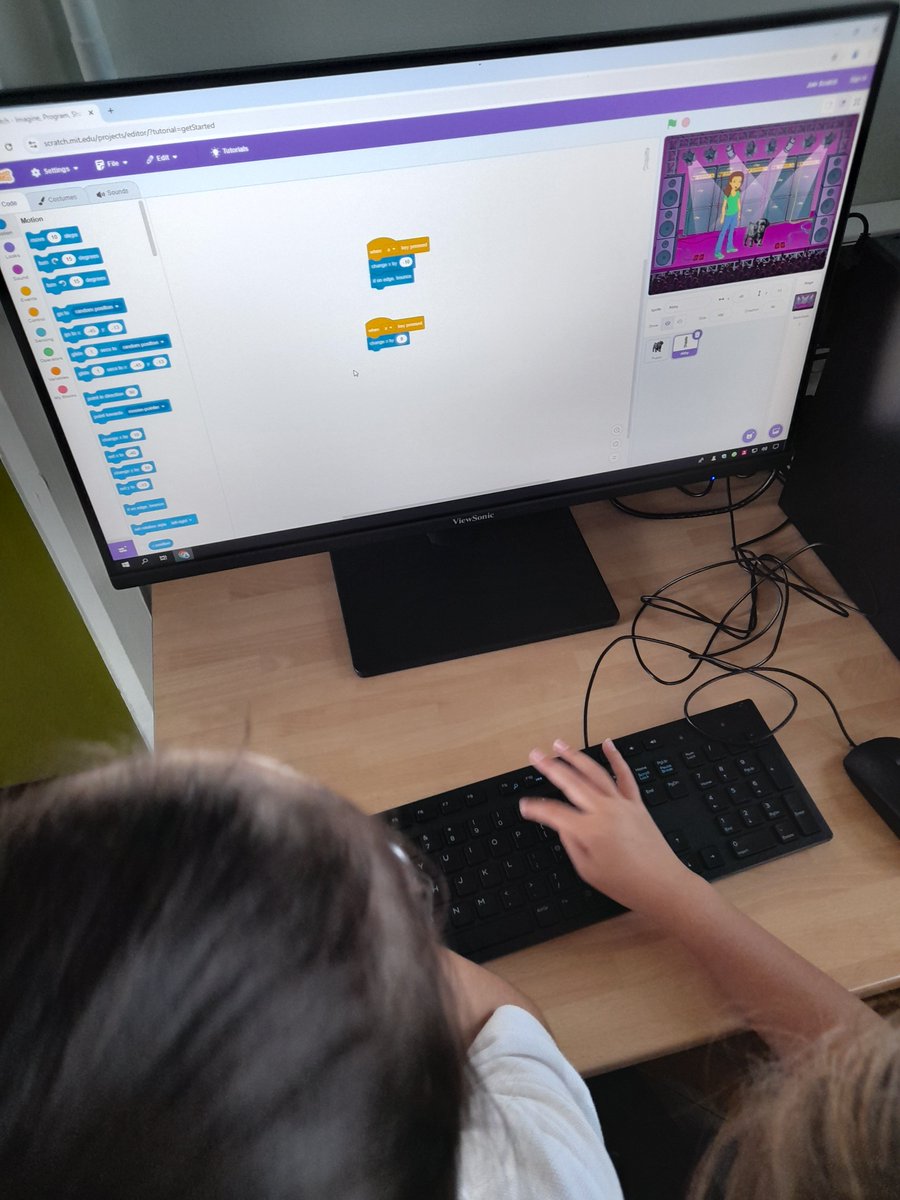
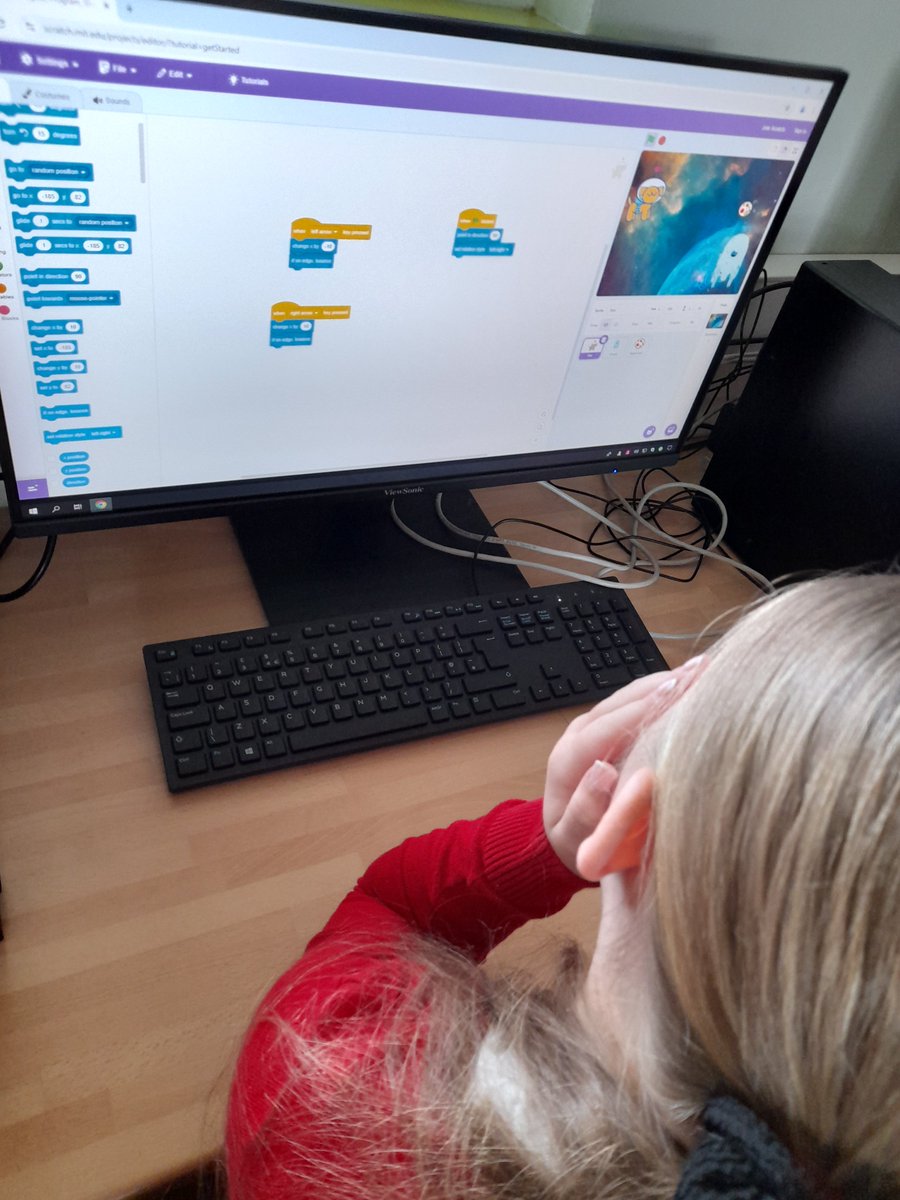
This half term #flomellyyear3 have focused the coding website Scratch. Children were introduced to the basics including Sprites and backgrounds and coded different programs using repeating loops, forever loops and motion blocks. #flomellycomputing @Flomellynews
Neil Maloney tweet mediaNeil Maloney tweet mediaNeil Maloney tweet mediaNeil Maloney tweet media
English
0
1
1
374
Neil Maloney
Neil Maloney@MGLWorld_Neil·
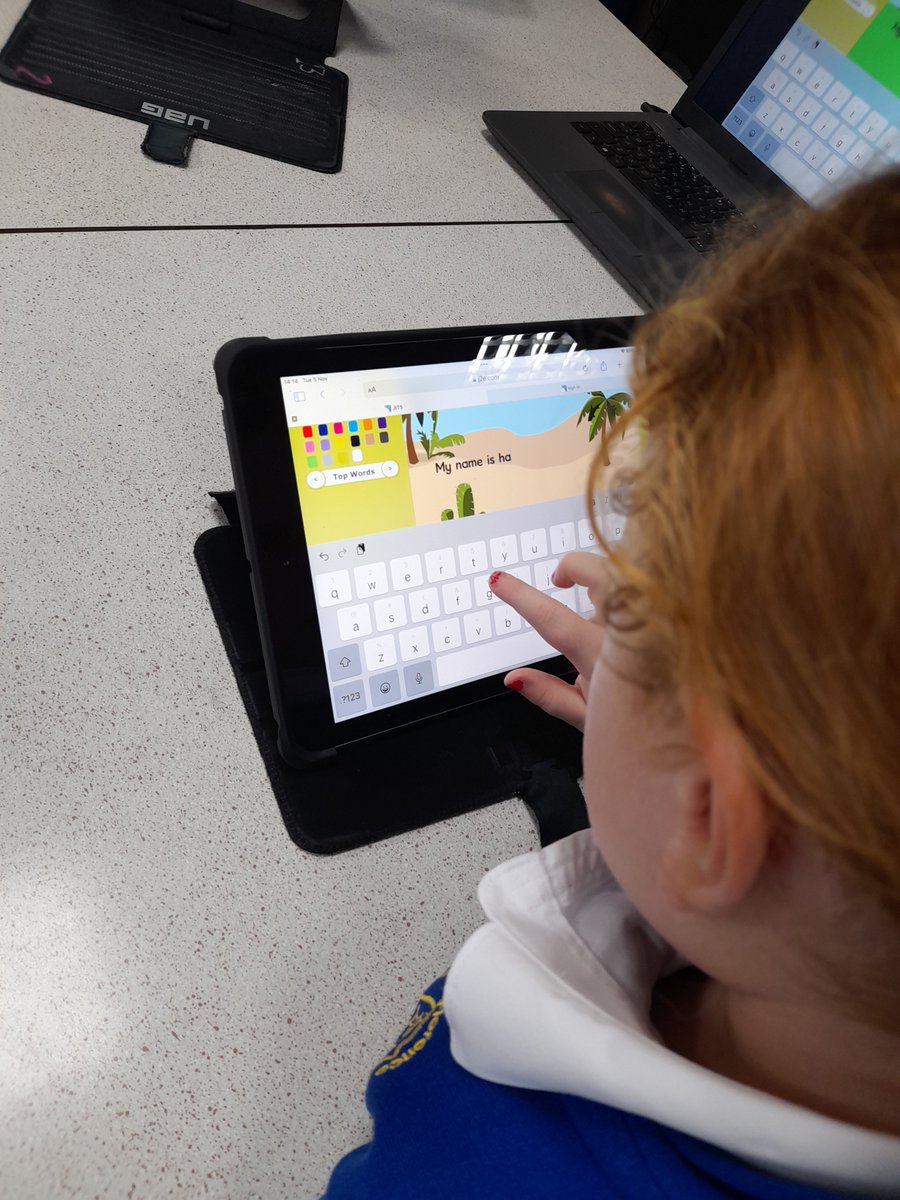
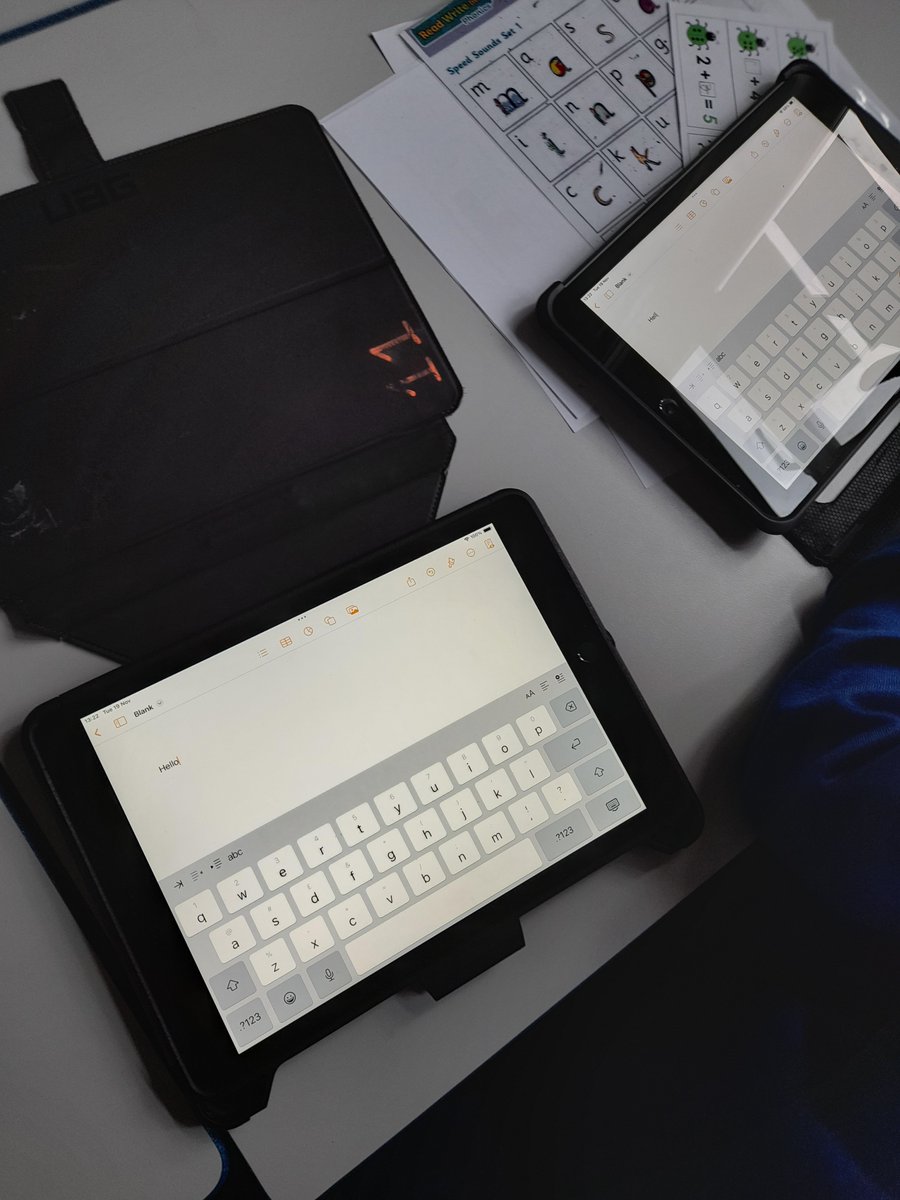
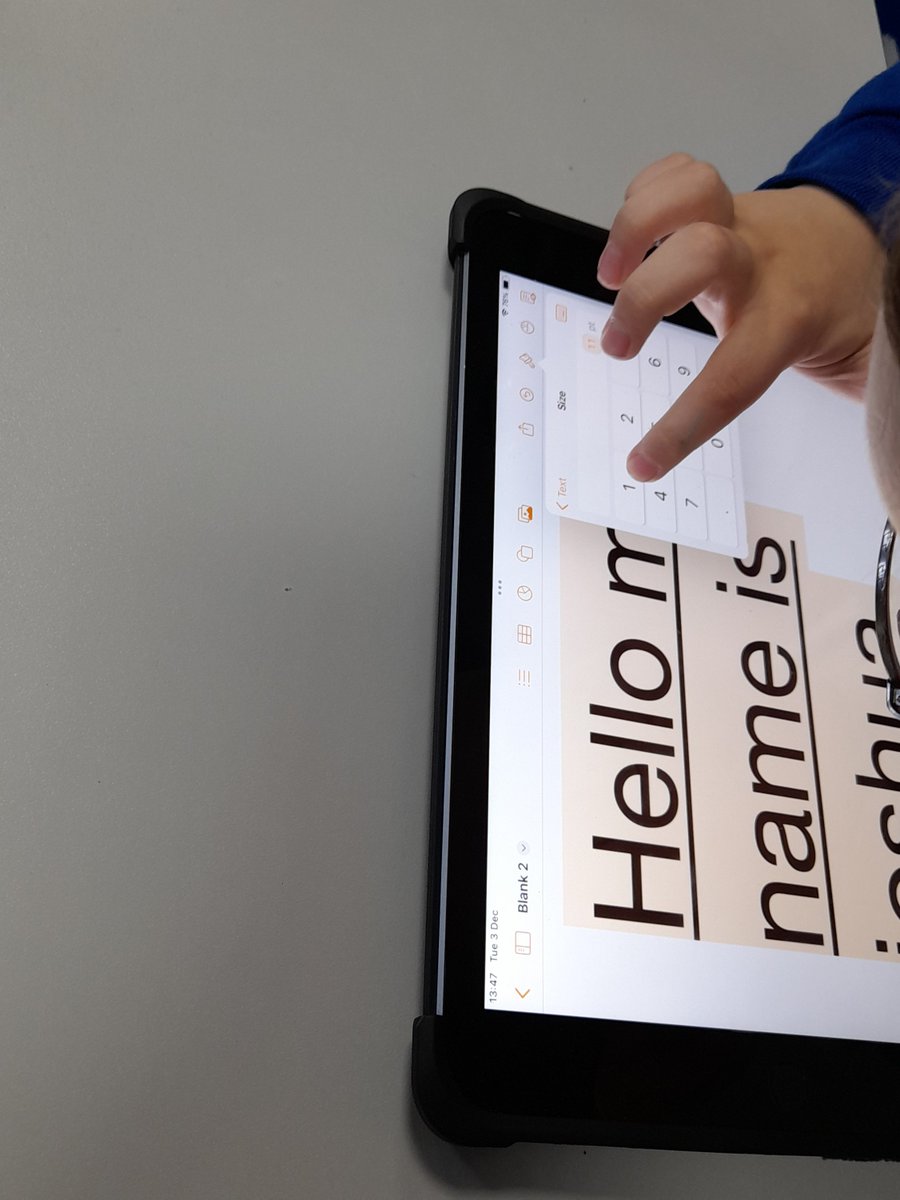
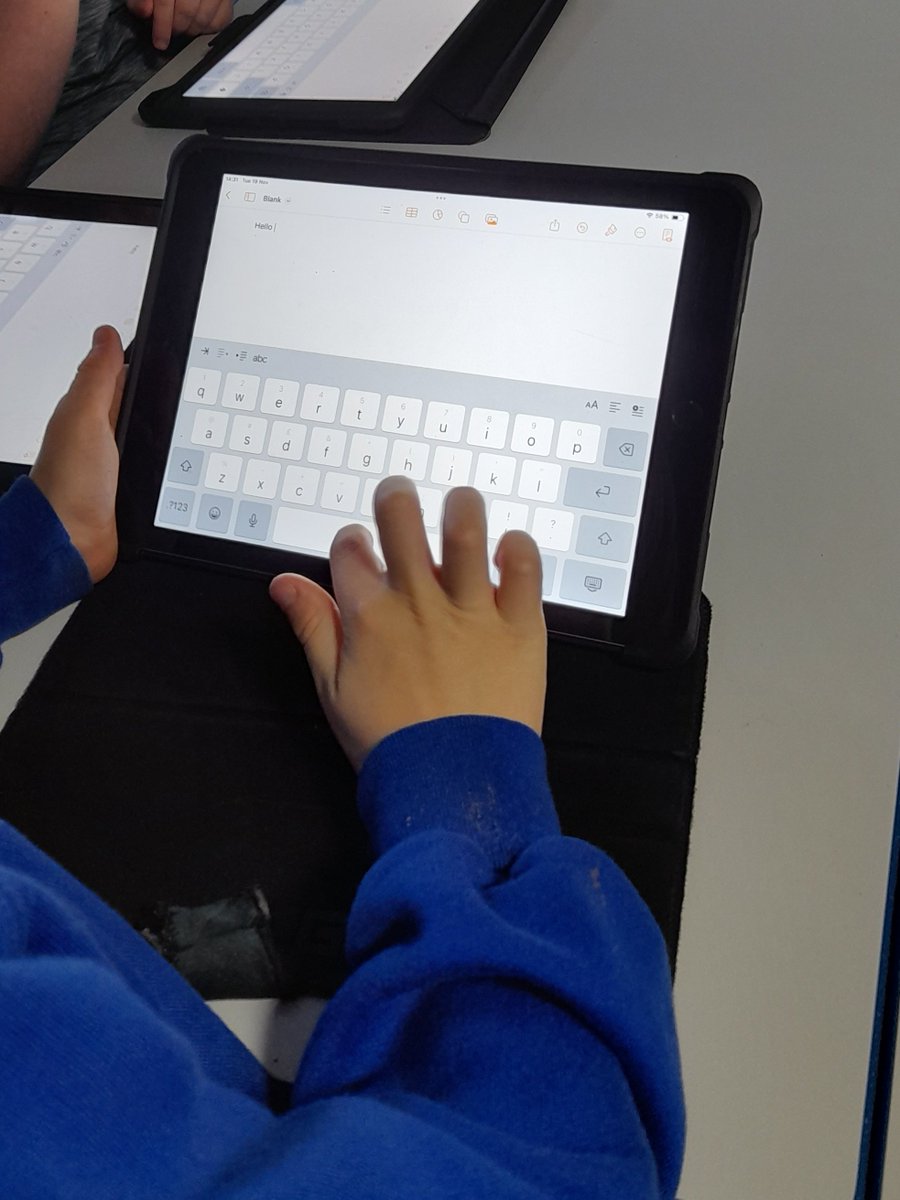
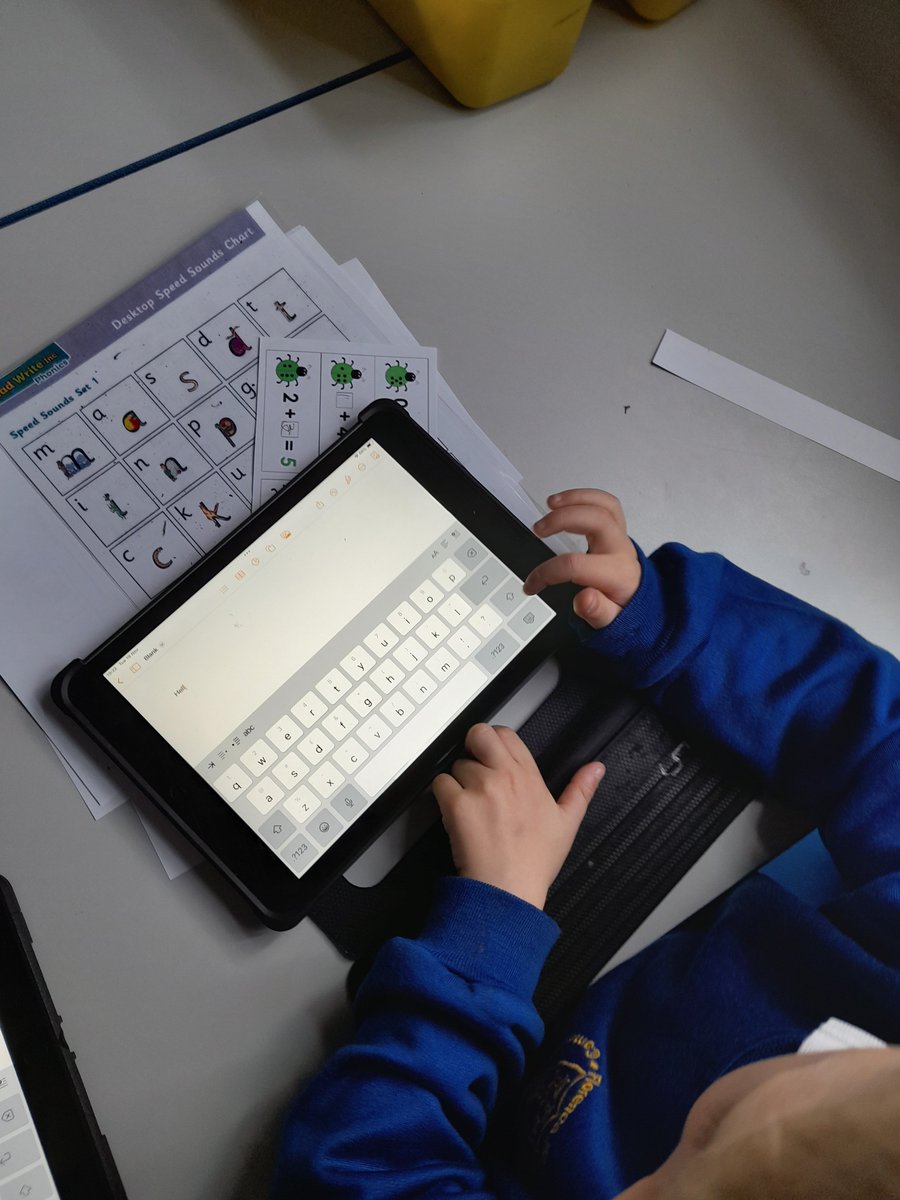
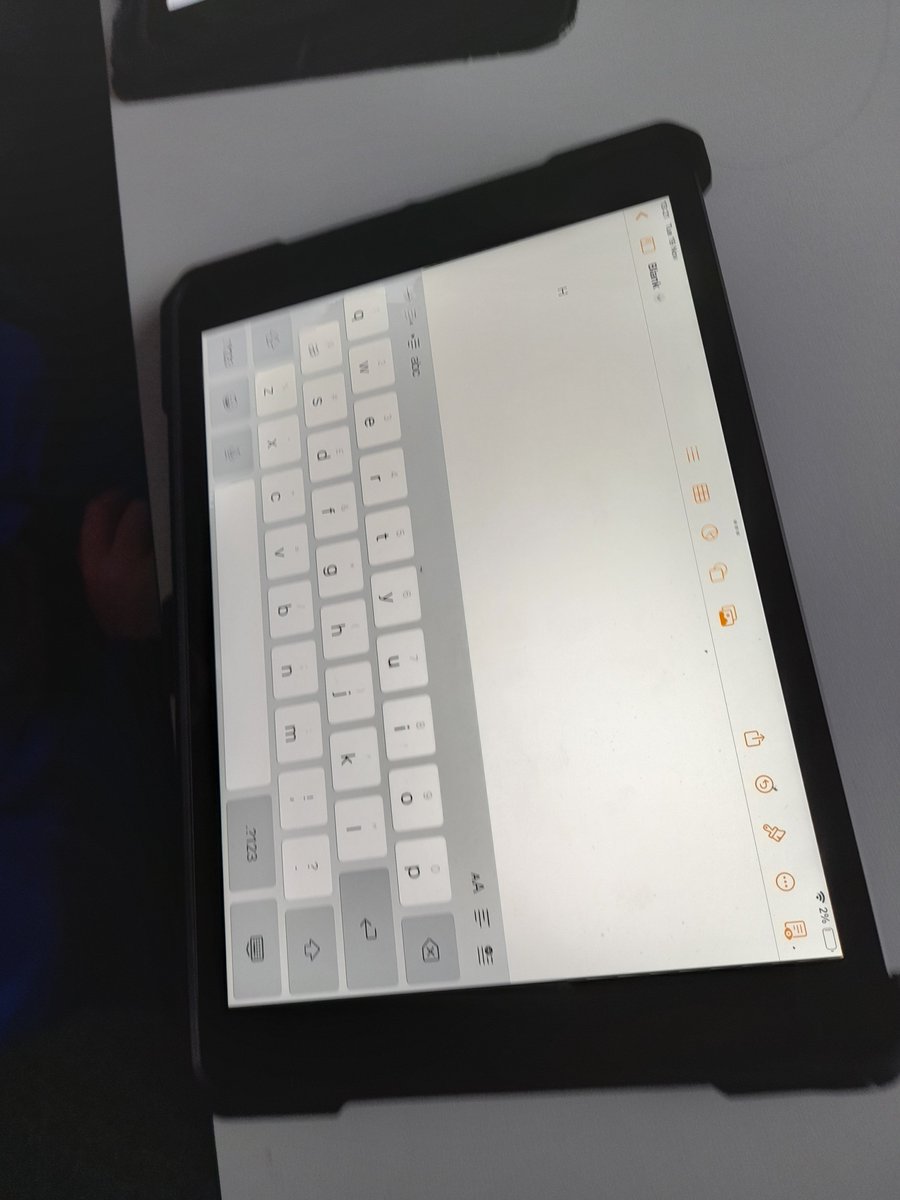
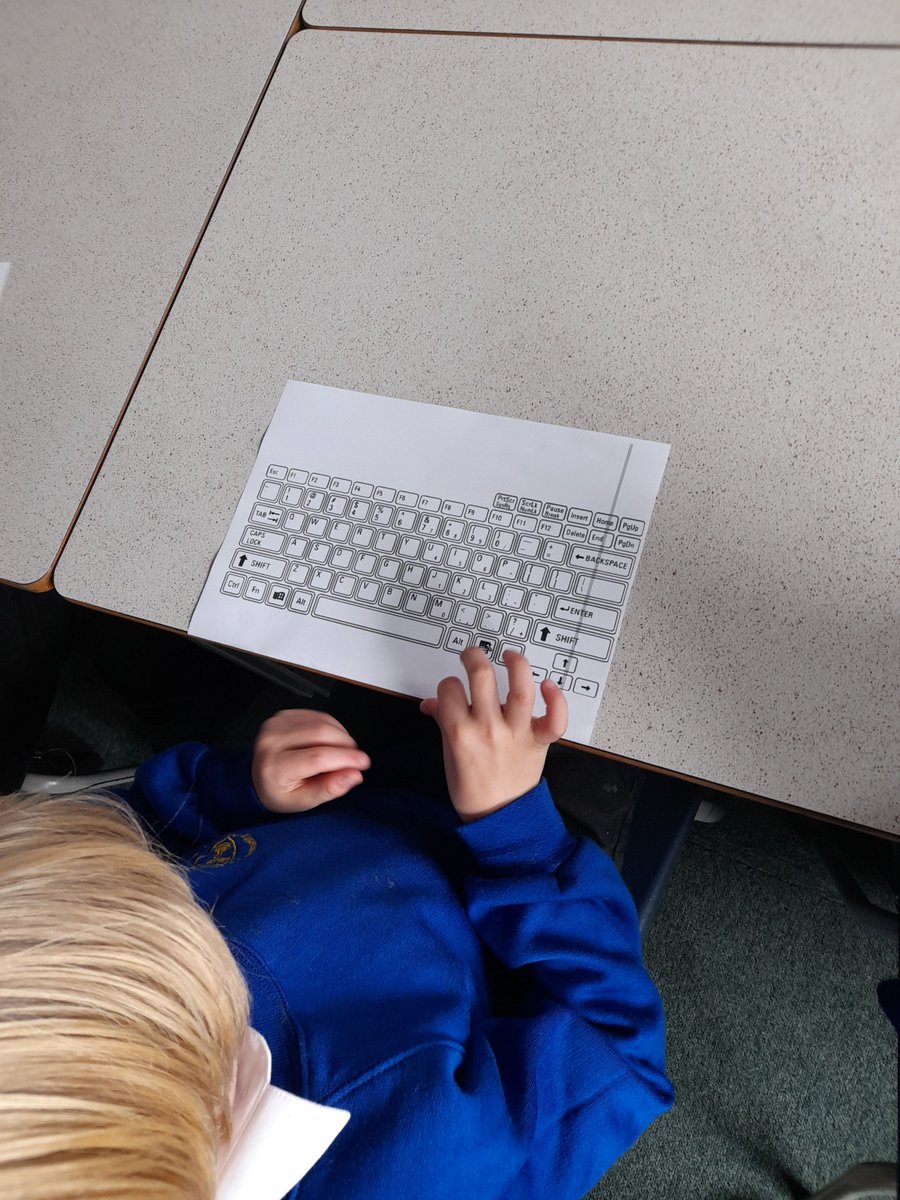
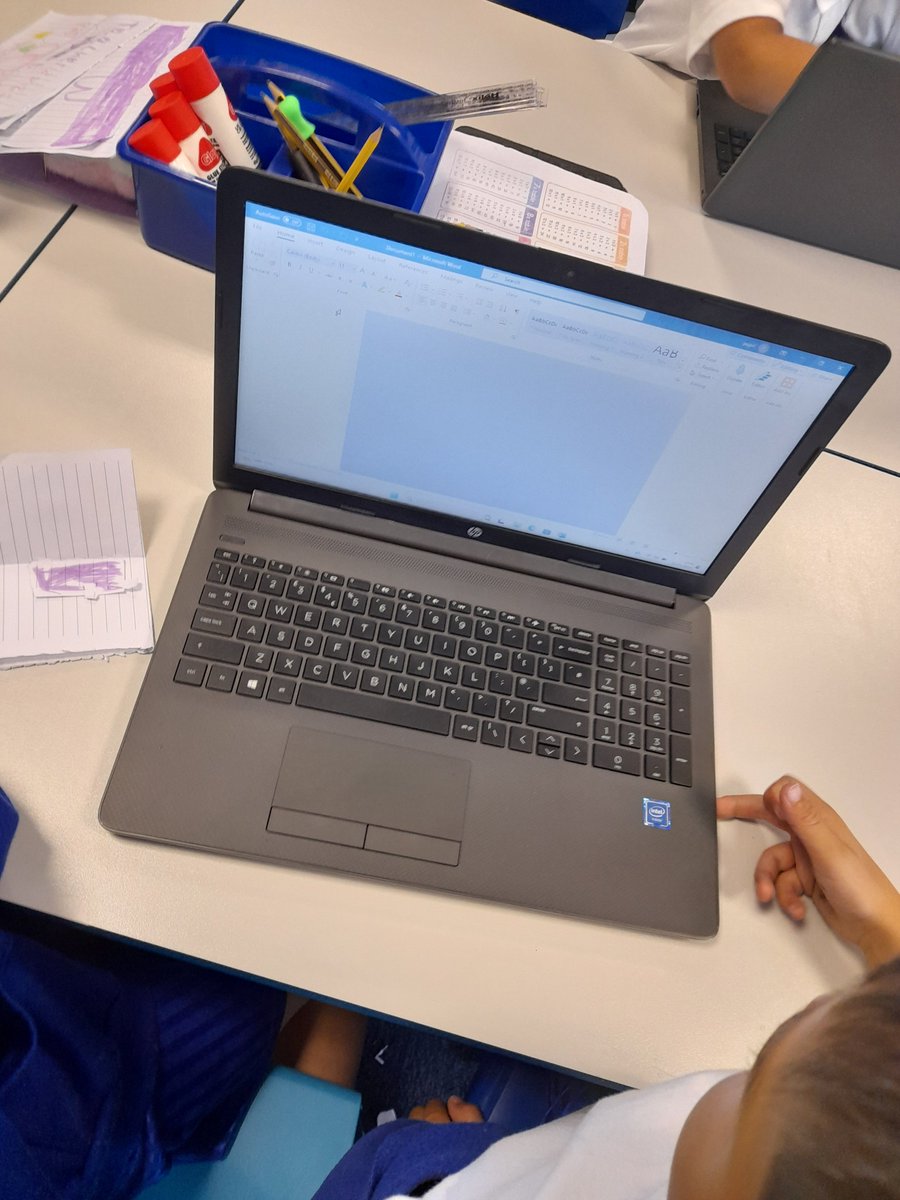
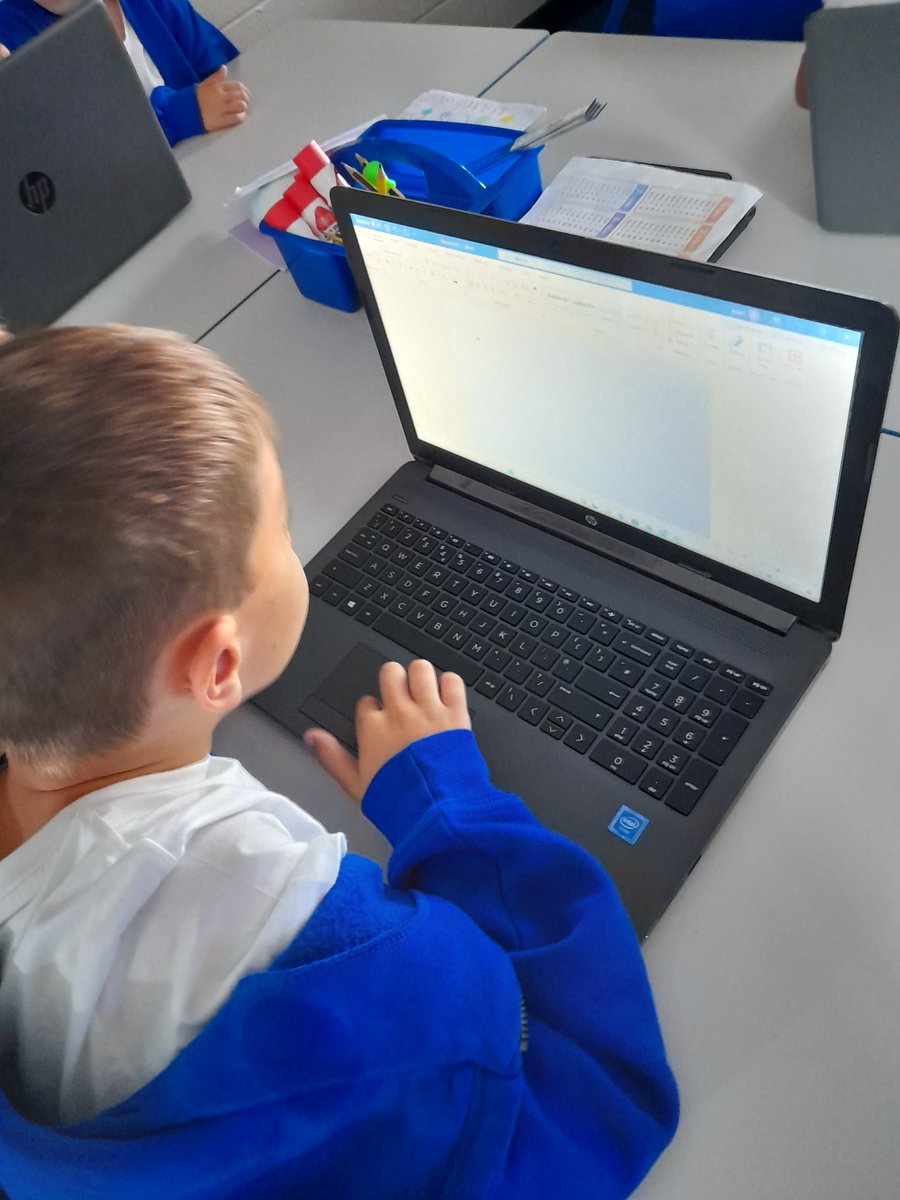
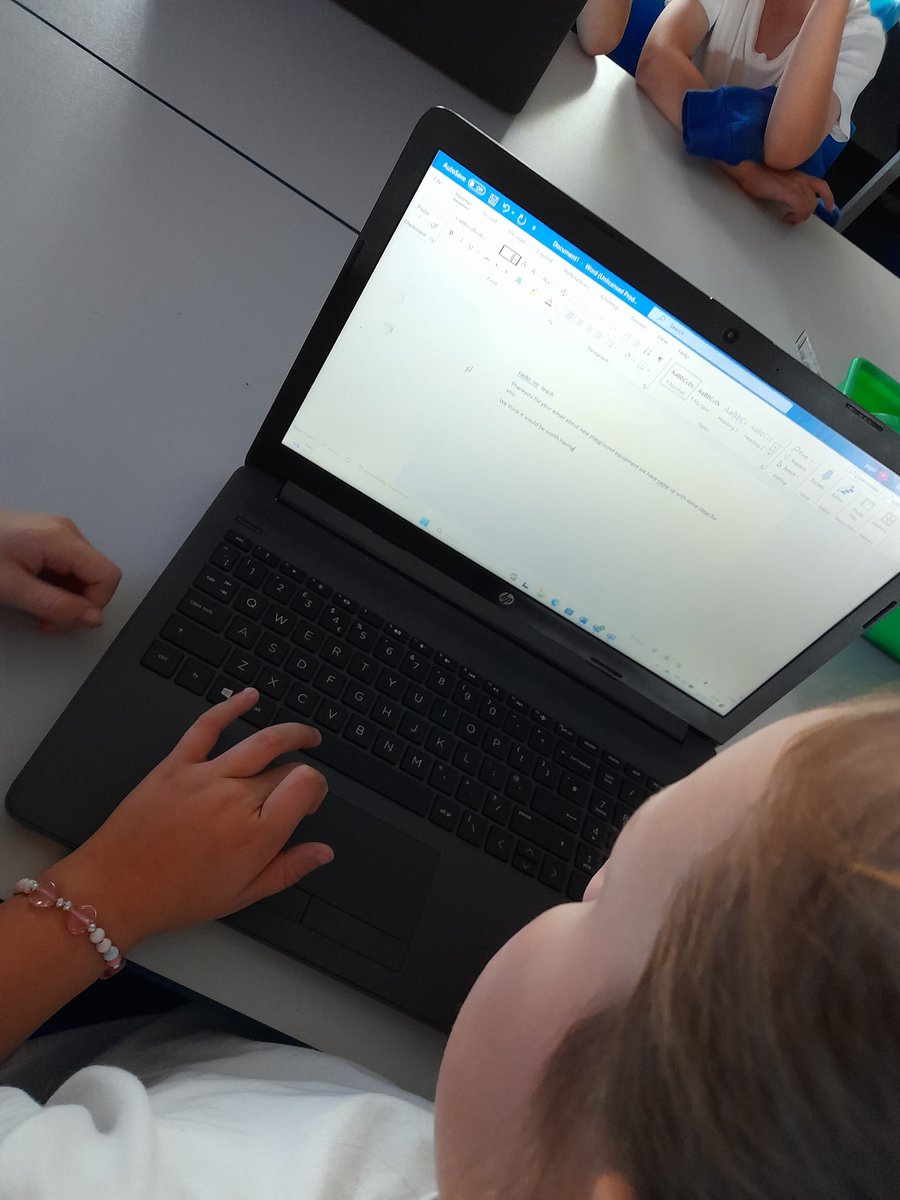
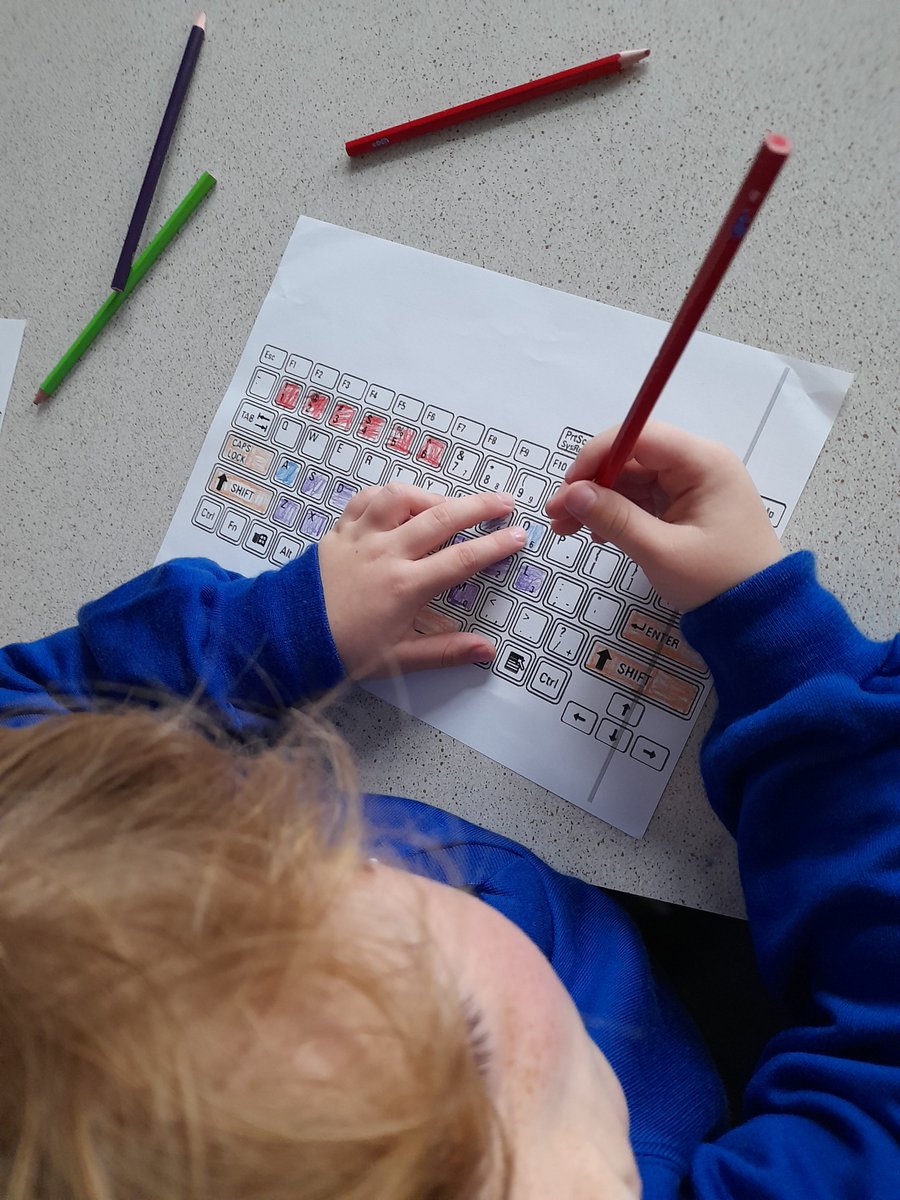
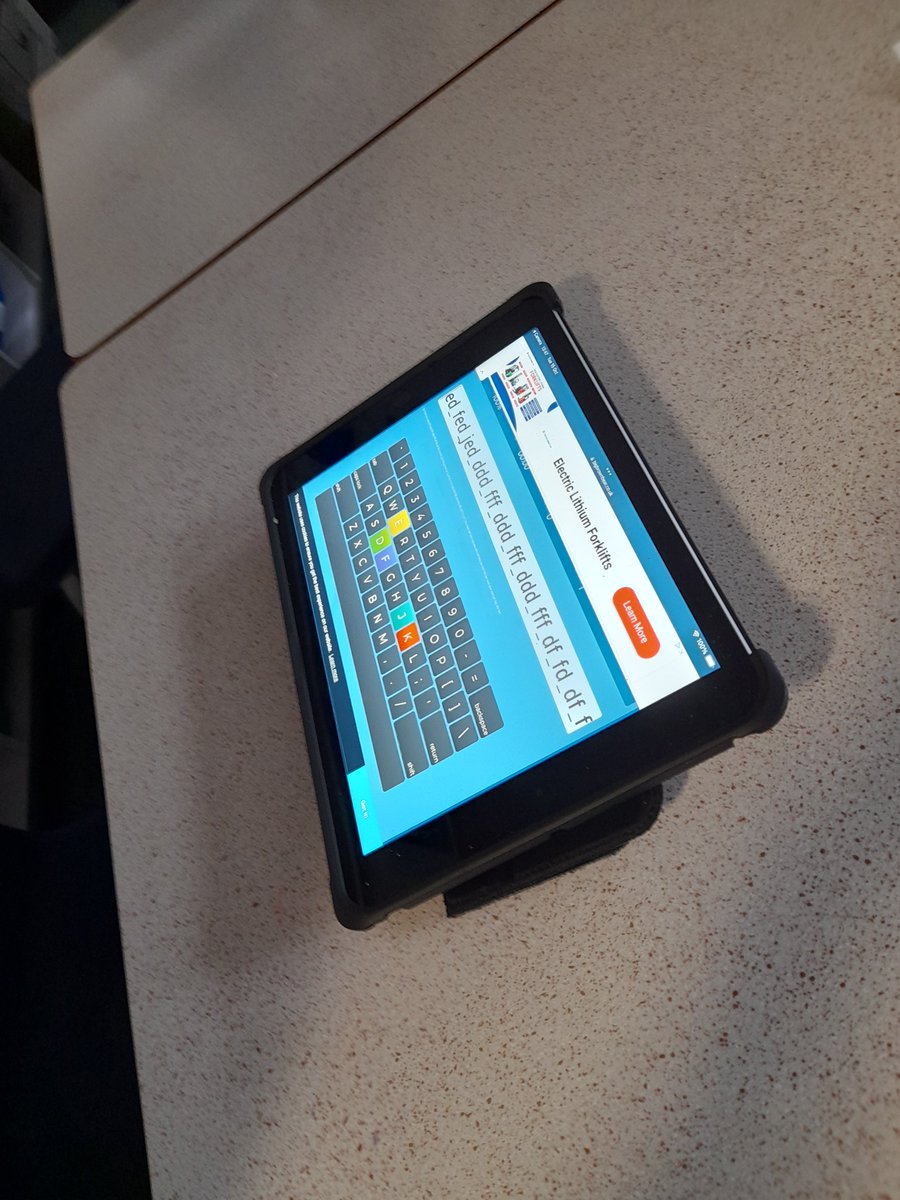
This half term #flomellyyear1 focused on the basics of using a keyboard, exploring some word processing programs. Children focused on being able to create simple sentences using key features of a keyboard and editing text. #flomellycomputing @Flomellynews
Neil Maloney tweet mediaNeil Maloney tweet mediaNeil Maloney tweet mediaNeil Maloney tweet media
English
0
1
3
368
Neil Maloney
Neil Maloney@MGLWorld_Neil·
This half term #flomellyyear4 looked at how to use forever loops in Scratch. Children recapped the basics of how to use Scratch and looked at how to use loops to create programs, from drawing shapes to getting Sprites to change costumes #flomellycomputing @Flomellynews
Neil Maloney tweet mediaNeil Maloney tweet mediaNeil Maloney tweet mediaNeil Maloney tweet media
English
0
1
3
432
Neil Maloney
Neil Maloney@MGLWorld_Neil·
For their computing sessions this term, @mapleclass2024 have focused on how to use a Micro:bit. Children have looked at being able to display different animations and applied their coding knowledge to turn the Micro:bit into a step counter and to test their reactions.
Neil Maloney tweet mediaNeil Maloney tweet mediaNeil Maloney tweet mediaNeil Maloney tweet media
English
0
0
1
67
Neil Maloney
Neil Maloney@MGLWorld_Neil·
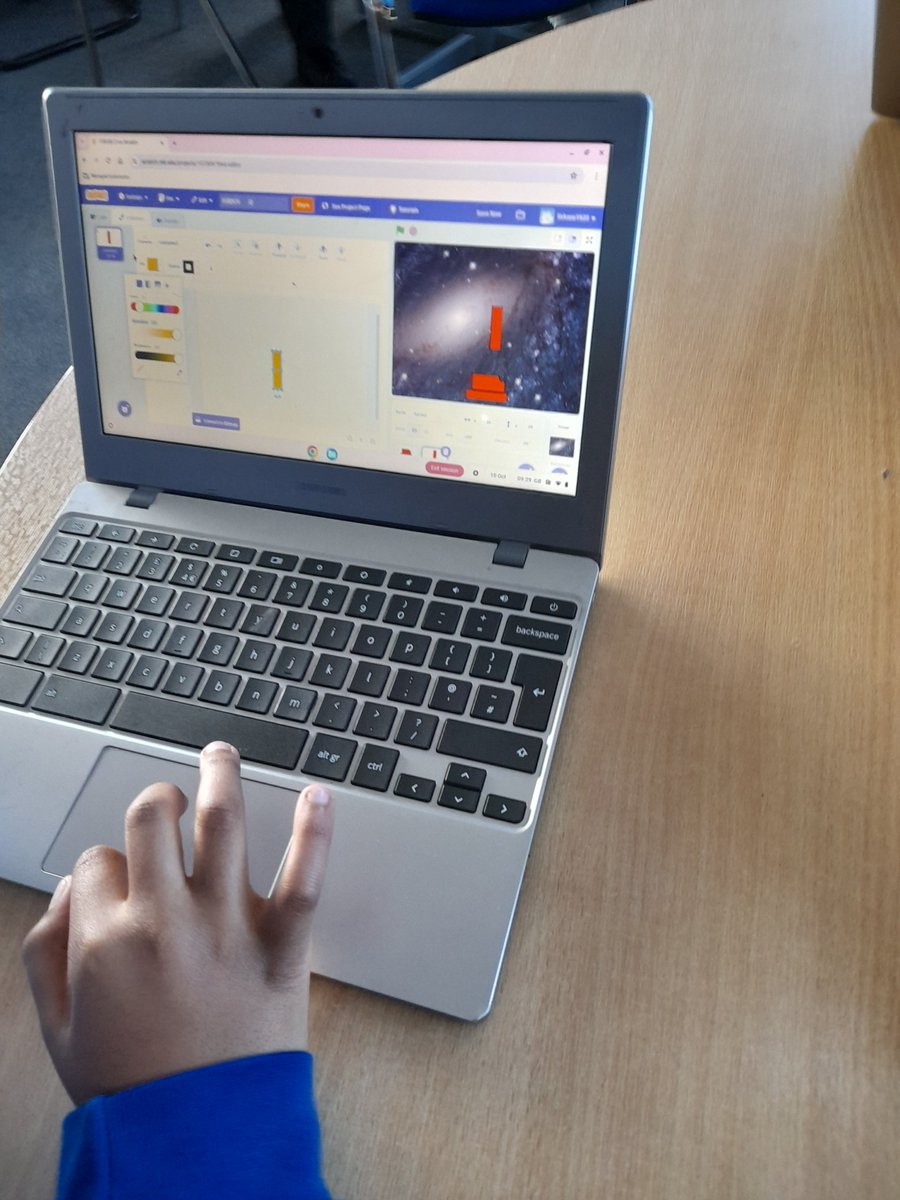
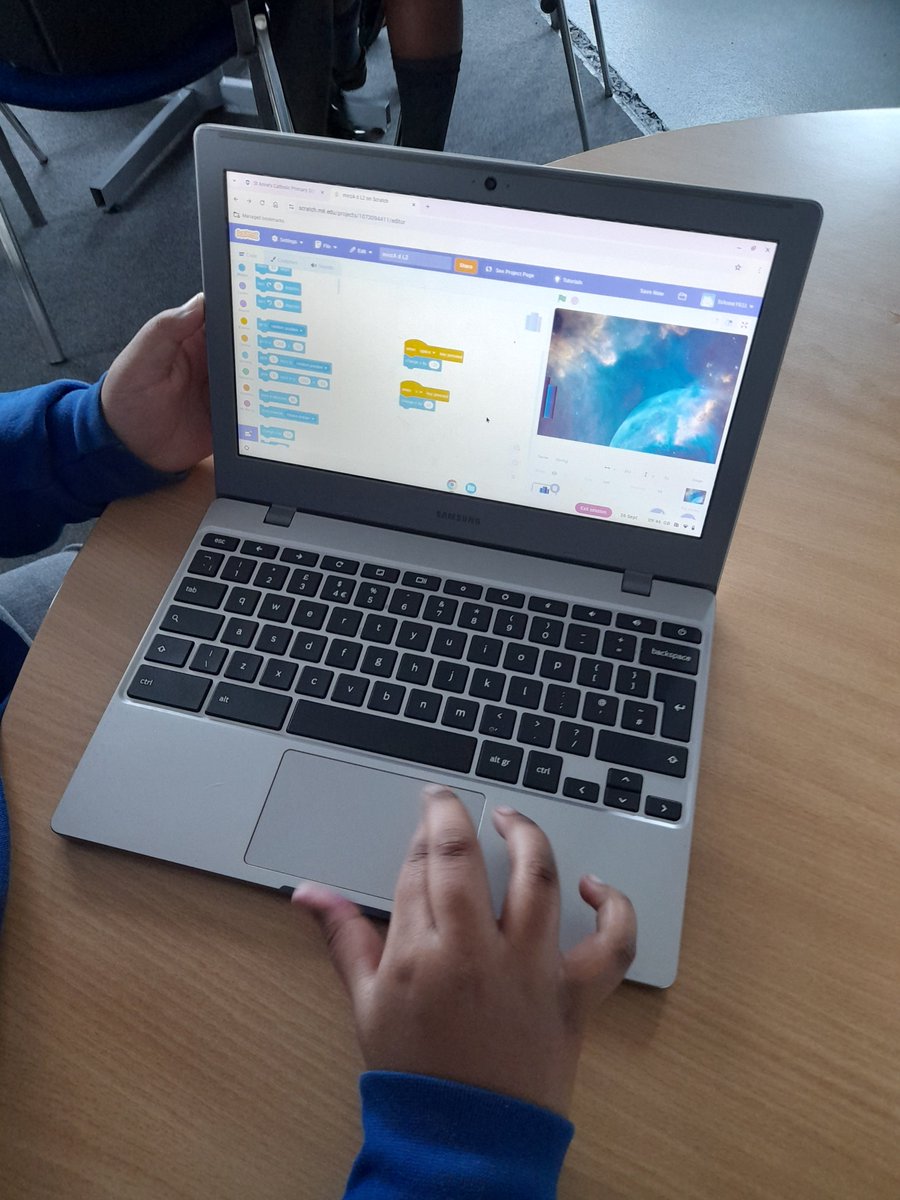
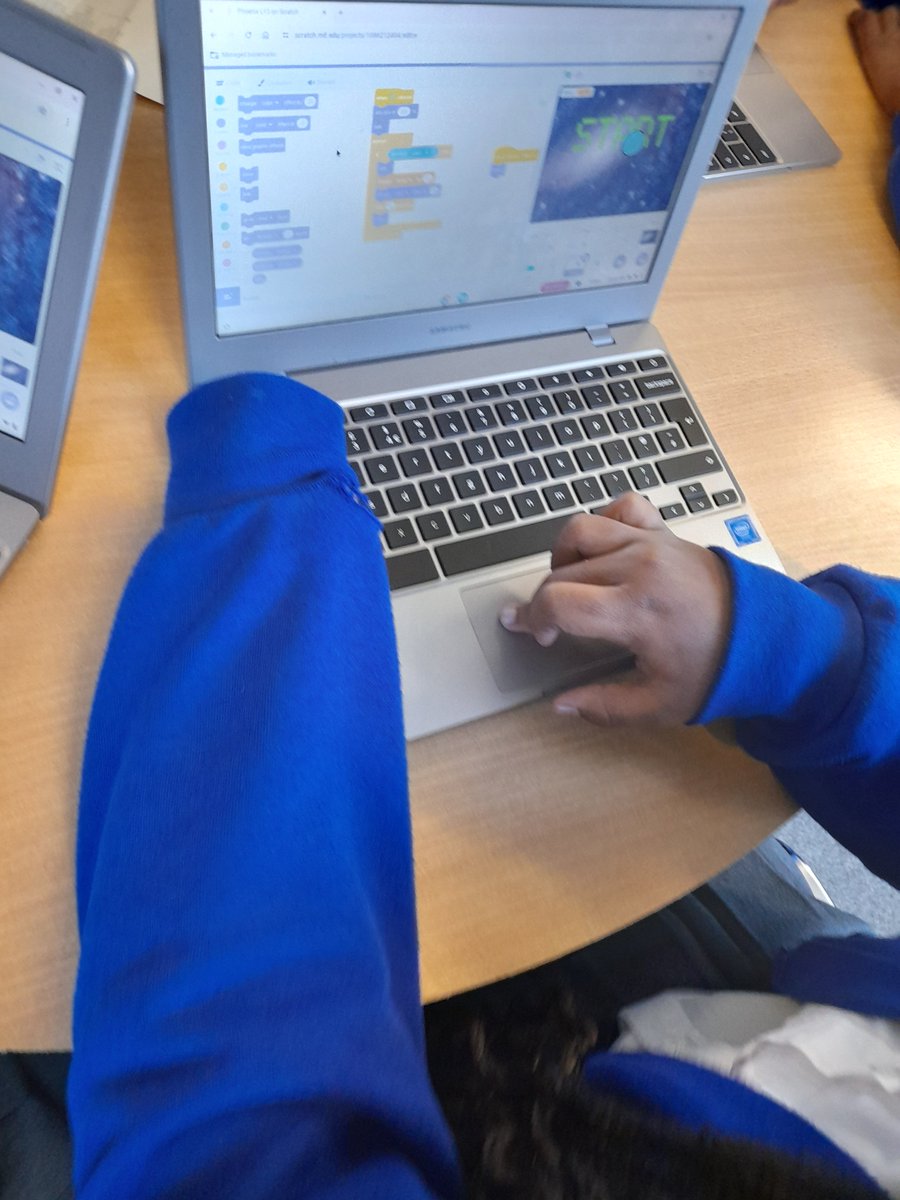
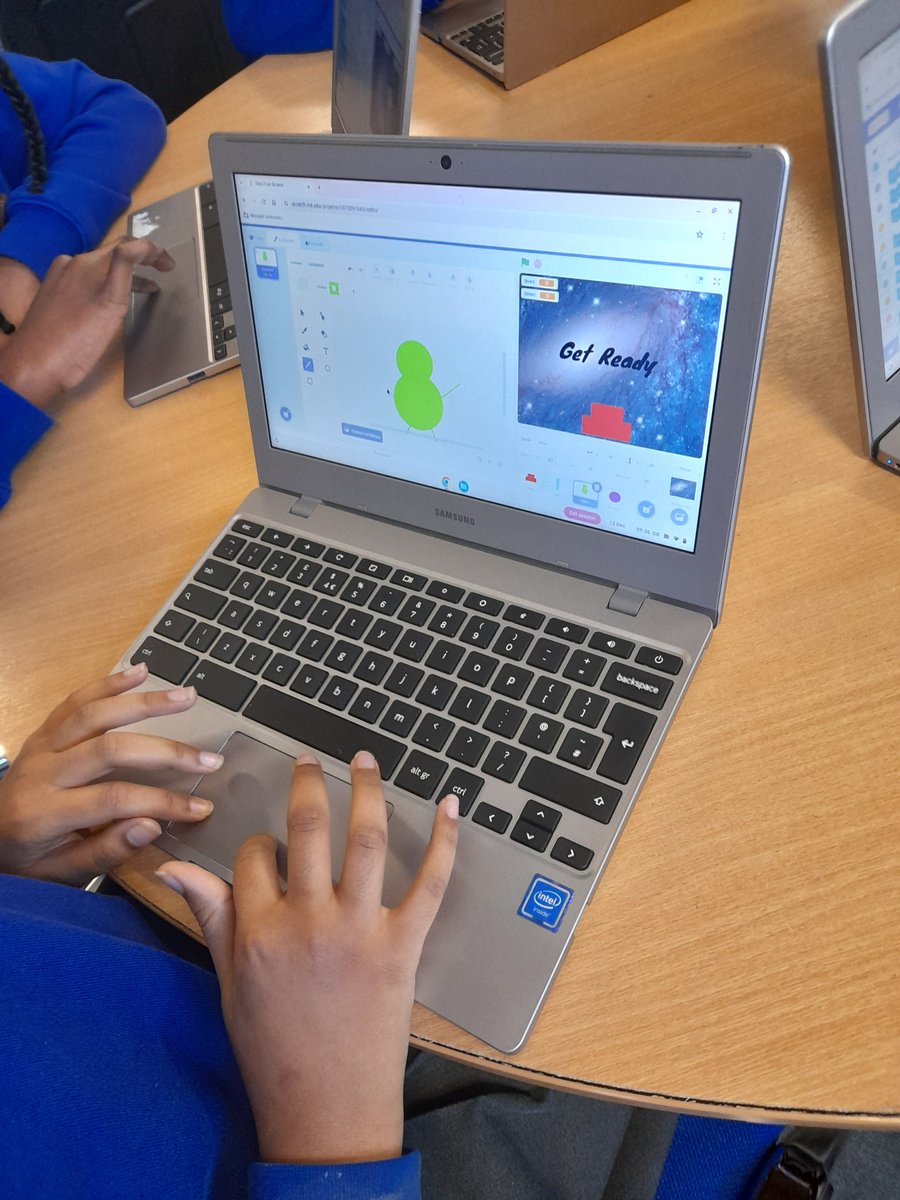
For their computing sessions this term, @Y6Oak2024 have been programming their own Space invaders games. Children used their knowledge of Scratch to develop their own backgrounds and Sprites and coded them using conditionals, forever loops and broadcasting messages.
Neil Maloney tweet mediaNeil Maloney tweet mediaNeil Maloney tweet mediaNeil Maloney tweet media
English
0
1
6
348
Neil Maloney
Neil Maloney@MGLWorld_Neil·
#flomellyyear1 built on their keyboard knowledge of using keyboards. Children focused on being able to create a sentence in a word processing program. After recapping some of the important features of a keyboard children wrote two sentences. @Flomellynews #flomellycomputing
Neil Maloney tweet mediaNeil Maloney tweet mediaNeil Maloney tweet media
English
0
1
5
347
Neil Maloney
Neil Maloney@MGLWorld_Neil·
Year 1 have been looking at key buttons on the keyboard. Together as a class we looked at the key buttons on a keyboard and children created their own help sheets. After that we completed some basic typing activities. #flomellyyear1 #flomellycomputing @Flomellynews
Neil Maloney tweet mediaNeil Maloney tweet mediaNeil Maloney tweet mediaNeil Maloney tweet media
English
0
1
5
366
Neil Maloney
Neil Maloney@MGLWorld_Neil·
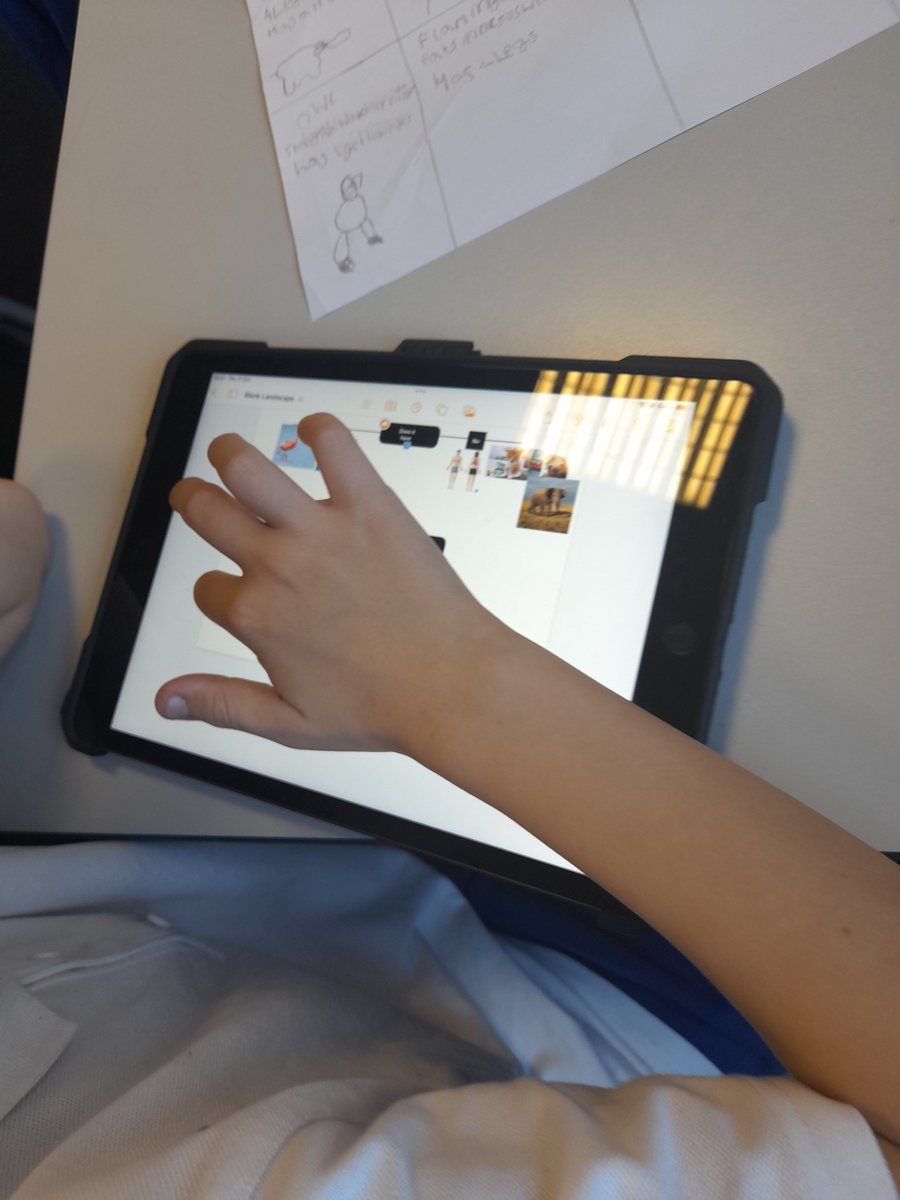
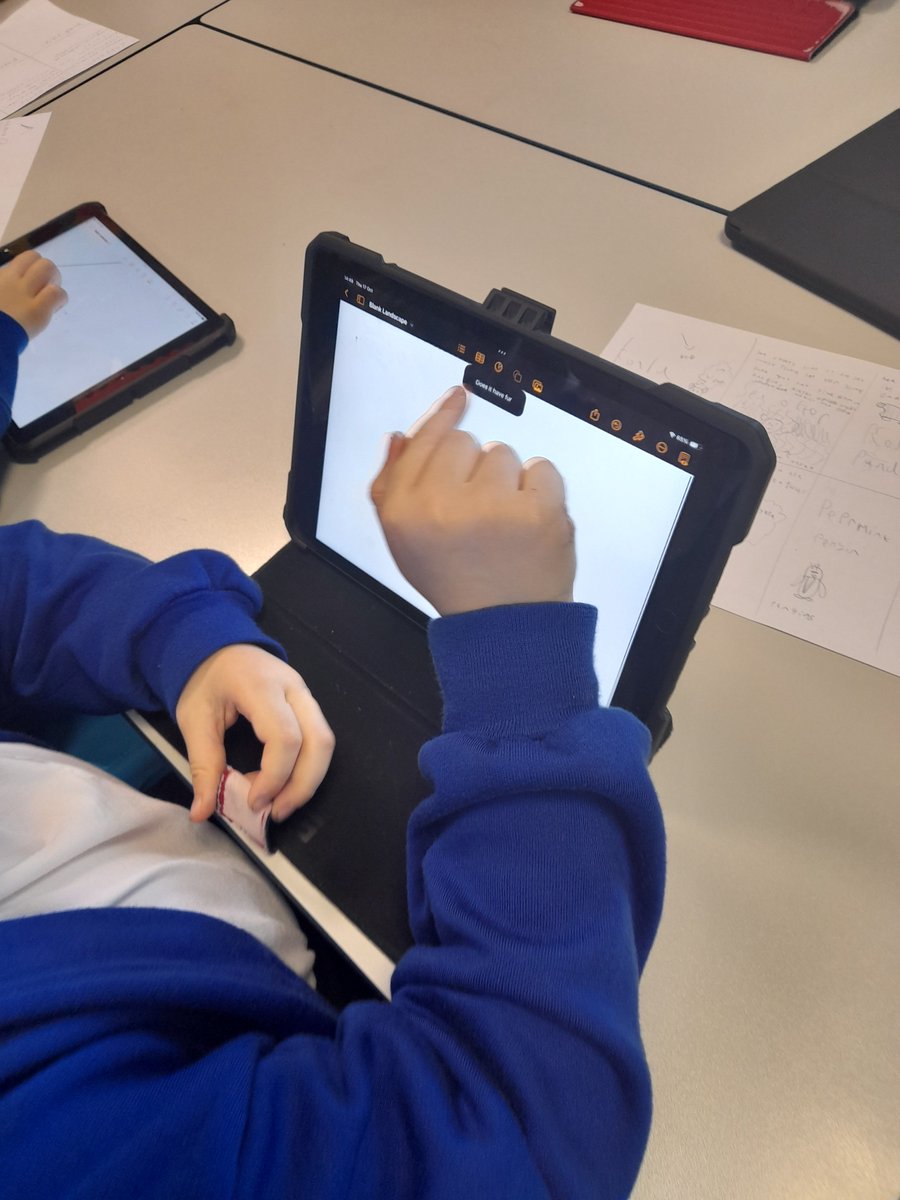
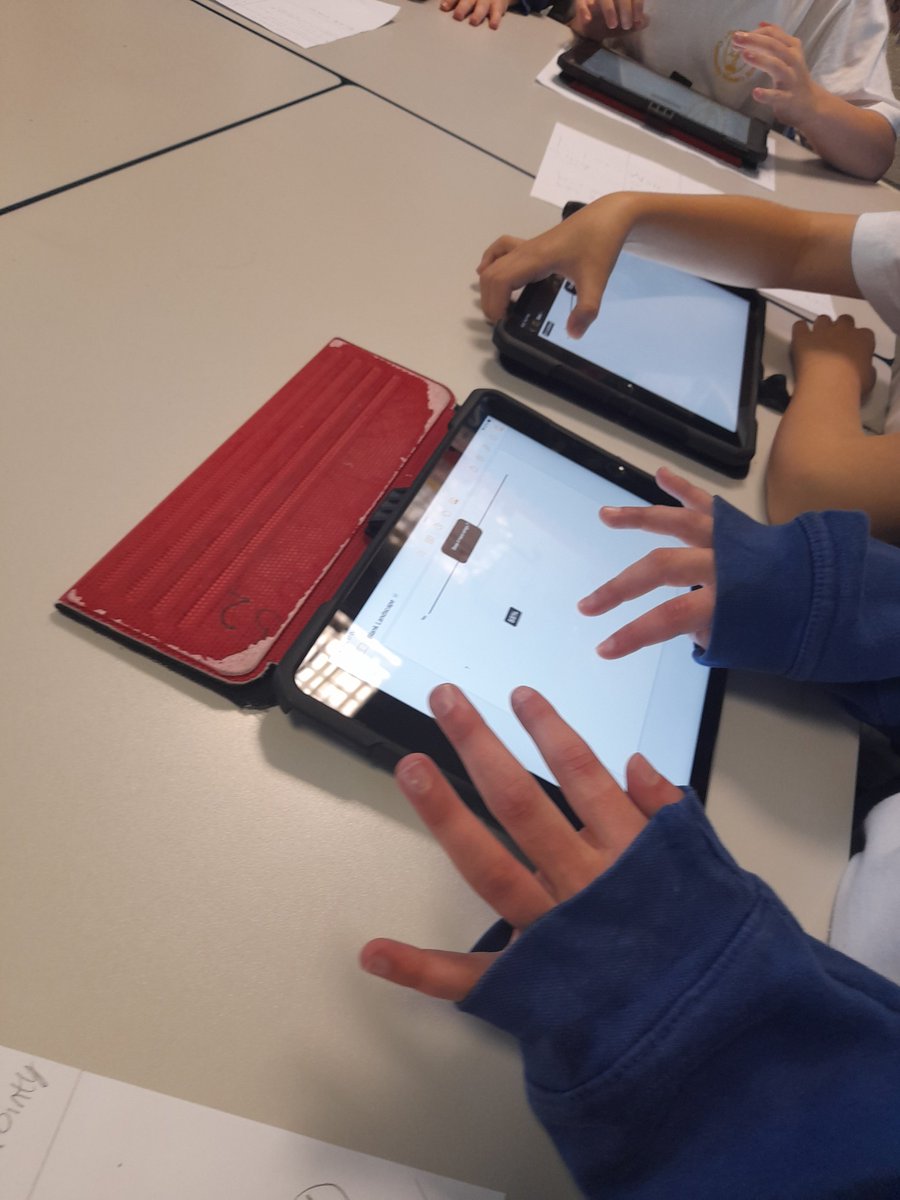
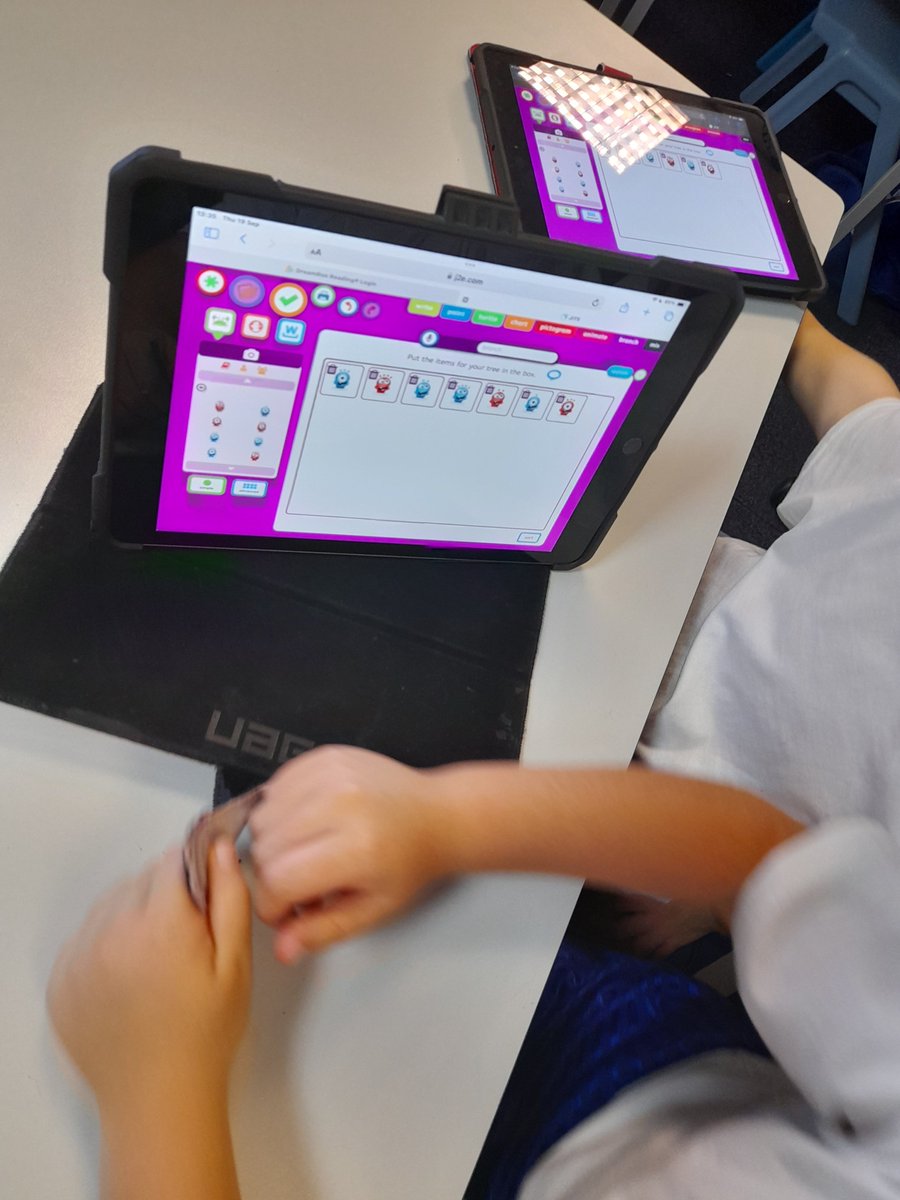
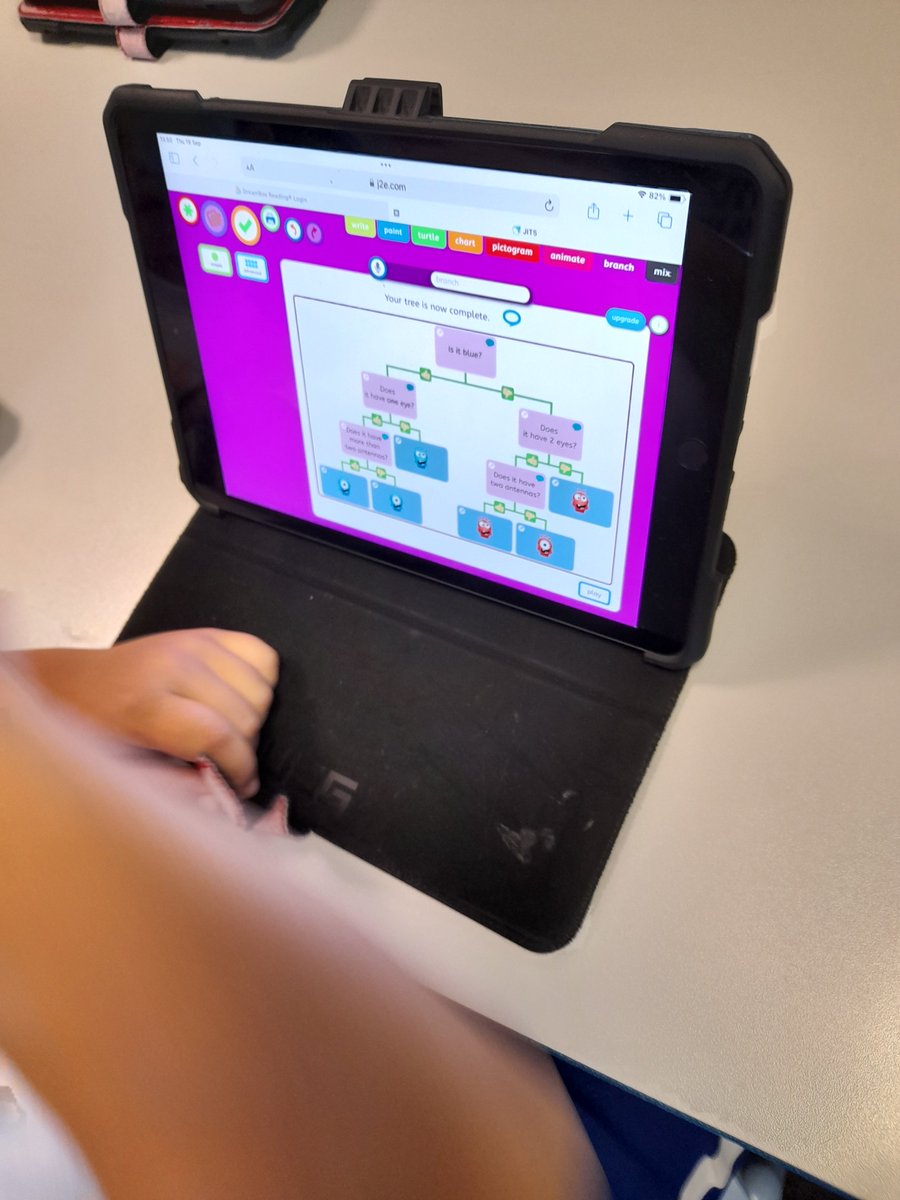
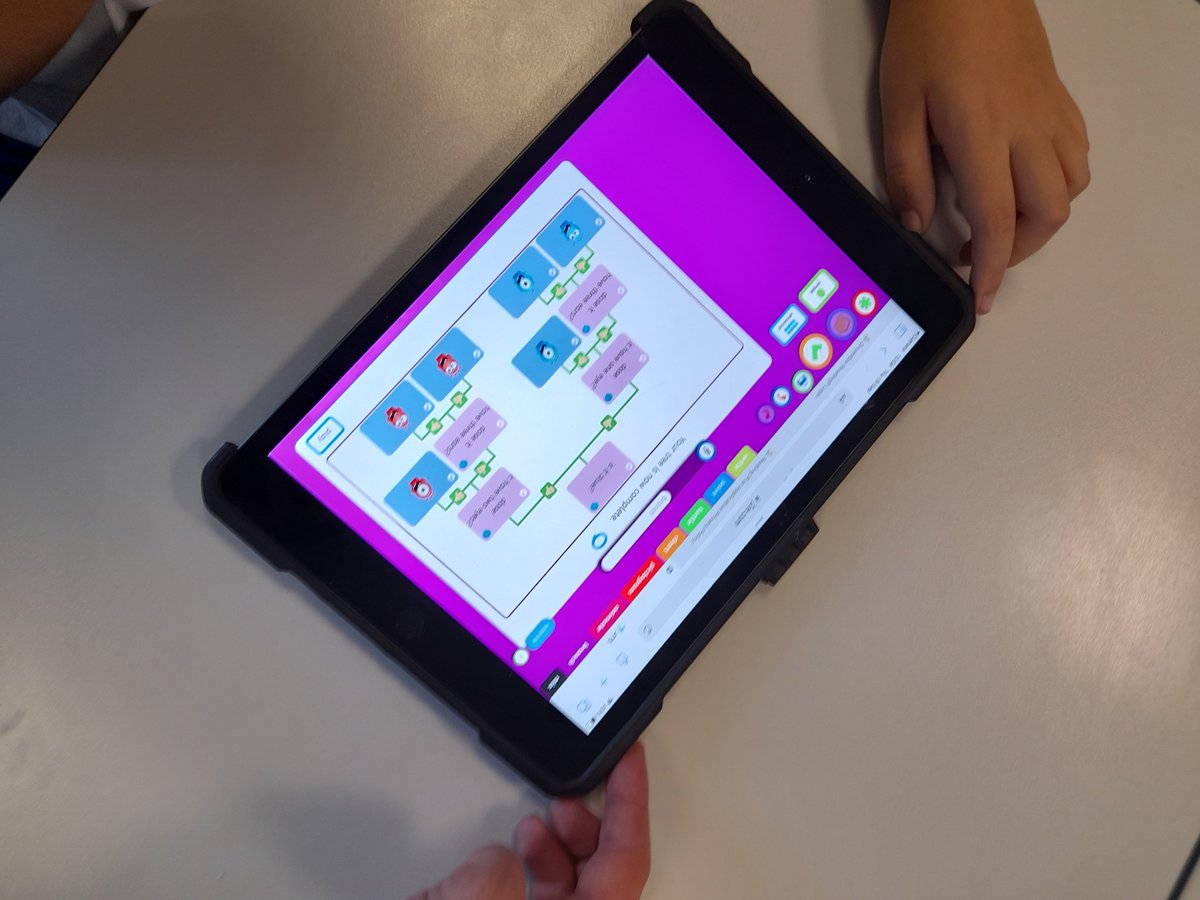
Children in Year 4 created a branching database. Children searched for and saved images to use and along with their plans created from the last lesson and the pages application created their database. @Flomellynews #flomellyear4 #flomellycomputing
Neil Maloney tweet mediaNeil Maloney tweet mediaNeil Maloney tweet mediaNeil Maloney tweet media
English
0
2
5
338
Neil Maloney
Neil Maloney@MGLWorld_Neil·
Yesterday Year 4 looked at Branching databases, we discussed what a database is and how we can organise them find information. We used key yes or no questions to help us filter out information and find what we are looking for. @Flomellynews #flomellyear4 #flomellycomputing
Neil Maloney tweet mediaNeil Maloney tweet mediaNeil Maloney tweet mediaNeil Maloney tweet media
English
0
0
2
86
Neil Maloney
Neil Maloney@MGLWorld_Neil·
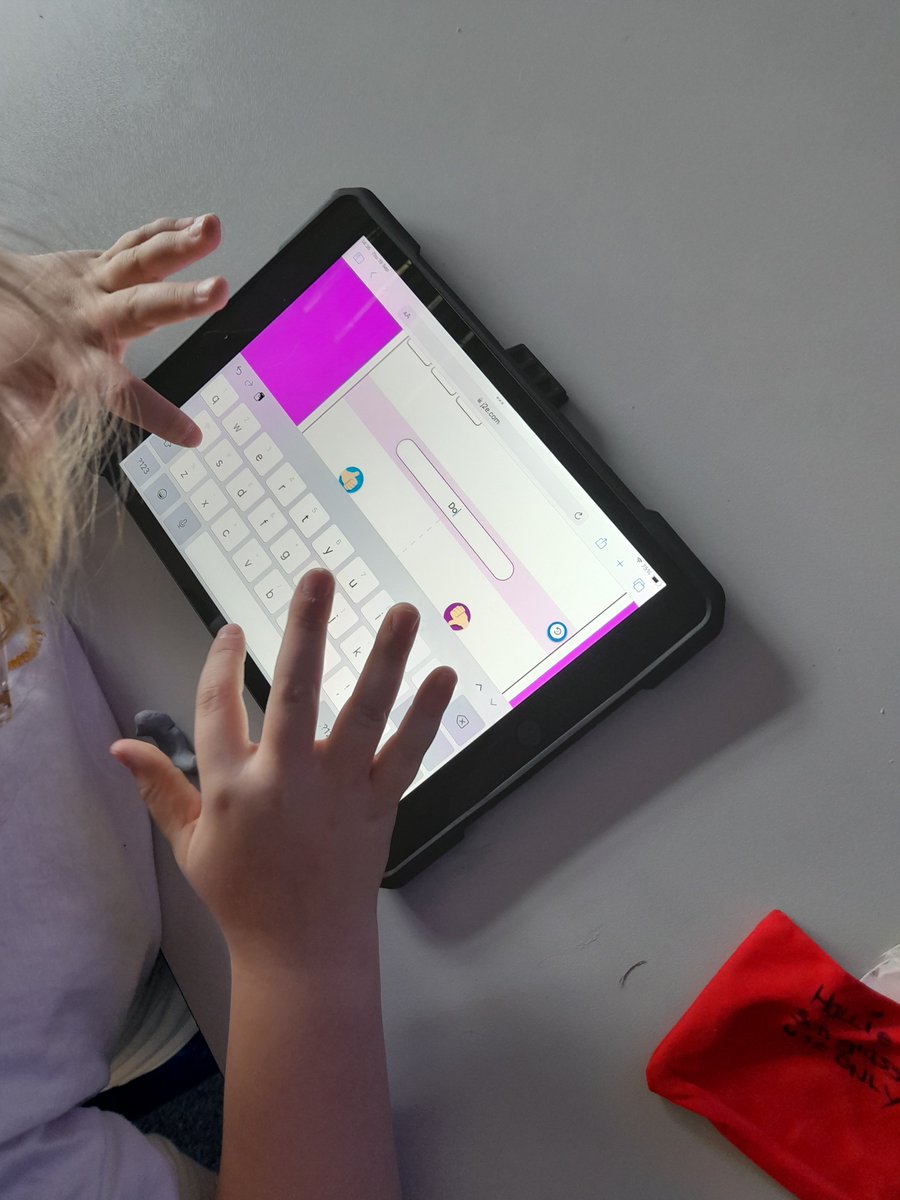
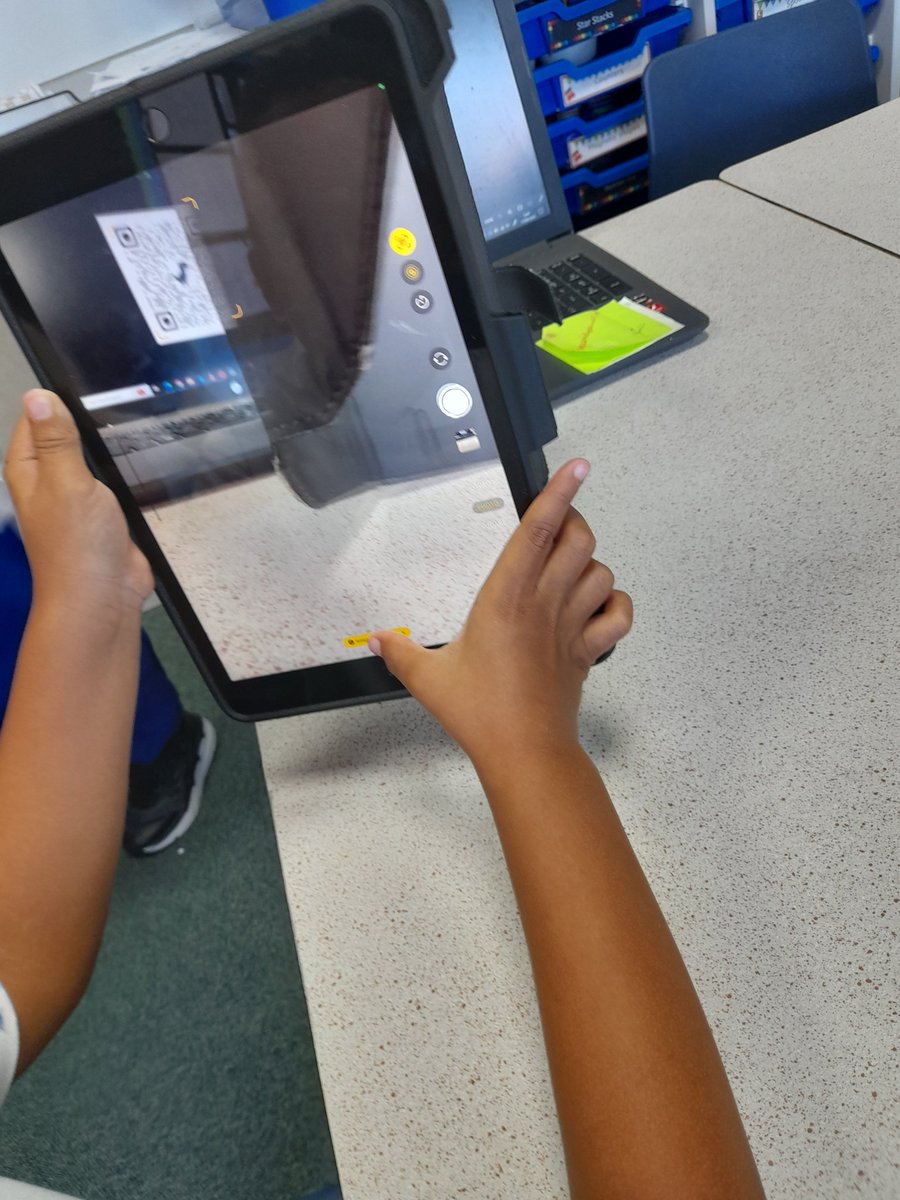
Year 1 looked how to use an iPad correctly, we looked at how to switch an iPad on, use the home button and how to use the QR code scanner. Children then completed an activity where they needed to recognise the correct shape to touch. @Flomellynews #flomellyear1 #flomellycomputing
Neil Maloney tweet mediaNeil Maloney tweet mediaNeil Maloney tweet mediaNeil Maloney tweet media
English
0
0
2
73
Neil Maloney
Neil Maloney@MGLWorld_Neil·
@Year3Monksdown have looked at how we can get a ‘sprites’ appearance to change by creating different costumes. We then coded a sprite move around the screen and used a repeat loop to get the character to change costume everytime it touched the edge of the screen.
Neil Maloney tweet mediaNeil Maloney tweet mediaNeil Maloney tweet mediaNeil Maloney tweet media
English
0
0
0
18
Neil Maloney
Neil Maloney@MGLWorld_Neil·
@mapleclass2024 have been introduced to a Micro:bit. With the children we recapped how we use block coding, children were then introduced to a Micro:bit and how it works. We then created a simple code getting the LED lights on the Micro:bit to display different letters.
Neil Maloney tweet mediaNeil Maloney tweet mediaNeil Maloney tweet mediaNeil Maloney tweet media
English
0
0
0
11
Neil Maloney
Neil Maloney@MGLWorld_Neil·
Yesterday @Y6Oak2024 Children have begun to create their own space invaders game. Today we focused on laying the ‘foundations’ ready to start coding during the next lesson, children designed a different series of backgrounds in order for a program to broadcast a message.
Neil Maloney tweet mediaNeil Maloney tweet mediaNeil Maloney tweet mediaNeil Maloney tweet media
English
0
1
4
312
Neil Maloney
Neil Maloney@MGLWorld_Neil·
On Tuesday @Year3Monksdown were introduced to Scratch. Children created a new project. The focuse was on being able to create and insert sprites and backgrounds. Children also looked at how we can code a sprite to change costume when pressing the green flag.
Neil Maloney tweet mediaNeil Maloney tweet mediaNeil Maloney tweet mediaNeil Maloney tweet media
English
0
0
2
55
Neil Maloney
Neil Maloney@MGLWorld_Neil·
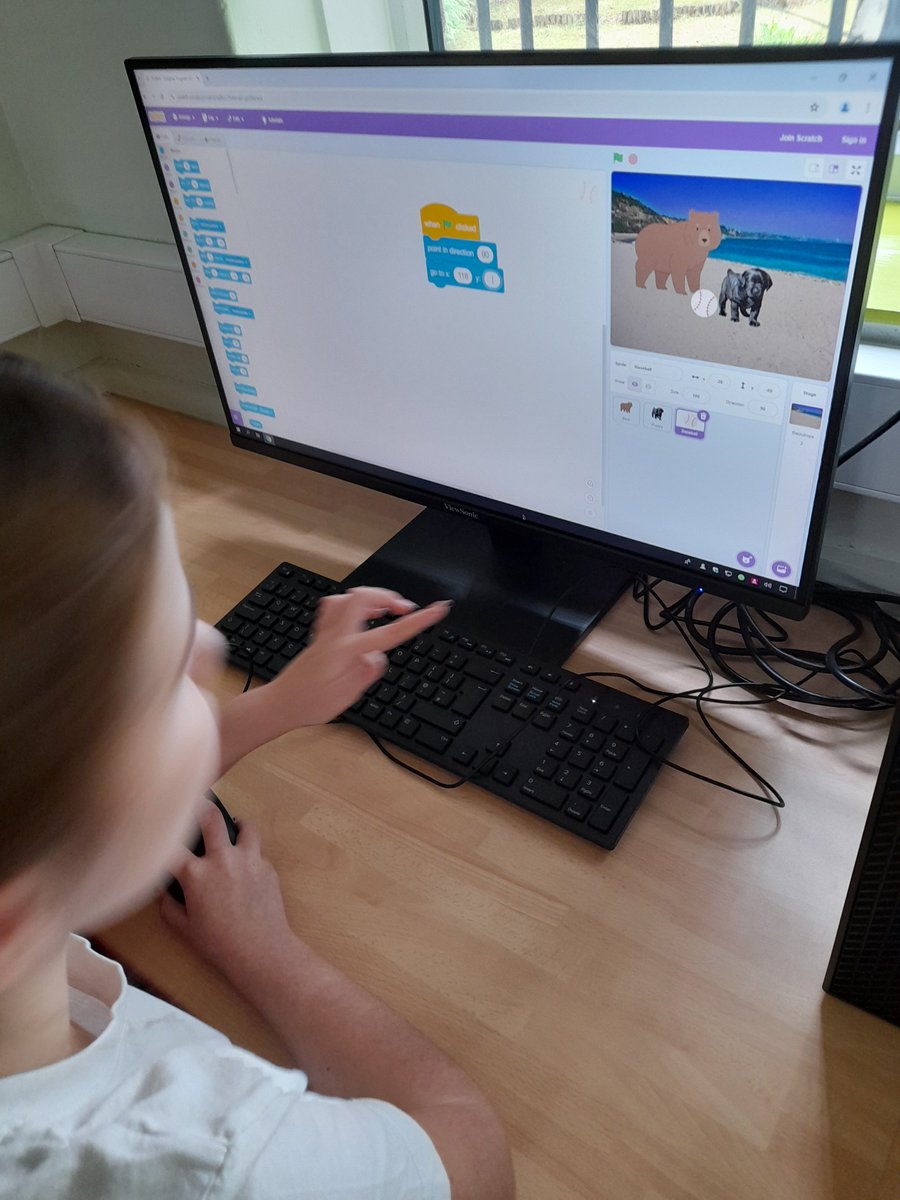
@huntscrosspri Year 5 focused on conditionals and how they are used. We discussed how we can use ‘If’ statements to give our programs a condition to work in. Children then created a program to get a character to move using the keyboard and pick up a ball when they reached it.
Neil Maloney tweet mediaNeil Maloney tweet mediaNeil Maloney tweet mediaNeil Maloney tweet media
English
0
0
0
5
Neil Maloney
Neil Maloney@MGLWorld_Neil·
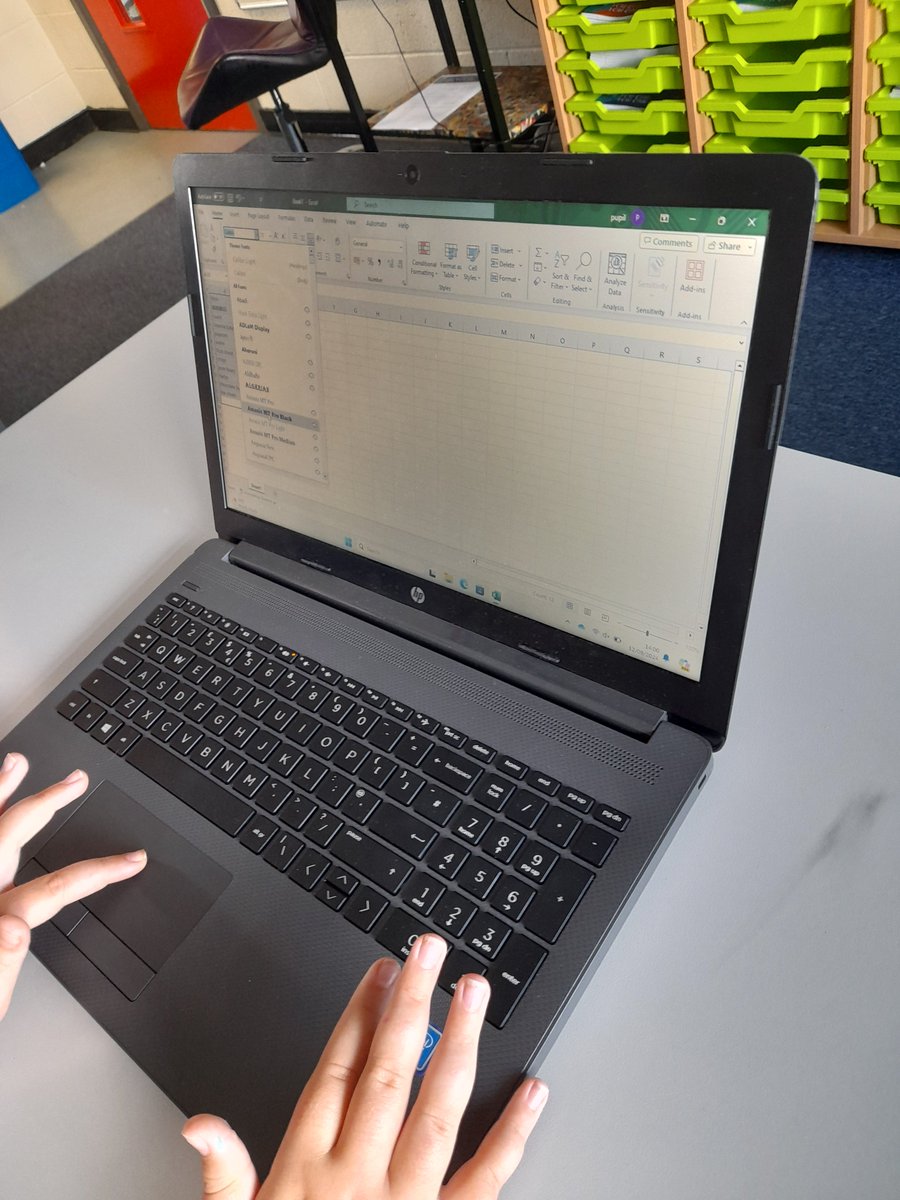
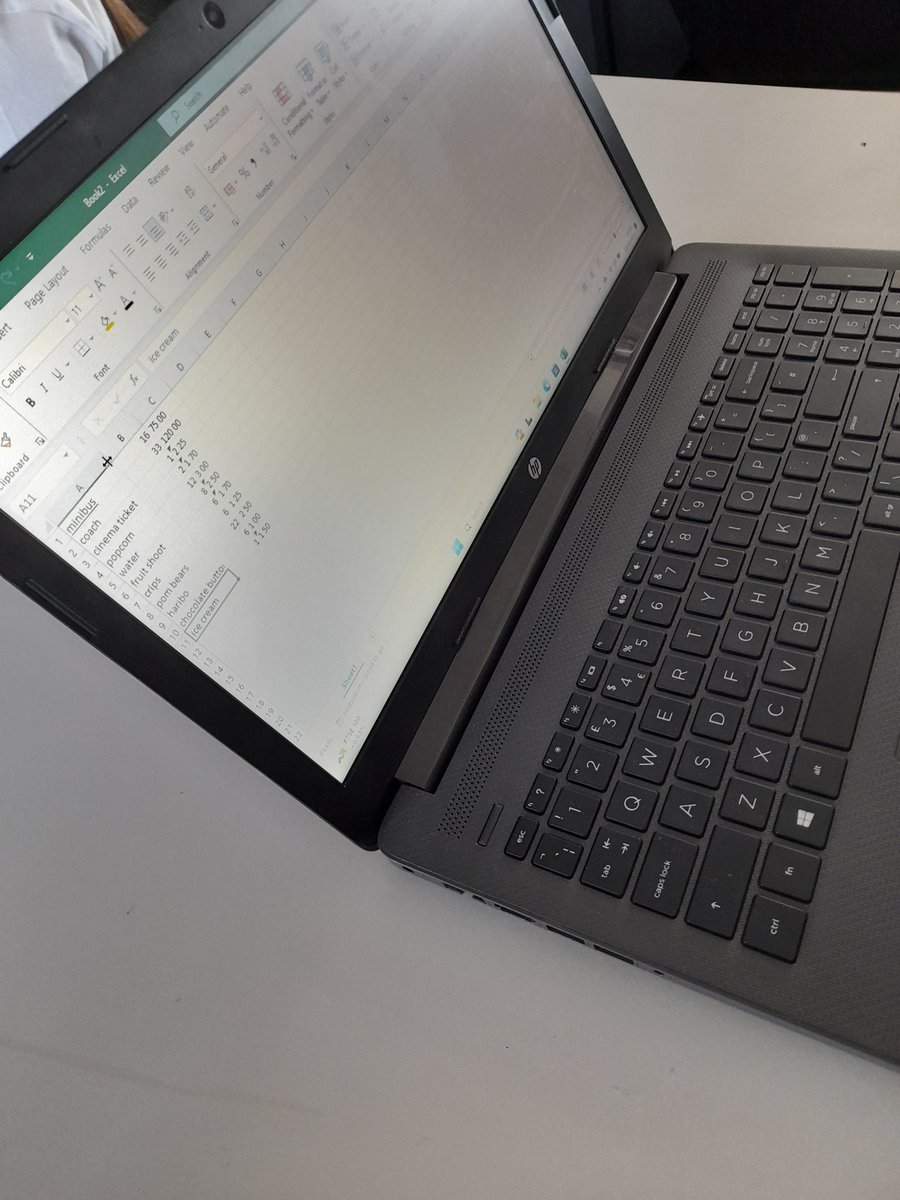
Yesterday Year 6 had been introduced to spreadsheets, why we use them and the different examples of where they might be used. Children then coverted a table into a spreadsheet formatting it with their own colours, fonts and styles. @Flomellynews #flomellyear6 #flomellycomputing
Neil Maloney tweet mediaNeil Maloney tweet mediaNeil Maloney tweet mediaNeil Maloney tweet media
English
0
1
4
334
Neil Maloney
Neil Maloney@MGLWorld_Neil·
On Tuesday afternoon Year 3 looked at how emails work and the purpose of sending them. We discussed how over time the importance they have and why people use them. Children then received an email and typed out a reply. @Flomellynews #flomellyyear3 #flomellycomputing
Neil Maloney tweet mediaNeil Maloney tweet mediaNeil Maloney tweet mediaNeil Maloney tweet media
English
0
1
3
382