Mr_Lumply | Video Editor

404 posts

Mr_Lumply | Video Editor banner
Mr_Lumply | Video Editor

Mr_Lumply | Video Editor

@Mr_Lumply

🎬🎞️ Video Editor 🎞️🎬 Making creators grow with video editing!!! - https://t.co/DRHgIoSl2W

Katılım Mayıs 2025
242 Takip Edilen136 Takipçiler
Doki 🏆
Doki 🏆@dokibird·
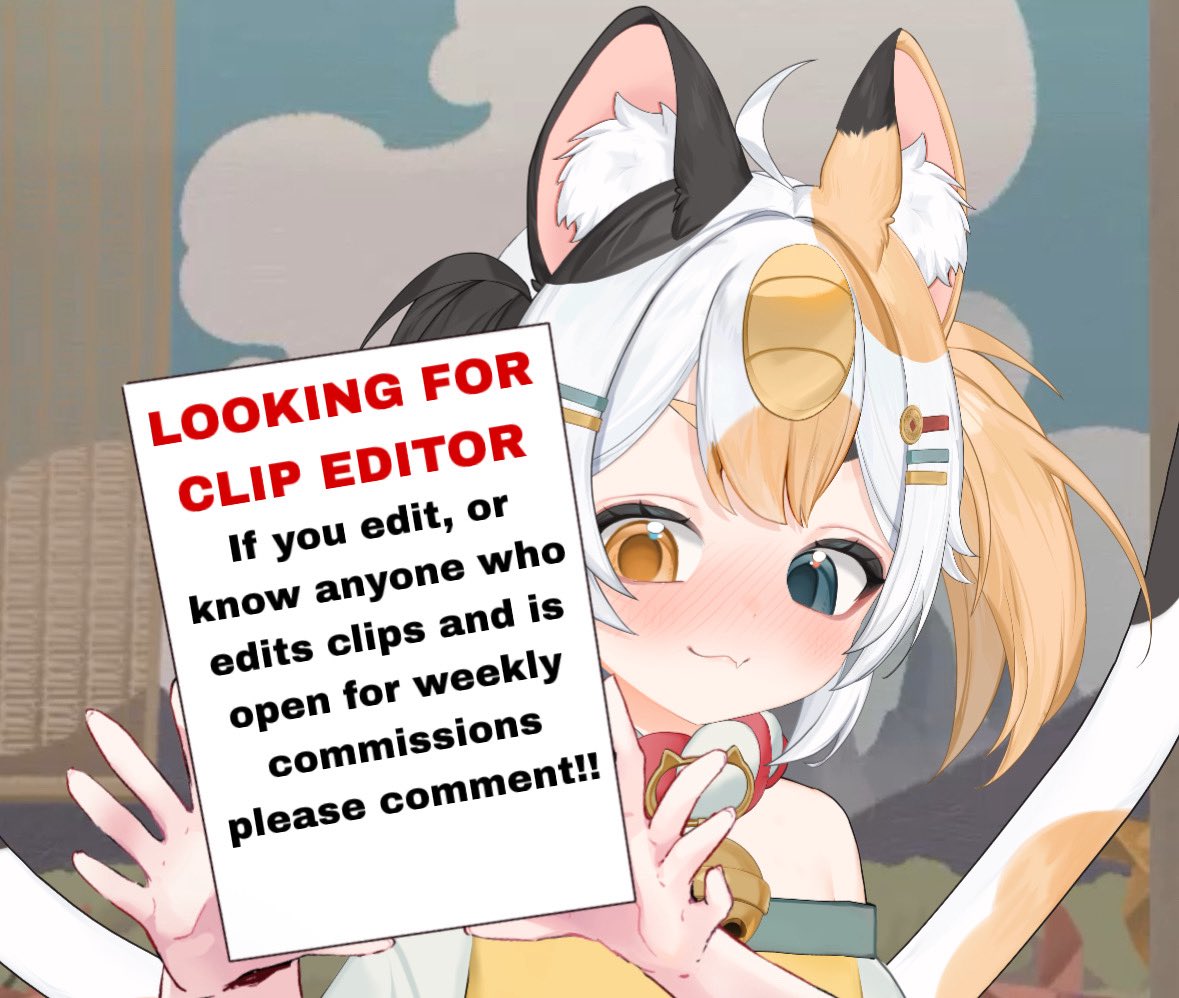
We are currently looking to recruit more short editors for the channel ! Please feel free to drop your portfolio in the replies and my team will look through them !
English
194
161
2K
46K
Chloee ฅ՞•ﻌ•՞ฅ | vtu-bear
I need a clips editor so bad for gameplay stuff >.<' I can edit all the cutesy simple videos quickly for daily content but I want to post more game clips in there too but they take me so long to edit and they never look as professional as I'd like and feel like they are the clips that will actually get people to want to watch future streamies idk? They are just a little too expensive for this poor bear right now - slowly but surely we will get there!
English
7
1
45
2.2K
Mr_Lumply | Video Editor
Mr_Lumply | Video Editor@Mr_Lumply·
TWIST AND PULL!!! Side by Side by Side of edit I made Dms and vgen open for commissions!!!
English
1
0
0
48
Mr_Lumply | Video Editor
Mr_Lumply | Video Editor@Mr_Lumply·
MOTH AND TIRE!!! Side by Side by Side of edit I made Dms and vgen open for commissions!!!
English
1
0
2
62
Mr_Lumply | Video Editor
Mr_Lumply | Video Editor@Mr_Lumply·
RAT HUNTIN!!! Side by Side by Side of edit I made Dms open for commissions!!!
English
1
0
1
133
Mr_Lumply | Video Editor
Mr_Lumply | Video Editor@Mr_Lumply·
RUUUUNNN!!!!! Side by Side by Side of edit I made Dms open for commissions!!!
English
1
0
1
118
Mr_Lumply | Video Editor
Mr_Lumply | Video Editor@Mr_Lumply·
WHAT'S MAKING THAT SOUND!!! Side by Side by Side of edit I made Dms open for commissions!!!
English
1
0
1
218
Jeyraident ⌛【1.0 Debut TBA】
Thank you so much for all the support lately everyone!! qwq 🫶🩵 It’s crazy that we’ve already hit 500 subs on our tutorial channel, and it’d be even crazier if we hit YouTube Partnership on this channel too… 👀 I also have a video that FINALLY got pushed further into the algorithm after 2 years of making content!! FINALLY AHHH 😭 This is only the start of something great, more content and tutorials coming soon!! Hope that y'all will continue supporting me!! ⸜(。˃ ᵕ ˂ )⸝♡
Jeyraident ⌛【1.0 Debut TBA】 tweet media
English
6
6
158
2.5K
Ghostie 👻😈 Vtuber
Ghostie 👻😈 Vtuber@soft_ghosts·
How did you guys learn how to edit your clips and where did you start?? I feel like the hardest part is scrubbing vods 😭
English
86
3
355
18.6K
Luwi Lumi🎏🐈
Luwi Lumi🎏🐈@LuwiLumi·
Anything to avoid bots 😭 but yeah please spread this around!
Luwi Lumi🎏🐈 tweet media
English
55
13
187
6.9K
akame 🐾🧧
akame 🐾🧧@akamepsps·
i'm not chio, but as a former thumbnail designer for gameplay channels, i highly recommend this: 1. try to keep it brief. you basically have two good options: make the title self-explanatory so everything stays organized (like full vods), or go for something catchy related to what happened if it was a just chatting stream with a lot of funny moments, something like “CHAT DID WHAT?” works pretty fine it also helps to upload vods to youtube and split them by moments/content 2. it’s usually better to place the most important info on the left because of western reading patterns, so text or the person who’s important to the video often works better on the left side! 3. it’s also good to create a fixed identity that you never change, so people start recognizing your channel at a glance for example, you could have a small watermark in the bottom left, or something common in the vtuber space like colored borders depending on the theme of the video. for gameplays: a fun color, for just chatting: your usual channel colors this helps give your thumbnails a unique extra highlight :) 4. about text: use readable fonts, preferably bold, and create contrast (for example white text with a black outline) and some words in caps to create emphasis also avoid long sentences, the thumbnail should summarize the idea of the content, but it doesn’t need to repeat the title for example, if your video title is first time playing resident evil requiem, the thumbnail text could be something like "i CAN'T believe i did THIS", plus an image that clearly represents resident evil, like leon and sometimes you don't really need use the logo so you don't have to push yourself for this, i’ve fixed many thumbnails just by removing the logo and giving more space to elements that represent the game, it usually looks way better these are general thumbnail tips, and they can be used for both VODs and videos in general!
English
2
0
2
49
Chio 🍀
Chio 🍀@Chiotails·
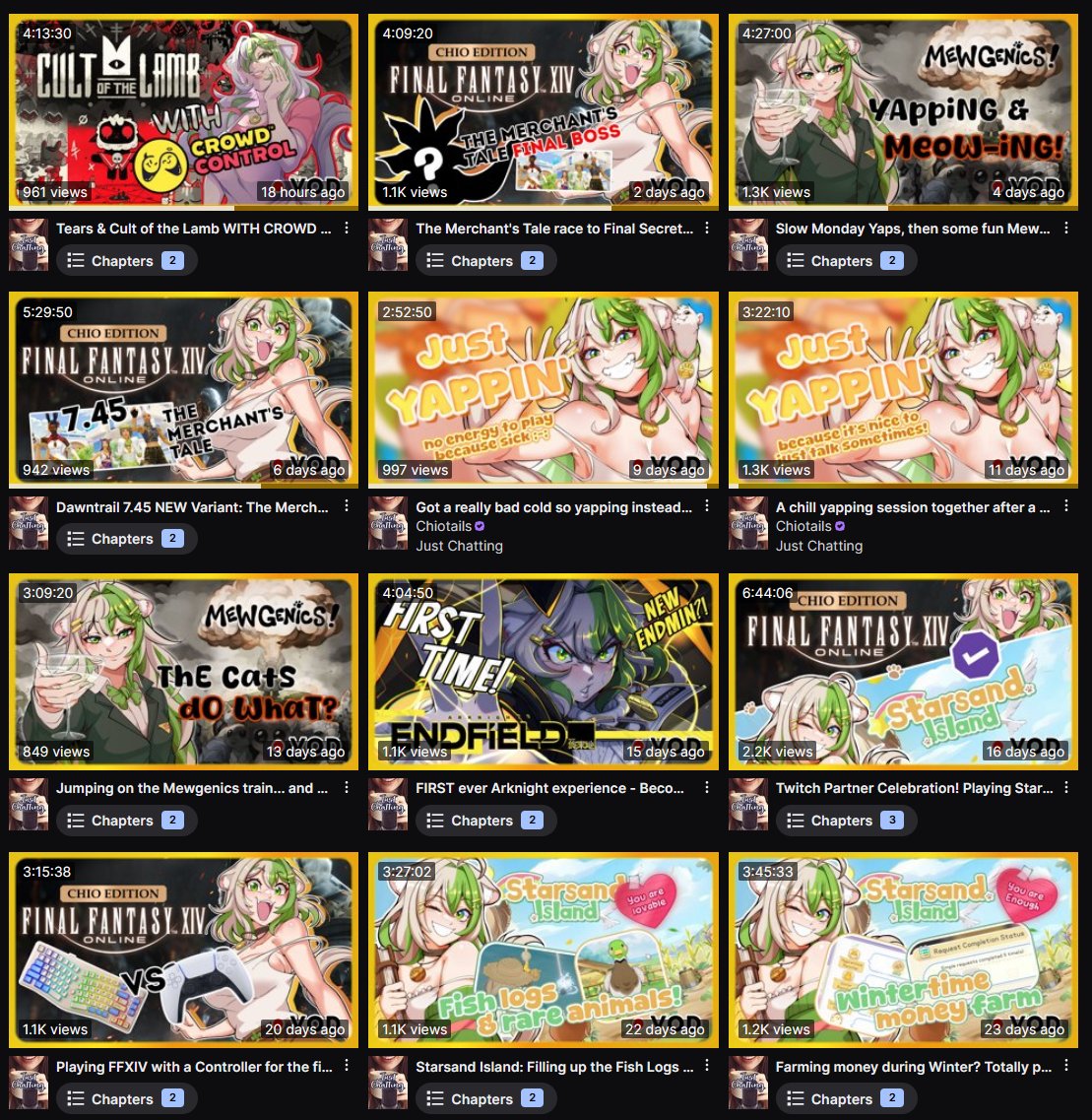
THIS is your sign to make thumbnails for your Twitch VODs! ✨ I've got the same thumbnails on my YouTube VODs so people can watch where they want, but this makes it look so insanely neat. Clean up the title post-stream, slap on a pretty image, tadaaaa!
Chio 🍀 tweet media
English
25
16
580
16.9K
Chio 🍀
Chio 🍀@Chiotails·
@Mr_Lumply I'm sure there must be nice tutorials on YouTube if you look it up there! I don't have any personally and haven't watched any so can't recommend anything sadly. My own experience is really just lots of trial and error and moving things around until they're pretty!
English
1
0
0
809
Mokabean 🧪🌱
Mokabean 🧪🌱@MokabeanVT·
Video editors, what programs do you use? What do you recommend to somebody learning how to edit videos?
English
112
5
219
15.8K
Mr_Lumply | Video Editor
Mr_Lumply | Video Editor@Mr_Lumply·
SHE'S GONNA SCRY YOU NEXT!!! Side by Side by Side of edit I made Dms open for commissions!!!
English
1
0
1
226