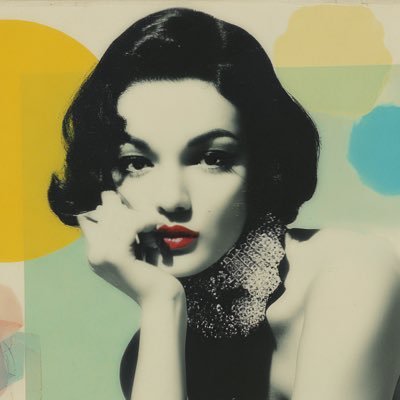
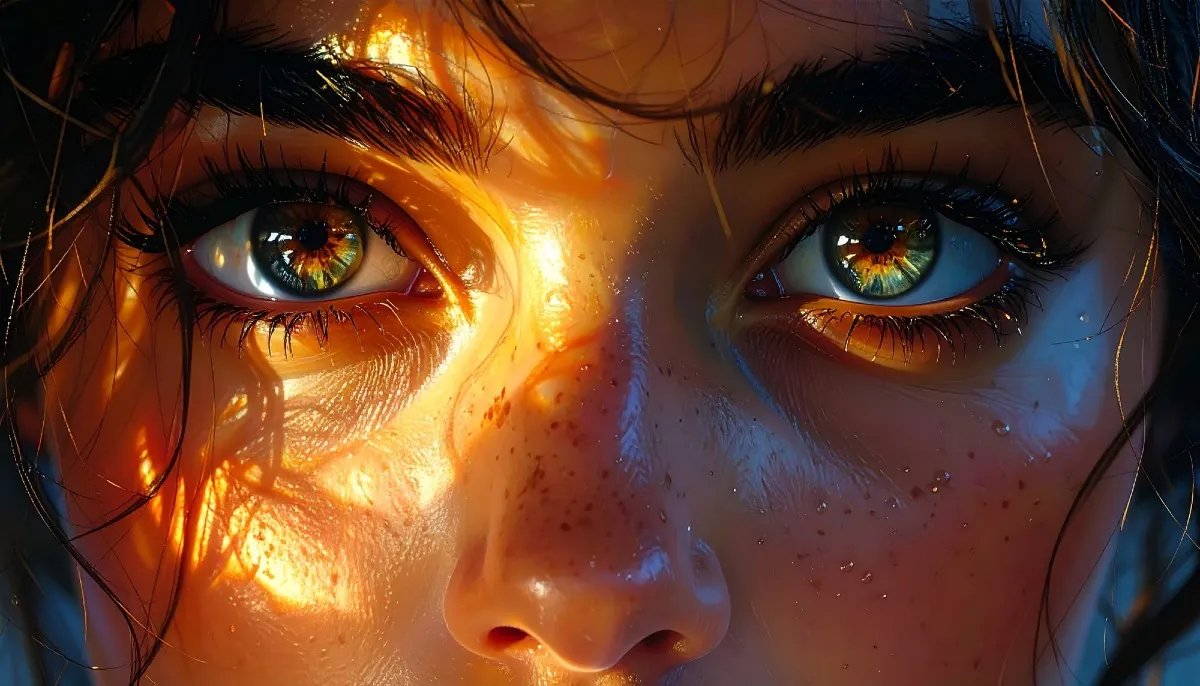
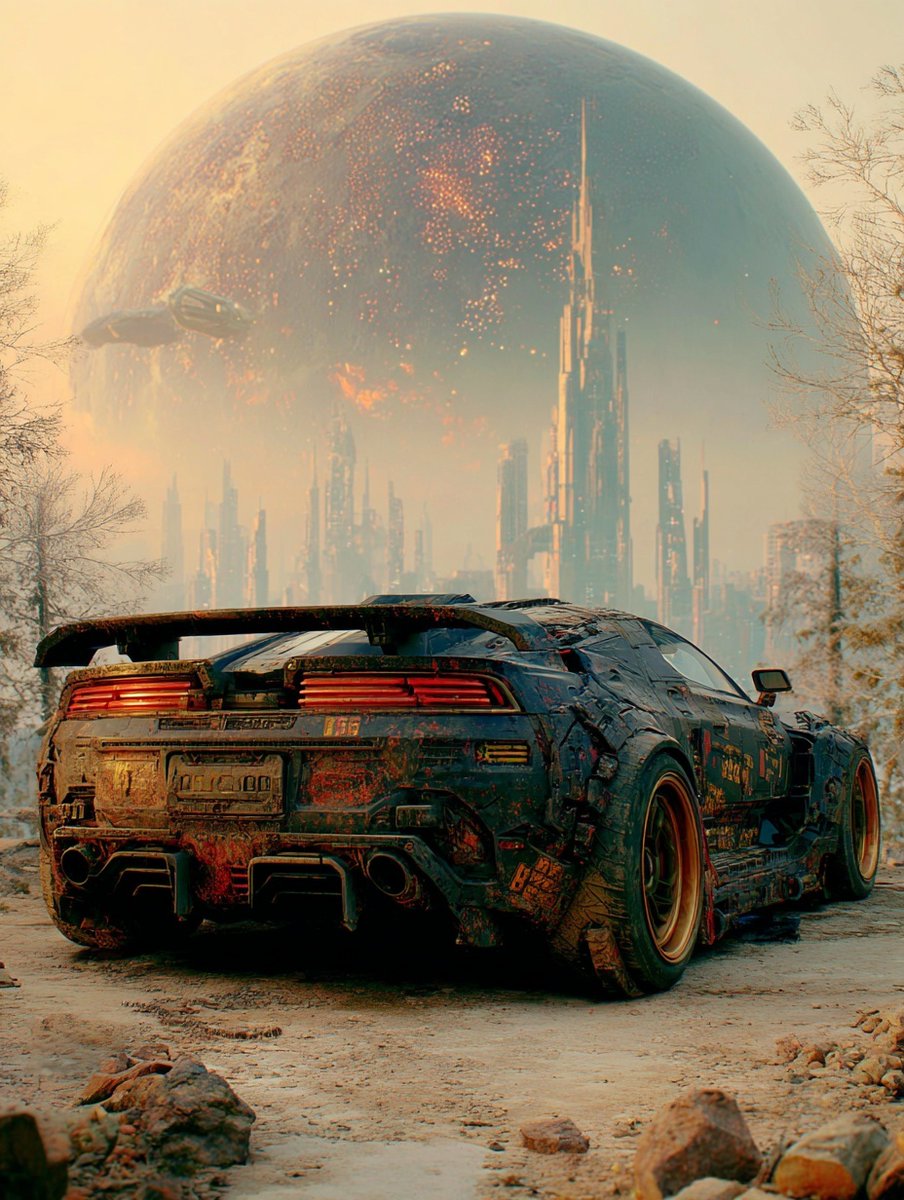
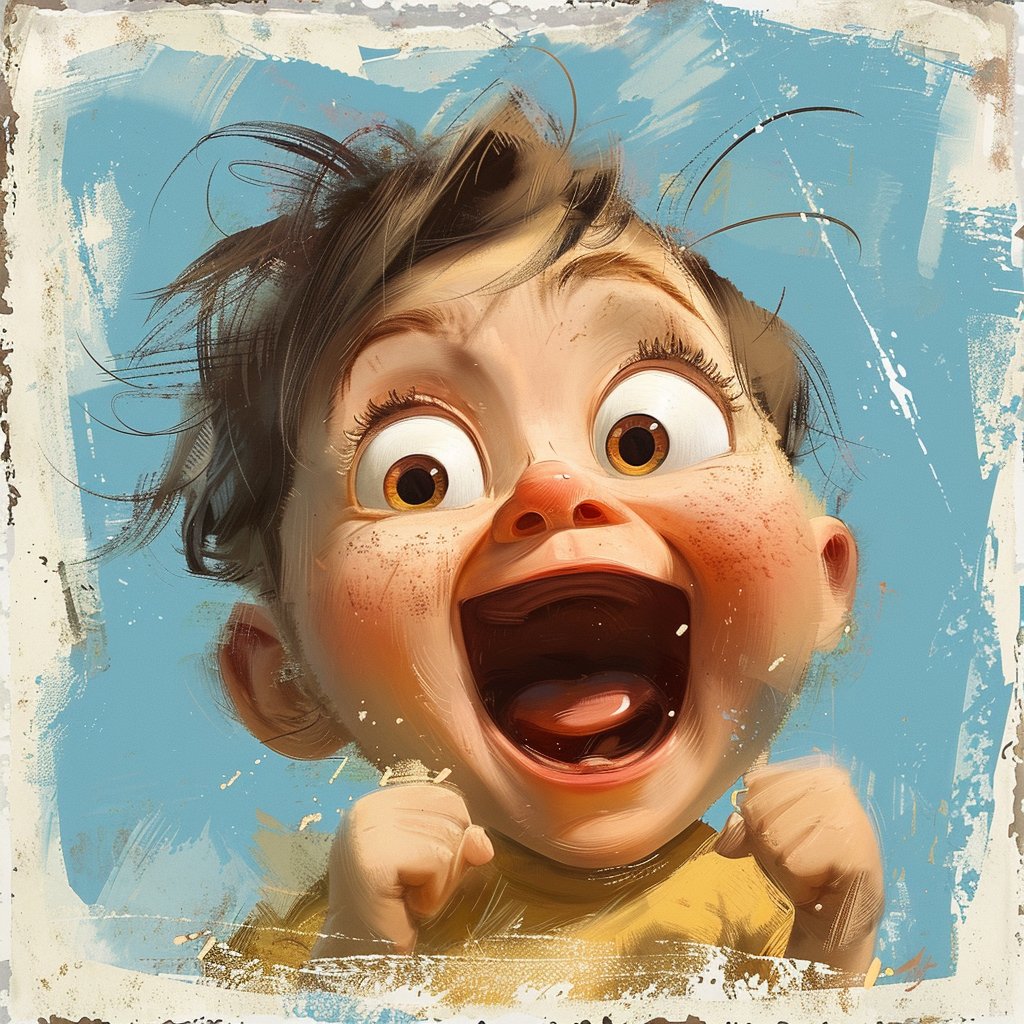
I’ve been an @Adobe user since the 1990s—starting as a graphic designer at HBO, working on projects connected to shows like Dream On, Tracey Takes On…, and Comic Relief.
@Adobe stayed with me as I grew into creative leadership roles, working with brands like ABC Television, House of Blues, and W Hotels.
Now, as a full-time artist, that creative relationship continues in a new way.
Adobe’s ongoing commitment to innovation, creativity, and community is truly impressive. It continues to inspire me to experiment, keep learning, and push the boundaries of my work. Participating as an @AdobeFirefly Ambassador brings that to a whole new level.
From my early design years to the art I’m creating now, Adobe has been part of the journey.
Ready to take the next step in yours?
Join the Adobe Firefly Ambassador Program waitlist ... see link below🔗👇
#AdobeAmbassadors#Ad#MyAdobeAmbassadorStory#AdobeFirefly
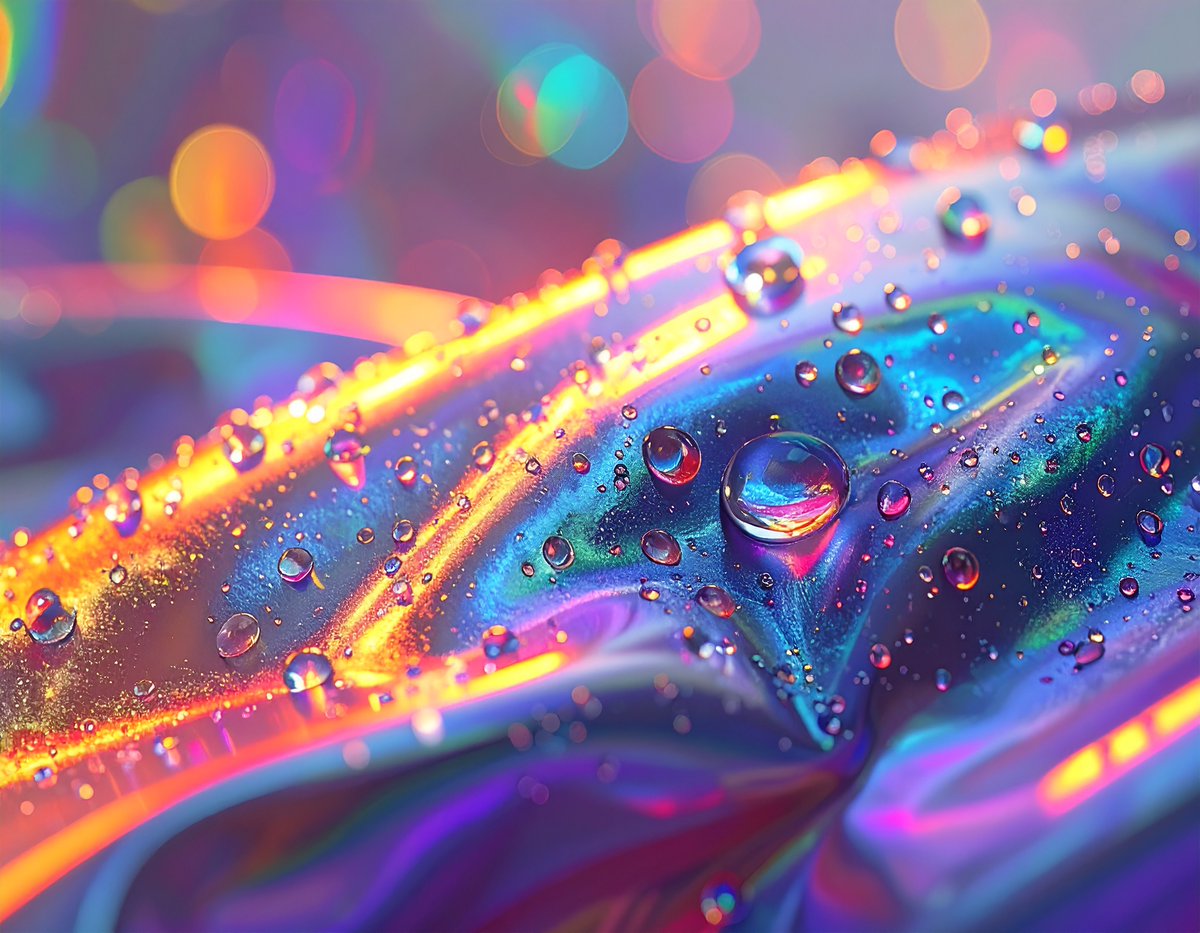
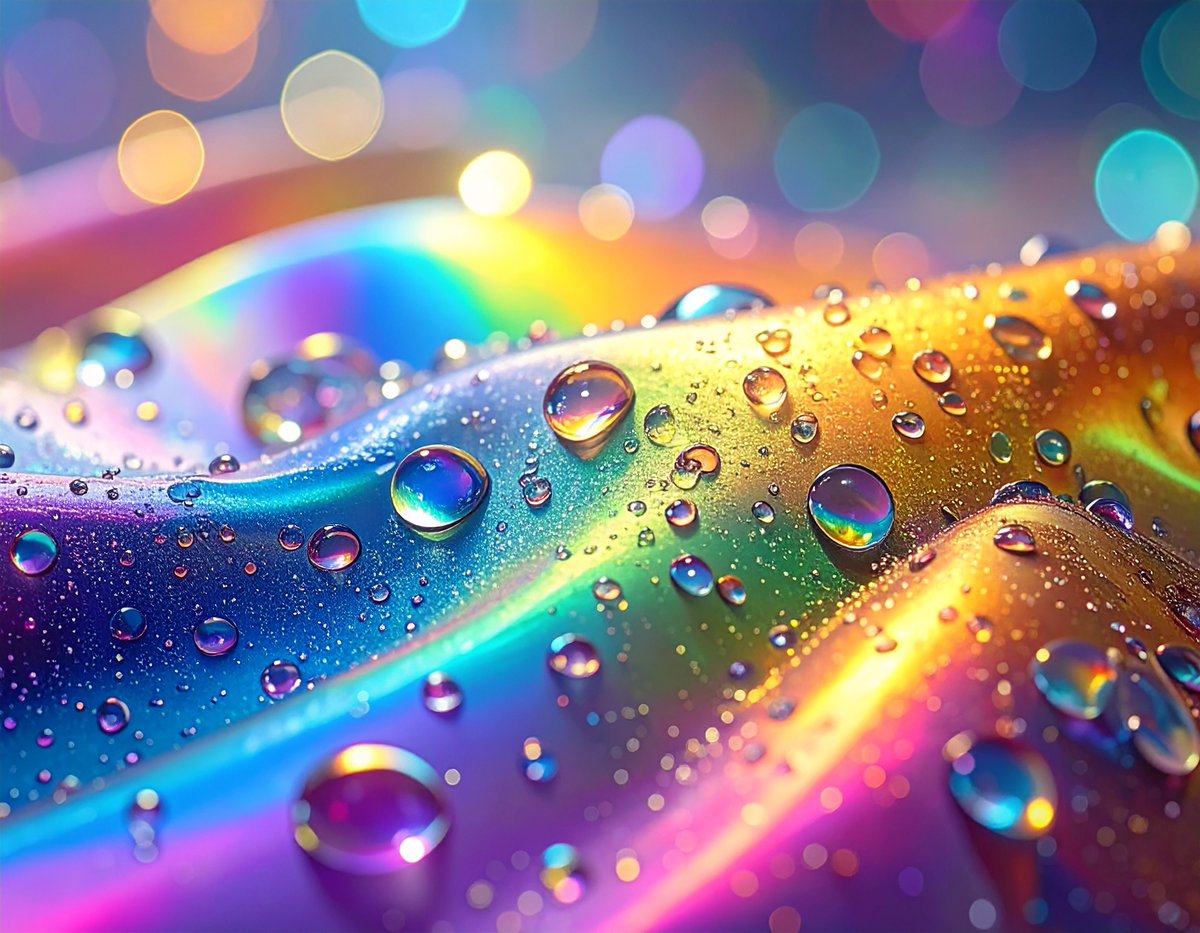
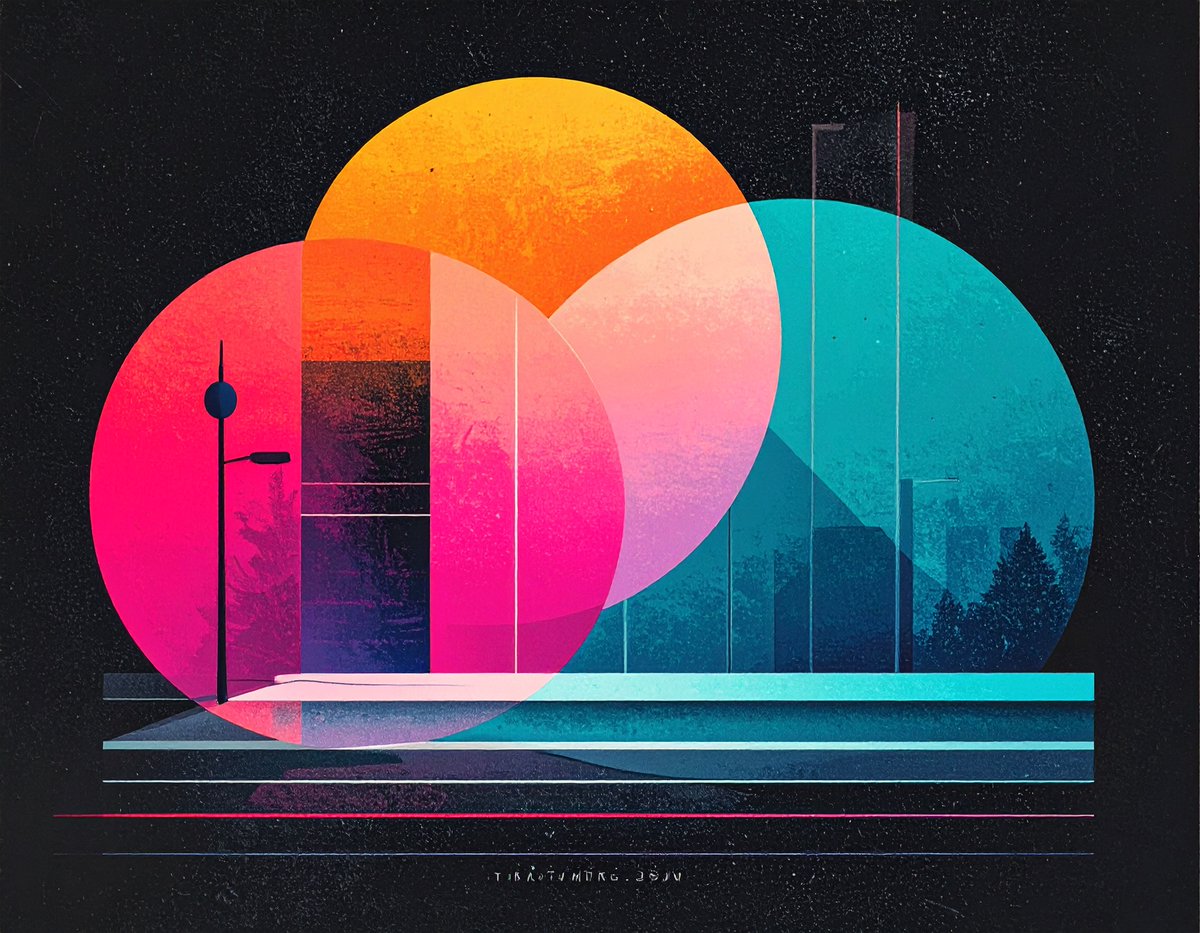
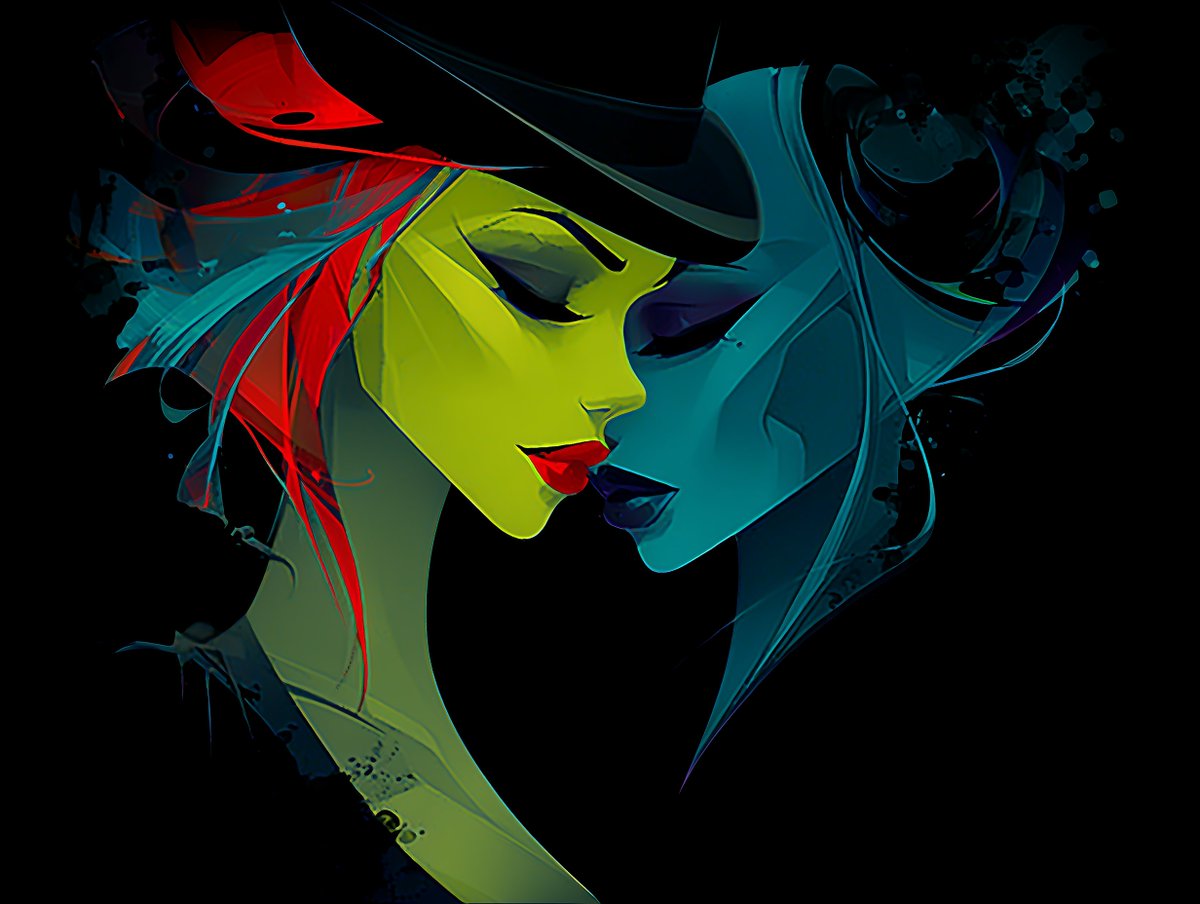
Having fun this Saturday morning creating some CD cover-style images in #Pixelmator. I used AI (nano banana) to generate the displacement maps. It's incredible how much easier and faster it is to apply them in Pixelmator compared to Photoshop.