Parna Chakraborty

246 posts

Parna Chakraborty

Parna Chakraborty

@Parna05

Information Developer at IBM. My tweets are my views only.

Bengaluru Katılım Ekim 2021
32 Takip Edilen25 Takipçiler
Parna Chakraborty retweetledi
Siddhartha
Siddhartha@Sidtweet03·
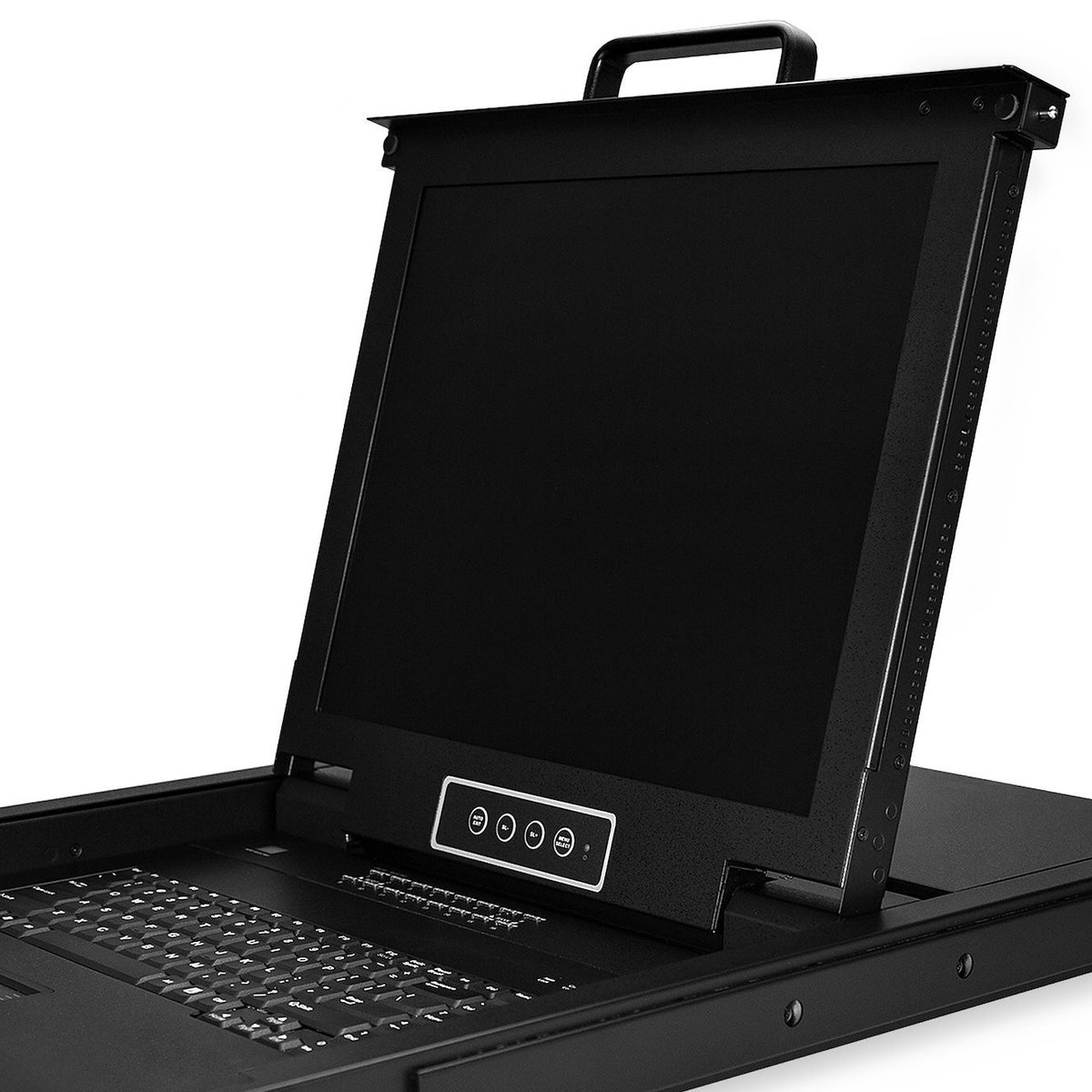
Use this information to install, configure, change, and manage your terminals and interfaces. Read more at: ibm.co/43iOGnb #IBMPowerDocs
Siddhartha tweet media
English
0
2
6
80
Parna Chakraborty retweetledi
saireddy
saireddy@GinneSaireddy·
Adjusting display image characteristics on your TFT-LCD display is easy with the OSD menu and control buttons. To learn more, visit: ibm.co/3tY8vDM #IBMPowerDocs
saireddy tweet media
English
0
3
4
45
Parna Chakraborty retweetledi
Deepa Dhanaraj
Deepa Dhanaraj@DhanarajDeepa·
You can use the "UpdateManagementConsole" REST API job to update the Hardware Management Console (HMC). Learn more about it here: ibm.co/48WPlNq #IBMPowerDocs #HMC
Deepa Dhanaraj tweet media
English
0
4
5
84
Parna Chakraborty retweetledi
Kiran Tripathi
Kiran Tripathi@SocialKiran·
IBM POWER9™ and Power10 processor-based hardware and firmware include new PowerVM® features to provide a more secure platform for cloud deployment. Know more about the Secure Boot feature here: ibm.co/31cAhOd #IBMPowerDocs #PowerVM
Kiran Tripathi tweet media
English
1
4
6
531
Parna Chakraborty retweetledi
saireddy
saireddy@GinneSaireddy·
To ensure that your server has the proper power to operate, please refer to the guidelines at ibm.co/48BDyVf #IBMPowerDocs
saireddy tweet media
English
0
2
3
51
Parna Chakraborty retweetledi
Mukesh Biswas
Mukesh Biswas@mukesh_biswas13·
Learn how to use a shared processor Pool (SPP) that is shared between a group of virtual server instances. See: ibm.co/413ZcOP #IBMPowerDocs
Mukesh Biswas tweet media
English
0
3
3
50
Parna Chakraborty retweetledi
saireddy
saireddy@GinneSaireddy·
To learn the procedures for installing parts in your ENZ0 PCIe Gen4 I/O expansion drawer, visit: ibm.co/3t7pR0t #IBMPowerDocs
saireddy tweet media
English
0
3
3
58
Parna Chakraborty retweetledi
Siddhartha
Siddhartha@Sidtweet03·
Use this information to install and configure Power10 processor-based systems and to install hardware features. See: ibm.co/45RTr7w #IBMPowerDocs
Siddhartha tweet media
English
0
3
4
44
Parna Chakraborty retweetledi
Siddhartha
Siddhartha@Sidtweet03·
Use this information to install and configure Power10 processor-based systems and to install hardware features. See ibm.co/45RTr7w #IBMPowerDocs
Siddhartha tweet media
English
0
3
4
51
Parna Chakraborty retweetledi
Kiran Tripathi
Kiran Tripathi@SocialKiran·
Do you struggle to find the source of a hardware or operating system problem and a solution to fix the problem for IBM Power Servers? Reference codes as a diagnostic aid can help you. Know more here: ibm.co/3VcXlne #IBMPowerDocs #IBM
Kiran Tripathi tweet media
English
1
3
4
87
Parna Chakraborty retweetledi
Diana
Diana@DiTrJo·
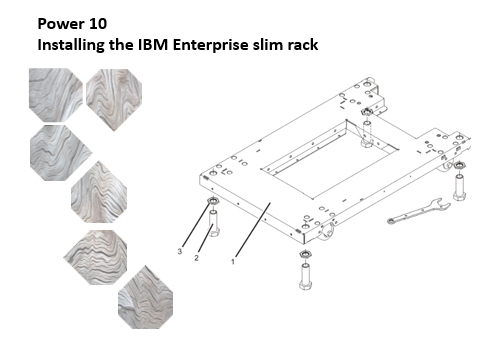
Learn about the procedures used to install racks and rack features of your #IBM Power System here: ibm.co/48zenTj #IBMPowerDocs
Diana tweet media
English
0
4
7
78
Parna Chakraborty retweetledi
Vidushi
Vidushi@vidushimehra123·
Learn to manage, monitor, maintain, and control your IBM Power Systems with a control panel. To learn more, please visit: bit.ly/48EBMD0 #IBMPowerDocs
Vidushi tweet media
English
0
4
7
69