출시하고도 수정할 점이 계속 나오는 것이 부끄럽네요.
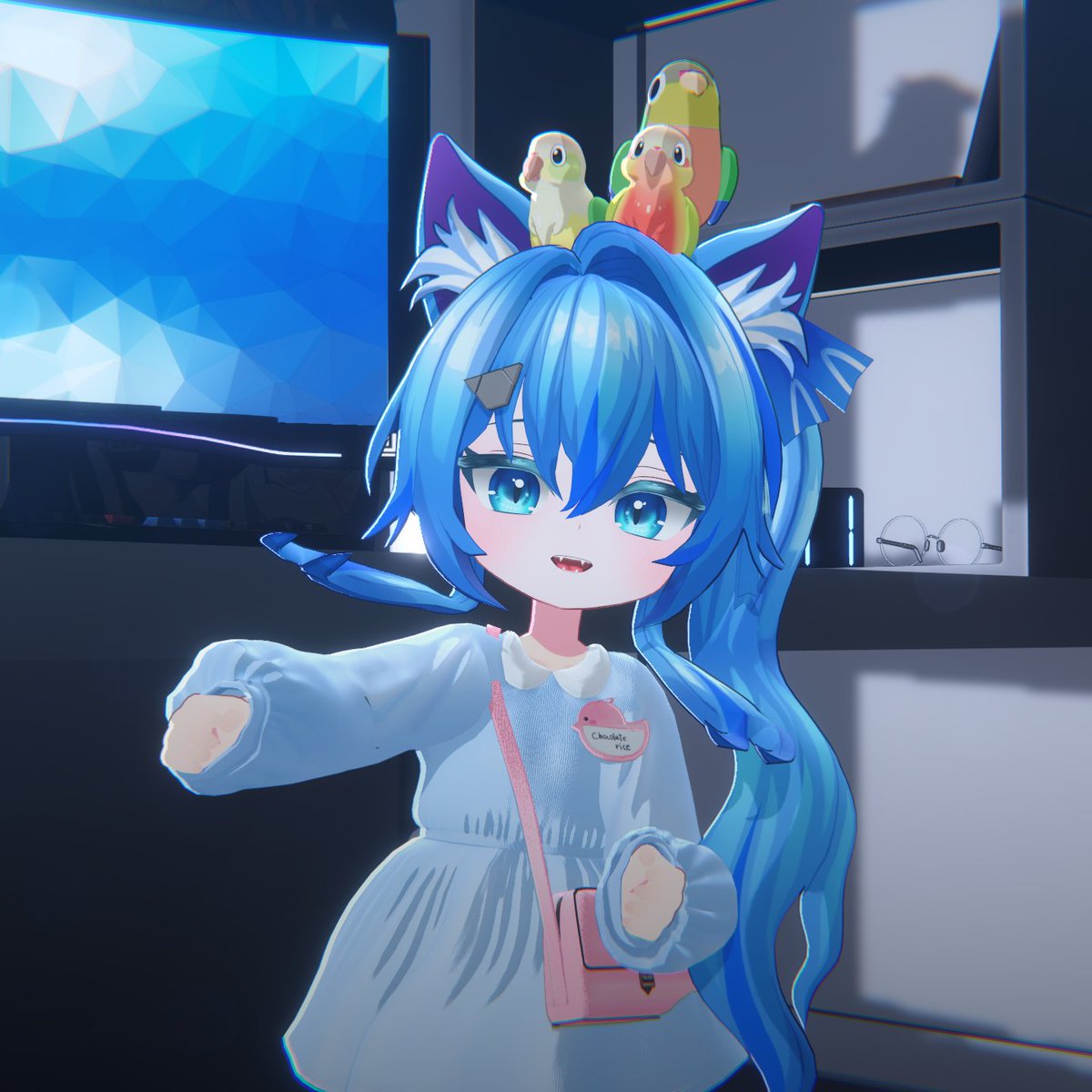
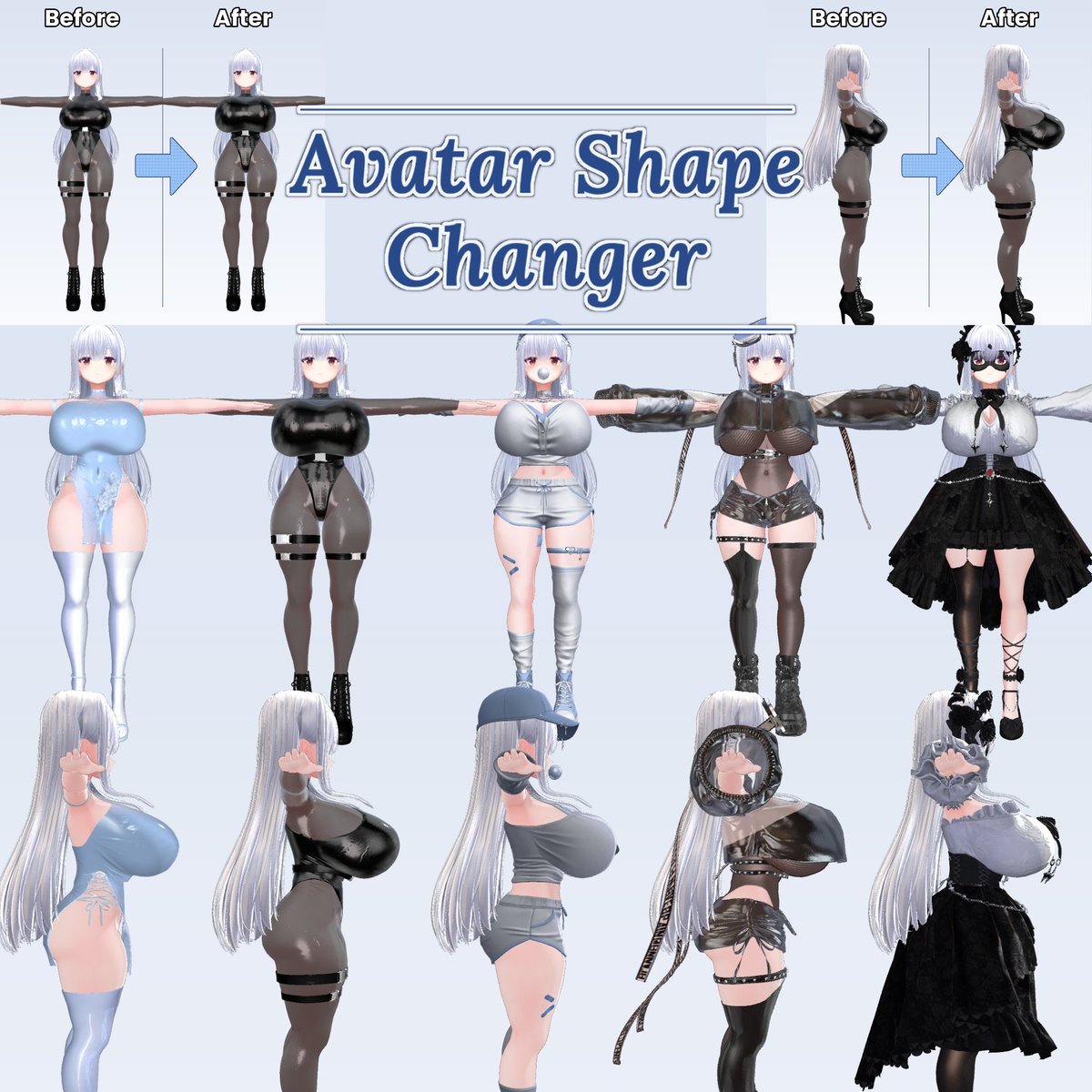
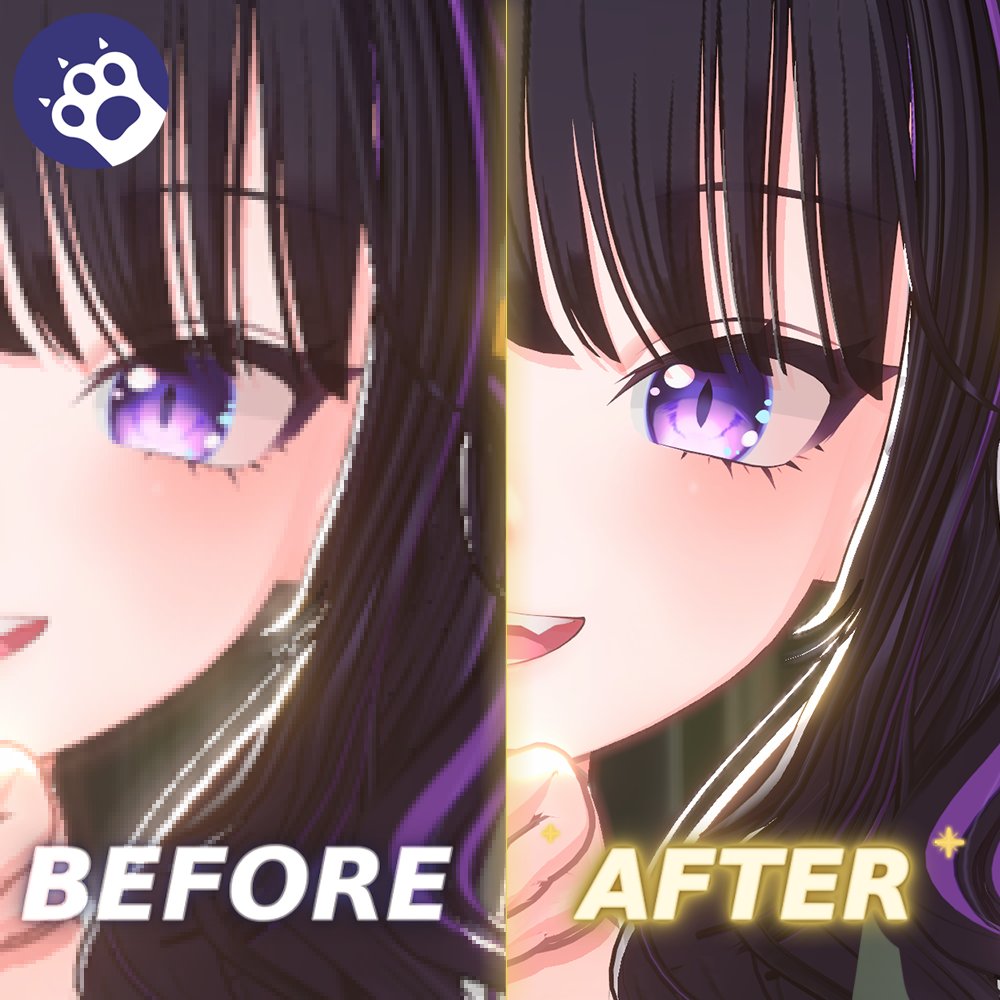
아무래도 현재 썸네일이 단순한 체형 보정툴처럼 보이므로 바꿔보왔습니다.
이미지만으로 "이 변형대로 다른 의상에 변형할 수 있습니다."
이 의미를 전달하는게 너무 어렵네요...
역시 중요한건 임펙트겠죠?
수정사항
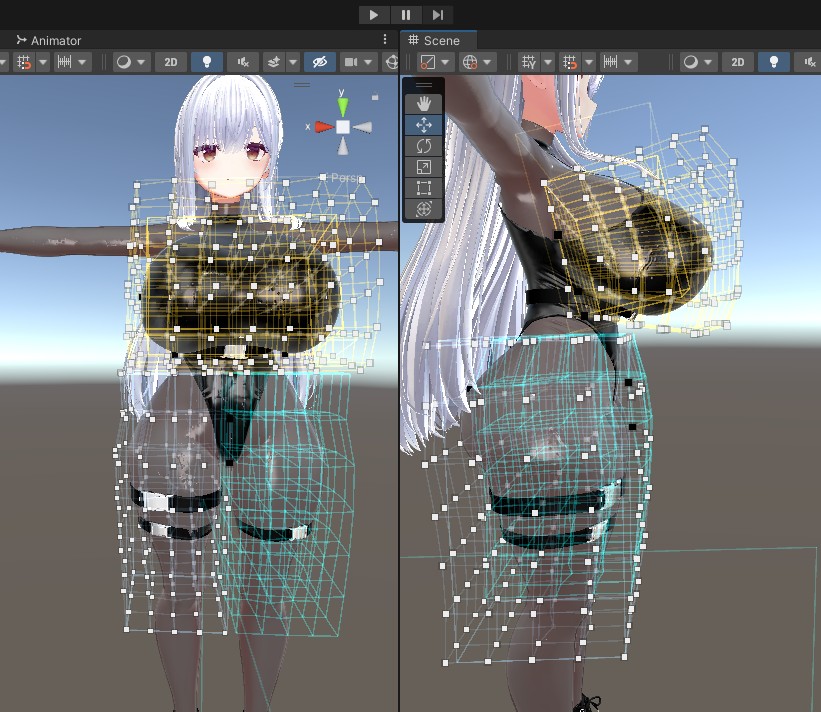
라티스 밖으로 변형된 메쉬가 있을 때 Undo하면 프리뷰에서 메쉬가 찌끄러지는 것 수정
라티스 개별 웨이트 추가
라티스와 버텍스 순서 변경 가능
한국어
RyoungA-Ghost
250 posts
@RyoungA3
3D modeler 만능 버추얼 작업자....를 노렸던 망자 현재는 Booth에 아바타 세팅용 툴 출시중 세팅 툴 다 출시하면 의상만들어야지




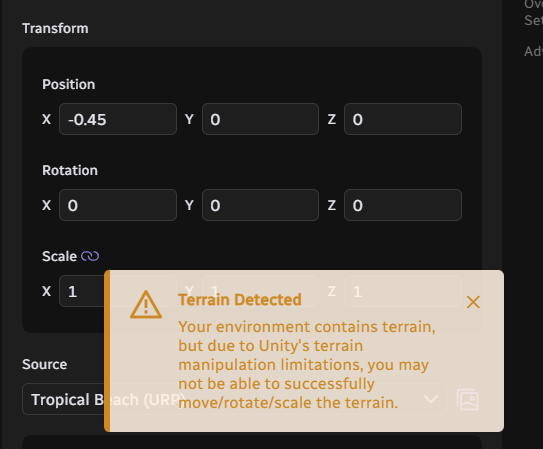
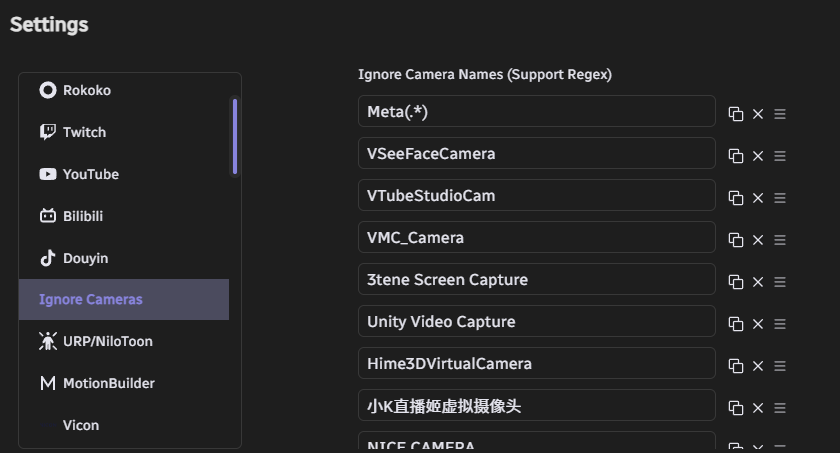
#Warudo Pushed a new update 0.14.4 on the Beta channel. Important Notice: This Beta version will be pushed to the official Default (-) Branch in around one month. If you are using any of the affected content (such as Nodes and Plugins), please use this period to fix and update them (These contents will still be available in the current Default Branch for this month). 🌟Updates And Fixes: - Upgraded uMod and RoslynCSharp versions (uMod 2.9.0 -> 2.9.9a) - Implemented the Art-Net DMX lighting control protocol - Upgraded ChatNova (Douyin/Bilibili). A new authentication mechanism has been adopted, and a separate privacy policy has been added: privacy.chatnova.cc - ChatNova (Bilibili) has been updated to accommodate changes to the Bilibili Live API. - Added an editing interface for "Ignore Cameras". Previously, if a camera driver encountered a problem during loading, the camera enumerator would automatically add the camera to the ignore list upon the next startup. However, sometimes driver errors were intermittent, and in such cases, the camera would still be ignored. This was the reason some users reported cameras disappearing from the list. Now, cameras can be manually removed from the ignore list. Please perform this operation in the Warudo settings page. - If the corresponding scene is opened when Workshop content is not subscribed to, an error message will no longer appear. Instead, a message will indicate that Workshop content is missing and provide a subscription option. - Fixed an issue where the root GameObject in the environment could not be moved, rotated, or scaled using environment scripts. - When a Terrain component exists in the environment, moving, rotating, or scaling the environment will now trigger a warning to prevent Unity Terrain limitations from occurring when users perform these operations on the environment. - Fixed an issue where Unity Volumetric Light Beam (VLB) was inoperable or malfunctioning in certain situations. Now, if there is a VLB configuration error, a warning will be displayed during loading. - Cleaned up and streamlined the Mod Tool SDK. - Released Mod Tool SDK version 0.14.5.1 (Note: Due to our uMod upgrade, please see the SDK update information below). Meanwhile, we expect to update the relevant information in the Warudo Handbook soon. - Updated i18n. - Attempted to fix an issue where MagicaCloth2 might stop working when far from the origin. - Added motion capture templates for "Movin" and "UDCAP Gloves" in the Onboarding Assistant mocap options. 🎇For Warudo Pro Users: - The ModTool SDK can now automatically set to URP mode. - Fixed a Vicon log printing issue. - Upgraded PotaToon to v143. - Added a new PotaToon Character Controller asset. (The PotaToon Volume asset will be released in a future update.) > Please note this is a beta release. You can enroll in the beta by right-clicking Warudo in Steam, select "Properties -> Betas -> Beta Participation -> beta" to switch to the beta branch. 💫Internal Process Updates: - The Warudo Client can now be updated in the Warudo development environment. - The Mod SDK can now be published more easily; Github Actions will automatically perform UPM publishing.