The writing is around 30% completed as of today, release will be progressive. Please let me know if you notice a mistake or have any suggestions to improve it!
I'm currently making a writeup of almost everything I know about @xerub's De Rebus Antiquis iBoot exploit, see pmbonneau.com/de-rebus-antiq… to read the introduction!
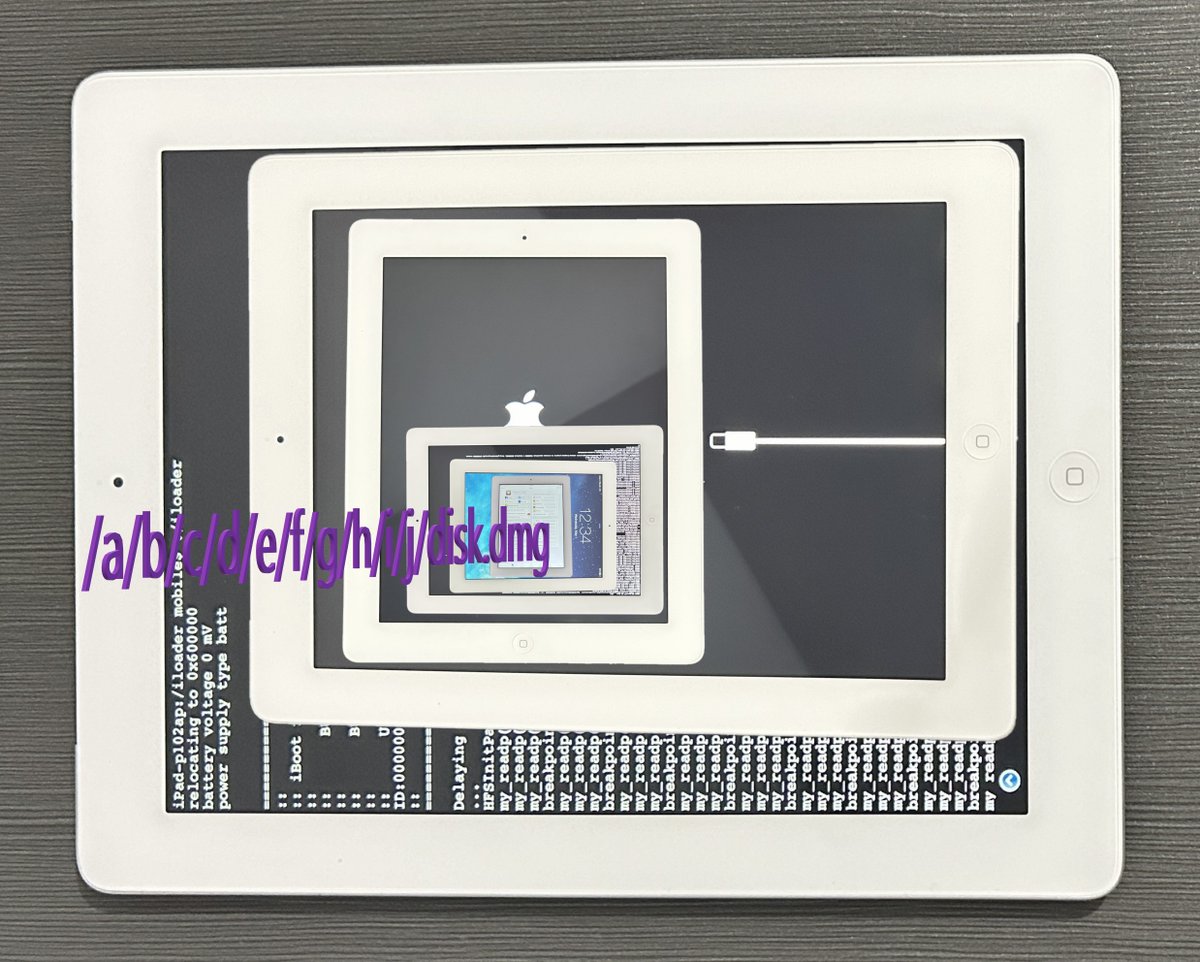
After a few years of iBoot research and debugging in my spare time, I could successfully implement De Rebus Antiquis exploit by myself with help from @dora2ios for precious advices. See a demo of the exploit running on my iPad 4 here, youtu.be/d6b_G1gxu-Q?si…
You can also find the original, unpatched evasi0n 7 v1.0.7 package under "Official Mirrors" section of the website. Patched version has been made from that one, for which I carefully compared its hash signature against TheAppleWiki evasi0n 7 page one as a reliable source.
On this evasi0n 7 website archive, I uploaded a repacked .dmg image that contains the patched program. I also added a shortcut to application folder like most Mac apps packages do, plus a screenshot of original executable binary vs patched one differences.
I decided to make an evasi0n 7 repository on my personal website in order to properly archive this old iOS 7.0.x jailbreak tool, hopefully for years to come. See pmbonneau.com/apple/ios/jail… to enjoy the original 2014 iOS 7 jailbreak experience today!
I'm back! In the last few months, I've worked on #derebusantiquis in my spare time. I did debug a lot, a lot of shellcode. Nothing really new in this video, only thing I've added there is the re-loaded iBoot now mounts HFS+ and loads the new iBoot in memory before it jumps to it!
@Arsevka_JDM I dumped the iBoot ("ibot") image from device nand_fw, then compared it with the one found in a few 7.x IPSWs. Found out, iOS 7.1 is the right firmware.
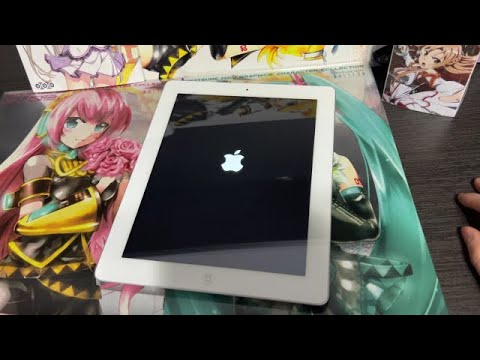
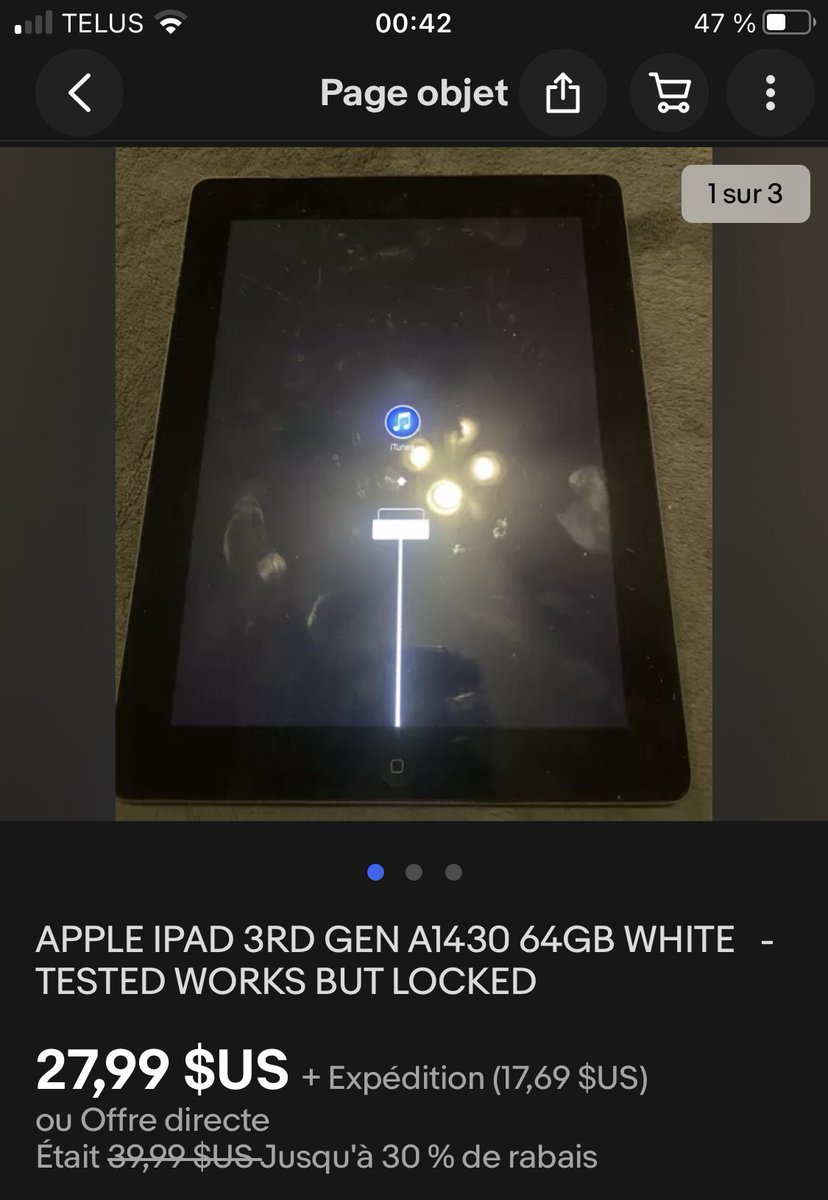
Two months ago, I found this iPad 3rd cellular model on eBay. The item description says "Tested works, but locked". It came to my attention because of this "interesting" recovery logo. There are high possibilities that this device still runs an old signed iOS 7.x bootchain.
As said by @dedbeddedbed in the comments, setting system date back to somewhat like 2015 did the trick. The validate tool now says that those blobs are valid and should be usable for downgrade. I'm now ready to restore this iPad to the latest supported iOS and see how it goes. =)
I found out that this iPad runs iBoot-1940.10.58~115, which points out to be from iOS 7.1 firmware. So, I downloaded that .ipsw file and ran the validate tool. Another issue I got, the tool returned this.
ERROR: APTicket failed crypto
ERROR: Blob for LLB is invalid (crypto)