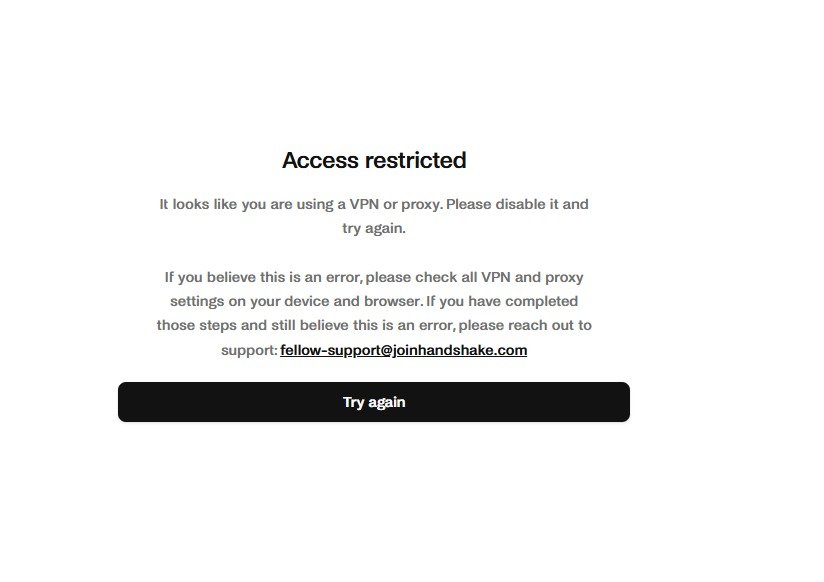
If you’re also seeing ACESS RESTRICTED on your handshake account this is for you.
This is happening with both proxies and rdp, and I’m not speaking from hearsay… I tested with various proxies and rdp.
A simple fix is any of this:
1. Use a proxy with real user data or real ip data, rather than using synthetic data centers. Once you do this you’ll get access to your handshake account safely
I did this yesterday and it worked.
2. Use a residential rdp that uses an ip address assigned to a real home internet provider instead of a data center. This makes your online activity look like regular traffic from a house in the location where it’s in.
3. Use an anydesk or ultraviewer or team viewer connection to access the account and task.
I don’t personally like this last option cos it usually lags a lot and it is highly connection dependent.
For the second option you can check out dashrdp.com for residential rdps and hope they are really from real home ips cos some are not.
I hope you get a solution that works for you.
Happy new week and happy tasking.❤️