Aryan

107 posts

Aryan banner
Aryan

Aryan

@TheDataNomad

CS student 2022-26

Katılım Mart 2024
63 Takip Edilen18 Takipçiler
Sabitlenmiş Tweet
Aryan
Aryan@TheDataNomad·
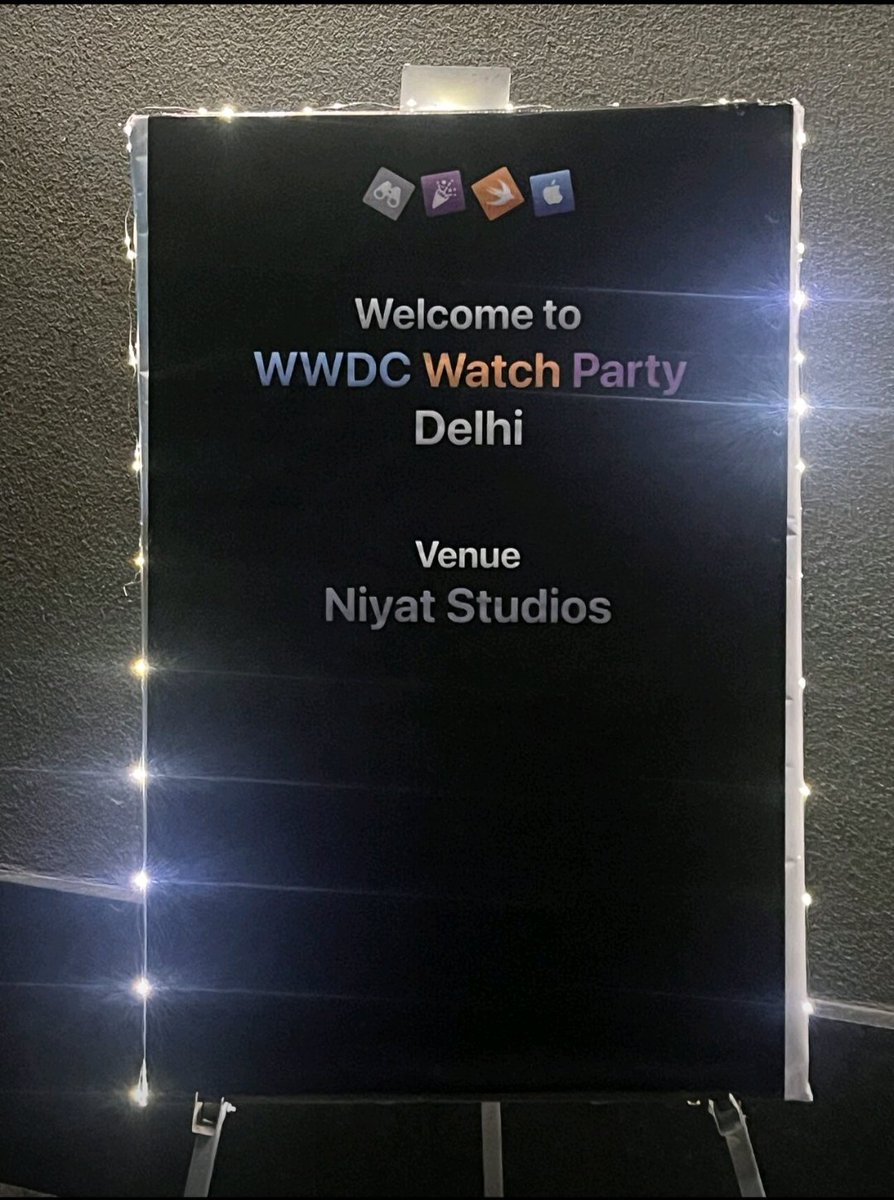
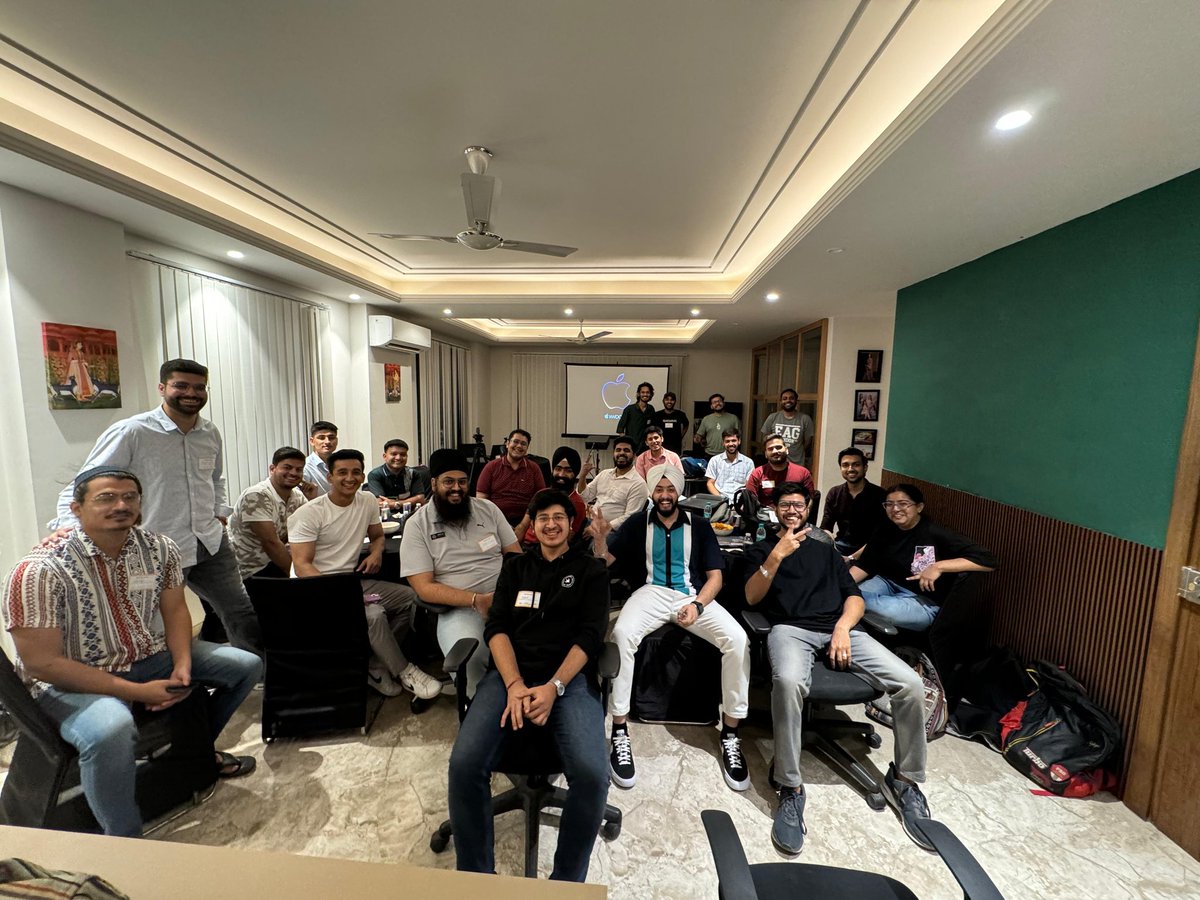
Had an amazing time at WWDC 2024 watch party in Delhi! Thanks @sforsethi for hosting .As a developer, the latest innovations and announcements were incredibly inspiring. Can't wait to dive into the new tools and start creating. #WWDC2024 #WatchPartyIndiaMoments
Aryan tweet mediaAryan tweet media
English
0
2
10
427
Carl Vellotti 🥞
Carl Vellotti 🥞@carlvellotti·
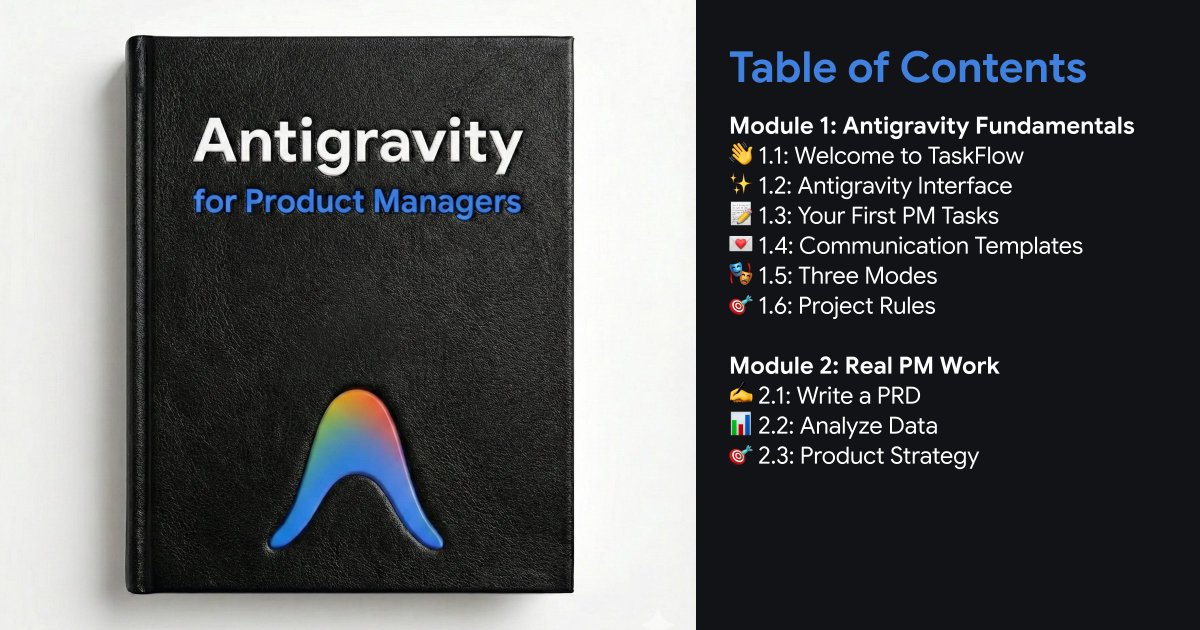
Google's Cursor competitor: FREE! My course for you to learn: FREE! My holiday gift to you 🎁 [⚠️ Comment "Antigravity" & I'll send you the link] Antigravity is Google's answer to Cursor. It's an AI tool that works directly on your device. Not just for developers! For ANYONE who works with text. It's 100% free right now. Access to Gemini 3 Pro. Even Claude Opus 4.5 (!) Use Nano Banana Pro right in the chat. No subscription. No trial. No credit card. This won't last forever. I've been teaching Cursor to PMs for months. But Cursor costs $20/month. Antigravity removes that barrier completely. So I rebuilt the entire course for AG. It's an Antigravity course taught IN Antigravity. So everything you do is directly applicable! The AI IN the tool is your teacher. What you'll learn: → Write PRDs with AI assistance → Analyze CSV data and survey results → Create strategy documents → Build reusable templates and workflows But here's what most people don't realize: This isn't just for PM work. The real reason I wanted to get this out today... On-device AI assistants are useful for LIFE: 🔹 Want to reorganize your files? 🔹 Rename hundreds of photos? 🔹 Clean up your Downloads folder? 🔹 Convert documents between formats? 🔹 Troubleshoot why something isn't working? Just open the files and ask. Talk to it like a person. I spend all day in these tools now. I've never been so productive. Or had so much fun. AI in a browser is like wearing a straightjacket. This is a terrible day for a launch. But I genuinely want to free you! You've been meaning to learn this stuff. You've got the time. The course is free. The tool is free. No excuses! This is my gift to you. Happy Holidays 🌲 👉 Repost + comment "Antigravity" & I'll send you the link
Carl Vellotti 🥞 tweet media
English
2.2K
1K
2.4K
282.8K
bibek bhujel
bibek bhujel@bibekbhuje46185·
Certification of Merit
bibek bhujel tweet media
English
1
0
2
23
Aryan
Aryan@TheDataNomad·
@kamhoyung Awaiting its completion.🙌
English
0
0
0
20
Kamho Yung
Kamho Yung@kamhoyung·
It’s been quite a busy week with lots of travelling for work, so time has been scarce, but I’m slowly chipping away at the sub goals for the to-do app. A rather non-visual update this week, but quite monumental as I got CloudKit to work, so now tasks are shared across all my devices. Core Haptics was also quite fun to play with! As for drag and drop sorting, I had to use ChatGPT to work it out… There’s still a lot left to do, but I’m happy with the results so far! #swiftUI #iOS #beginner #code #keeplearning
English
2
0
15
269
Kamho Yung
Kamho Yung@kamhoyung·
Really proud of the progress I did on the app today. ✨ Designed a dismiss mechanism that works quite well IMO. Using an animation on the check mark allows the task to linger on screen a bit before dismissing, allowing the user to undo quickly. ...and the list no longer messes with the main scrollView...👏 #swiftUI #iOS #beginner #code #keeplearning
English
3
0
18
328
Kamho Yung
Kamho Yung@kamhoyung·
I got started with the to-do list app. As I want to customise the look quite heavily, the regular list and form combo just won’t work. I’ll initiate a series of UI tests to ensure my ideas are technically feasible. The first thing I had on my list is the main view of the tasks. I built a custom swipe gesture to remove items from an array. At the moment, the dragGesture interferes with the scrollView, but I have some ideas on how to fix this. Wish me luck! #swiftUI #iOS #beginner #code #keeplearning
English
1
0
13
280
Aryan
Aryan@TheDataNomad·
@kamhoyung Many Many congratulations, bro 👊😎
English
0
0
1
24
Kamho Yung
Kamho Yung@kamhoyung·
🎉 I just finished Day 100 of the #100DaysOfSwiftUI !!! It took me around 130 days to complete, with a short holiday and a week off due to illness along the way. Otherwise, I spent many late nights burning the midnight oil, fine-tuning and designing the projects. The course has not only been challenging, but also remarkably insightful from a design perspective—so many “aha” moments along the journey. 😄 I'll continue exploring the intersection between design and code and share my future learnings.✨ Thanks to @twostraws for this amazing course and everyone following along and liking here on X! #swiftUI #iOS #beginner #code #keeplearning
Kamho Yung tweet media
English
17
1
32
747
Kamho Yung
Kamho Yung@kamhoyung·
One of my biggest pet peeves with native iOS input fields is that they hide the label/placeholder text once the user starts typing. This creates a subpar user experience, especially when users revisit forms after a while and can’t recall what information to enter, but also when you quickly tabs into the next input field in a form. With the text field from Material Design in mind, I found it’s rather simple to implement in swiftUI. By using offset, scale, and a slightly taller custom input field, the placeholder text remains visible through all states. I guess I'm a sucker for these small details! 😅 #swiftUI #iOS #beginner #code #keeplearning
English
3
0
11
318