
Sabitlenmiş Tweet
VoiceOS
52 posts


VoiceOS
@VoiceOSApp
The voice interface designed for productivity
San Francisco, CA Katılım Mart 2023
10 Takip Edilen1.9K Takipçiler

@VoiceOSApp Downloaded VoiceOS today. "What's new" window popped up. I clicked away and now it's gone forever. I would actually like to see what's new somewhere.
English
Massive upgrade in speed/accuracy soon👀
Kai Brokering@kai_brokering
no one is ready for GPT-5.6 on @cerebras at 750 tok/s
English
VoiceOS retweetledi


VoiceOS retweetledi

Voice is the future of Operating Systems
Kai Brokering@kai_brokering
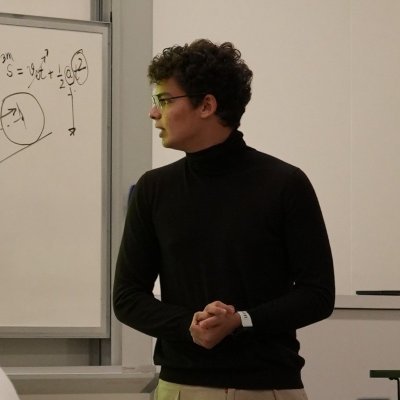
WisperFlow got me addicted to voice prompting. but I wanted more. so I gave Grok Realtime access to my computer and I can't go back. Demo:
English
VoiceOS retweetledi

VoiceOS retweetledi
It really is. I built my own @heyclicky tooling that uses @VoiceOSApp as the foundation and peekaboo for the vision.
Sooooo fun and useful.
Peter Steinberger 🦞@steipete
Codex was debugging a Telegram issue and needed a new token, so it used Peekaboo to open the Telegram Mac app, talked to botfather and just did it. Computer Use is amazing. peekaboo.sh
English

Interesting observation from being in the bay and having a diverse network of individuals:
> the lazy college students that are in their early 20's looking for entry level jobs are working less with AI. Literally overheard a girl on a job interview yesterday say "if I finish the work in under 3 hours, can I leave?"
> the founders / builders are working MORE in the world of AI. Your productivity is limited by your physical capability of staying focused for a longer period of time.
> the very productive builders are using @VoiceOSApp or some form of speech-to-text transcription (you can dictate faster than you type usually)
> a lot of people are optimizing for the wrong thing. They build out features that nobody asks for (i guess traditionally it has been the case anyways for a while), it's just that now with AI being able to make anything, we see more of that.
> the great founders never delegate their thinking. they use AI as an amplification of their existing processes, instead of full end-to-end replacements. there's so much alpha in actually knowing what your product does, and specifically HOW it does things.

English
VoiceOS retweetledi

Voice OS is must have, the voice ai agent feature is incredible.
I used it yesterday to send follow-up emails to influencers, and I already got a reply. finally a siri that actually works!
Highly recommend checking it out!
@kai_brokering and @jonah_daian are cookingg

English
VoiceOS retweetledi

.@VoiceOSApp
"ダウンロードディレクトリにある最新の4件のmovファイルをmp4に変換するためのuvスクリプトを作ってください。"
これがちゃんと音声入力で聞き取られるの凄すぎるーーー
日本語
@VULUxOMID Hi, you can already control your local computer with custom integrations! Lmk if you need help setting it up!
English
VoiceOS retweetledi

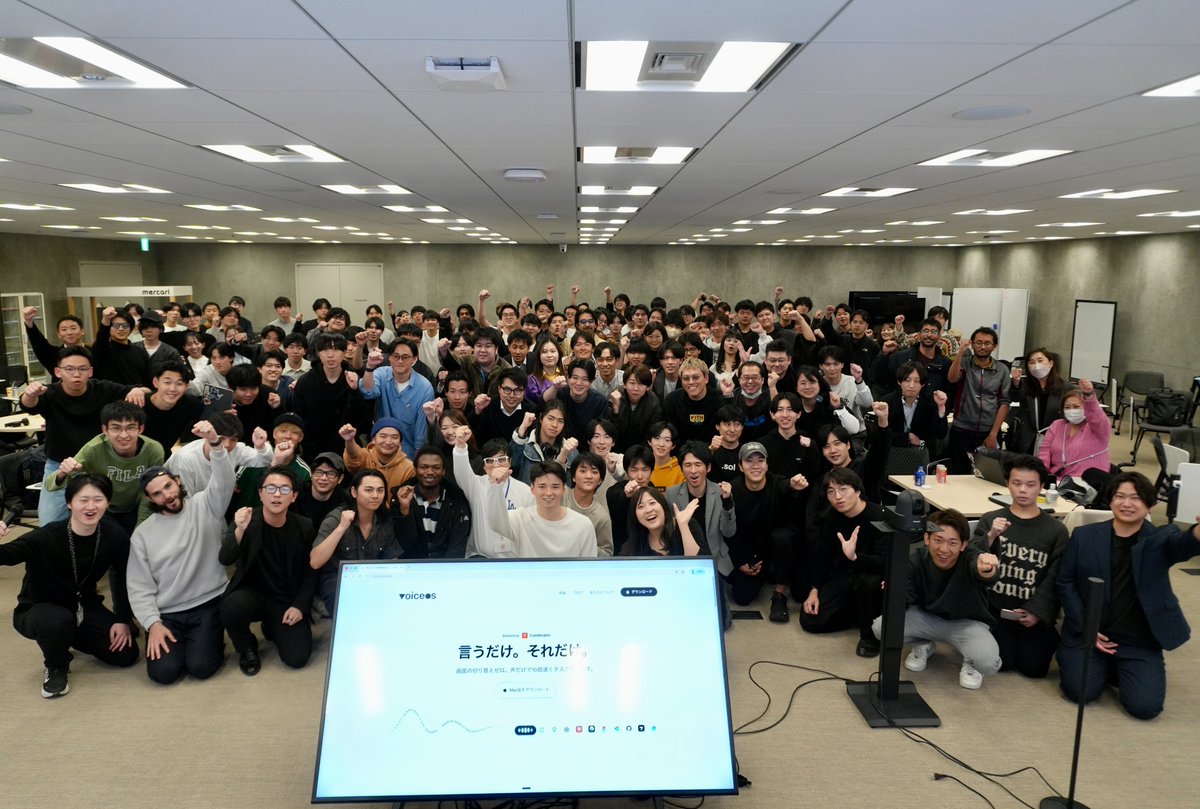
声だけで開発するハッカソン、大盛り上がりでした🚀
VoiceOSが纏うモメンタム、すごい!!
個人的にもハッカソンに出向いたのが初めてなので新鮮でした。1時間で、声だけで、多くのプロダクトが生まれていて感動でした。開発/運営されたみなさん、お疲れ様です!!
#voiceos #voiceoshackathon
Kai Brokering@kai_brokering
音声だけで開発する、世界初のハッカソンを渋谷で開催します!! 参加者には、開発に使える$6,000分のクレジットを開放します 先着100名なのでお早めに👇 luma.com/diz9rauq
日本語
VoiceOS retweetledi

I lost all hope in school. Even if I graduated, I wouldn't be anywhere close to the life I wanted to live.
So I chased my real dream. Starting a business in the media + tech industry (launch videos)
I shot over 100+ cold dms reaching out to startup founders.
Nobody believed in us. Ghosted.
I legit was losing hope- thought I wasn't cut out.
Then- @kai_brokering responded.
We hopped on a call.
I had no proof of anything except my passion for creating films and the eagerness to make one for VoiceOS. And like that he saw the potential in me - just my energy and how I spoke.
But the deadline he was requesting...?
1 week.
Full short film commercial.
A commercial a film industry would require months of planning and thousands of dollars.
But I took the challenge.
And after last minute grabbing actors at the gym, to running around campus to find any professor to lend me their office, and sleepless nights,
I pulled it off.
The @VoiceOSApp launch video was at 60k views in the first 5 hours and top 4 on product hunt.
15+ founders contacted me and I'm lined up to be creating more for other startups over the summer.
This just goes to show, In 2026, You never know where a cold dm might lead to.
when ambition meets the right people at the right time- it leads the equal sided growth.
#tech #story #ai #business #entrepreneur
Kai Brokering@kai_brokering
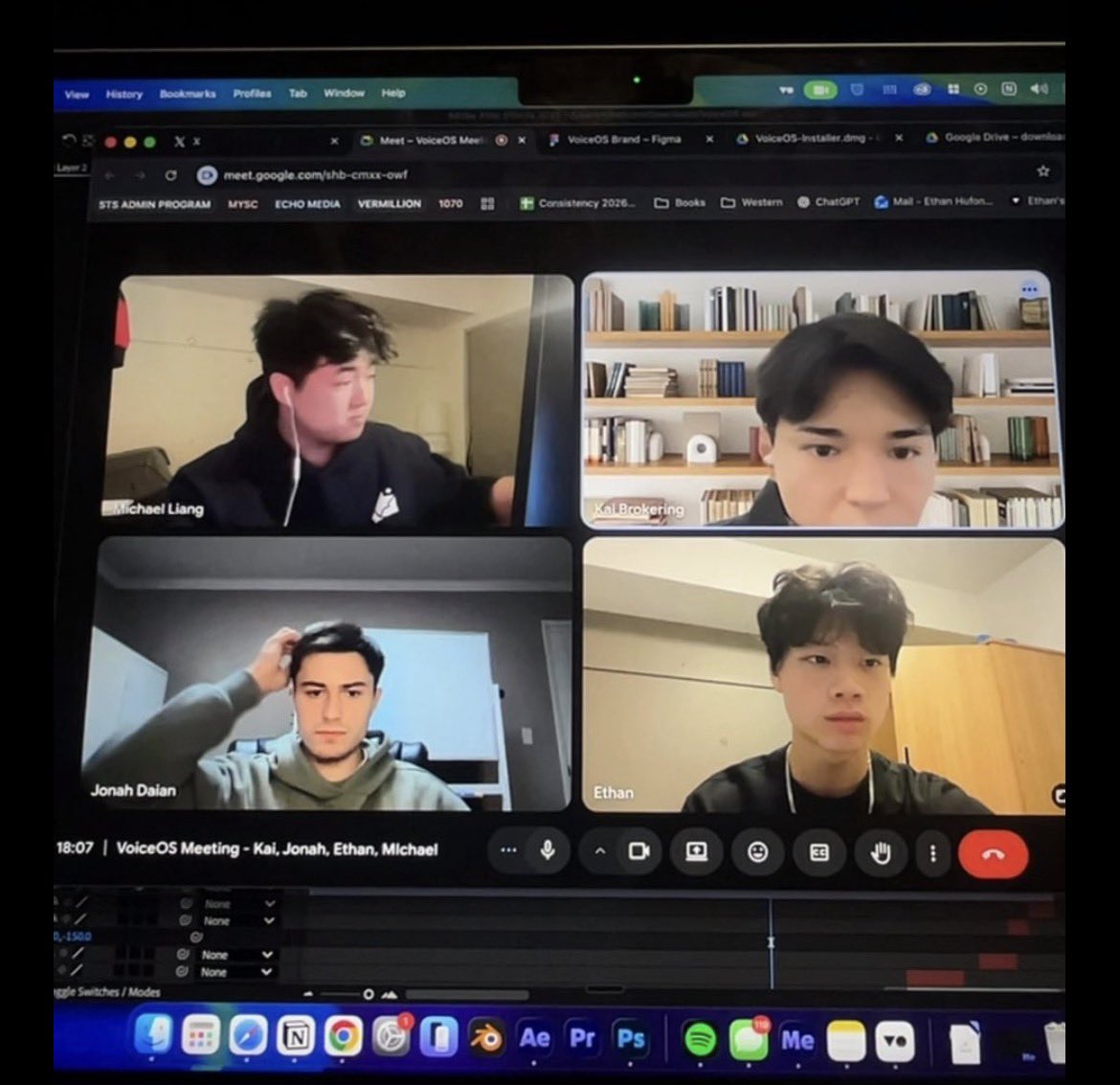
I think we just fixed Siri
English
VoiceOS retweetledi
【フル尺】先着100名が一瞬で埋まり250名が申し込んだ "声だけで開発するハッカソン"『VoiceOS Hackathon Tokyo』にStartup Nowが潜入📸
みんながマイクに声を吹き込んで開発し、1時間でプロダクトが完成。見たことのない景色でした…🔥
@kai_brokering @VoiceOSApp
#voiceos #voiceoshackathon
Kai Brokering@kai_brokering
音声だけで開発する、世界初のハッカソンを渋谷で開催します!! 参加者には、開発に使える$6,000分のクレジットを開放します 先着100名なのでお早めに👇 luma.com/diz9rauq
日本語