Sabitlenmiş Tweet
Wax AI
83 posts


Wax AI
@WaxApp_AI
Buzz Together in Real Time: Your Wax AI for Collaborative Creation and Connection.
AI🐝 Katılım Nisan 2010
3 Takip Edilen12.3K Takipçiler

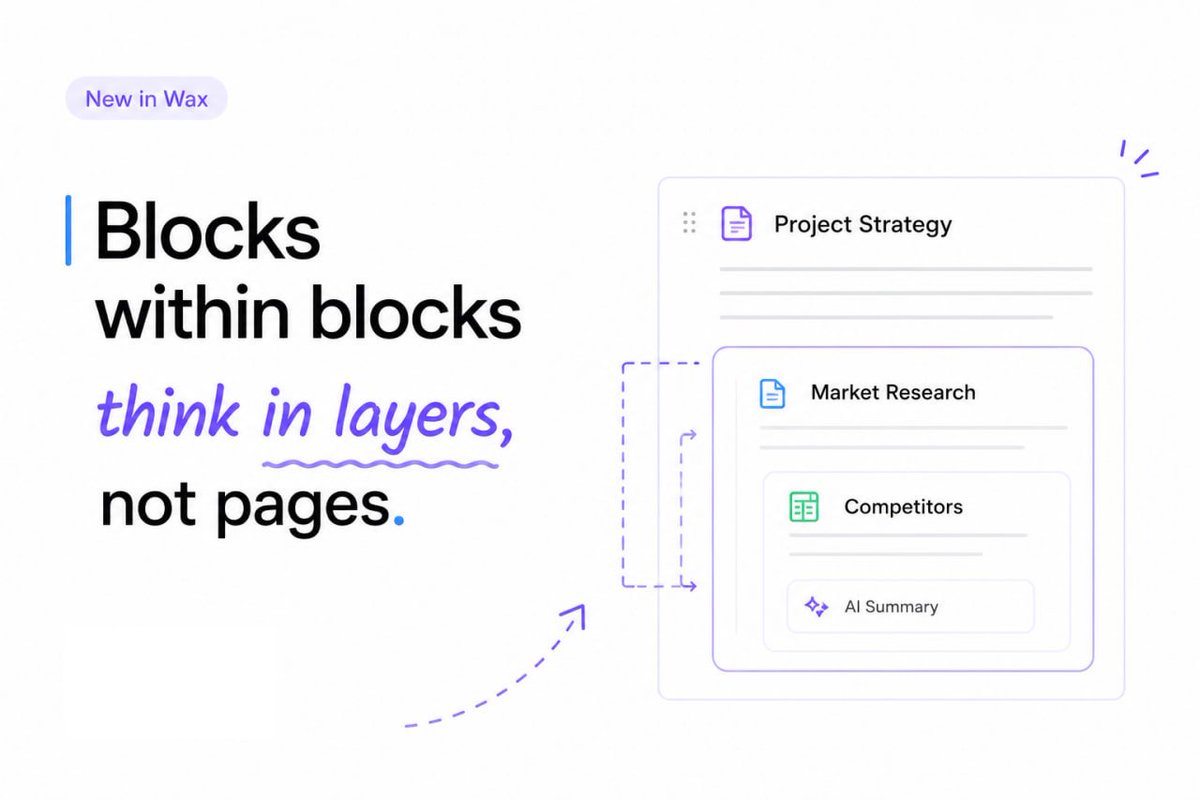
🧩Blocks within blocks: your ideas need depth
In Wax, a block isn’t just a piece of text.
It can hold notes, tables, sketches, AI summaries, links, and nested contexts - all inside the same flow.
Collapse the noise. Expand the signal. Move ideas without breaking their structure.
Think less in pages. Build more in layers.
English
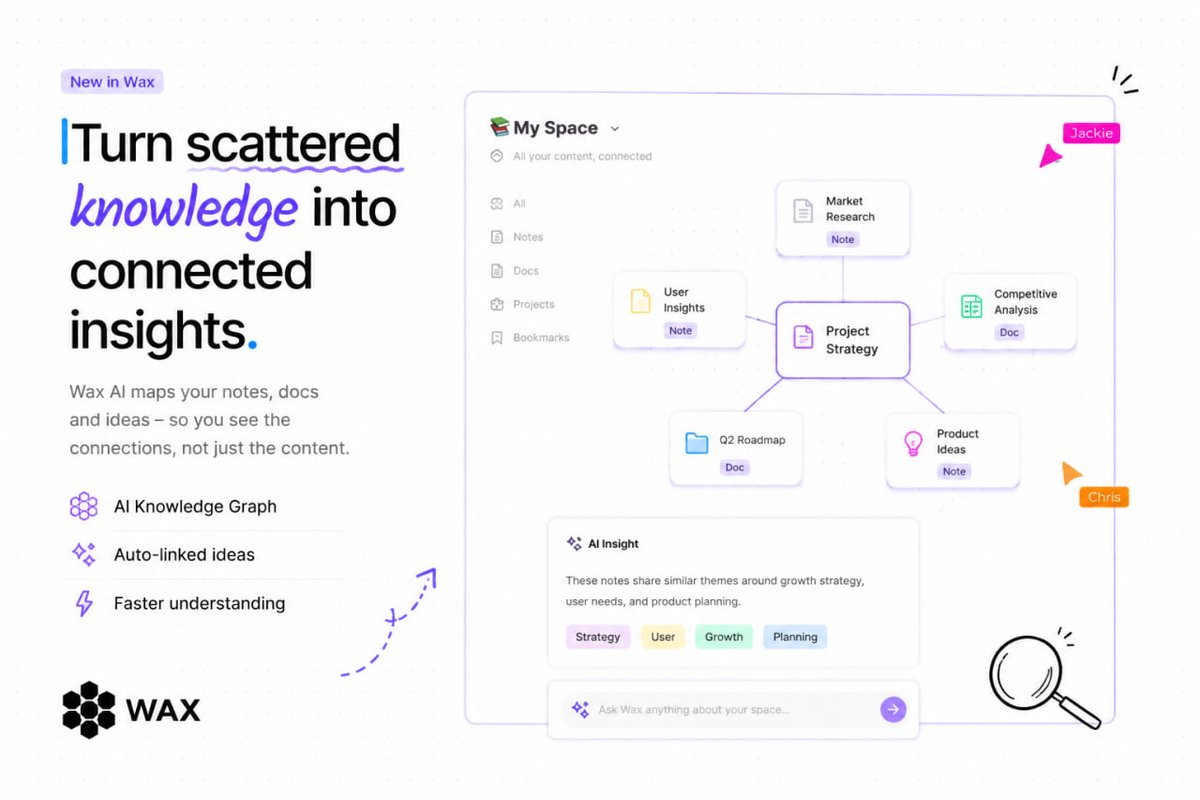
🌀 Turn your workspace into a temporal map
With Wax, blocks don’t just exist - they remember context over time. By nesting a note in multiple projects and tagging it with different timestamps, you can rewind and replay your workflow history. See how ideas evolved, which tasks shifted priority, and how a single insight influenced multiple projects.
Stop thinking in static documents - think in evolving timelines, where every block tells a story
English
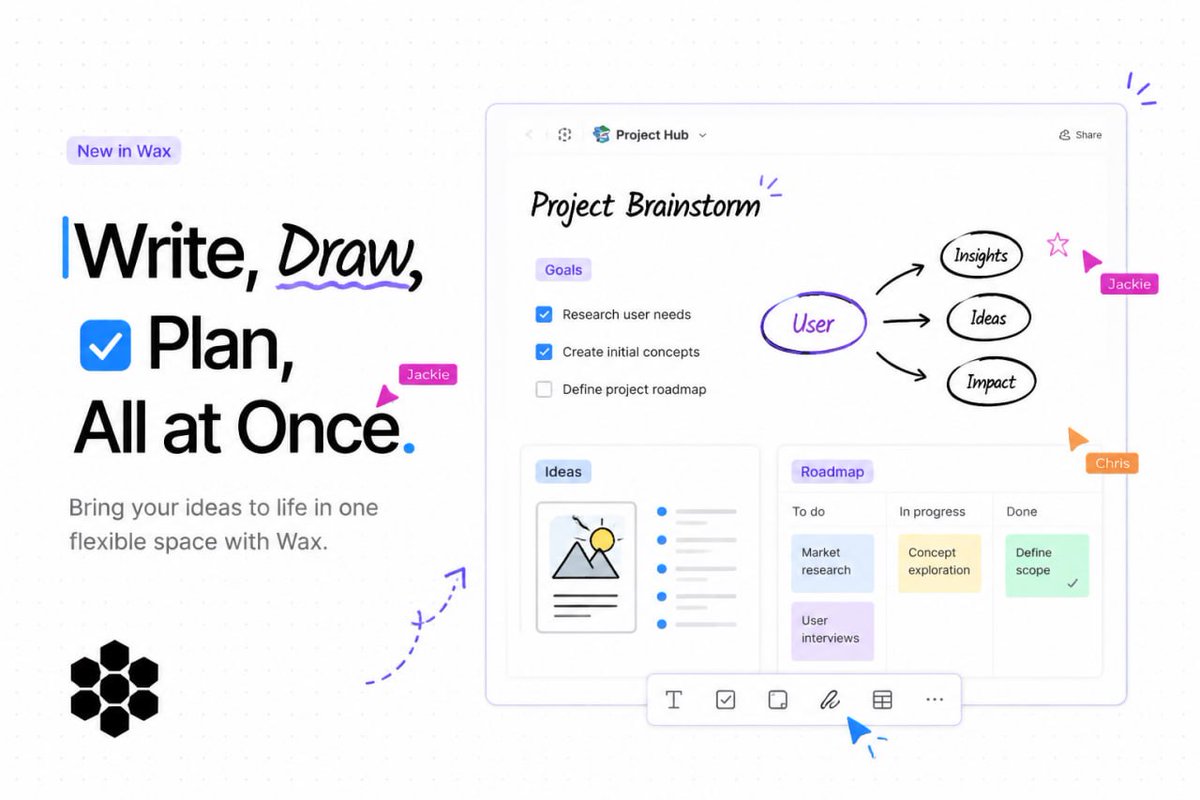
🎨Blocks within blocks: think like a fractal
In Wax, every block can be nested, annotated, and transformed - not just text, but tables, boards, drawings, and even AI-powered summaries. It’s like LEGO for your workflow: you can collapse ideas, expand them when needed, and move them across contexts.
Try stacking, collapsing, and letting AI work inside each block - suddenly your workspace isn’t just organized, it’s alive and responsive.
English
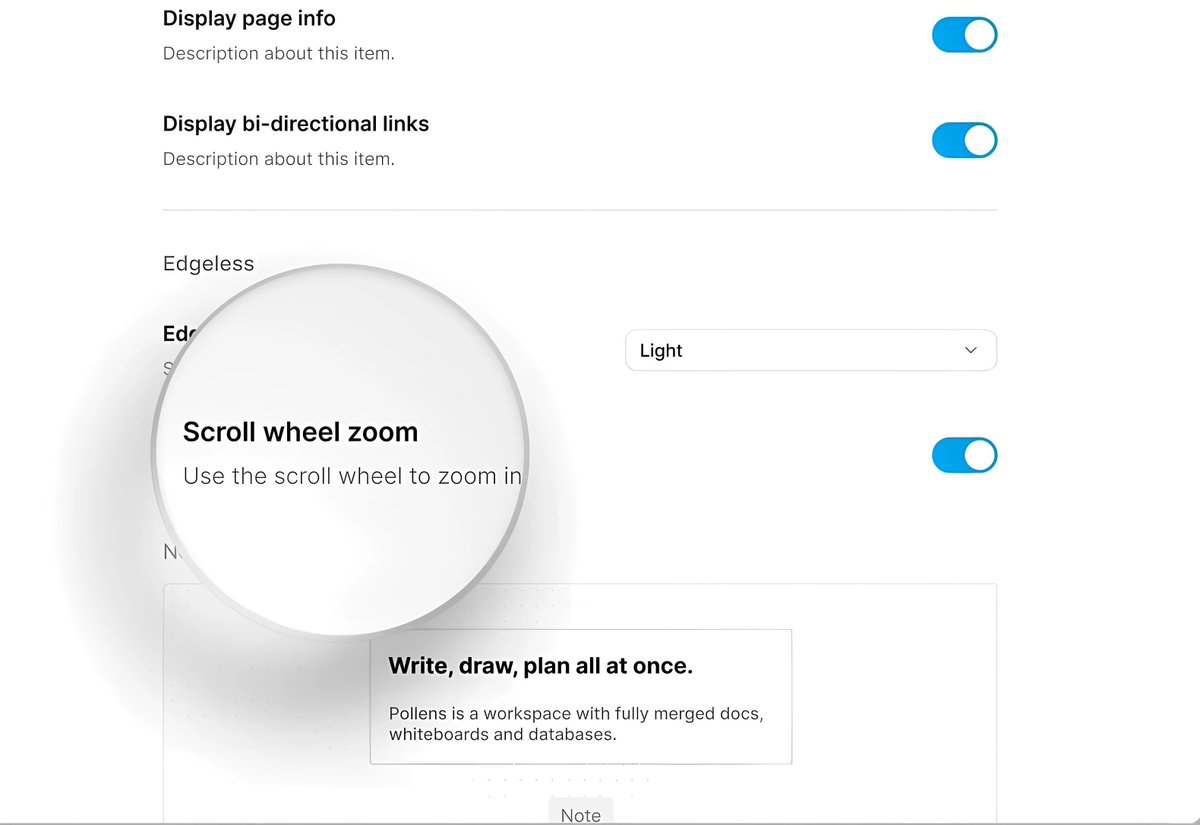
🔍 Zoom in, your way
Scroll wheel zoom is finally here - a highly requested feature that makes navigating your workspace faster and more intuitive. Smoothly zoom in and out with a simple scroll, giving you better control over your view.
Get ready for a more fluid and responsive experience.

English
🔐Control access with doc-level permissions
Manage who can do what with flexible permission settings at the document level. Choose between Can manage, Can edit, or Can read, and share access with your entire workspace or specific members.
We’re continuing to expand this feature - No Access is on the way.

English
🧩Seamless editing across modes
Page blocks are now more flexible than ever - you can take blocks from Page Mode and fully edit them directly in Edgeless Mode. Your notes stay consistent and accessible, no matter how you choose to work.
Switch between modes effortlessly and keep your workflow smooth, organized, and always in sync.
English
📐Perfect alignment, effortless clarity
Keep everything clean and structured with improved alignment tools that help you organize content exactly the way you want. Whether you're working with text, layouts, or complex documents, everything now lines up smoothly for a more polished look.
Bring order to your workspace and make every document easier to read, scan, and enjoy.
English
📄Build once, reuse forever
Templates are a powerful way to streamline your workflow - and now you can turn any document into a reusable template in just one click. From project setups to daily ToDo lists or AI-generated reports, everything can be saved and reused anytime you need it.
Start building your own template library and make your work faster, simpler, and more consistent.

English
🔋 Introducing Battery Save Mode
We've just added a new toggle in experimental features that lets you limit indexing and other compute-heavy tasks on your device. This means you’ll experience quieter operation and lower temperatures, perfect for when you need a little more peace while working.
⚠️What to expect:
• Longer loading times
• Increased latency in search and other features
Try it now, and let us know how it works for you!

English
Give your documents a visual identity 📄
One of the most requested features by our users is finally here - Document Icons.
You can now add emojis to your documents or choose from our carefully curated icon collection, with multiple color options available for many of them. This makes it easier to visually organize your workspace and quickly find what you’re looking for.
Try adding an icon to your documents and make your workspace clearer, faster to navigate, and a little more fun.
English
Database: Text property now supports dual links
One of the most requested features in 0.20 is here — dual links in the Text property.
You can now mention and reference other files not only in the title row, but directly inside the Text field. This gives you greater flexibility when organizing and connecting your documents.
English
Save your AI chats as blocks in Wax✨
Turn conversations into reusable building blocks.
• Keep the full history of your AI chats
• Feed data and prompts into reusable AI sessions
• Link blocks together to build your own AI workflows
From simple prompts to powerful automation — all in one space.

English
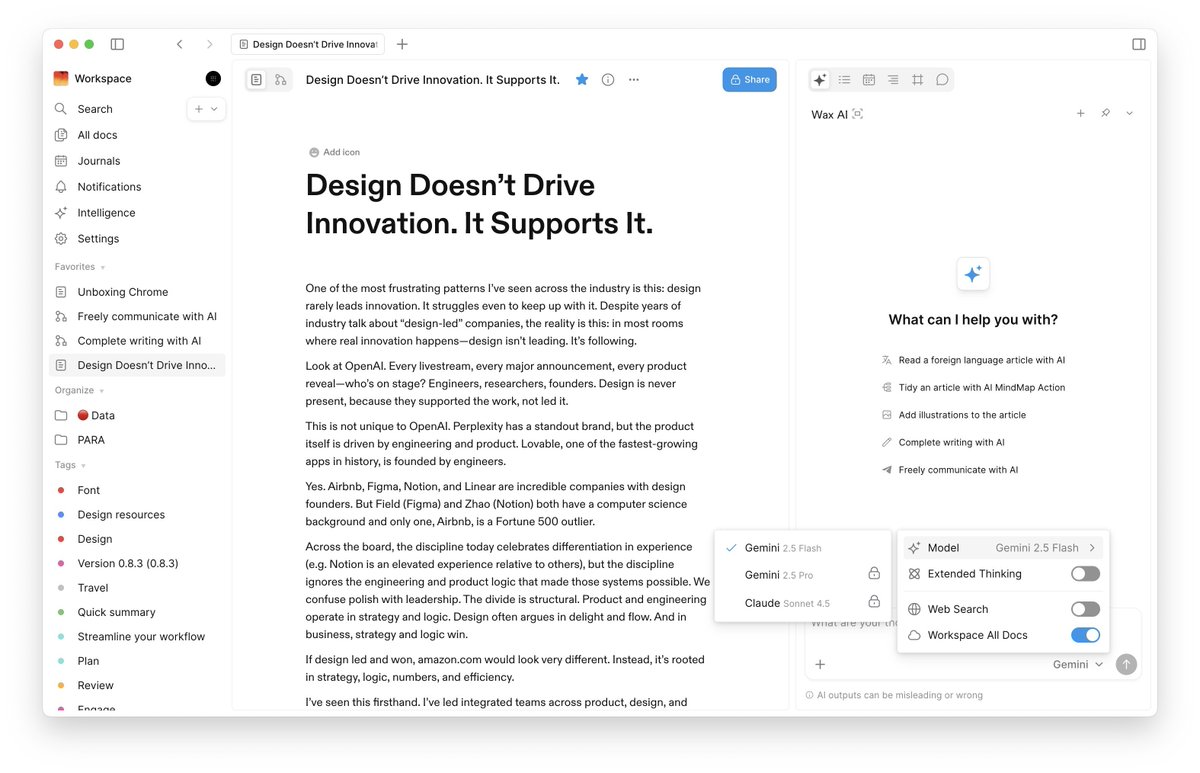
Claude Sonnet 4.5 & Gemini 2.5 Pro are now live in Wax🚀
We’ve upgraded to the latest Claude and Gemini models to enhance your AI-powered calling experience.
You can now select your preferred model directly from the model list.
Smarter calls. Better context. More powerful AI.
English
This is such a cool idea…📝
One of our users recreated a real-world workspace inside Wax to manage documents, images, and projects visually.
With Wax, you’re not limited to simple chats or calls — you can organize your space the way your brain actually works. Create sections, structure ideas, group files, and turn conversations into something tangible.
Your calls. Your content. Your space — fully organized.
English
Mind Map Improvements 🙌🏻
Drag & Drop — We’ve rebuilt interactions to make node placement more predictable and intuitive, helping you organize your thoughts more effectively.
Collapsible Nodes — You can now expand and collapse child nodes, making it easier to focus and manage complex mind map structures.
Work smarter, not harder — powered by Wax AI 🍯
English