
wevi
92 posts


wevi
@WeviMotion
The tool used to make SaaS motion graphic videos
Austin, TX Katılım Temmuz 2025
10 Takip Edilen59 Takipçiler

English
SaaS founders don’t have 40 hours to learn After Effects.
We got tired of that "credibility gap," so we built a way to skip it.
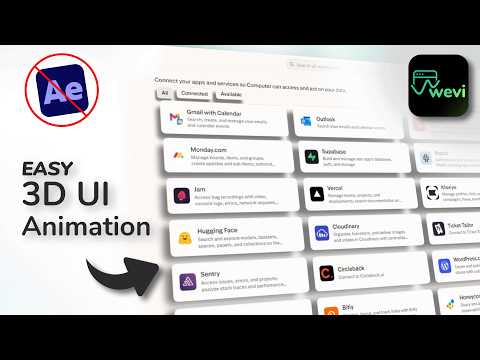
In this tutorial, we show you exactly how to get high-end 3D UI animations for your product without a single keyframe. It’s too easy
Watch the full tutorial here:
youtu.be/XvRn_ne5ycE?si…
YouTube
English
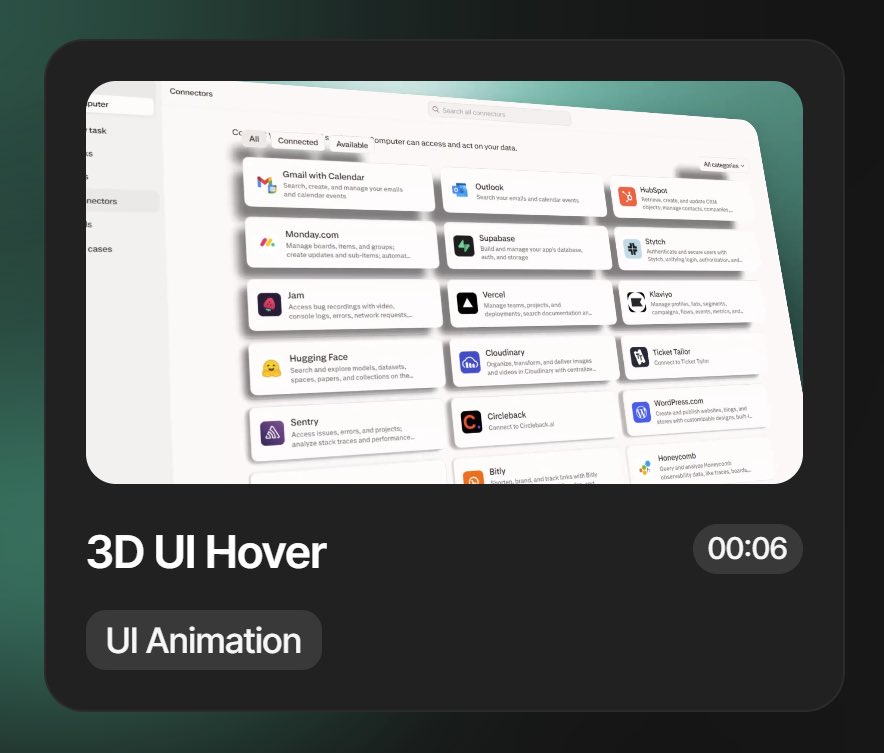
Want those buttery-smooth, high-end 3D website reveals you see from top-tier SaaS brands? You don’t need a specialized motion graphics degree
🛠️ THE STEP-BY-STEP GUIDE:
Head to Wevi.ai – This is the engine behind the magic. Create your free account.
Select the "3D UI hover" animation.
(Pro Tip: If you want a full cinematic sequence, pick multiple scenes in the exact order you want them to appear on your timeline.)
Hit "Next Step" and drop in your website link. The AI will automatically pull your brand colors and assets so everything stays on-theme.
Extract the Page – Enter the URL of the specific page you want to animate.
> 💡 Note: If you're trying to animate a page behind a login (like a dashboard), download the Chrome Extension to capture it directly!
>
* Define the Motion – Click the UI elements on your screen that you want to move.
* The Rule: Select them in the order you want them to animate.
* The Secret: Avoid selecting raw text or elements too close to the edge for the cleanest 3D look.
* The Vision Box – This is where you talk to the AI. Type something like: "Make me a high-quality UI animation video demo."
* Generate & Relax – Hit that button! In about 60 seconds, your professional 3D render will be ready to download.
🎨 NEED TO TWEAK SOMETHING?
Don’t sweat the small stuff. If the timing or angles aren't perfect, just hop into the Layers Panel for manual control or use the AI Chat to tell it exactly what to change.
💾 SAVE THIS post so you don’t forget the workflow for your next project!
#uidesign #3danimation #SaaSvideo
English


Most solo marketers don’t have a motion designer on speed dial.
They have a to-do list, a boss with high standards, and not enough hours in the day.
Wevi was built for exactly that. Pick a template, drop in your brand, and walk away with a SaaS motion video that looks like it cost thousands.
No After Effects. No agency. No back and forth.
Just a video your team is proud to post.


English
Custom UI Animation 🙌
One of our most requested features is almost here. It will be added to Wevi next week.
You’ll be able to animate any page and choose exactly which widgets, cards, buttons, and images come to life. You’ll be prompted to download a free browser extension to unlock this feature inside Wevi.
This type of animation is huge for SaaS marketers because it makes product videos far more engaging and eye-catching. With Wevi’s simple AI-forward interface, anyone can create it. No design skills needed.
Stay tuned!


English
Have you ever used Framer to build a website?
It feels easy.
You start with a great template.
You tweak the pieces.
And suddenly you have a professional site.
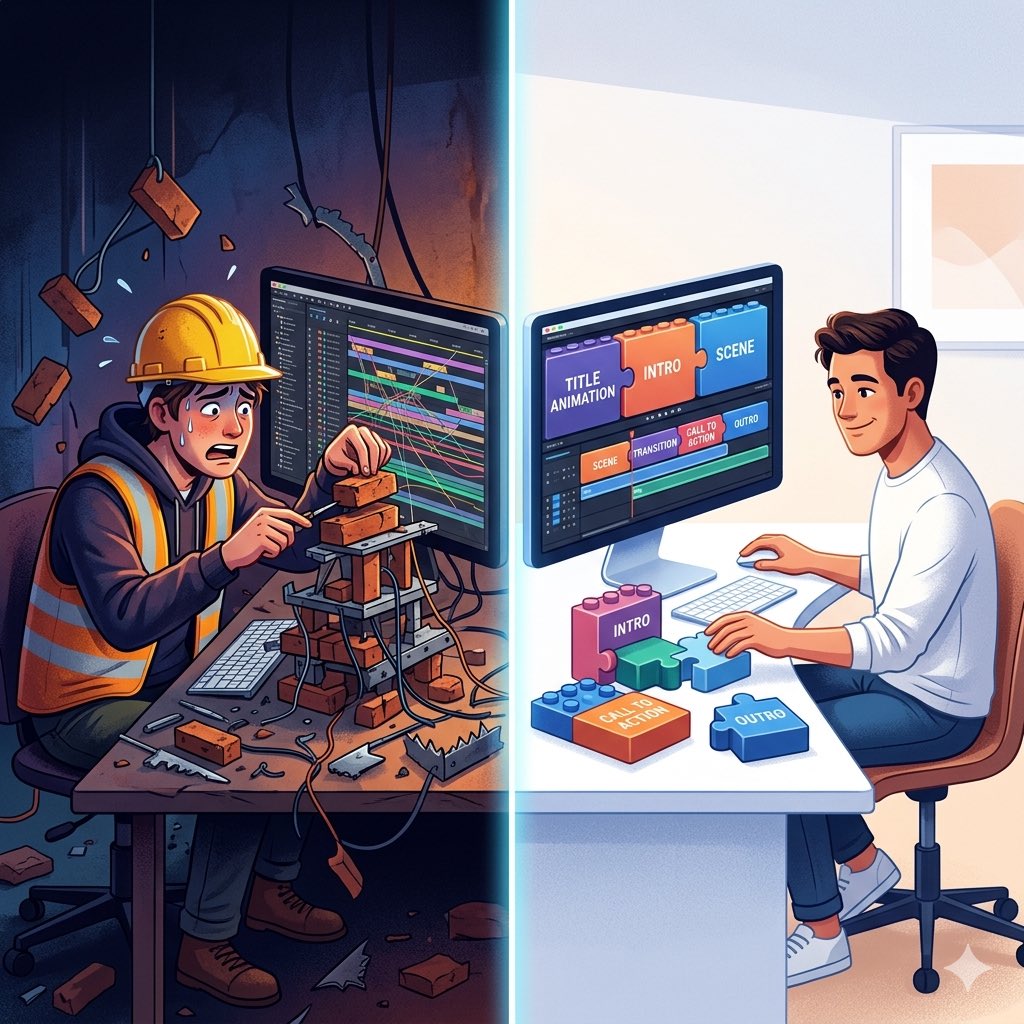
Now imagine if video creation worked the same way.
Instead of building every animation from scratch, you start with professionally crafted motion and assemble the pieces into your final video.
That’s the idea behind Wevi.
Professional motion.
Modular scenes.
Much faster videos.
English
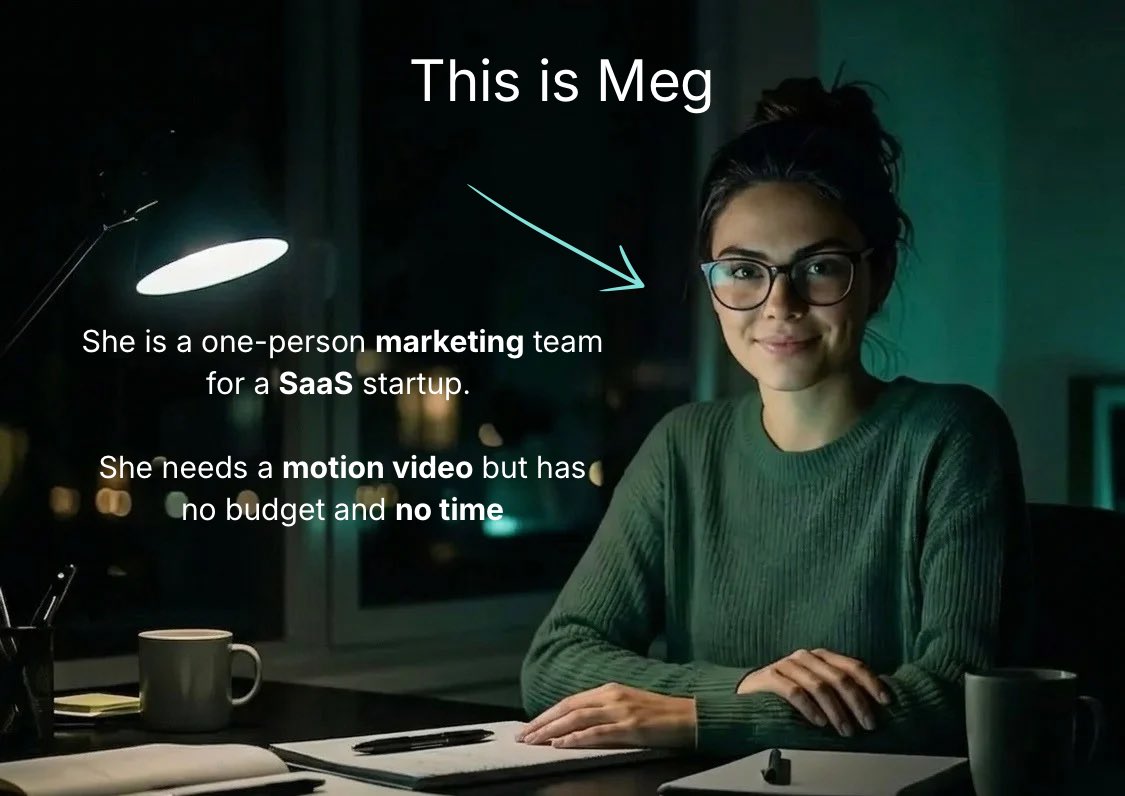
I got on a call with a Wevi subscriber to ask her how her first video went.
She told me she had tried every tool out there. Remotion. Claude Code. Arcade. None of them worked for her.
She’s a one woman marketing team at a 7 person startup. She doesn’t have hours to figure out complex software.
She didn’t outsource. She just made it herself.
And her boss loved it 😍
English