

XrmToolBox
593 posts

XrmToolBox
@XrmToolBox
XrmToolBox is the daily utility for any Microsoft Dynamics 365 Customer Engagement customizer, administrator or developer
Nantes, France Katılım Eylül 2017
18 Takip Edilen2K Takipçiler


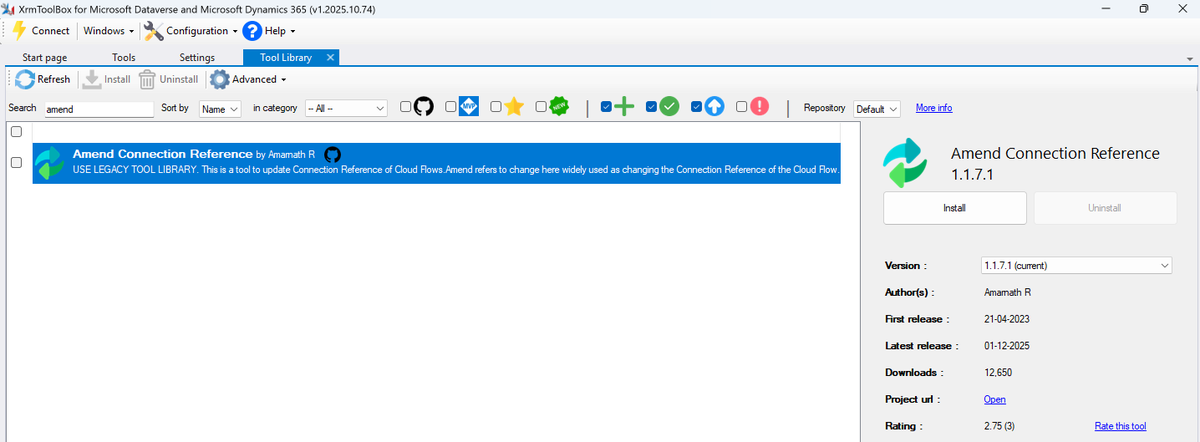
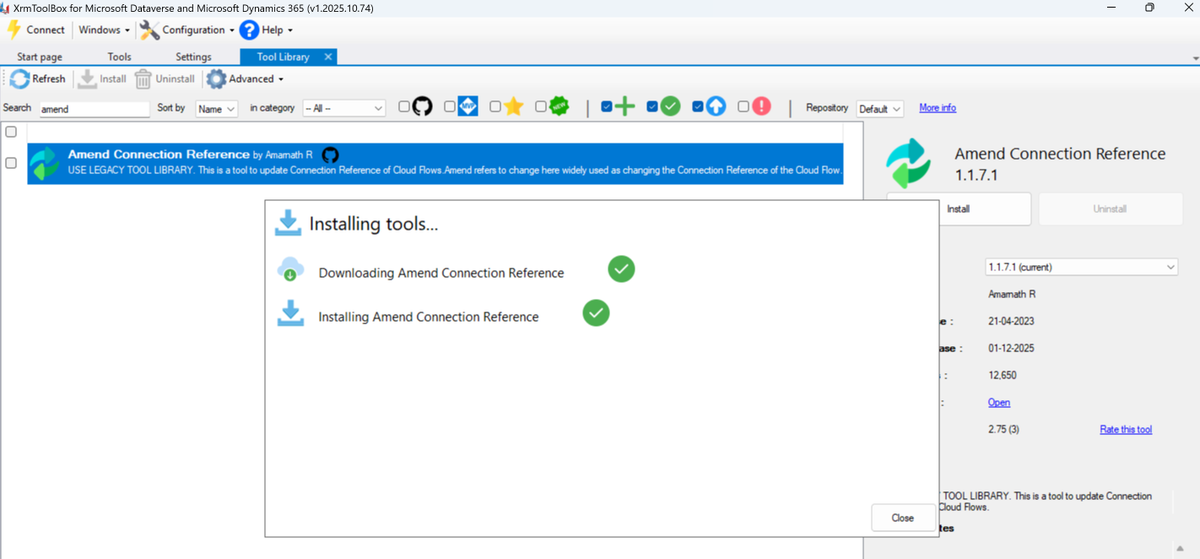
@XrmToolBox I have updated the folder structure to lib/net471/Plugins, but still unable to download it from the xrmtoolbox, it doesn't give any error, but unfortunately its not getting installed. It shows installed in a fraction of a second, but it doesn't.
English
Hi,
@XrmToolBox
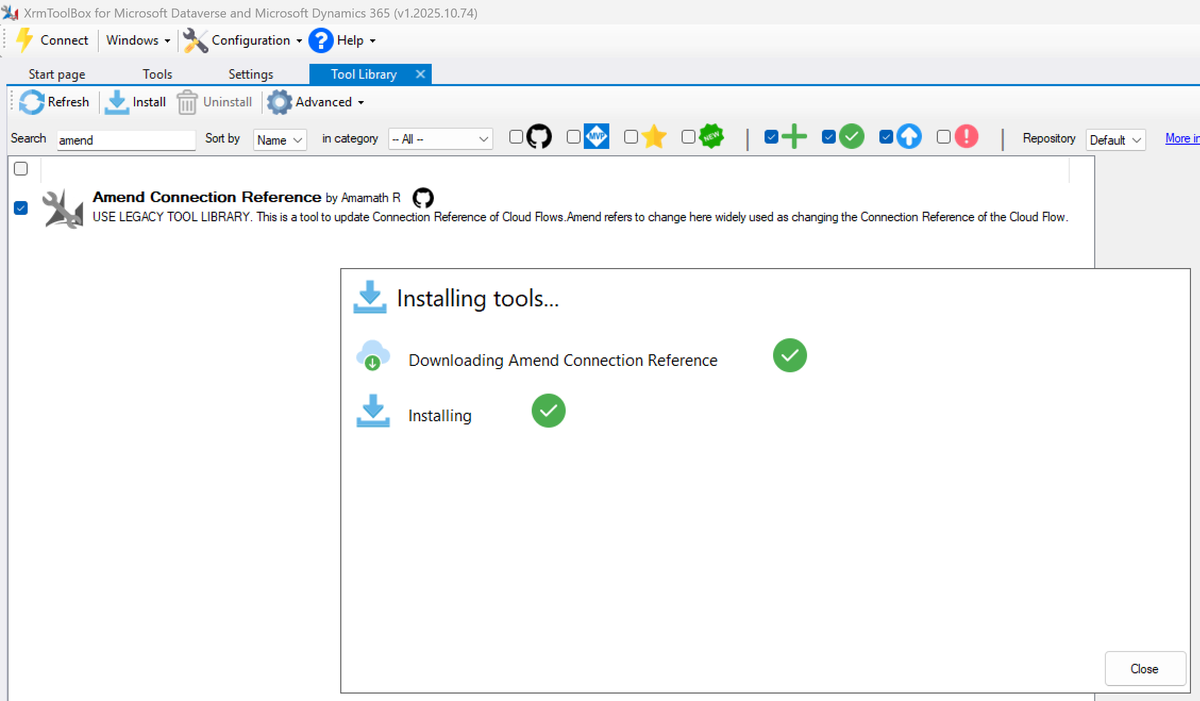
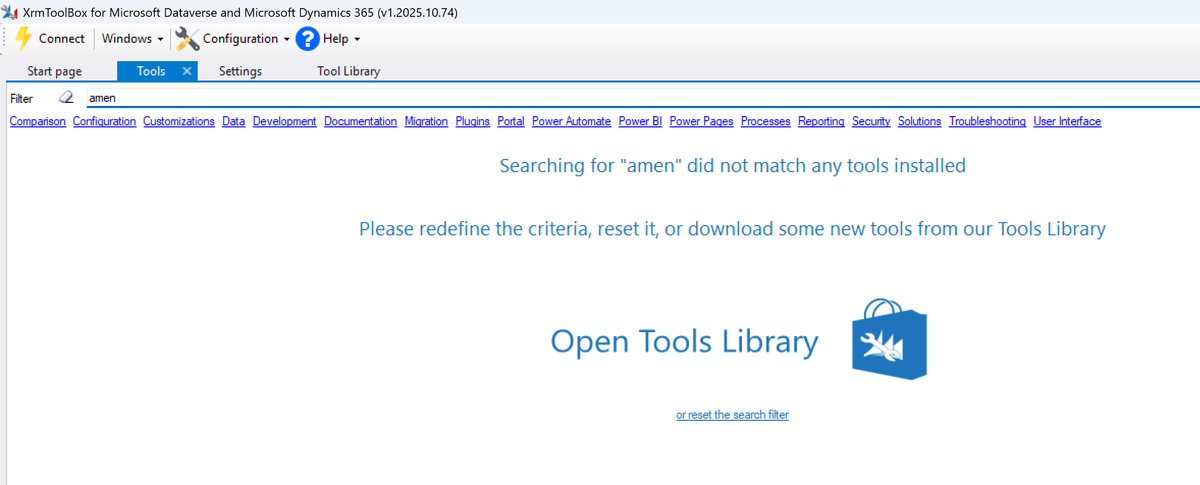
I have a tool called Amend Connection Reference. While downloading it from XrmToolBox, I am not getting any error, but the tool doesn't seem to be installed. Could you please let me know the issue?
English
@amarnath_3011 All other packages I checked are using the folder structure lib/net48/plugins. Try that
English
@XrmToolBox Could you please provide the folder to be maintained while packing to Nuget?
English
@amarnath_3011 It seems the issue is because the library is under a « content » folder.
English

@XrmToolBox Good morning, when I try to access my account with a Microsoft account, I get a multiple accounts error. Can you help me please?
English

@XrmToolBox Could i get a bit of help to get me logged into the xrmtoolbox.com website please, its saying my email is already taken when I use google button (prev I used u/p - a long time ago but not avail now). TIA!
English
I forgot :
- Copy XrmToolBox.AutoUpdater.exe to another folder
- Add extra parameters:
- path to your XrmToolBox.exe application
- custom path for configuration (if any)
So c:\tmp\XrmToolBox.AutoUpdater.exe <url> <path to XrmToolBox.exe> <path for custom storage if any>
English
Having issues after connection controls update => XrmToolBox.AutoUpdater.exe github.com/MscrmTools/Xrm…
(don't forget to start from your XrmToolBox folder)
Sorry about this issue. Next version of XrmToolBox will add safeguards to avoid the same situation.
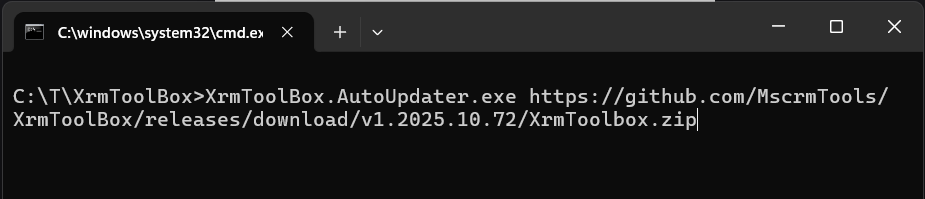
English
@amarnath_3011 Yes but under a content folder which seems not interpreted by the zip package . Plugins folder should be under a lib/net48 folder I guess
English

Hi, @XrmToolBox
I have a tool called Amend Connection Reference. I was able to download the tool from the Legacy Tool library easily, but since the new tool library has been introduced the tool is not getting downloaded. I am getting a success message but don't see the tool dll.
English
This is holidays time🏖️ Do not expect any support from me for the next two weeks. See you!
English
@glanisyed When a tool is rejected, you receive an email with the reasons. Please check your spam folder
English

@XrmToolBox Hi, I created and submitted the "Power Automate Flow History Viewer," but I noticed it has been rejected. Could you please let me know what was missing or the reason for the rejection?
English
@KhnumCodes Can you be more specific about what you are trying to update?
English

@XrmToolBox just discovered this tool and it is fantastic. Is there a way to update the msdyn_dataflow table using this tool?
English
@TweetVikranth @TanguyTOUZARD Hi! Sure, we will sort it out! Send me a PM
English

@XrmToolBox @TanguyTOUZARD I have done a donation on behalf of my team and would like my team name to be displayed in the portal. Also, we would like to get stickers. Please let me know how can I privately share the details. Thanks
English
@killakitty Not that I’m aware of… but where do you see I’m using a deprecated version of .net framework?
English
@airiclenz I do it when I find time 😅 will do next week! I promise!
English

@XrmToolBox Hello there, I am wondering how often you check new plugins - a new tools open-source tool is waiting for approval: xrmtoolbox.com/plugins/Com.Ai…
English
@najibaynan Problem is with the settings file I guess. You should delete it
English

Hi @XrmToolBox any idea how solve this, I delete the tool and installed it again with succes

English
@TimADutcher We all are… I cannot imagine the day when something will really break so that we cannot start it anymore 😱
English

@XrmToolBox I blame Windows, haha. It says a lot about how reliant I am on XrmToolBox that I freaked out when I couldn’t connect. ;)
English
Got a new "Connection Failed: Can't connect to Microsoft Dataverse - O365" in @XrmToolBox today. It occurred after I clicked to update the app. It turns out the update didn't take effect in full. I updated again, saw the progress bar this time, and now it works. Phew!
English
@amarnath_3011 When searching for package parts, System.IO.Packaging.ZipPackage does not find the Plugins folder. Don’t know why exactly but you could try to read the Nuget package in a C# console to test this. Maybe it’s due to content folder. I’m using lib folder for my tools.
English
@XrmToolBox Hi @XrmToolBox, Just a reminder to have a look into the issue :)
English
@DaLaurens No. I’m in holidays… unless @rappen has some times to review it?
English

@XrmToolBox We have created a new plugin that is waiting for validation. Is there anything that we can do to speed up the process?
English