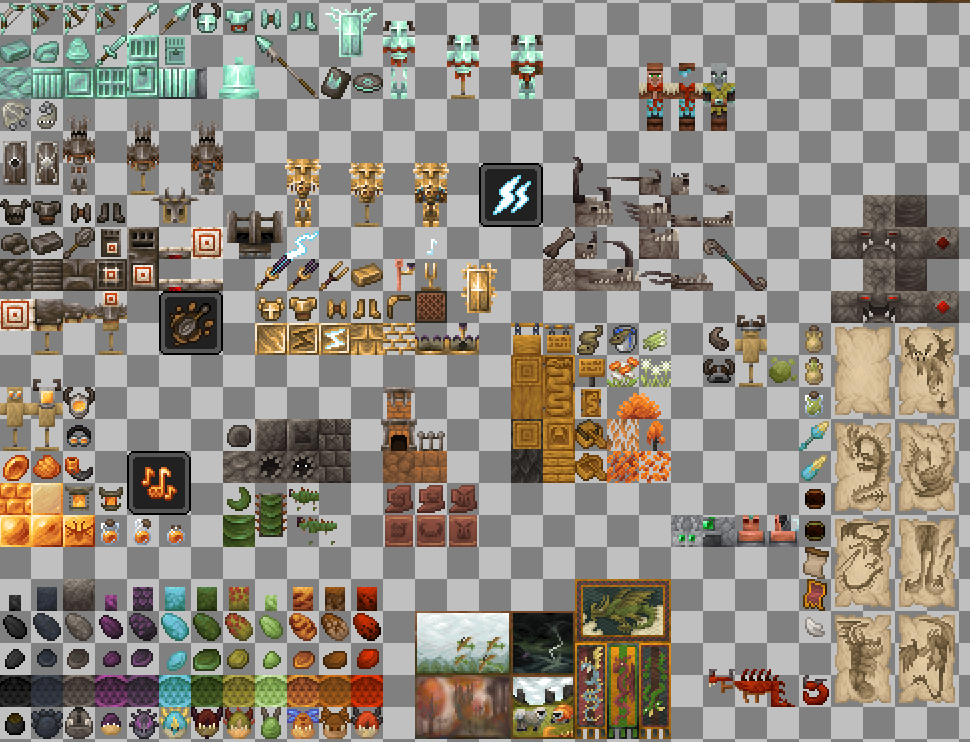
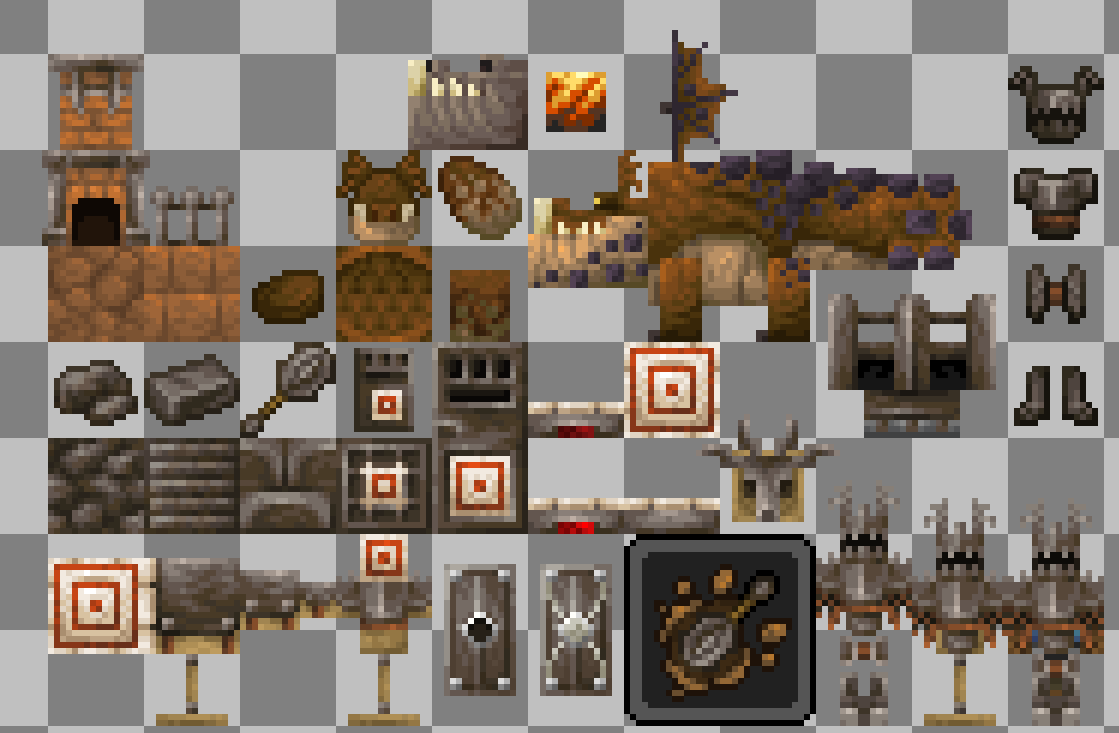
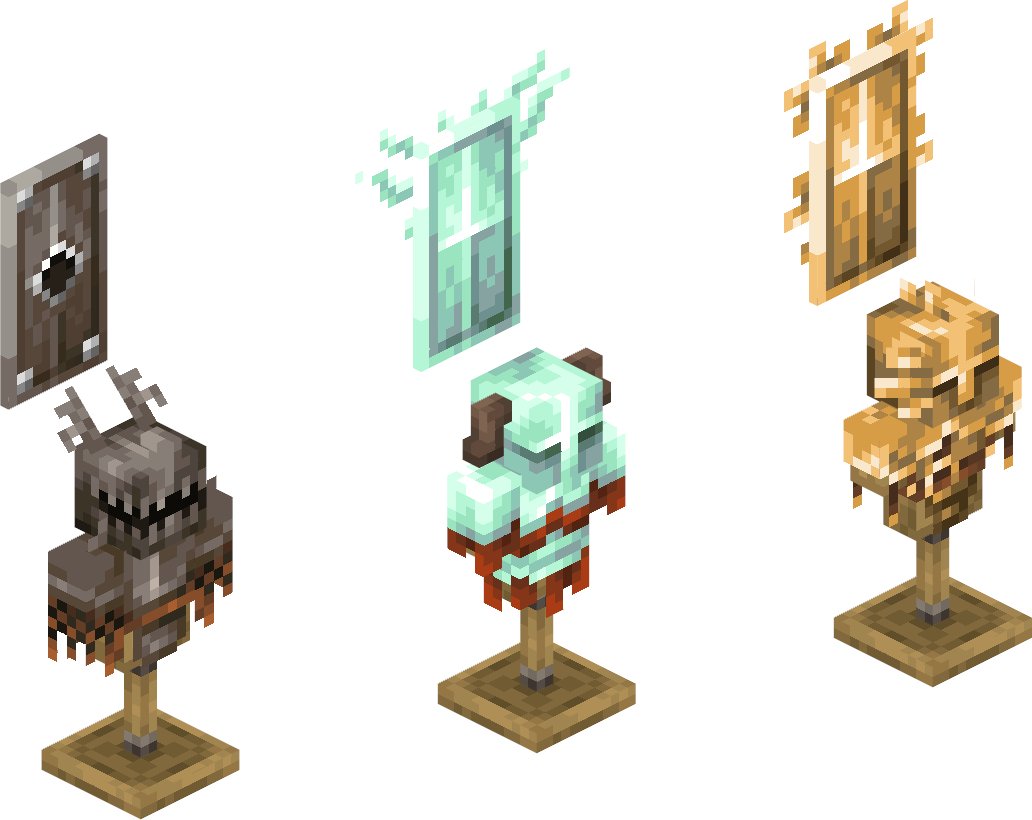
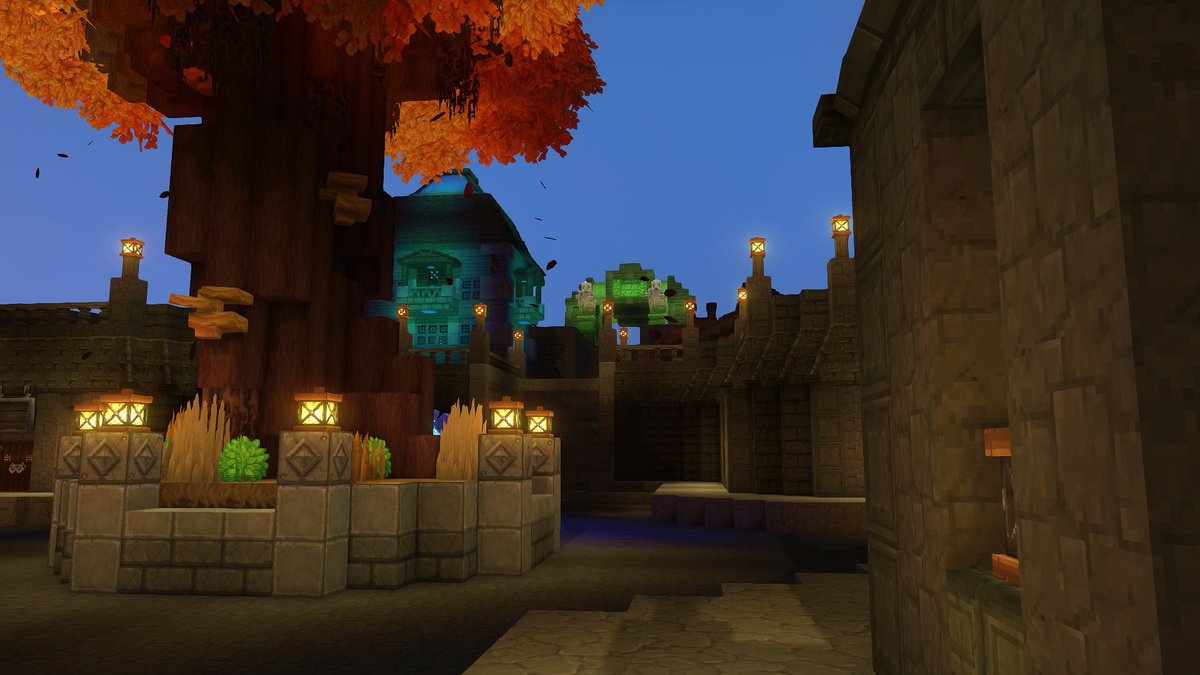
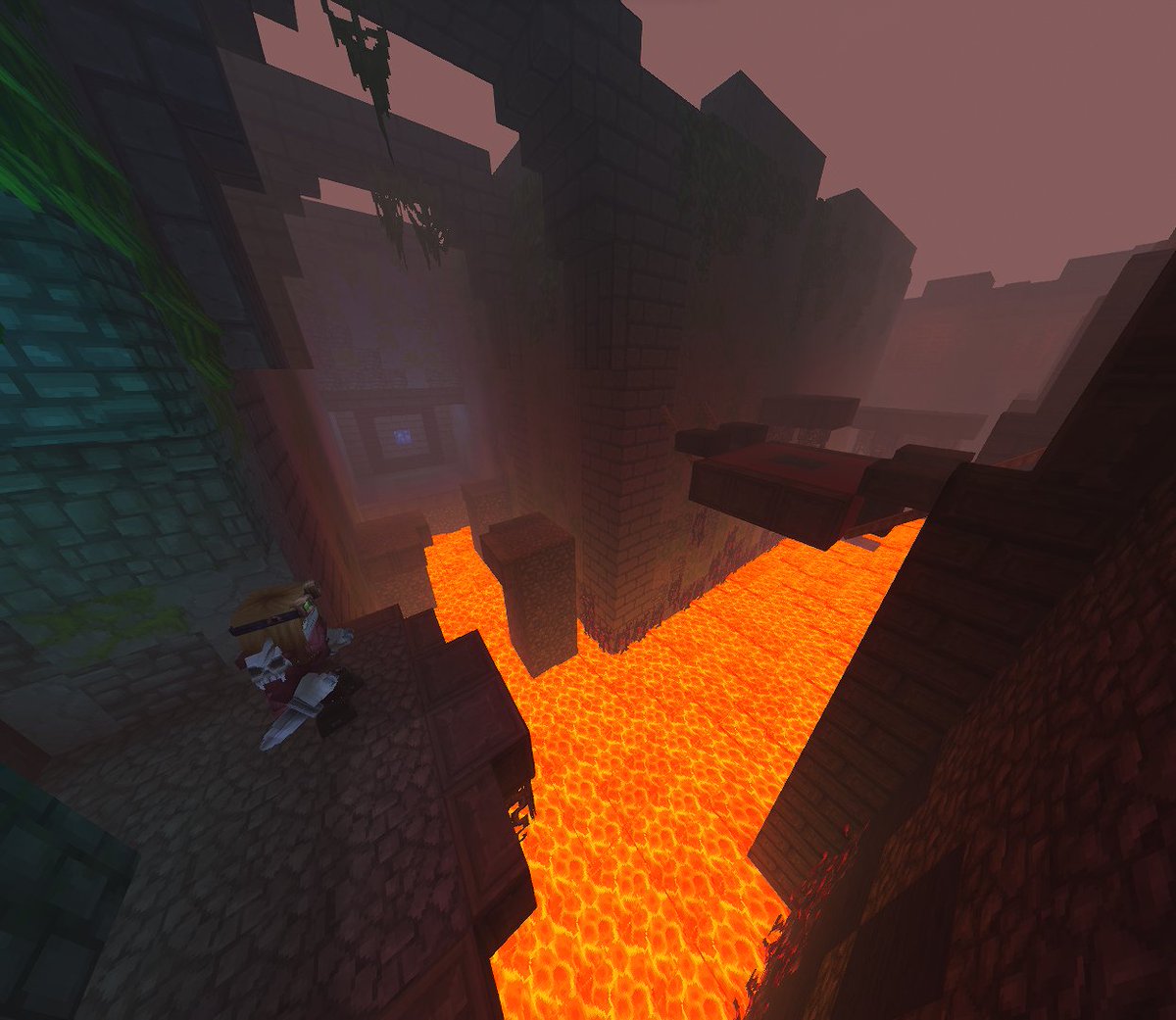
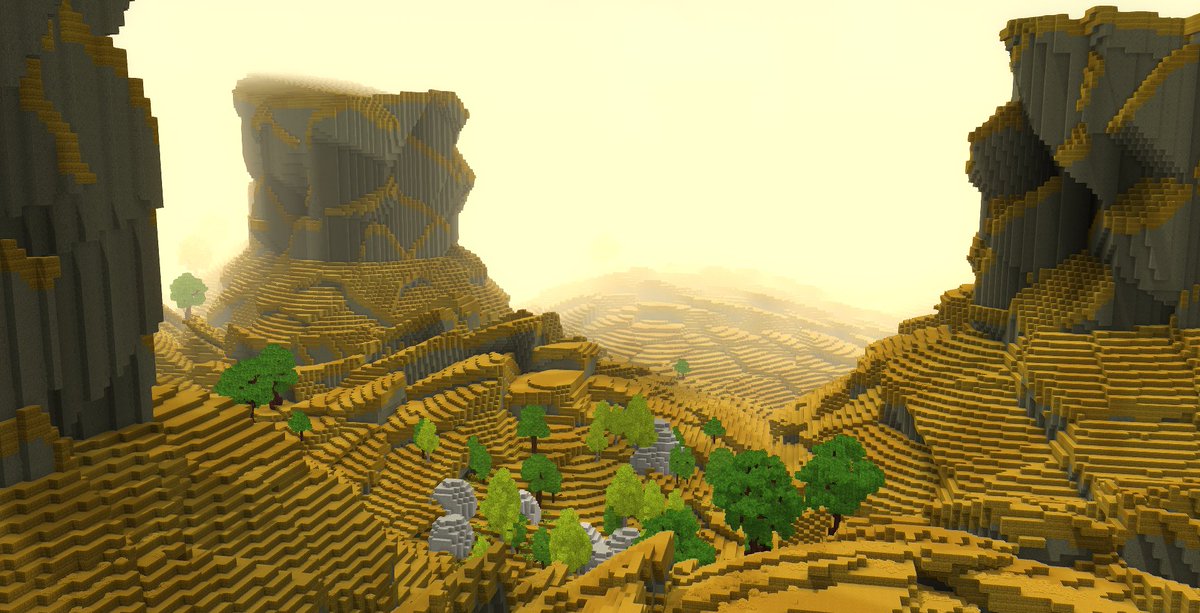
Hey guys! I’m looking for coders for my mod because I’ve run into some major issues. If anyone is interested, please get in touch. I'm fine with you publishing it in your name and taking all the monetization; my main goal is just to finally release it after four years of setbacks
@Simon_Hypixel I think so long as paid mods. Have a strong quality standard, and free mods have an incentive for the creators whether it be profit sharing, or something else then everything should go smoothly.
I want to talk about the in-game mod browser and monetization, but first: this is not a final answer or a locked policy! I'm brainstorming with the community because this is one of those decisions that can shape the game's future, and I want feedback before we commit to the exact model.
I've had people in DMs tell me Hytale needs paid mods, because modders put real work into their creations and should be able to earn from them. I've also had people tell me paid mods would destroy the ecosystem, because the mod browser would stop feeling like a place to explore and start feeling like a store.
Both sides have a point, and I don't think you have to pick one or the other. The model I keep coming back to is a hybrid that hasn't really been tried before: protect the player experience in-game while giving creators strong ways to earn player support.
Important note: none of these changes the EULA. This is not about taking away what modders can do outside the game. It's about what we choose to show and promote inside the in-game mod browser.
Here's my thinking: I want players to open the mod browser and feel like they're walking into a community library of cool things to try, not a shopping mall.
That doesn't mean I think modders shouldn't make money. Quite the opposite. I bring years of experience in modding and monetization, and I know the scene has evolved a lot. Creators put serious time into their work, and great modders should be able to build an audience, earn support, and make a living from what they create.
But there is a real cost when the first thing players see in a mod browser is price tags everywhere.
Mods are most magical when trying them is easy. You see something weird, useful, funny, beautiful, or ambitious, and you install it because there's no friction. That sense of discovery matters a lot to me.
There's also a deeper problem with paid mods that people don't talk about enough: the incentive structure between the game developer and the modder.
Imagine a creator makes an amazing fishing mod and sells it for $5. It gets huge. Later, the game team decides that fishing should be part of the base game. Suddenly, there's tension where there shouldn't be any. The creator feels like the game is stepping on their work, and if the studio is taking a cut from mod sales, it now has a financial incentive to leave feature gaps rather than fill them. Why add fishing to the base game if you're making money from someone else's fishing mod?
I really don't want that relationship. Our goal is to make a great game, give creators powerful tools, and let the whole ecosystem grow around that, not to leave holes for modders to fill and monetize.
So the direction is: mods in the in-game browser are free to install. No price tags in the browsing experience. No paywall as the default relationship between player and modder.
But creator support should be real.
We will give players ways to support their favorite creators, make creator profiles matter, highlight great work, and offer Hytale-side rewards for supporting modders: badges, titles, cosmetics, and so on. For example, if a player supports several creators, they get a special reward from us, not because they bought a mod, but because they supported the people building the ecosystem.
Longer term, there's room for something closer to an in-game Patreon-style system: support a creator, get early access to experimental builds or extra creator updates, while the mod itself stays free to browse and try. That part needs careful design, and I don't want to overpromise the exact shape today.
The principle is what matters: support should be pull, not push. Players should feel invited to support creators they love, not pressured every time they browse.
We make money when people buy the game and through optional cosmetics. That gives us a cleaner incentive structure: make Hytale better, invest in player experience, and help creators earn because players genuinely value their work.
BTW, if we ever handle creator payments directly, the only reason to take a cut would be to cover transaction and operational costs. We're not designing this around taking a percentage from modders.
This is not the obvious business-maximizing route. I know that. But I think it's the right one for players. I believe that if we are players first, we will do great in the long term.
I'd rather have a modding ecosystem that feels open, generous, creative, and alive than one where every cool idea immediately becomes another checkout screen. I believe we can help modders make great money while giving players a much better experience than a storefront-first model!
It will take time to get right, and some details will change as we build it. We'll share more as the mod browser takes shape, and I genuinely want to hear what players and modders think about this direction.
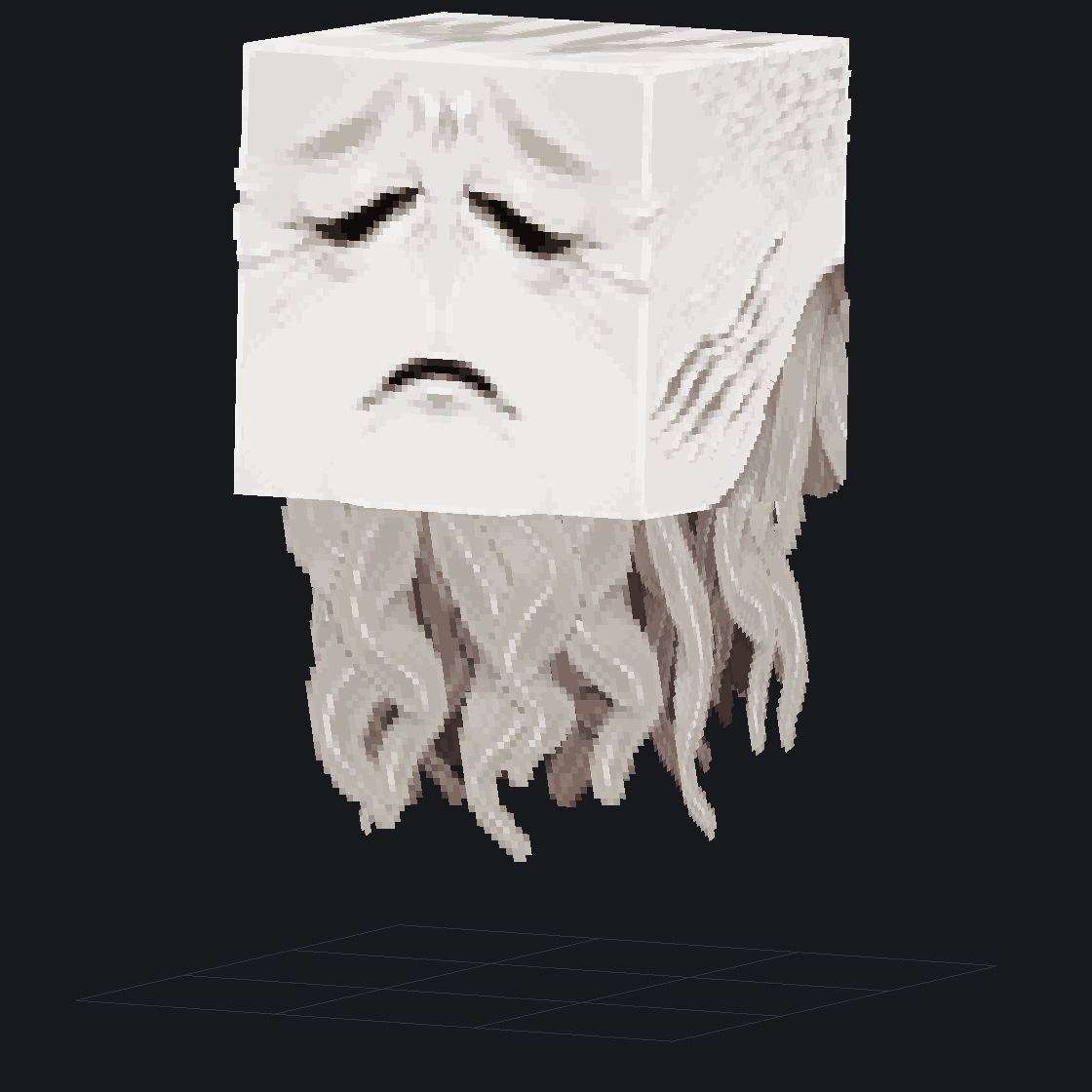
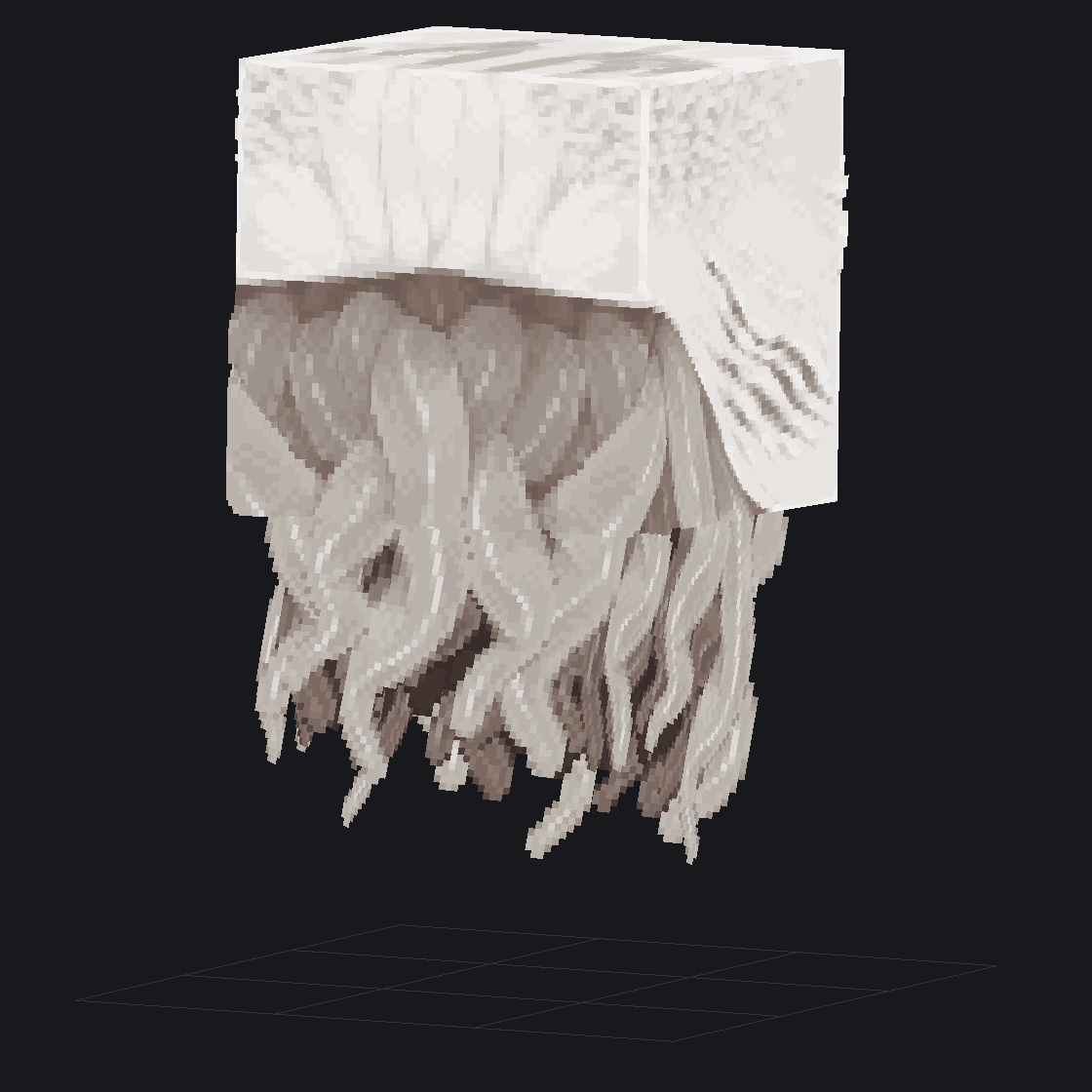
y'all remember that ghast redesign i did a while back?
i decided to upscale it, and since mojang already did a 32x version, i went for 64x (a decision i came to thoroughly regret about halfway into this lol)
(also ik the top's not finished so shhh)
#minecraft#blockbench
@JasperBoerstra This makes me wonder i've always kind of figured I would have to relocate to do it, are/have there been many remote opportunities to work on the game?
Ive also always thought designing props for a park would be fun and with the recent announcement of Minecraft World Especially.
I'm always on the look out for talented Pixel artists that are willing to move to Sweden or already live in Sweden.
Never be to shy to just @ me and show some stuff. I will likely not respond but I'll add you to my list of people to reach out to if we ever need more artists :)
I hope Minecraft Dungeons 2 is so well received and massively successful that mojang is forced to start adding biomes, features, and quality content into Minecraft to make it feel up to spec with dungeons 2
@head3mpty_@popi8909@artofsully Yes. I think that was obvious in the first question. Im curious if there was a reason they stopped releasing new content for it. What fundamentals are gonna be different in the new game to warrant it
@arm64_v8a@Wynncraft Why would they do that.
Maybe start playing games the way they are meant to be played and not obsess over downloading things to make it "better". Sometimes its fun to experience it as it
@Prowl8413 I think what happened is that the notes said 10, but the code actually did 5. Mostly a typo while writing the notes, but I don't mind bumping it up to 10 in the next updates. I don't think there are any technical limitations.
I wonder why Hytale changed the number of preset save slots from 10 in PR2 to 5 in PR3? Some sort of technical issue or something? I definitely think the more the better here. I was going to make a bunch of different characters.
@Simon_Hypixel "- Added an Avatar Presets counter to the Add Preset button."
I beg for a way to enable more avatar presets than 5, all I'm taking is my storage right i meaaaan?
Pre-Release Patch Notes (Feb 11, 2026)
Update 3 (Part 3 of 3)
Enable via Launcher → Settings → Pre-Release
The release of Update 3, including its 3 parts, is scheduled for next week!
HEADLINE FEATURES
- Added a very basic, early version of taming! Some of the friendlier animals you find in your adventures can now be tamed, provided you have their favourite food in hand!
- Tamed animals can be petted with an empty hand and fed once in a while - some of them can also be milked, sheared, or mounted!
- Tamed animals won't run away from players (unless they’re hit), and will occasionally greet them.
- Added Sickles, capable of harvesting multiple crops in a single swing.
- Updated climbing, enabling side-stepping, dropping down, and rotating around ropes.
- Added an Anchor UI system, enabling server plugins to add UI elements to client pages, such as the world map. This will allow modders to insert into various predefined points as we add them.
- Brazilian-Portuguese and Russian have been added as our first new in-game language options, kicking off the first phase of our localization efforts. Additional languages will be introduced in the coming weeks.
CONTENT
- Updated a number of prefabs, removing workbenches and chicken coops from several of them.
- Added a green variation of the Rhino Toad.
- Updated the requirements for Farmers Benches:
- Tier 4 now requires Drywood Log instead of Redwood Log.
- Tier 6 now requires Redwood Log instead of Drywood Log.
- Updated the crafting times for several early-game items:
- Crude ammo, weapons, and tools now craft instantly.
- Builders Bench craft time reduced from 3 seconds to 2 seconds.
- Chicken Coop craft time reduced from 4 seconds to 2 seconds.
- Overpants are now referred to as Legwear.
- Added random block ticking and the spreading of grass.
- Shortbows and Crossbows can now use ammo directly from the backpack.
- Updated several NPCs with improved target switching behavior.
- The flamethrower VFX has been updated, and the weapon now attacks faster.
- Implemented separation between Stereo Headphone and HRTF Headphone modes. Output mode options have been extended to cover Speakers (Stereo), Headphones (Stereo), and Headphones (3D Audio).
MODDING & TOOLS
- Added a warning when loading into worlds with missing mods.
- The Creative Hub, where players initially find themselves on Creative Worlds, is now referred to as the Crossroads.
- Added a ‘Return to Crossroads’ button on the World Map for Creative Worlds.
- Removed some older debug commands and improved validation for the Machinima tool.
- Added the ability to change the playback speed within the Machinima tool.
- Added a new debug flag, VisLeashPosition, enabling visualization of NPC leashing.
- Added a new debug flag, VisFlock, enabling visualization of flock membership and structure.
- Updated packet handlers for builder tools to utilize the World packet handler for world-specific packets.
- Renamed light radius to bright radius and set the default to 1 so that light color is maintained.
- Changed the draft brush shape to Sphere, instead of Cube.
- Entities will now rotate and render in the Selection tool’s rotate/translate mode.
UI/UX
- Reworked item tooltips to better support localization.
- Increased the dimensions of some UI elements to better support localization.
- Added a confirmation message when attempting to swap Avatar Presets with unsaved changes.
- Added an Avatar Presets counter to the Add Preset button.
- Improved navigation of longer server lists.
- Added a scrollbar to aid navigation for users with a large number of mods.
- Added Noto Sans as a secondary fallback font for Cyrillic glyphs.
BUGFIXES & OTHER IMPROVEMENTS
- Updated the world map and chunk updates to use their own streams.
- Fixed a crash related to creative tool previews when undoing & re-applying very large changes.
- Fixed a crash when a skin fails to be saved.
- Fixed a crash on Linux when opening a folder without Nautilus installed.
- Added missing validation to reduce the number of IllegalStateExceptions that may be encountered.
- Fixed an issue whereby copied entities could share data structures incorrectly.
- Fixed an issue whereby debug frustums would not render.
- Fixed an issue whereby key binding information would not display correctly.
- Fixed an issue whereby some Apple Trees would float off the ground.
- Adjusted the player hitbox when sitting and sleeping.
- Fixed an issue with the spawn suppression system crashing upon regenerating chunks.
- Fixed an issue where respawning inside of a portal world would leave the player in a zombified state.
- Fixed an issue with full-bright toggling that prevented full brightness occurring when entering Creative mode.
- Fixed an issue with server configurations enabling all mods by default.
- Fixed an issue whereby some unlucky fish would spawn in lava.
- Fixed a number of village furniture items incorrectly requiring a pickaxe to break.
- Fixed a number of issues related to clouds when the weather transitions.
- Fixed an issue with fire spreading above 256 blocks.
- Fixed an issue with durability whereby dying would cause some carried items to incorrectly become unusable.
- Fixed an issue with client worlds not enabling backups by default, if not otherwise configured.
- Fixed a number of memory leaks.
- Updated some grammar and removed some typos.
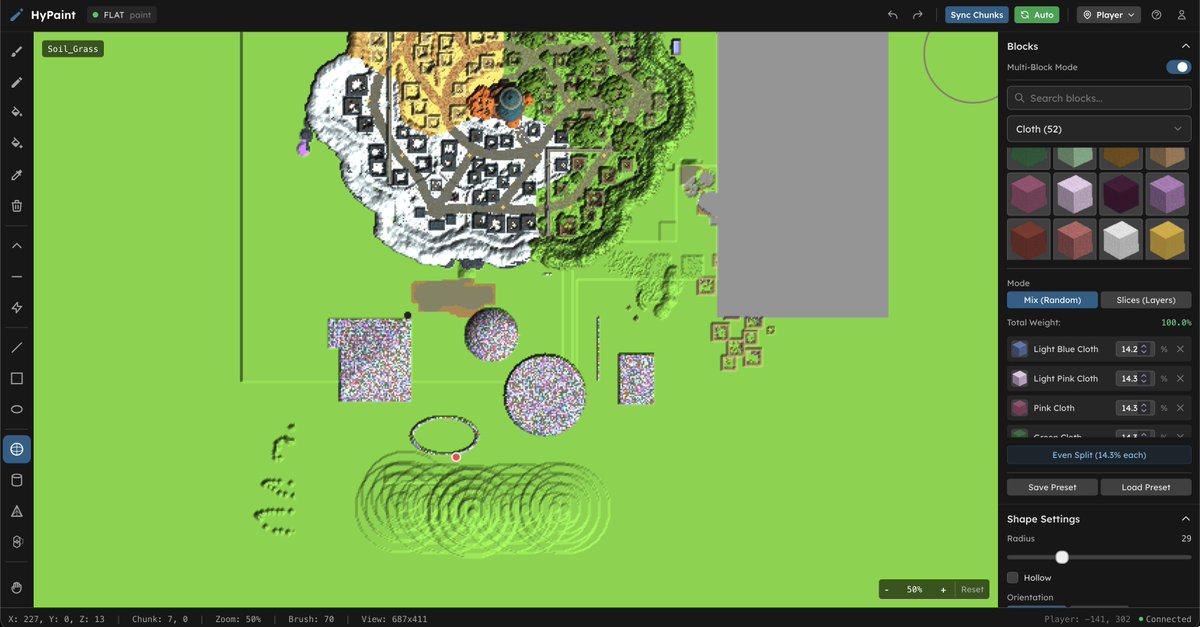
New Mod Release (alpha)! HyPaint.io for #Hytale
A browser based world editor for Hytale. Paint terrain, place structures, sculpt landscapes, and design world generation systems. Everything you do is applied to your game server instantly. #HytaleModding
You can join the alpha in the @HytaleModding Discord!
Paint Mode
A 2D canvas view of your live game world. Click to place blocks, drag to paint terrain, and watch it appear in game instantly. Think of it as a map editor connected to a running server.
- Brush, fill, flood fill, and single block placement
- Multi block palettes for natural terrain blending
- Draw lines, rectangles, and ellipses
- Place 3D shapes like spheres, cylinders, pyramids, walls
- Sculpt terrain by raising, lowering, flattening, smoothing
- Full/Drain entire rivers and lakes with flood full/drain
- Place and manage fluids like water and lava
- Teleport your player directly from the canvas
WorldGen Mode
A visual node editor for designing world generation. Wire up noise generators, terrain shapers, and biome selectors to build procedural worlds, then push them to your server with one click.
- Drag and drop node graph editor
- Noise generators, math operations, terrain shapers
- Biome configuration and terrain layers
- Save, load, and manage multiple projects
- Validate and export to Hytale JSON
- Deploy directly to your running server
- Import existing worldgen JSON files
- Built in preset library for common patterns
- Visual Curves, Noise Maps, Color Pickers, 3D Views
Disclaimer: HyPaint is designed to complement Hytale's excellent tools, not replace them. Hytale's Node Editor is powerful and robust and we love what the team has built. HyPaint focuses on adding visual workflow enhancements and bridging features that aren't currently available (yet).