Mine-imator CB 🎥🎞️
158 posts

Mine-imator CB 🎥🎞️
@_Mineimator_CB
The official page for the Mine-imator and Modelbench Community Build Modding Project! 🎥 🎞️ #mineimator #modelbench https://t.co/Bdm7KcTu8g
Katılım Mart 2023
3 Takip Edilen1.5K Takipçiler
Sabitlenmiş Tweet

Mine-imator Community Build v1.0.0 releases with new animation and lighting features !! 🎉
#mineimatorcb
English

@_Mineimator_CB hey old friend, guess the years havent been treating us the best have they?
English

@is_cbout Aren't you an alpha tester you should know this 🥀
English

@_Mineimator_CB @_cipherquartz_ glad i dont manage this account
English

@_Mineimator_CB Sorry about that, I forgot you would receive my notifications by me tagging your account. I will be mindful for next time if it is an issue 🫶
English

remember where you came from x.com/_Mineimator/st…
Mine-imator@_Mineimator
minecraft animations
English

@godispasen cook please... if mine-imator cb itself is telling you to cook then you've gooootta cook dude
English

@_Mineimator_CB don’t i know it …. personally i’m one degree separated from that by doing nothing at all
English

Oh, and one more thing...
We should be ready for Public Release of both Mine-imator CB 1.1.0 & Modelbench CB 1.1.1 within the next month or so. 🧐
Mine-imator CB 🎥🎞️@_Mineimator_CB
Mine-imator 1.1.0 (Early Bird 4) is out for Tier 3 Supporters. with this build comes a new feature known as "Modifiers". Modifiers will be a way to automate simple animations (ex. a "Shake" modifier, which randomizes chosen values of a timeline's transforms.) (1/3)
English

@godispasen nothing much godispasen just staring at an empty project what about you
English

@_Mineimator_CB hi mineimator community build what’s up
English

@_Mineimator_CB i’m godis
English

Erm, wheres the release 🤓🤓🤓🤓
Mine-imator CB 🎥🎞️@_Mineimator_CB
Mine-imator 1.1.0 (Early Bird 4) is out for Tier 3 Supporters. with this build comes a new feature known as "Modifiers". Modifiers will be a way to automate simple animations (ex. a "Shake" modifier, which randomizes chosen values of a timeline's transforms.) (1/3)
English

@_Mineimator_CB thank you …… you have a heart of gold
English

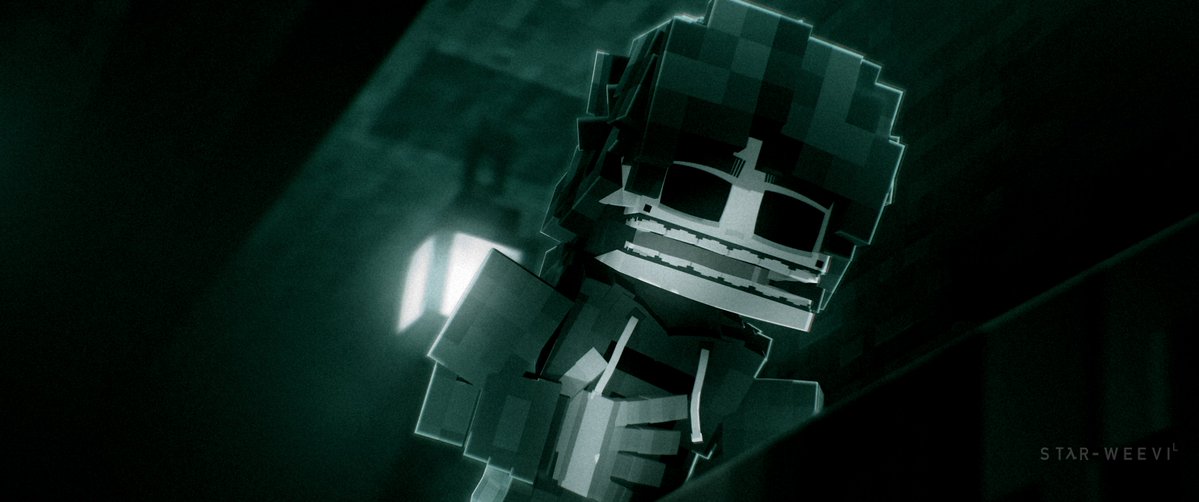
@RozasAnibal @ACryses @StarWeevil Set your subsurface to 0.8 or 1, and place a spotlight aiming directly at the camera behind the subject.
English

@_Mineimator_CB @ACryses @StarWeevil One question: how do you get the edges to shine like that? I've tried placing a light behind it, but I can't get the result I want.
English