
Sabitlenmiş Tweet
AppMockUp
163 posts


AppMockUp
@appmockup
Create the most compelling screenshots for your app. Fast. Easy. Free.
Bucharest, Romania Katılım Mayıs 2019
22 Takip Edilen256 Takipçiler
AppMockUp retweetledi

Introducing "AppMockUp" the latest addition to Dezi Gallery.
Create the most compelling App Store & Google Play Store app screenshots with AppMockUp Studio.
dezi.gallery/tool/app-mock-…
@appmockup

English
AppMockUp retweetledi

@michaldudek @buymeacoffee Really appreciate the coffees and the shoutout ❤️❤️❤️
English
AppMockUp retweetledi

I just bought @appmockup 3 coffees on @buymeacoffee! 🎉
It's the best free app screenshot tool and I'm loving the updated version <3 Honestly, can't believe it's free.
English


AppMockUp retweetledi
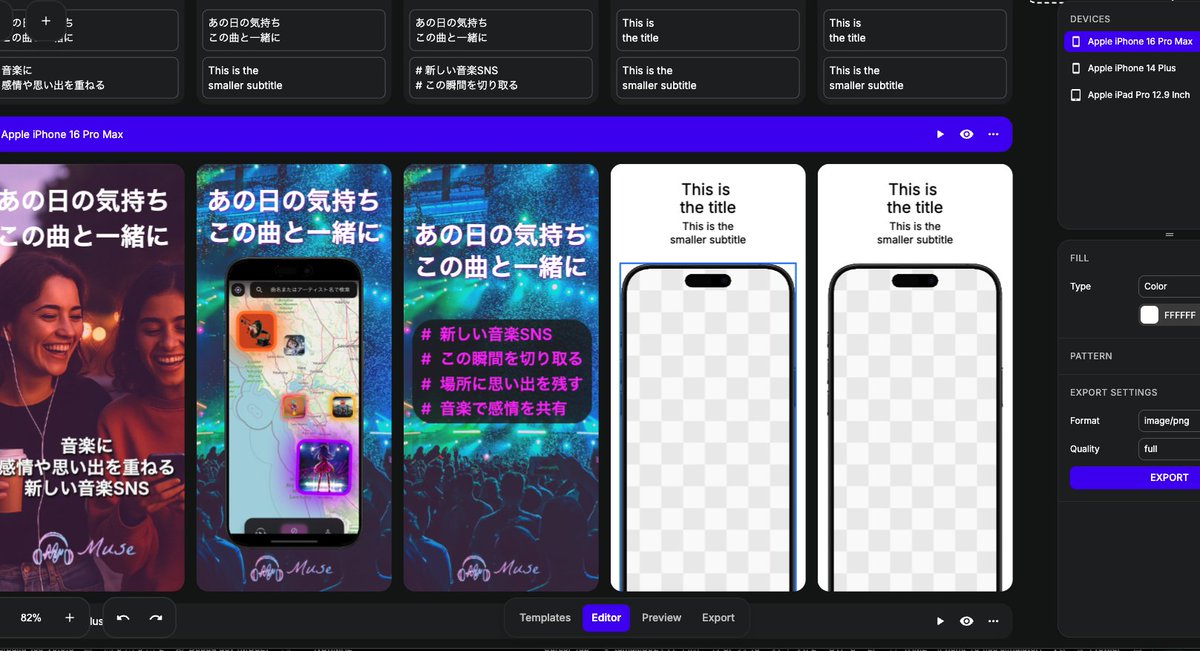
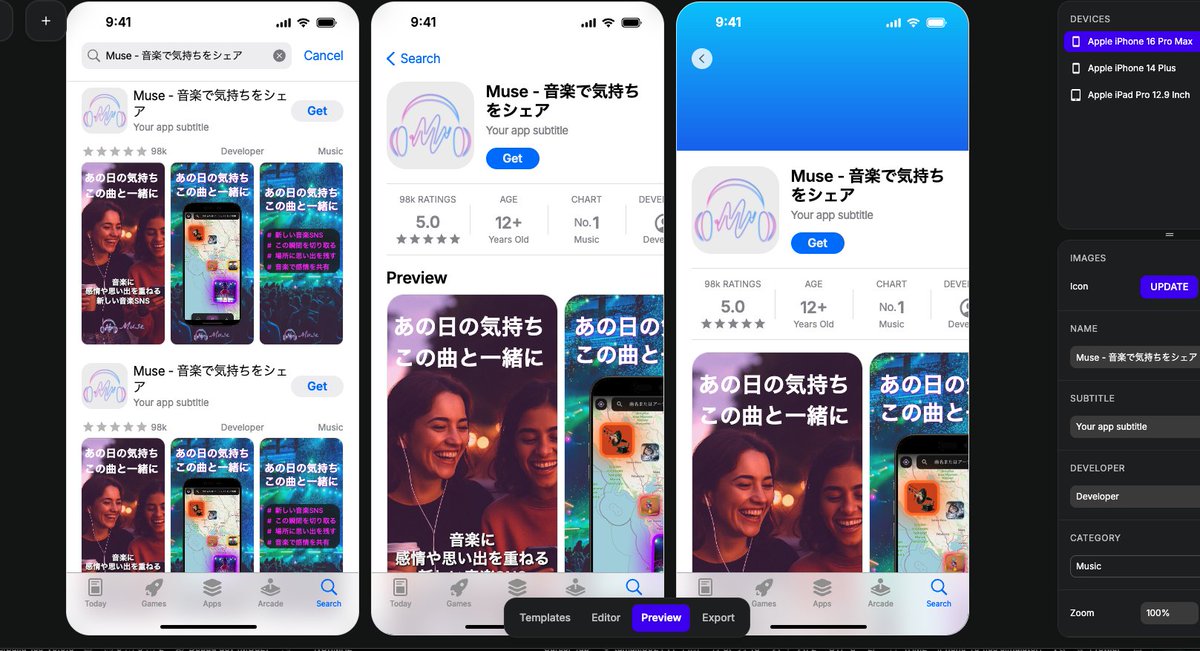
@sunlight3shine Would it be valuable for you if you could import the AppMockUp project directly into Figma with full layer support?
English

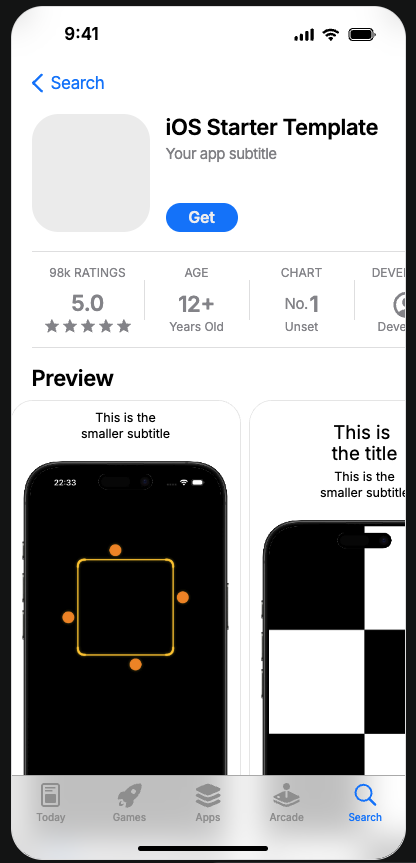
AppStoreConnectのスクショ画像とかってAppMockUp Studioで大部分作ったら、細かいところはFigmaとかで良いのかもなー👀
合わせ技が良いと思ってる
日本語
AppMockUp retweetledi
最近はAppMockUp Studioで簡易的にストア画像作ったら、それをダウンロードしてFigmaで貼り付けて細かく修正するのが便利
zenn.dev/solar/articles…
日本語

@appmockup Aaaah. While to reproduce I actually found out how we're supposed to do it. I was trying to import screenshots at the wrong place (3 dots menu at the far end right).
English
@appmockup hi. Your website looks awesome but I can't seem to upload a screenshot. It says it failed to upload an image.
English
AppMockUp retweetledi

@appmockup thank you! Submitting my first app to the App Store and i just found your site, thank you!
English
@sunlight3shine Yes! We actually started working on a complete list of features with interactive, written and video tutorials, you can find it here: app-mockup.com/help/
It's still incomplete at the moment, but we're adding new tutorials on a weekly basis.
English
I see, so Safari isn’t really recommended after all.
By the way, is there a website or any detailed documentation on how to use AppMockUp Studio?
It’s such a convenient tool, but there’s very little information available — especially in Japanese — so I’ve started writing articles about it myself.
English
AppMockUp StudioはSafariと相性が悪い😇
ダメだ、pngファイルが開けないのはSafariのせいだったw
あと保存方法が特殊すぎるww
Figma感覚の自動保存でいるとデータ消える
日本語
@sunlight3shine @nanashi_proDays Think of it like saving a .psd or .pdf file on your computer, this allows us to keep the service free to use.
English
@nanashi_proDays 相性で言うとGoogle Chromeですね!
ただ保存方法が特殊すぎるのでみんなはどうやってあれの作業データを保存してるのか謎すぎるんですけどww
日本語

AppMockUp Studioの使い方|haru@ iOS&Androidのモバイルアプリ開発 zenn.dev/solar/articles… #zenn
日本語
AppMockUp retweetledi

Just found app-mockup.com by @appmockup -
super simple and 100% free. Love it.
English