@rogie@figmadesign this is a pretty great workaround for swapping themes - but how do you ALSO keep icons from reverting back to the base component placeholder icon when you change state?
@tobiasnegele@figmadesign@ShopifyUX How are you guys currently handling swapping icons and maintaining color changes with state or theme? The current hacks aren't looking too maintainable as a system grows.
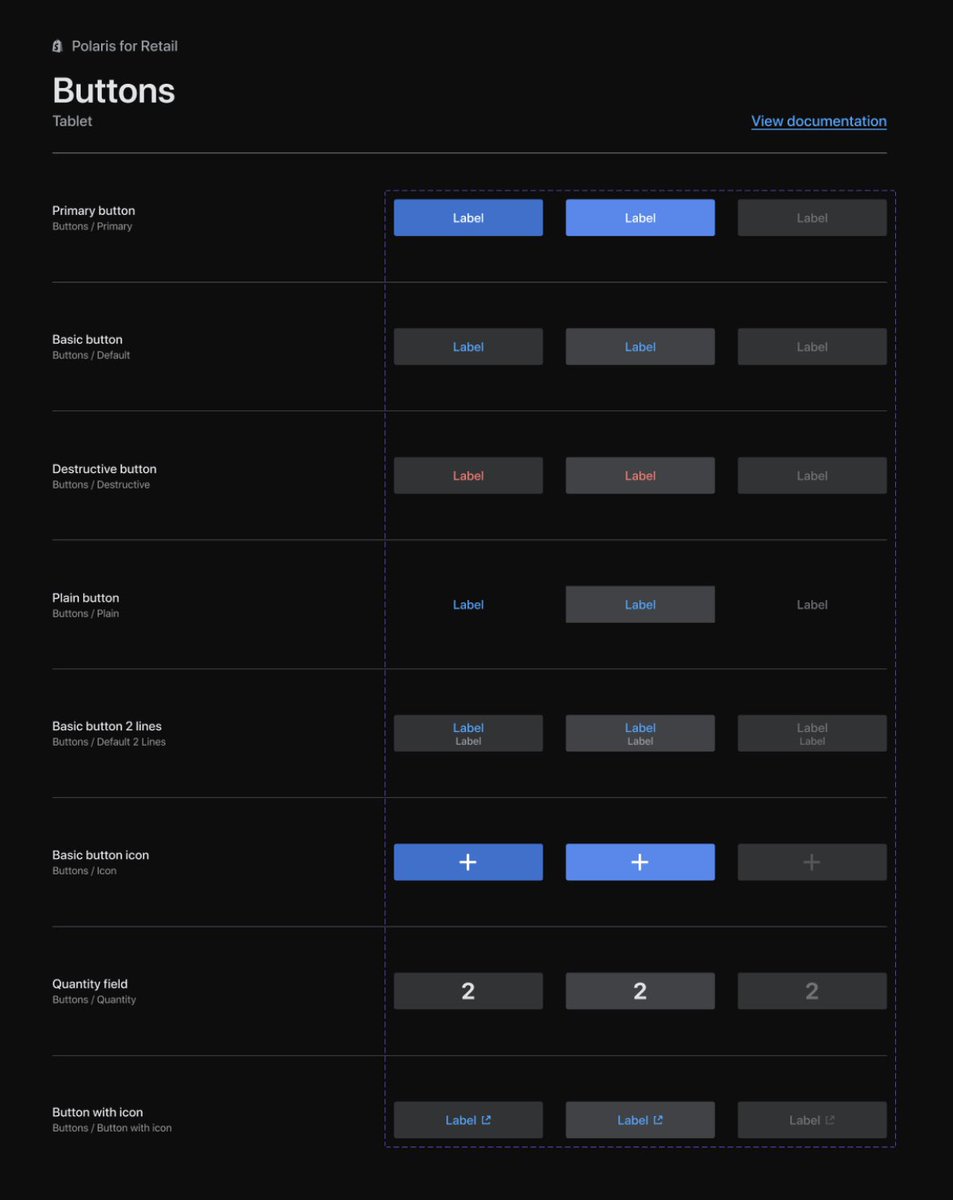
We’ve been playing around with variants in @figmadesign for a few weeks and leveraged the feature to clean up components in #Polaris for Retail, one of our local design systems. This makes it so much easier to choose and switch between variants. There’s no going back. @ShopifyUX
@zyumbik They were but prefixed with _config which I suspect was the issue. I was able to do it by:
1. Copy nested component to Lib2
2. Remove _config from name, detach & make component, publish Lib2
3. Link nested components to Lib1
4. Copy component to Lib2, detach & make
@connor_hill Are the nested components published to the Library? They have to be. Then you can do:
1. Create instance of that component in Lib2.
2. Detach instance. Nested instances should stay if they are published to the library.
3. Create component from the detached instance.
@zyumbik@pumpkin Similar issue moving a component between libraries:
1. Copy component from Library 1 and pasting it into Library 2 pastes an instance
2. Copy component + instance of itself and pasting it into Library 2 is successful, but nested components are turned into frames
@rodi01 in Rename It Figma:
Is there an easy way to modify the %* command to only include parts of the layer name? Wondering if I can do it in one window instead of running Find & Replace first.