
Sabitlenmiş Tweet
Cursor Community⬛
106 posts


Cursor Community⬛
@cursorcommunity
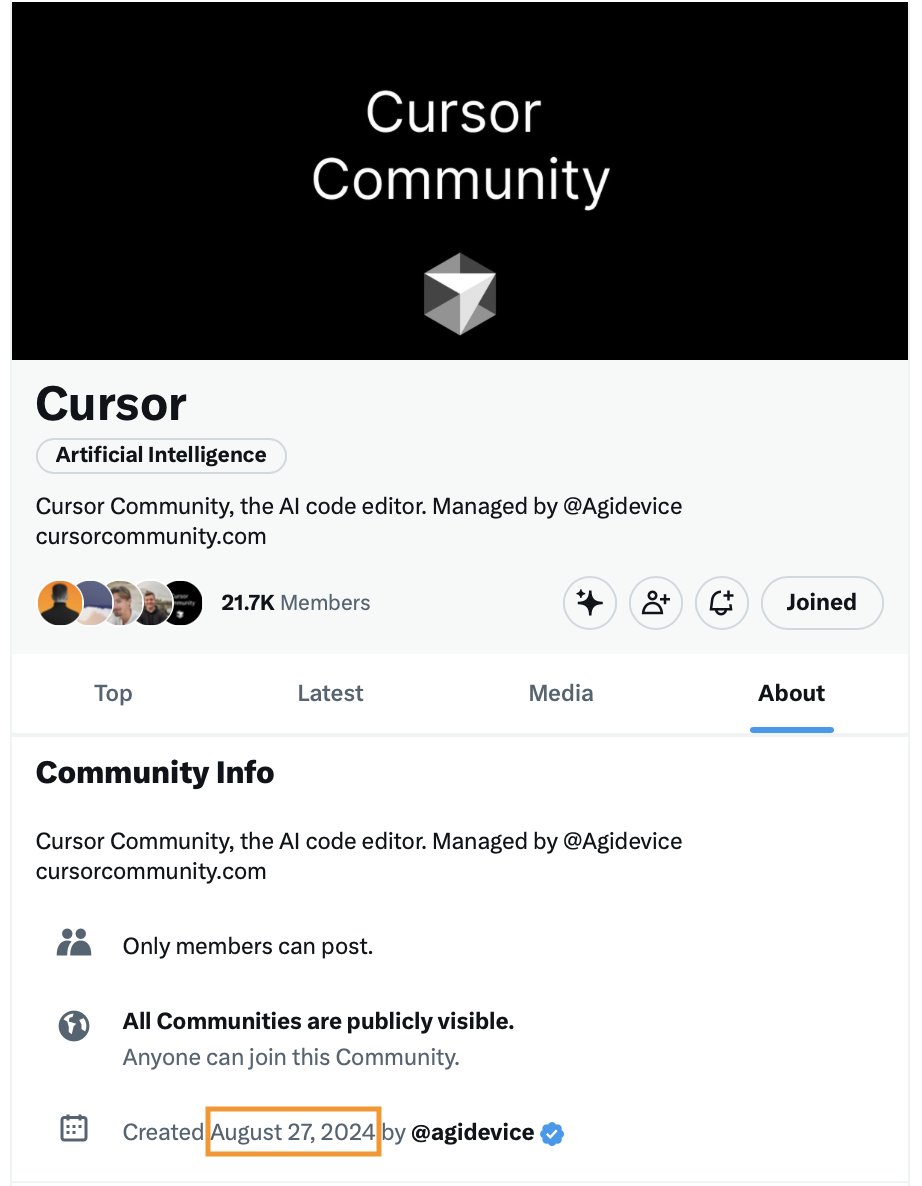
cursor community for builders ————- posts written by @agidevice
Katılım Nisan 2025
10 Takip Edilen4.1K Takipçiler
Cursor Community⬛ retweetledi

Cursor Community Chat on xchat
We will accept as many as possible until capacity hits
x.com/i/chat/group_j…
Tell your friends!

English
Cursor Community⬛ retweetledi
Cursor Community⬛ retweetledi
Cursor Community⬛ retweetledi
Cursor Community⬛ retweetledi
Cursor Community⬛ retweetledi
Cursor Community⬛ retweetledi
had an amazing week in SF with Cursor - can you tell?!
@mntruell 💯
@ryolu_ ❤️
@ericzakariasson 🙌
the team is cooking - stay tuned!

English
Cursor Community⬛ retweetledi

gpt-5 is the best coding model in the world and is now the default in @cursor_ai. youtube.com/watch?v=PQUcIb…

YouTube
English
Cursor Community⬛ retweetledi
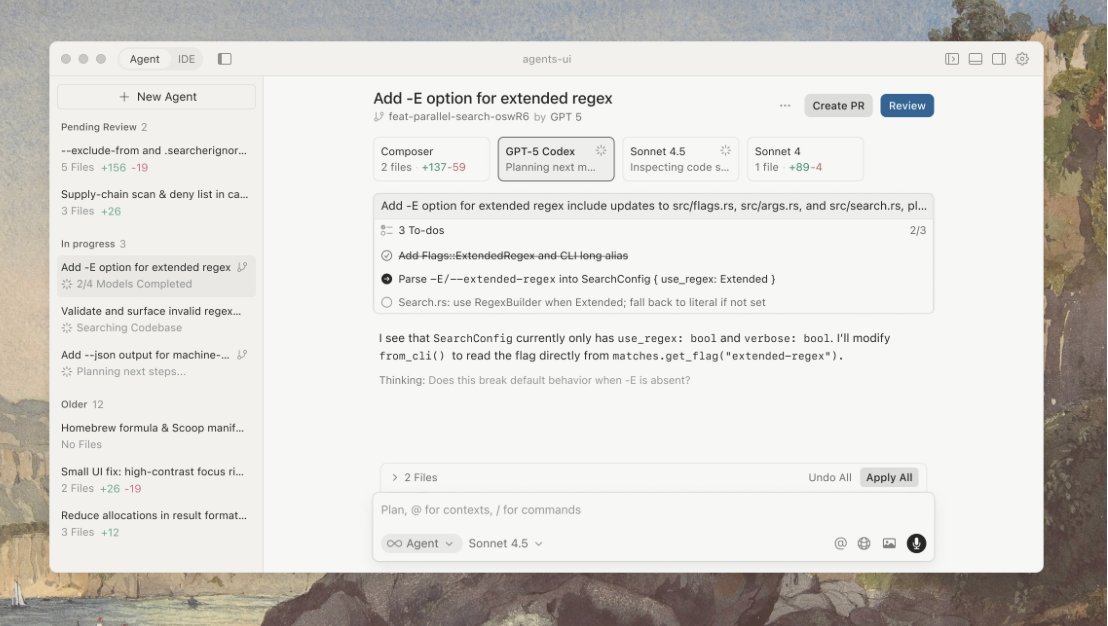
Cursor 1.4 is out!
- More Agent steerability
- Improved Agent tools
- Separate models per Agent
- Usage and pricing visibility
- Compact Chat mode
- Sidebar for all agents
- Github support for Background agents
- Faster Background Agent start
More details below ⬇️-
English
Cursor Community⬛ retweetledi
Cursor Community⬛ retweetledi
AI forgetting during chat? @leerob breaks context down.
• Context stacks up fast
• Past context limit = blur
• System & user weigh the same
• Fresh chat → sharp focus
• Cursor flags overflow, trims smartly
I asked myself what does 10K tokens represent?
- Natural-language context:
• ~7500-8000 words (1 token ≈ ¾ word)
• ~15-20 single-spaced pages
• ~15 min of spoken dialogue at 120 wpm
- Code context:
• ~1000 lines (rule of thumb: 100 lines ≈ 1000 tokens)
Lee Robinson@leerob
Do AI models get "dumber" over time? I can see why it might feel that way. But there's actually a simpler explanation: context! Understanding what context is and how to manage it will help you get higher quality output from models. And it's actually more approachable to understand than you might think! You can think about working with AI like cooking. For example, let’s say we’re making a soup. You have many inputs into the cooking process with all of the ingredients. You follow some path or recipe, keeping track of your progress along the way. And at the end, you have a tasty soup as a a result 🍲 Different chefs might add or modify the ingredients to their taste, and even if you follow the same recipe exactly, it might taste slightly different at the end. This is kind of like working with AI models! Let’s look at a similar example for coding with AI: 1. You can have many inputs, like your current codebase and files, and a prompt to tell the AI model what you want to achieve 2. You follow a plan, sometimes human generated or suggested by the model itself, which can then create a todo list and check items off as it completes tasks 3. And the end, you get generated code you can apply to your project Your inputs, as well as the model outputs, all become part of the "context". Think of the context like a long list, where the AI model can keep a working memory for the conversation. At the start of the list is a system prompt. This is how the tool creator can inject some instructions or style for the model to follow. It’s trying to help nudge the output in a certain direction, including defining specific rules to follow. Then you have the user message or prompt. This could be any directions you want to give the model. For example, adding a new route to manage user accounts. You don’t have to use proper spelling or grammar, as AI models are surprisingly good at figuring out what you meant, but it still can’t hurt. This prompt doesn’t have to be just text. Many AI products now support attaching images, where the underlying AI model can read and understand the contents of the image and include that result in the context. For example, tools like Cursor can include other relevant information in the input context based on the state of your codebase. For example, your open files, the output from your terminal, linter errors, and more. After sending the inputs to the model, it generates and returns back some output. For simple questions, this might just be text. For coding use cases, this could be snippets of code to apply to your codebase. Everything returned from the model is part of the output context. Your conversation may go on for many "turns" back and forth between you and the AI model. Every message in the conversation, including both inputs and outputs, is stored as part of the working memory in context. The length of this list grows over time. This is important to note! Just like if you were having a conversation with a human, there’s only so much context you can keep in your brain at one time. As the conversation goes on for a while, it gets harder to remember things people might have said 3 hours ago. This is why understanding and managing context will be an important skill to learn. Every AI model also has a different context limit, where it will no longer accept further messages in the conversation, so many AI tools give the user feedback on how close they are to those limits or provide ways to compress and summarize the current conversation to stay under the limit. Additionally, some models can "think" or reason for longer, which uses more output tokens and thus fills up the context window faster. Generally these models are more expensive and have better quality of responses for more complicated tasks. Okay, that's all for now. I hope this better explains what context is and how it works. Anything missing you would add? Additional things you want me to cover? 👀
English
Cursor Community⬛ retweetledi
🙌Breaking Amazing Cursor News🚨
@leerob joined @cursor_ai
this is a celebration and a win for all of us! 🎊 🎉
expect more education!
and an order magnitude of productivity will be unlocked for all of us with Lee’s support!
Lee Robinson@leerob
I'm joining Cursor to teach the future of coding! There are millions of developers learning how to use AI and they need pragmatic advice: 1. We need to teach new developers strong foundations, so they know what to learn, and how to solve issues when debugging. 2. We need to teach experienced developers how AI can automate the tedious parts of coding, or save them time reading docs and fixing bugs. 3. We need to help developers become even more competent. AI may end up writing most of your code, but you have to review, understand, and maintain that software. This is why some experienced devs are having a great time with AI. They can ask for a pattern like "add an exponential backoff" instead of “make it more robust to errors” which may or may not work. I want to help developers become an order of magnitude more productive, and help more people contribute to building software. This is going to take a *lot* of education and retraining. So expect more videos soon, and if you have ideas for what I should teach, let me know!
English
🚨Breaking News @cursor_ai acquires
@Resourcely paving the road for secure infrastructure
English
Cursor Community⬛ retweetledi
Cursor Community⬛ retweetledi
Cursor Community⬛ retweetledi

time to cook with Grok 4 on Cursor!
go to Cursor Settings > Models > Search or view all models > Toggle on grok-4

English