Defiant Wallet

216 posts

Defiant Wallet banner
Defiant Wallet

Defiant Wallet

@defiantwallet

A crypto self-custodial Wallet⚡

The Blockchain Katılım Temmuz 2020
84 Takip Edilen973 Takipçiler
Defiant Wallet retweetledi
Solow 🐽
Solow 🐽@solowcripto·
SEMIFINAL #MundialitoSolow ⚽- 2/2 🎉 @defiantApp 🆚 @mujeresencrypto Votación abierta por 24hs 🙌 Votá a tus favoritos frente a la final que se jugará este 23/12 en la #SolowFest de Fin de Año🐽⭐ 👇Reviví el mundialito de estos proyectos 👛❤️‍🔥
Español
12
25
68
23.6K
Defiant Wallet
Defiant Wallet@defiantwallet·
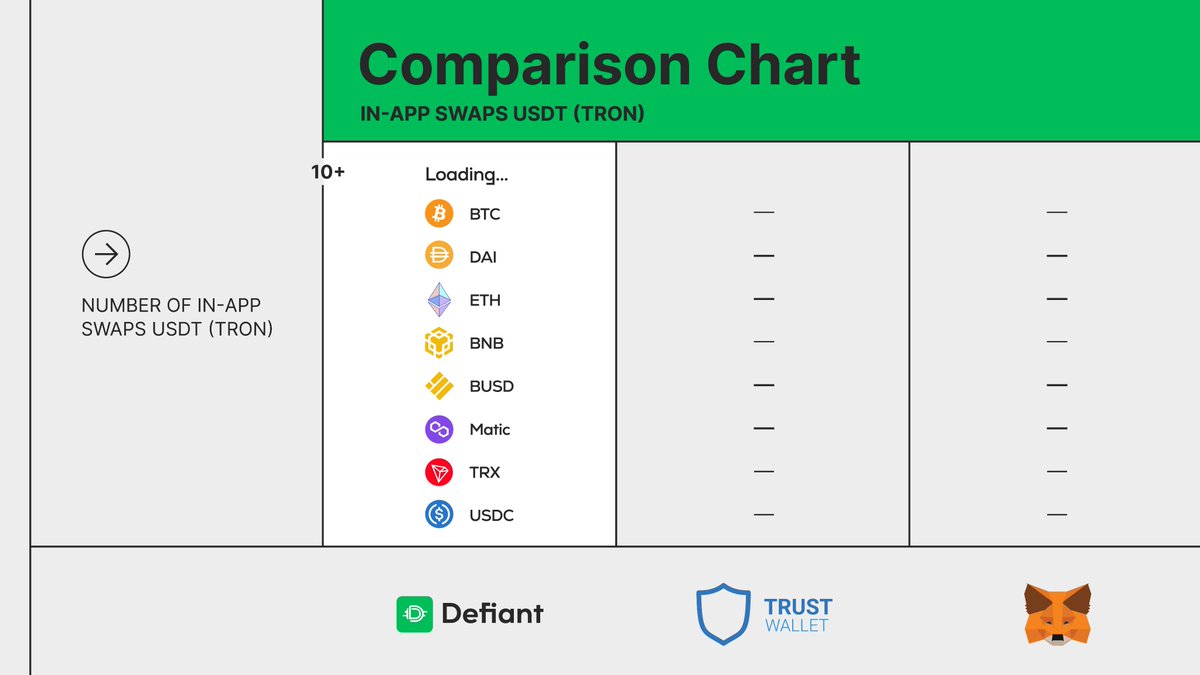
If you're you looking for limitless asset exchanging ➡️ Defiant is your solution✨ Among the most popular wallets, we are your best option 🚀 Exchange USDT for whatever you want, as much as you want, whenever you want and wherever you are!😉
Defiant Wallet tweet media
English
0
0
10
0
Defiant Wallet
Defiant Wallet@defiantwallet·
Making an in-app swap has never been easier🔥 In less than a minute you can: 📌 Exchange more than 30 assets at the most favorable rate. 📌 Save your money. 📌 Save your time. 📌 Protect your privacy. No registration and unnecessary details are needed.
English
0
1
11
0
Defiant Wallet
Defiant Wallet@defiantwallet·
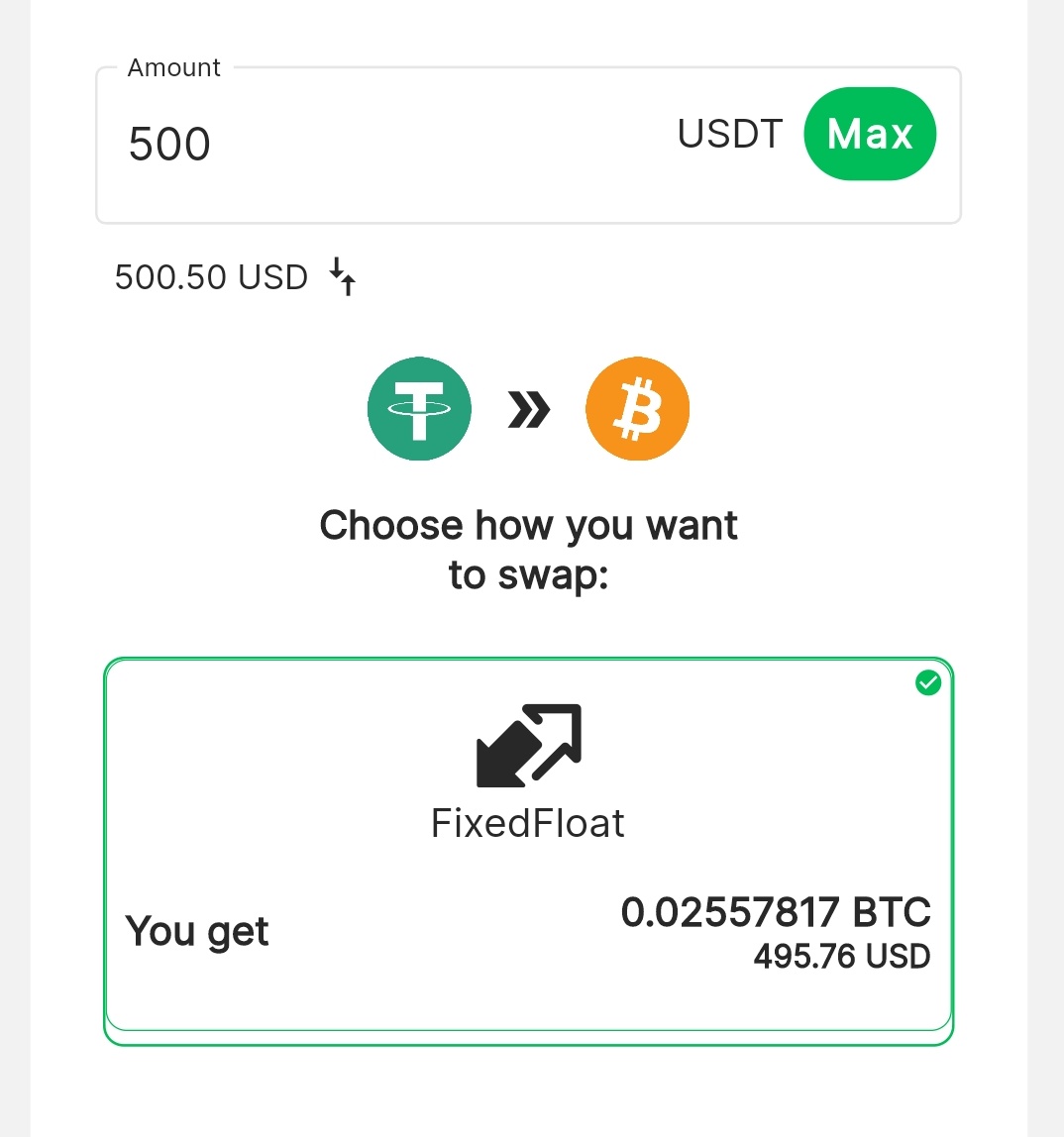
BIG NEWS 🚀 We’re the first wallet with in-app USDT swaps A while ago we were called the swiss army knife of wallets because of our integrations. Today we are thrilled to announce that you can use @FixedFloat in Defiant You asked for it and we worked hard to make it possible💪
Defiant Wallet tweet media
English
2
2
22
0
Defiant Wallet
Defiant Wallet@defiantwallet·
👉Download the latest version of Defiant to enjoy this new feature. 👉Don't hesitate to join our Telegram community if you have any doubts or questions! We're there to help ✨ t.me/DefiantEN STAY TUNED FOR MORE UPDATES.
English
0
0
3
0
Defiant Wallet
Defiant Wallet@defiantwallet·
How to use this feature? Go to Defiant ➡️ Select the Swap option ➡️ Finally, choose which assets you'de like to exchange. Pretty easy, isn't it? 😉
Defiant Wallet tweet media
English
1
1
4
0
Defiant Wallet
Defiant Wallet@defiantwallet·
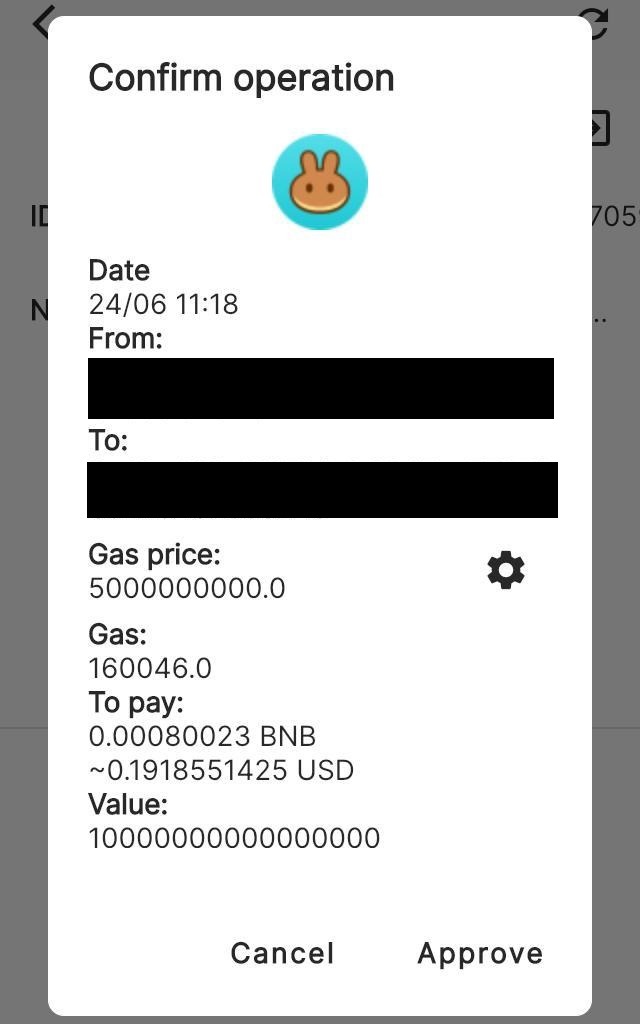
8. During your interaction with a Dapp, if a signing operation is required, there will be a pop-up window displayed on your Defiant wallet for signing confirmation.
Defiant Wallet tweet media
English
1
0
2
0
Defiant Wallet
Defiant Wallet@defiantwallet·
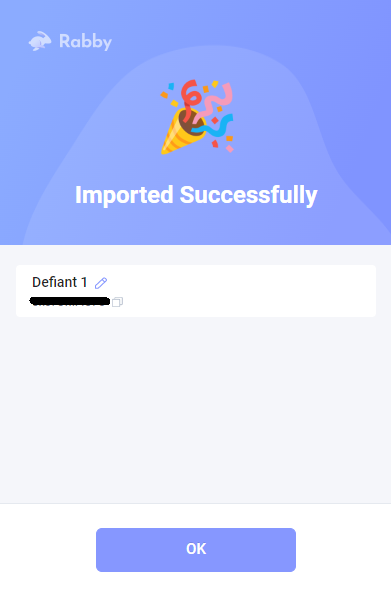
7. Once you’ve scanned the QR code, you’ll see a “connected status” in Defiant and the following message in Rabby: “Imported successfully”
Defiant Wallet tweet mediaDefiant Wallet tweet media
English
1
0
2
0
Defiant Wallet
Defiant Wallet@defiantwallet·
6. Select the wallet and network you’d like to use in order to scan the QR code.
Defiant Wallet tweet media
English
1
0
2
0
Defiant Wallet
Defiant Wallet@defiantwallet·
Do you wanna keep your private keys in your mobile but use Dapps in your pc? Now you can interact with Defiant from your computer 🥳 How? Using @Rabby_io, a browser extension wallet made by @DeBankDeFi. Multi-chain, simple, fast and secure 🔒
GIF
English
2
2
12
0
Defiant Wallet
Defiant Wallet@defiantwallet·
5. At this point, you’ll be displayed your former connections and be able to establish a new one.
Defiant Wallet tweet media
English
1
0
2
0
Defiant Wallet
Defiant Wallet@defiantwallet·
4. Open Defiant in your mobile device > go to My Profile > then select WalletConnect.
Defiant Wallet tweet media
English
1
0
2
0
Defiant Wallet
Defiant Wallet@defiantwallet·
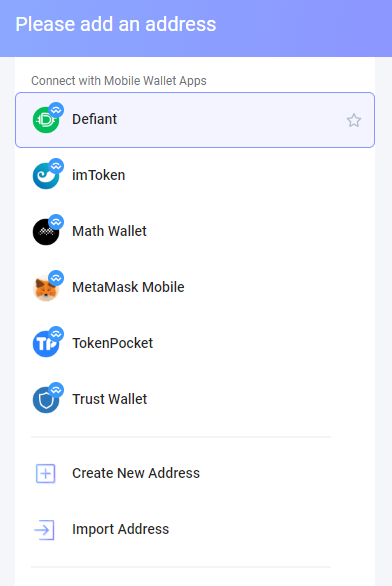
3. Connect with Mobile Wallet Apps > Select Defiant to get a QR code.
Defiant Wallet tweet media
English
1
0
2
0