Devendra|Arichain HGPT Tag「☄️G☄️」ADD+
10.3K posts

Devendra|Arichain HGPT Tag「☄️G☄️」ADD+
@dev1989999
@dev1989999 Web3 Explorer Bullish on @citrea_xyz, @billions_ntwk and @Poddotnetwork


🚨 Billions Network – Complete Your Human AI Agent Before Snapshot 🪂 ⚠️ Important: Everyone should update the Billions App first and complete this process before the snapshot. This may become an eligibility requirement, so make sure you finish it in time. 📱 This guide is only for Android users. You can complete the entire process directly from your phone — no computer needed. 👉 Important instruction: Whenever a command is shown below, copy the FULL command exactly as it is and paste it into Termux, then press Enter. If you don’t understand any step, ask in the comments. If you want a video tutorial, comment “Need Video” and I will upload it. Step 0 — Install Termux First install Termux on your phone. Download link: f-droid.org/repo/com.termu… Install it and open the app. Step 1 — Run Basic Termux Commands Now you need to run some basic commands. ⚠️ Copy each command completely and paste it into Termux one by one. Command 1 pkg update Command 2 pkg upgrade -y Command 3 pkg install git Command 4 pkg install nodejs Command 5 pkg install git nodejs -y Command 6 node -v If Termux asks Y/N, simply type: Y Then press Enter. Wait until everything finishes installing. Step 2 — Download the Billions Repository Now copy and paste this command: git clone github.com/BillionsNetwor… After it finishes, run the next command: cd verified-agent-identity Step 3 — Install Required Dependencies Now copy and paste the following command exactly: npm install shell-quote @iden3/js-iden3-auth @0xpolygonid/js-sdk ethers uuid cross-fetch Wait until installation completes. Step 4 — Generate Your AI Agent Identity Run: cd scripts Then: node createNewEthereumIdentity.js You will see something like: DID: did:iden3:billions:main:xxxxxxxx ⚠️ Save this DID safely. Step 5 — Generate Verification Link Run this command: node manualLinkHumanToAgent.js --challenge '{"name":"YourName","description":"Billions AI Agent from Asia"}' Replace YourName with your name. Example: node manualLinkHumanToAgent.js --challenge '{"name":"Rahul","description":"Billions AI Agent from Asia"}' You will receive a verification link. Example: wallet.billions.network#i_m=xxxxxxxxxxxxx Copy the full link and open it in your browser. Step 6 — Complete Human Verification 1️⃣ Open the link in your browser 2️⃣ Billions Wallet verification page will open 3️⃣ Follow the instructions 4️⃣ Complete the human verification After approval, your AI Agent will be linked to your identity. Step 7 — Optional (Backup Private Key) Run: cat ~/.openclaw/billions/kms.json Take a screenshot and store it safely. ⚠️ Never share your private key publicly. If this guide helped you: ❤️ Like 💬 Comment 🔁 Repost If you want a video tutorial, comment “Need Video”. #BillionsNetwork #BillionsAI #AIAgent #CryptoAirdrop #Web3Community #CryptoGuide #AIBlockchain #billionnetworksnapshot #billionnetworkhumanagent


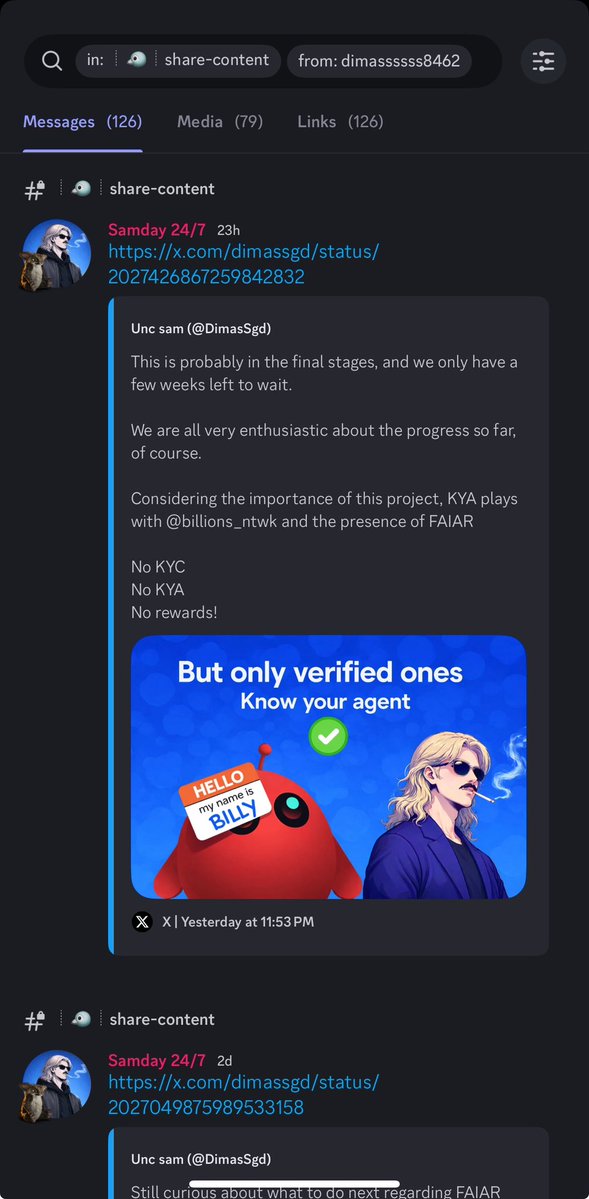
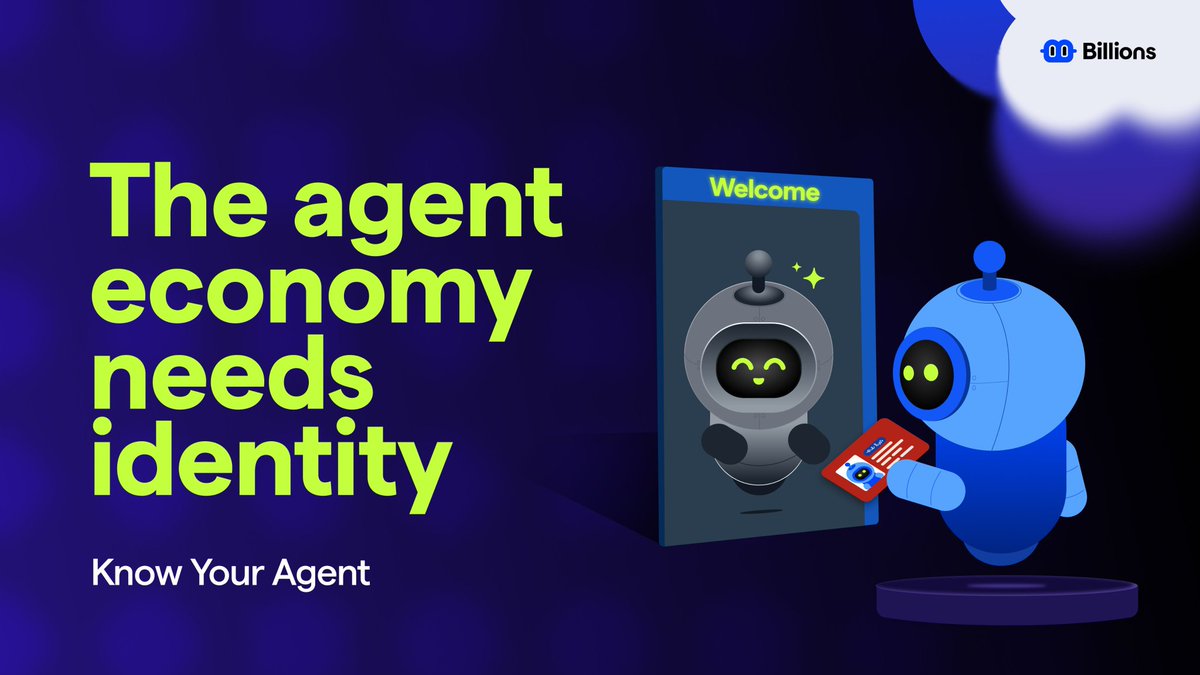
Your agent made a payment. Something went wrong. Who’s responsible? Right now - no one. That's exactly why Know Your Agent (KYA) exists.🧵


Watch the full interview: youtube.com/watch?v=sK_gvr…