@endagavtorst Yes, if you tap Edit on the Podcasts list, a Sort button will be displayed. Tap that for additional sort options of the list of podcasts.
@heavyweight@busdagrimes Sorry for the late response. I see there are 4 newer episodes now showing in that feed so I’m guessing this resolved for you. If not, please email support@downcast.fm.
Hello. A reminder that in anticipation of the new season, we’ll be releasing last season’s episodes—previously only available on Spotify—on all platforms. Out today: Cody.
@downcastapp does Downcast support any type of granular listening data that I can export? Hours listened, number of eps, most popular show, etc. if not, are there plans to add it?
@rojas0927 There’s a bug causing this that has been fixed in the latest beta. I plan to submit it to the store this week. Please email support@downcast.fm if you’re using the beta and still experiencing this issue or if you want to try the beta.
@downcastapp I used to be able to play m4b files without any issues in the past, now every m4b file I manually add to downcast shows an unknown error “Cannot open” message. Any idea what changed? Is it a setting?
@PodcastindexOrg Right, we still use the iTunes Search API to drive our search results. If Apple stops returning a feed, it’ll stop appearing in Downcast’s search results once any cached responses it is contained in expire.
It also appears in @listennotes and @downcastapp . I'm assuming that's because it's in Apple Podcasts Directory and they might be downstream from that. I'm not sure. The hosting companies seem to think itunes:block is universal, but it clearly isn't.
Does anyone have a contact at Audible/Amazon podcasts? I have a question as to why this feed:
rss.art19.com/bitter-blood--…
...has an <itunes:block> tag but isn't being blocked by Apple and Spotify (and some others).
@pottacoffi The app is still being maintained. For support, please submit your log file with a description of the issue (More -> Help & Feedback -> Submit Log File) or email support@downcast.fm
@UnaRanToday This happens when iCloud Drive isn’t functioning properly for Downcast’s container on or more of your devices. You can usually resolve this by following these instructions: support.downcast.fm/article/EHYN16…
@MikeHDnD@TotaPodcast A “catch-up” feature is on my todo list that would help you listen to shows from the beginning to end but I don’t have an ETA for that.
What is your favorite app/site to listen to podcasts on?
Why?
Of the major players, Apple Podcasts seems to have the most sane default ordering (by season, newest first, episodes in the season ordered chronologically), but I'm curious if there are other good ones out there? 👀
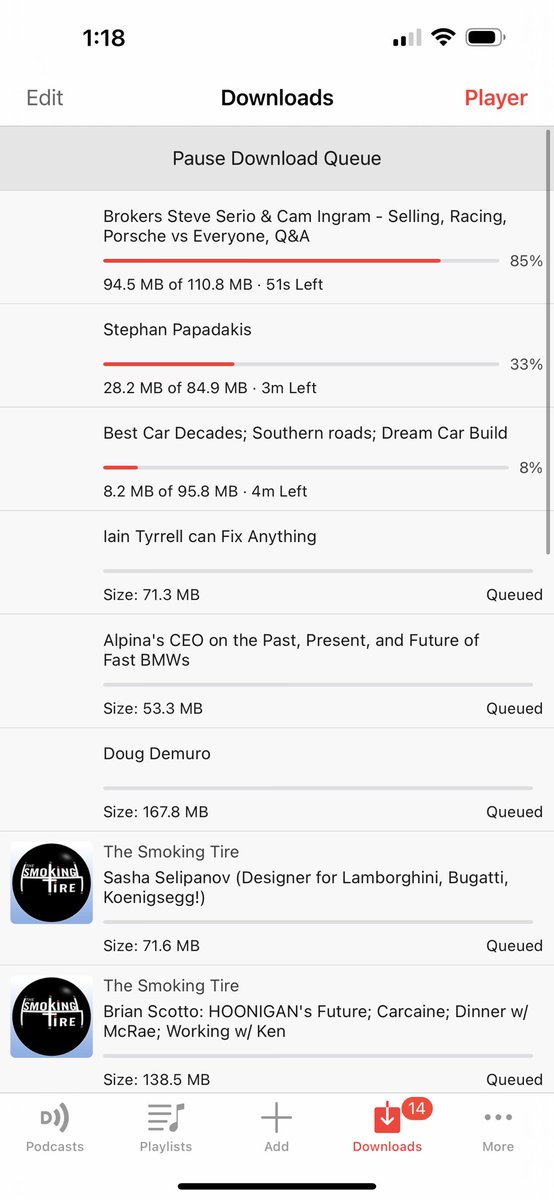
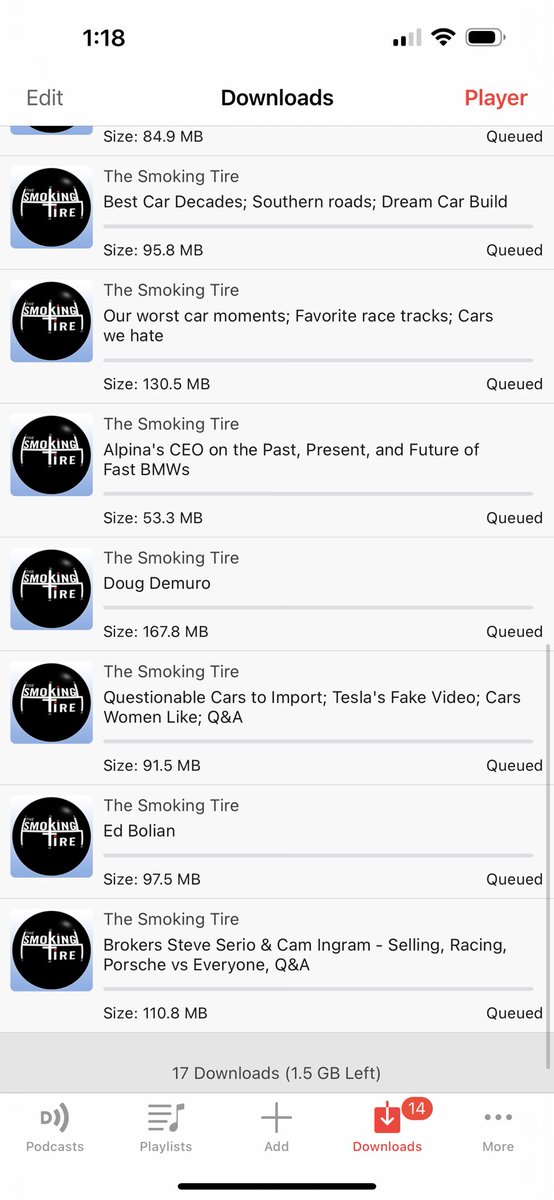
@bix_1999 Something is wrong there since the downloads at the top have no artwork and no feed title displayed. Check your feed list to make sure there are no feeds that are missing artwork or have a blank title.
@timjfbutler Not at this time. Imported media files have a lot of special handling and since they can’t be easily re-obtained without manual effort, they are not treated like podcast episodes, so they aren’t deleted.
@downcastapp Another quick question - I import from my music library. Those files do not auto delete from Downcast even if I unlock them. I’d like them to delete after I have listened to them and my podcast feeds refresh. Can I do that?
@thatseattleguy If you select "Storage Providers" on the import "Import Media Files", that lets you import one or more media files using the Files app, but there is no option to import a folder.
@downcastapp any chance we could get a number larger than 3 simultaneous downloads? I’m on 1gig fiber or 5G UW. It would help to just have an unlimited option.
@ryo_saebaxyz This isn't something I'm able to recreate with other audio apps. So, please confirm whether it happens with any other audio apps. If not, then it is unlikely an issue with Downcast.
Hi @downcastapp I’m having a weird bug. If I play a podcast with the app on CarPlay and then launch Deezer to play some music; the podcast doesn’t stop playing and the music plays over it .. weird isn’t it ?
@daverfuller Not sure why this would happen but when you notice things like this, if you could immediately submit your log file (More -> Help & Feedback -> Submit Log File), it may help me identify what's going on.
@downcastapp don’t know if this is a common issue on IOS, but (for me) the Lock Screen controls for the app sometimes change to omit the skip ahead 30sec option. If I close and reopen the app it chose back to normal, but it happens regularly.
@downcastapp I asked once before but didn’t see a response. Downcast typically takes almost an hour to come up on my MacBook Pro. iPhone version is instantaneous. Why does it take so long on Mac?