Sabitlenmiş Tweet
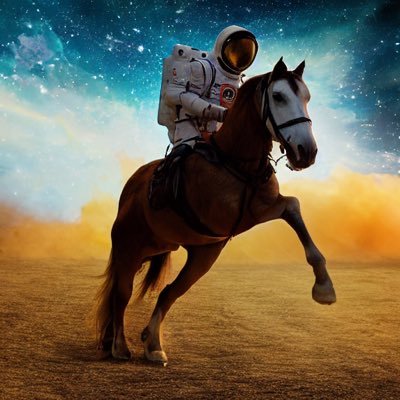
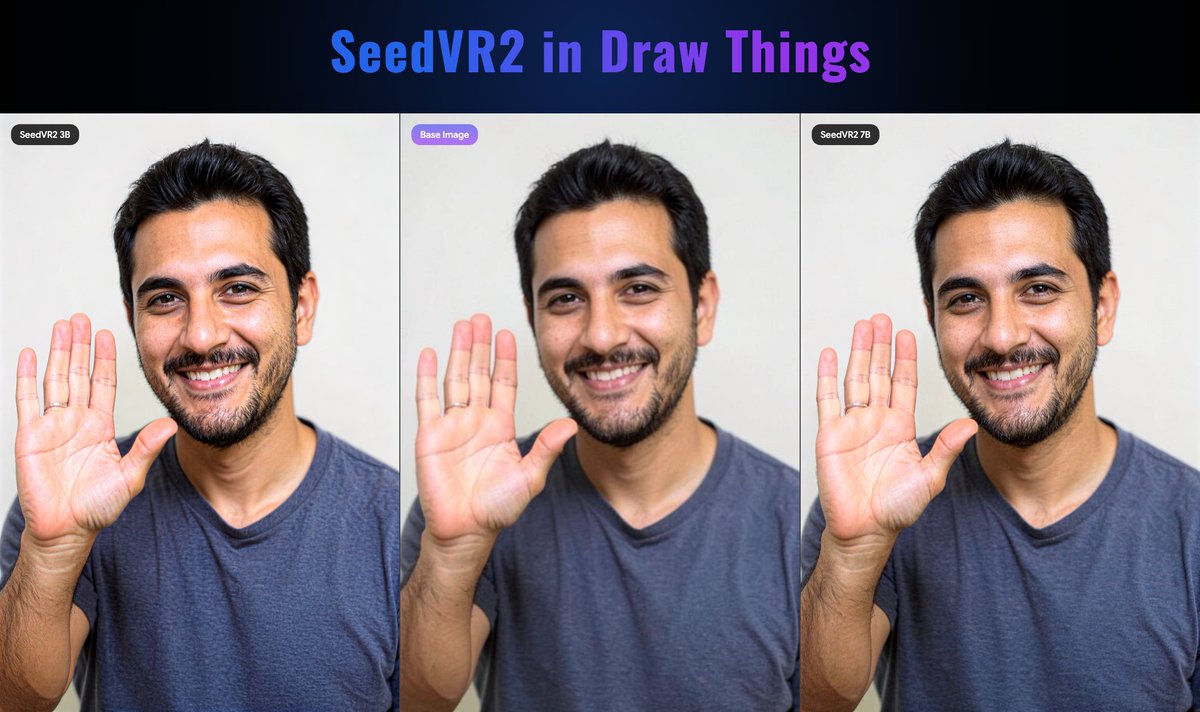
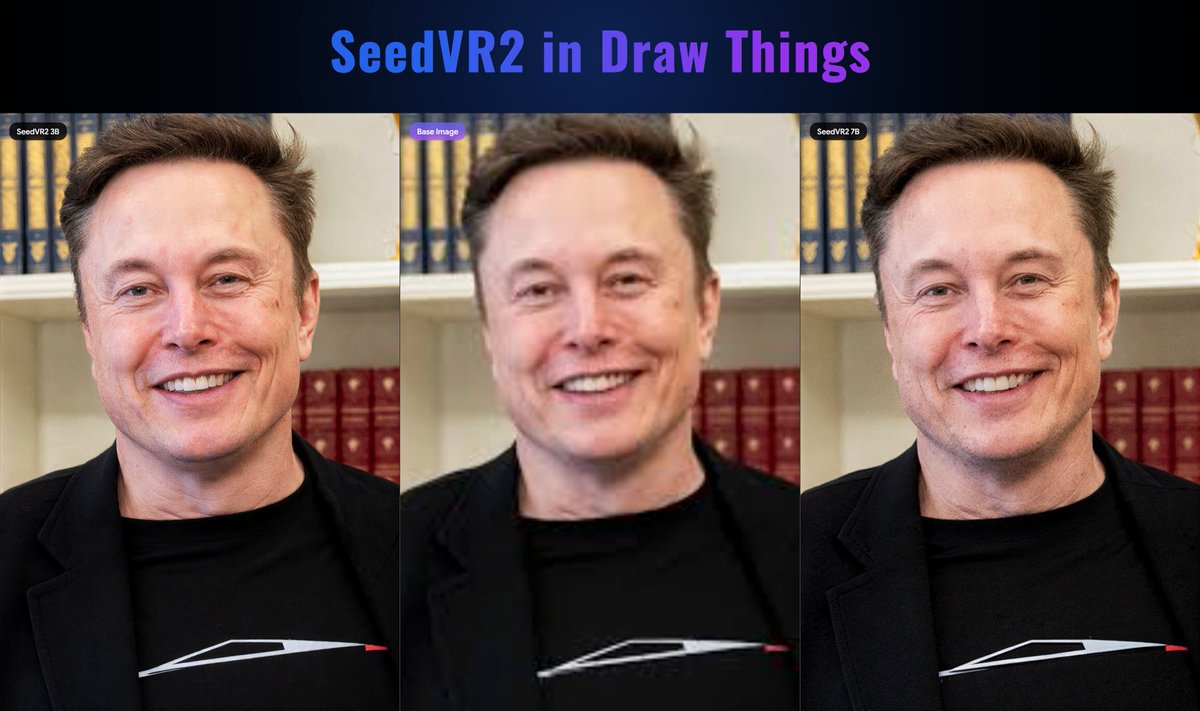
🔍 SeedVR2 is now officially supported in Draw Things!
🔄 Please update to the latest version v1.20260430.0 in the iOS / macOS AppStore.
This version brings:
🔹Support SeedVR2 as one of the diffusion models for 1-step upscaling work.(Check the comments for SeedVR2 DT parameters.)
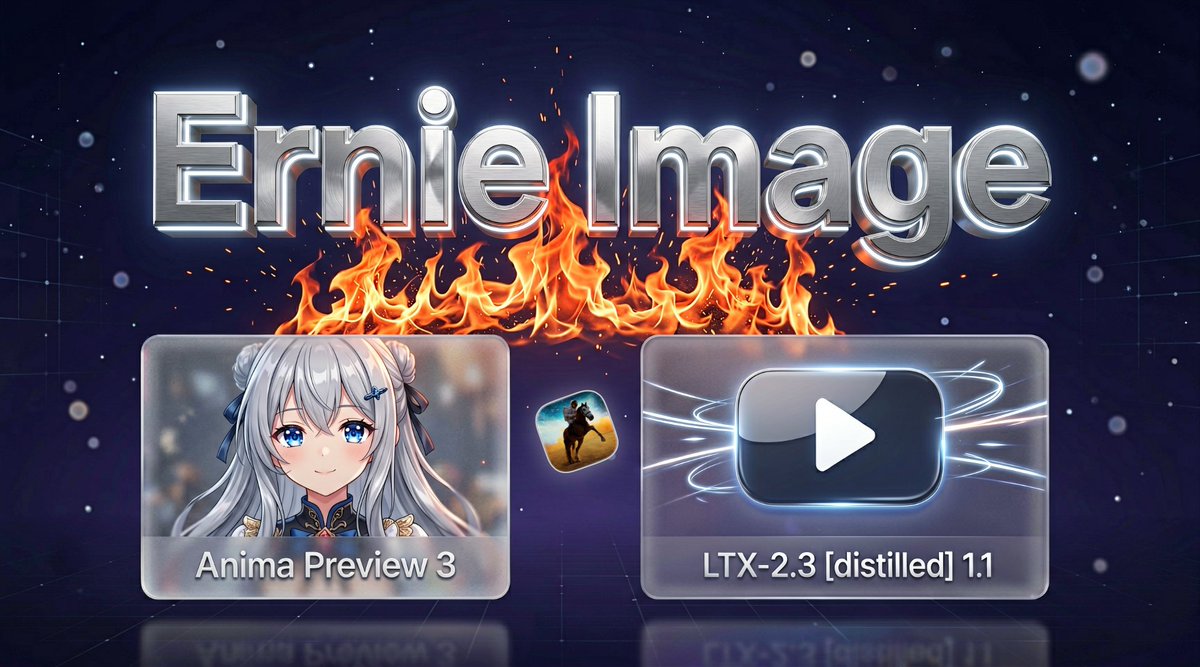
🔹Fix Anima LLM adapter related issues.
🔹Switch to better and newer causal / mask attention kernels.
🔹Support export LoRAs for Qwen, Z Image, FLUX.2 and ERNIE Image models.
🔹Imported Z Image models now run at BF16 precision.
gRPCServerCLI and draw-things-cli both are updated to 1.20260430.0 with above related updates.

English