GIMP

5.9K posts

GIMP banner
GIMP

GIMP

@GIMP_Official

GNU Image Manipulation Program Also on @[email protected]

Wilberville, Earth Katılım Nisan 2014
158 Takip Edilen37.4K Takipçiler
GIMP
GIMP@GIMP_Official·
Our project, #GIMP, believes in the community, sharing and collaborating to make a great creative ecosystem together. We encourage other creative FLOSS projects & organizations using Free/libre Software! to sponsor #LGM too, if you can! libregraphicsmeeting.org/2026/sponsors/
English
0
10
75
2K
GIMP
GIMP@GIMP_Official·
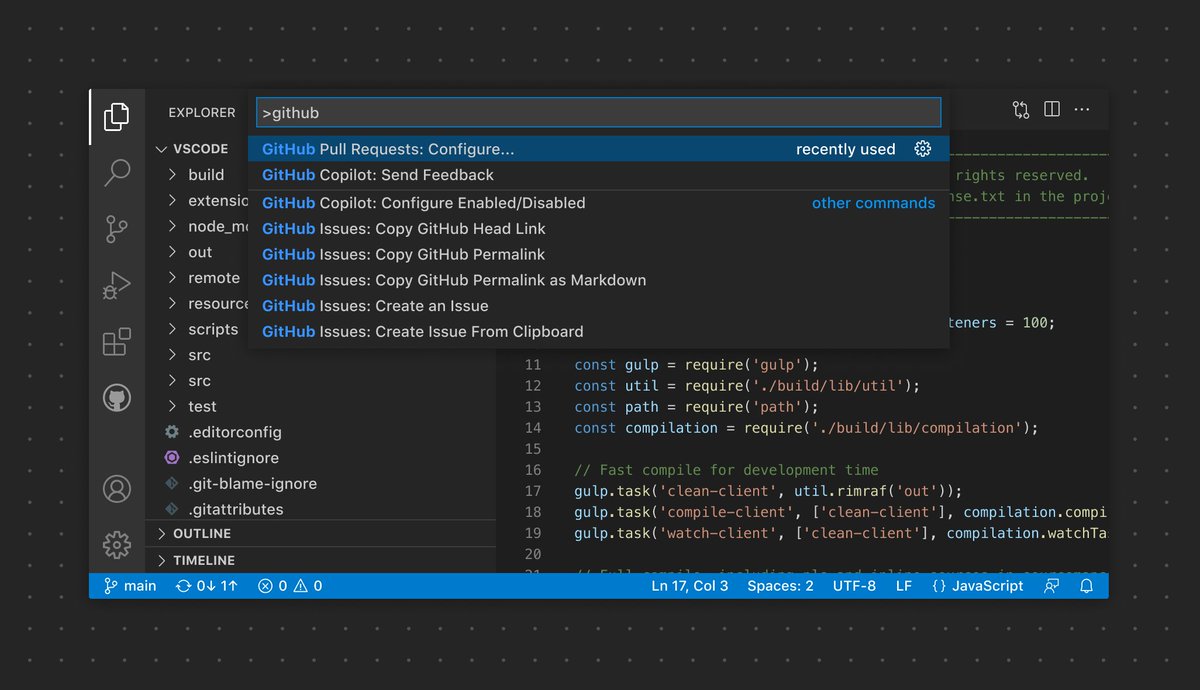
@nicbarkeragain After we added a menu/action search command / to GIMP we’ve found quite a few “regular, normal” users prefer it to the menus.
English
0
3
19
661
Nic Barker
Nic Barker@nicbarkeragain·
I'm completely convinced at this point that the "Command Palette" is a fundamental UI concept, and should be in all applications. It should also be a built in browser concept, there should be an API for websites to push items to the command palette ("new post", "muted words" etc)
Nic Barker tweet media
English
120
122
1.8K
196.1K
GIMP
GIMP@GIMP_Official·
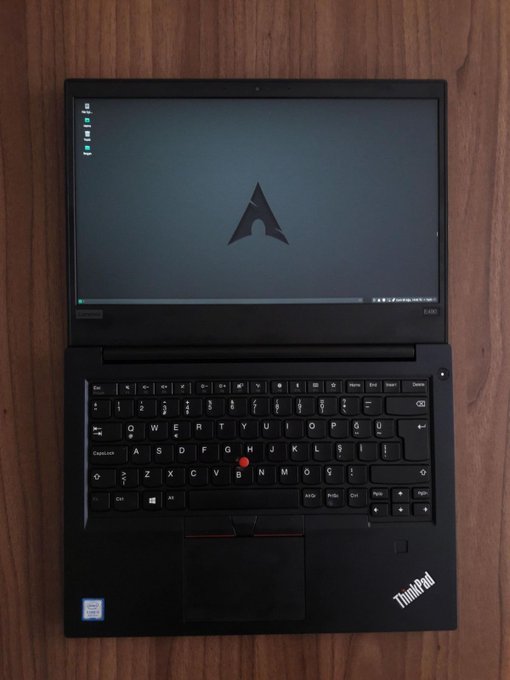
@Surendar__05 Three mouse buttons! GIMP isn’t the only creative application to use the middle one...
English
2
3
11
784
Surendar
Surendar@Surendar__05·
Why is everyone in tech using a ThinkPad?
Surendar tweet media
English
59
4
175
14.7K
GIMP
GIMP@GIMP_Official·
@Liberty_Eggroll @iriscal In GIMP 3.2 you can set the outline position to Outside in tool options for the text tool. Or in 2.0 and later, you can use filters/generic/text styling to add an outline. There should be a button in tool options to bring up text styling, too, but it’s not there yet i think.
English
0
0
1
12
Iris Caldor
Iris Caldor@iriscal·
Today, I tried for the first time to use @GIMP_Official for serious photo editing and meme generation work. It's fucking GARBAGE. Alt + scroll wheel does not zoom. You can't transform with the move tool. Modifier keys don't work with the transform tool. Center justify text simply does not work, you click center justify and NOTHING HAPPENS. Can't stroke outside of layer. There's no blending options dialogue at all. Alt + rightclick drag does not change brush size + hardness. At this point, I want everyone involved with the project to live a long life in constant suffering, never knowing another waking moment of peace or happiness. And the same to everyone at @Adobe for not porting @Photoshop to Linux.
English
4
0
3
321
GIMP
GIMP@GIMP_Official·
@Liberty_Eggroll @iriscal We are not trying to copy Photoshop at all. You can set up alt+scrollwheel to zoom instead of control-wheel, but i’m bewildered by wanting to transform with the move tool or wanting to stroke (a path?) outside a layer. Yes, there have been lawsuits against people copying Adobe.
English
1
0
0
27
GIMP
GIMP@GIMP_Official·
@GoceMitevski How are you doing the copy exactly? E.g. using the rectangle tool in GIMP?
English
1
0
0
15
Goce Mitevski
Goce Mitevski@GoceMitevski·
The Scale Tool functionality in GIMP is broken ever since version 3.0.6 was introduced. Scaling a layer will always leave the last 1 or 2 pixels transparent or semi-transparent in the associated axis. cc @GIMP_Official
English
1
0
1
100
GIMP
GIMP@GIMP_Official·
@GoceMitevski Not able to reproduce that here, can you give step-by-step instructions, or point to the issue on gitlab that you opened for it? :-) thanks!
English
1
0
1
22
GIMP
GIMP@GIMP_Official·
@kitgibbs No, we do not have a mobile version of GIMP, sorry. It would require a LOT of work, e.g. redesigning things relying on hover or screen space, and the underlying GTK toolkit does not support mobile either. Maybe if some volunteers had a few years to spend on it...?!?
English
1
0
0
27
Kitgibbs
Kitgibbs@kitgibbs·
@GIMP_Official Hi Gimp team, is there a version made for android phones, too? I love Gimp for pc and I was wondering if there was something like that for android phones and tablets
English
1
0
1
39
Cheesecrab
Cheesecrab@Cheesecrab1·
@GIMP_Official alt-right-drag changes size but doesn't change -current- size, it does not add or substract, it just start from zero! That's why i said incrementally, probably not the best wording
English
1
0
0
37
GIMP
GIMP@GIMP_Official·
@Cheesecrab1 alt-right-drag already changes brush size & GIMP has perspective transforms (although not perspective guides). We get a lot of “what [some class of users] need most is...’ but its rarely based on a large sample set, e.g. asking 5,000 users. Thanks for filing requests, it helps.
English
1
0
2
39
Cheesecrab
Cheesecrab@Cheesecrab1·
@GIMP_Official Well, I've opened some issues on GitLab regarding the features I think digital artists need most (IMHO), such as perspective tools (something like PaintTools Sai(?) or Krita), and the ability to change the brush size incrementally using the Alt+right-click shortcut, for details.
English
2
0
0
73
GIMP
GIMP@GIMP_Official·
@SDetistov87615 Submit a patch :) or open an issue (include both English and Russian maybe). GIMP can already import many formats but we are always looking for new ones to add.
English
0
0
0
5
Сергей Детистов
Сергей Детистов@SDetistov87615·
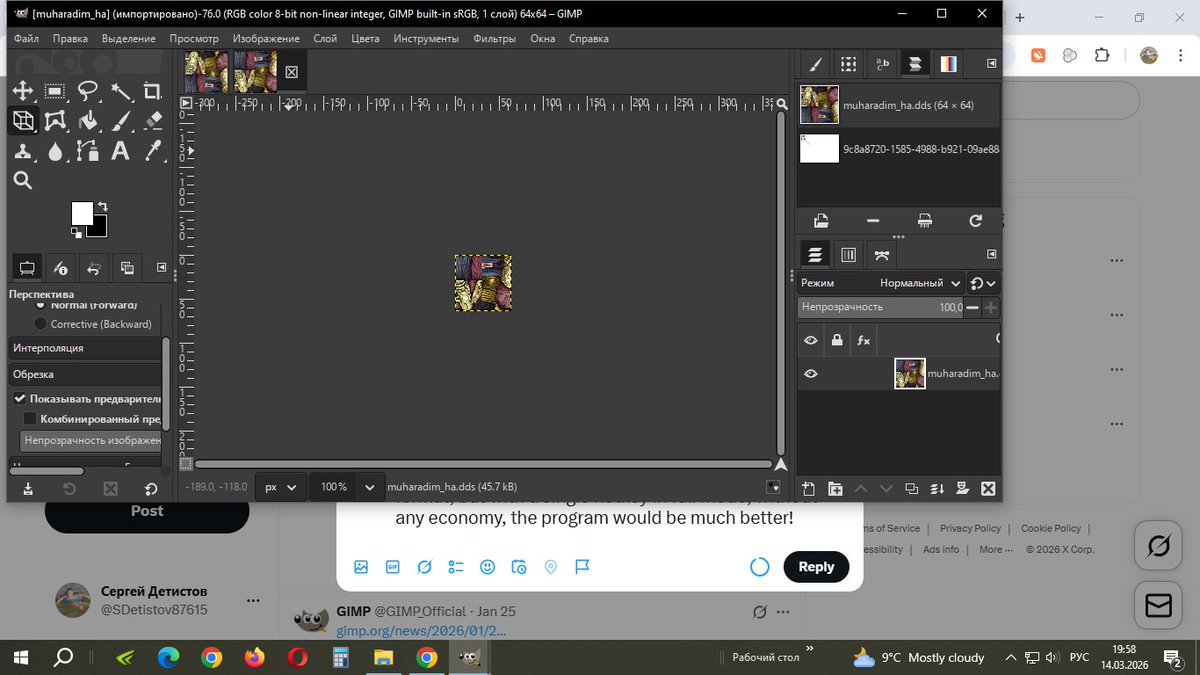
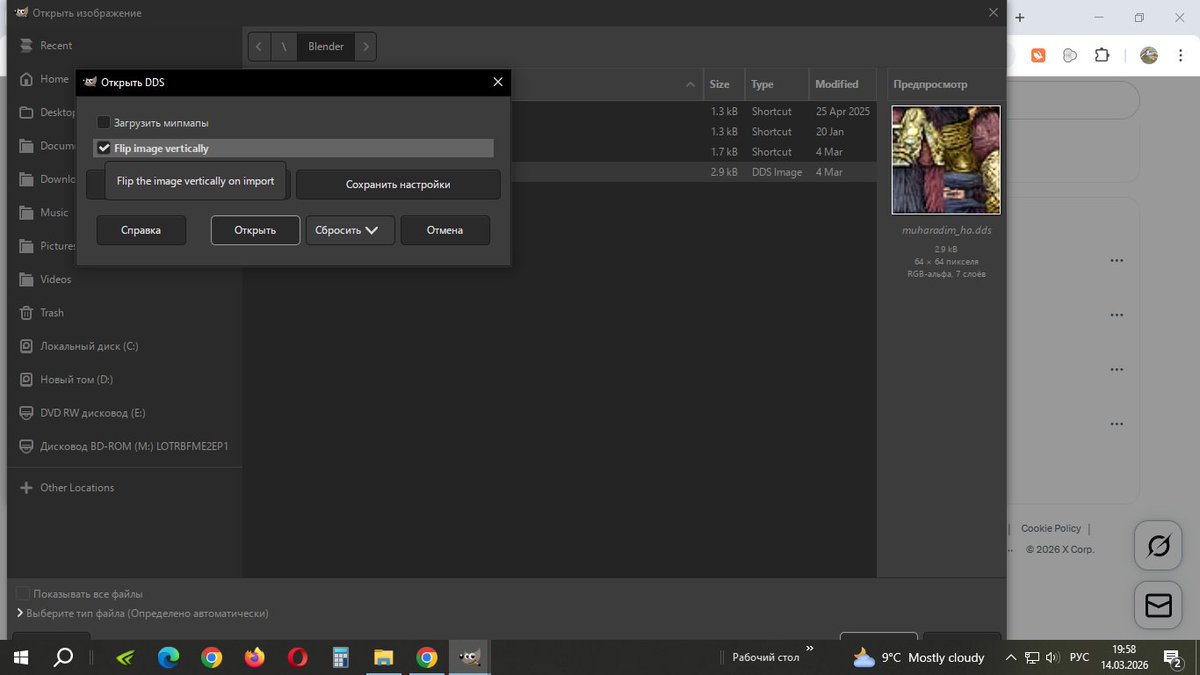
@GIMP_Official GIMP sucks. Mipmaps suck. You can't even open textures in normal format! I don't recommend it. If GIMP could open game model textures not in compressed format, but with a single hotkey in full mode, without any economy, the program would be much better!
Сергей Детистов tweet mediaСергей Детистов tweet mediaСергей Детистов tweet media
English
1
0
1
19
GIMP
GIMP@GIMP_Official·
Update - revision 1 of GIMP 3.0.8 (dated 2026-01-28 or later) GIMP 3.0.8 can crash on some older processors, usually on startup. The problem was discovered, and should now be fixed by installing Revision 1 of GIMP 3.0.8. #GIMP #GIMP3 gimp.org/downloads/
English
7
31
200
6.9K
GIMP
GIMP@GIMP_Official·
@Cheesecrab1 what sort of drawing features? We’ve added mypaint 2 brushes, and GIMP does already have a brush dynamics system, but we are not trying to simulate natural media as a priority.
English
1
0
0
43
Cheesecrab
Cheesecrab@Cheesecrab1·
@GIMP_Official It's just a joke because version 3.2 just came out! Still, I hope someone in the GIMP community feels like working on drawing features.
English
1
0
2
80
GIMP
GIMP@GIMP_Official·
@deeperflows To add to @CmykStudent s response, you can also use keyboard shortcuts, which you can change, along with e.g. stylus buttons, to avoid clicking on menus... or are you looking for a toolbar maybe??
English
0
0
2
91
GIMP
GIMP@GIMP_Official·
@WyvernZu There’s a UX issue somewhere about supporting a greyscale view of channels, sort of like colours/components/decompose; is that what you are looking for?
English
1
0
1
95
Alexis Jonsson
Alexis Jonsson@WyvernZu·
@GIMP_Official Is the channels panel getting any work done? If it was improved I'd switch from photoshop.
English
2
0
1
238
GIMP
GIMP@GIMP_Official·
@Steve86094 Right now we do not have a shape library, as the vector layers are new. Draw a path with the GIMP path tool and convert it to a vector layer.
English
0
0
2
57
»»» Steve
»»» Steve@Steve86094·
@GIMP_Official Fantastic! So now I can create a vector layer and draw a primitive in a few clicks!?
English
1
0
1
61
GIMP
GIMP@GIMP_Official·
@tweetsperdidos A second or two? Having a lot of fonts or plug-ins can slow startup down. The very first time, a new release of GIMP will build a cache in the background, so leave it up for a while.
English
0
0
3
52
ًً
ًً@tweetsperdidos·
@GIMP_Official Is it still so slow to load on Windows?
English
1
0
0
58
GIMP
GIMP@GIMP_Official·
@Cheesecrab1 Any particular feature you are waiting for? Or you just prefer the number 3.4? :)
English
2
0
3
261