iTech Expert 

4.6K posts

iTech Expert  banner
iTech Expert 

iTech Expert 

@iTechExpert21

🍎 Apple Squad | ⚙️ Low-Code Web Dev | 🎥 Digital Content Creator | 🎧 Alan Walker Fan
Katılım Ağustos 2018
506 Takip Edilen7.3K Takipçiler
iTech Expert 
iTech Expert @iTechExpert21·
@iM4CH3T3 At this point… I’m gonna be waiting for iOS 27 beta. 😂 WWDC26 is not long away.
English
1
0
0
112
#WeAlliPhoneFamily
#WeAlliPhoneFamily@iM4CH3T3·
Any chance we get refreshed Siri with 26.5 beta ? No right 😅
English
3
0
5
687
iTech Expert 
iTech Expert @iTechExpert21·
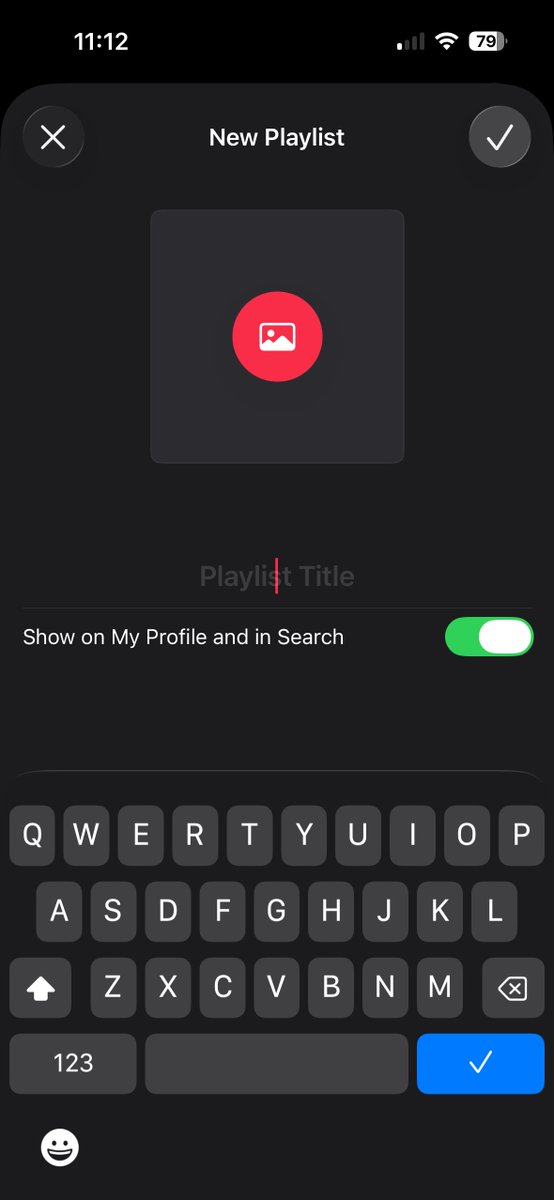
Running iOS 26.4 RC, and yet… still no Playlist Playground for anyone outside the US 🌍😩 Hey Apple… I see you 👀 Stop gatekeeping the damn feature and let the rest of us join in 🎶 UNLOCK IT FOR EVERYONE 🔓🎧😤😡
iTech Expert  tweet media
English
3
0
20
1.9K
iTech Expert 
iTech Expert @iTechExpert21·
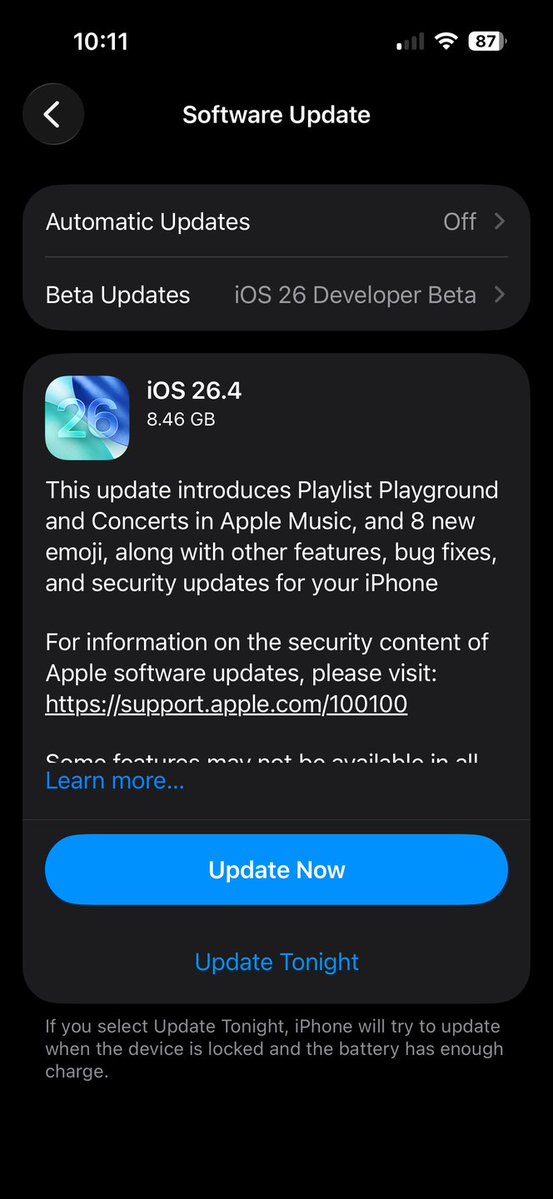
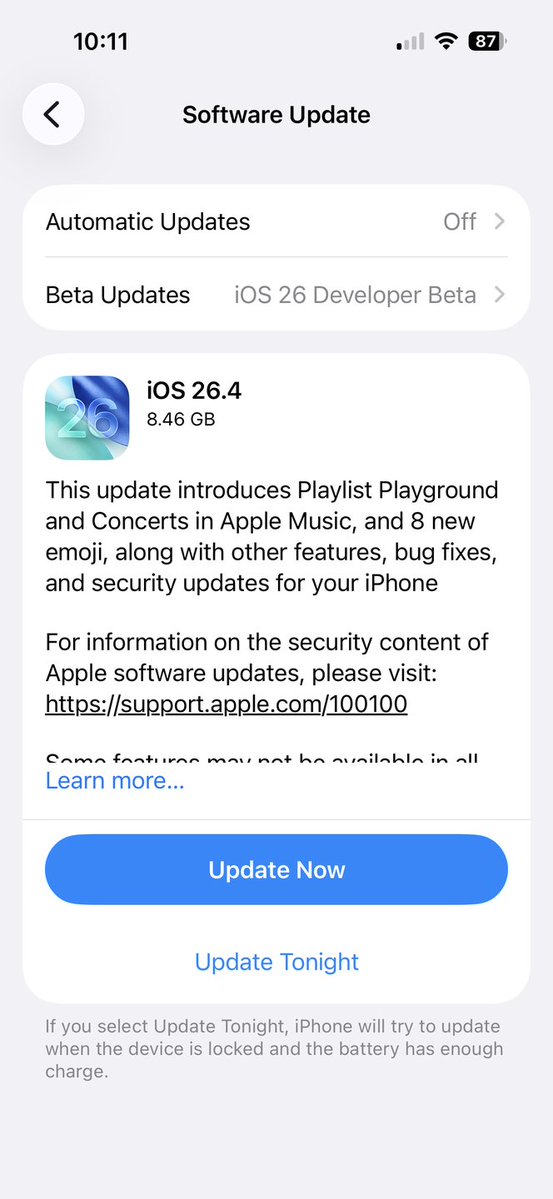
iOS 26.4 RC is out! Build #: 23E6244
iTech Expert  tweet mediaiTech Expert  tweet media
English
1
0
12
610
Alec Ploof
Alec Ploof@AlecPloof·
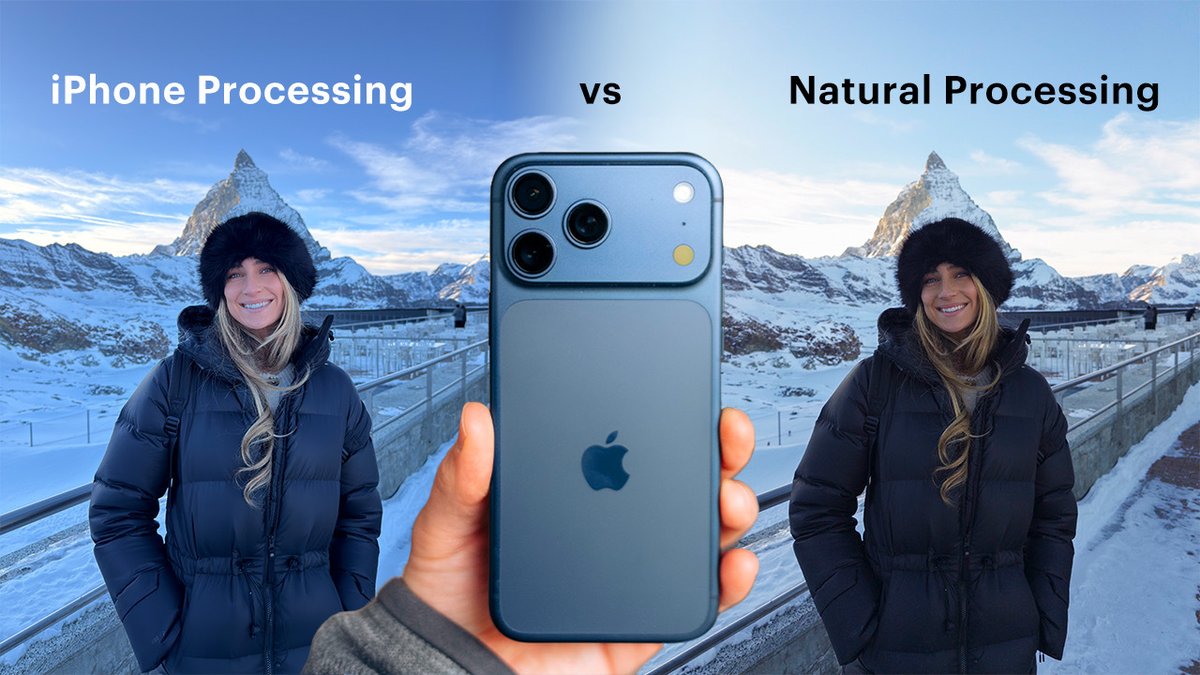
@iRILLLL @MomentProCamera Cause to get to 48mp it requires processing. The camera sensor without the software is just the 12mp. We're working on a "Semi Natural Mode" which is 48mp with as much processing as we can remove
English
1
0
5
372
Moment Pro Camera
Moment Pro Camera@MomentProCamera·
Turn OFF iPhone processing and your photos will finally look good. New YouTube video showing you how!
Moment Pro Camera tweet media
English
8
26
509
70.9K
iTech Expert 
iTech Expert @iTechExpert21·
Are you referring to app data or just documents? You could probably copy the prefs files or other related files using Finder and move them over. That said, I haven’t personally tried transferring app data—I only moved documents and downloads. I don’t think you can create a full backup and restore it on Sequoia, because restoring from a Tahoe backup likely won’t work on Sequoia. You basically have two options: install Sequoia on a separate volume so you can switch between Tahoe and Sequoia, or erase Tahoe and perform a completely clean install of Sequoia.
English
0
0
0
78
iTech Expert 
iTech Expert @iTechExpert21·
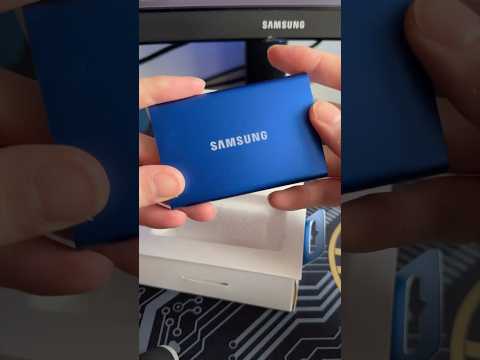
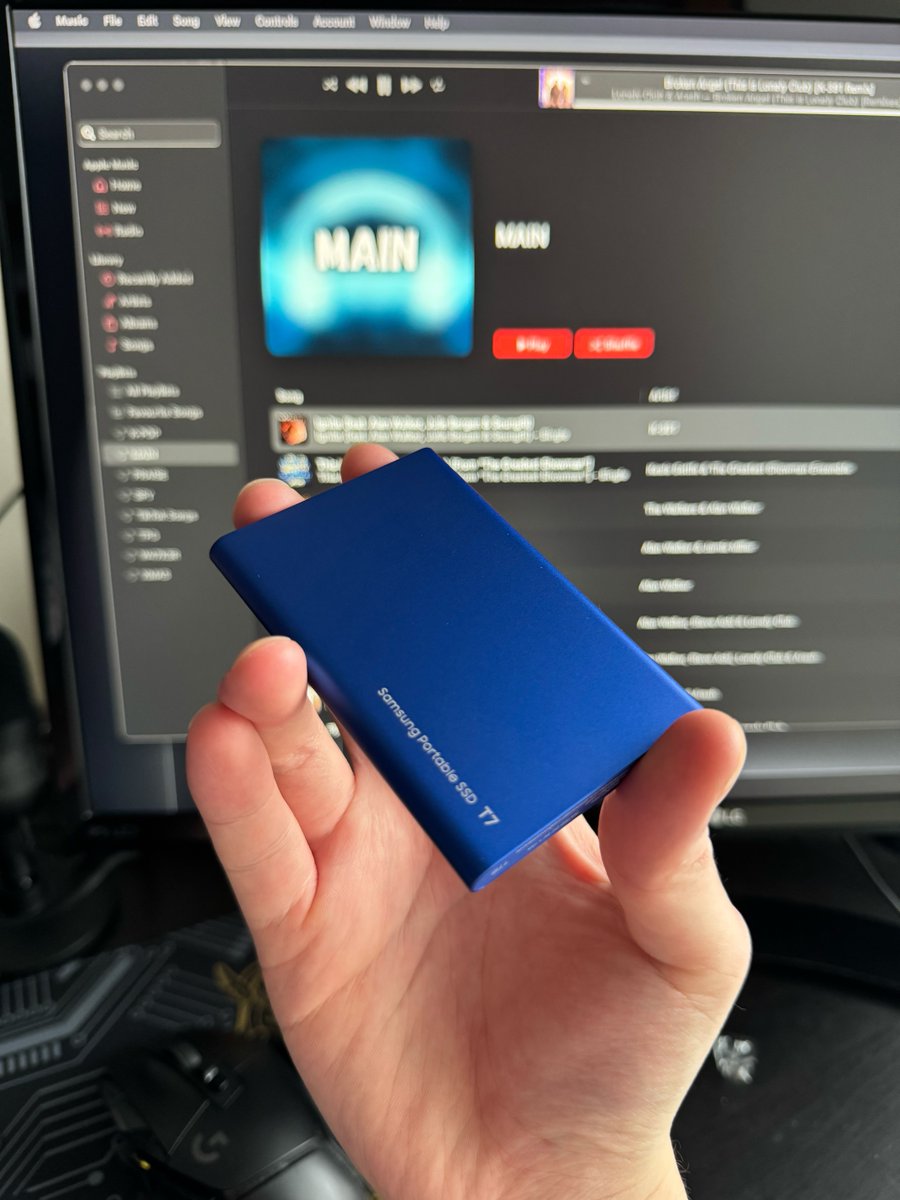
If you’re interested, here’s a tutorial on how to downgrade your Mac from Tahoe to Sequoia! Just note that you’ll need an external SSD or a USB drive, as the process requires creating a bootable drive. iconfigrealm.netlify.app/downgrade-maco…
iTech Expert @iTechExpert21

I’ll add a downgrade tutorial to my iConfig Realm site if there’s interest. Vote down below in the replies. My data is also safe; the OS is on a new partition, and most of my files are on an external SSD.

English
1
0
3
1.1K
iTech Expert 
iTech Expert @iTechExpert21·
Looks like it’s time to switch to analog watch faces. 🤷‍♂️😂 The digital ones are starting to feel boring. 😭🤣
iTech Expert  tweet media
English
1
0
2
449
iTech Expert 
iTech Expert @iTechExpert21·
@KieranBLK It hasn’t decreased, but it is also at 1.07 GB rn. lol. I haven’t seen it go higher either since the restore, and my available storage space is still high. I got 256 GB of storage.
English
0
0
1
56
Kieran
Kieran@KieranBLK·
🤷🏽‍♂️ awesome, but like i said. That could just be it disabling the usage report so it doesn’t calculate further usage but it actually is still growing under the hood. Have u noticed it decrease at all since? If not then this is likely the case as it’ll never stay the exact same value throughout the OS install lifetime. If yes then it could just be disabling logging, caching, and diagnostics which typically equates to majority of sys data but anything from apps or user data remained so it’s only reporting those. System data includes directories where things are stored and it just sums up the size of each directory and displays it in settings. Things still have to be stored in those places regardless.
English
1
0
0
38
iTech Expert 
iTech Expert @iTechExpert21·
@KieranBLK I had the daemon disabled since I restored my iPhone from a backup. I’ve noticed the system data hasn’t grown since then. lol.
English
1
0
0
66
Kieran
Kieran@KieranBLK·
System data is anything that doesn’t fall under any other category. It could even include needed user data, files from apps, cloud data saved on-device, etc... I doubt there’s any way to stop iOS from dumping stuff in there. The daemon you’re referring to may just disable the reporting of the used space in settings.
English
1
0
0
63
iTech Expert 
iTech Expert @iTechExpert21·
@KieranBLK I think I have a way to stop iOS from growing the system data space, but idk about lowering it down without a full backup restore. I’ll have to see.
English
1
0
0
52
Kieran
Kieran@KieranBLK·
@iTechExpert21 TLDR: if ur running low, just download stuff to fill up the remaining space and iOS will do its thing and clear out anything unneeded.
English
1
0
0
51