
Enid

16.2K posts

Enid banner
Enid

Enid

@ios_dev_alb

Learn iOS development visually: https://t.co/2EYlDNdQjq

Katılım Ocak 2018
2.1K Takip Edilen43.6K Takipçiler
Sabitlenmiş Tweet
Enid
Enid@ios_dev_alb·
New lesson available 🎉 SwiftUI - Understanding NavigationStack & NavigationLink (Part 33) (5 new visuals) → learnandcodewithenid.com
Enid tweet media
English
0
0
5
1.9K
Enid
Enid@ios_dev_alb·
SwiftUI Tip 💡 In iOS 26.0+, Slider supports neutralValue, letting you define a center point like 0 inside the range. This is perfect for values that can move in both directions, such as speed, balance, offset, or rotation. → learnandcodewithenid.com/tips
Enid tweet media
English
0
0
33
1.3K
Enid
Enid@ios_dev_alb·
New lesson available 🎉 SwiftUI - Understanding NavigationStack & NavigationLink (Part 32) (5 new visuals) → learnandcodewithenid.com
Enid tweet media
English
0
0
19
2.6K
Enid
Enid@ios_dev_alb·
SwiftUI Tip 💡 In iOS 26, use ToolbarSpacer to create visual separation between toolbar items. → learnandcodewithenid.com
Enid tweet media
English
1
6
96
4.2K
Enid
Enid@ios_dev_alb·
SwiftUI Tip 💡 In iOS 16.0+, use navigationDocument() to attach a document, such as a PDF, to your navigation title. Tapping the title shows a preview with quick access to Markup, Share, Print, and Save. → learnandcodewithenid.com
Enid tweet media
English
0
3
81
5.2K
Enid
Enid@ios_dev_alb·
iOS, not IOS SwiftUI, not Swift UI macOS, not MacOS Xcode, not XCode iPhone, not Iphone MacBook, not Macbook Apple Watch, not iWatch iPad, not Ipad
English
8
3
75
6.2K
Enid
Enid@ios_dev_alb·
New lesson available 🎉 SwiftUI - Understanding onLongPressGesture() & LongPressGesture (Part 4) (4 new visuals) → learnandcodewithenid.com
Enid tweet media
Deutsch
0
2
14
3K
Enid
Enid@ios_dev_alb·
New in SwiftUI 🚀 In iOS 26, use sliderThumbVisibility() to show or hide the thumb of a Slider. When hidden, the slider still works by dragging anywhere across the control, similar to system volume or media controls. → learnandcodewithenid.com/tips
Enid tweet media
English
0
4
63
2.7K
Enid
Enid@ios_dev_alb·
SwiftUI Tip💡 In iOS 26, you can use symbolColorRenderingMode() to control how an SF Symbol renders its color. .flat → gives it a solid look .gradient → gives it a more dimensional appearance
Enid tweet media
English
5
4
107
4.3K
Enid
Enid@ios_dev_alb·
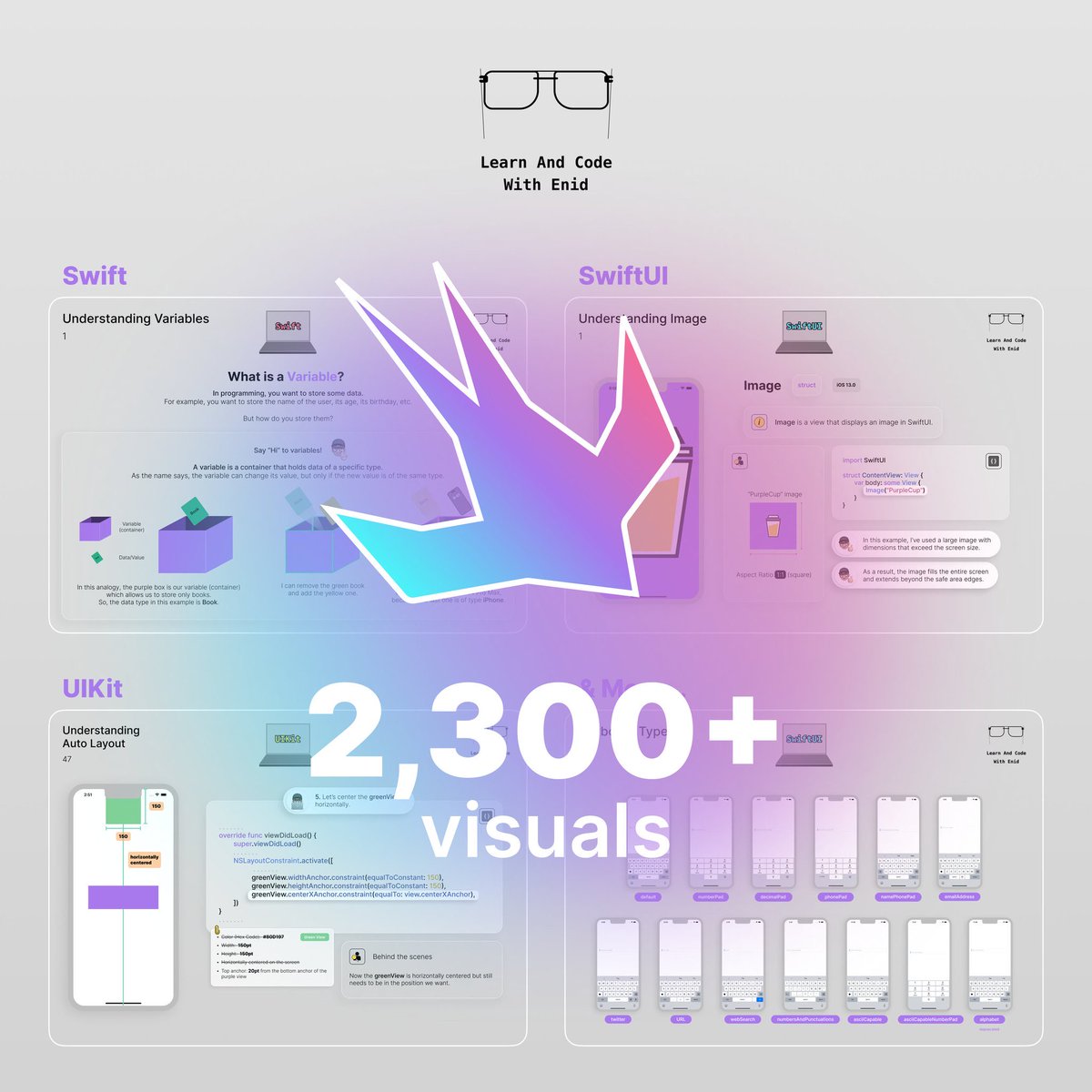
🔥 New lessons and chapters are coming soon to my iOS development visual course. Join and start learning today. learnandcodewithenid.com
Enid tweet media
English
0
1
16
3.9K
Enid
Enid@ios_dev_alb·
New in SwiftUI 🚀 In iOS 26, use .safeAreaBar() for bar-style content at the safe-area edge. Unlike .safeAreaInset(), it integrates with the scroll edge effect. → learnandcodewithenid.com/tips
Enid tweet media
English
3
15
213
9.6K
Enid
Enid@ios_dev_alb·
If you’re enjoying my SwiftUI visuals tips, join the newsletter to get more content like this. 👉 learnandcodewithenid.com/tips
Enid tweet media
English
0
1
15
3.4K
Enid
Enid@ios_dev_alb·
Imagine coding in 2026 with Objective-C, Storyboards, Core Data, and using only Stack Overflow.
English
16
4
93
11.9K
Enid
Enid@ios_dev_alb·
SwiftUI Tip 💡 In iOS 16.0+, use toolbarTitleMenu() to turn the navigation title into a menu for quick actions and filters. → learnandcodewithenid.com/tips
Enid tweet media
English
0
3
108
4.9K
Enid
Enid@ios_dev_alb·
SwiftUI Tip 💡 In iOS 18.0+, you can use MeshGradient to create colorful backgrounds by adjusting the gradient’s control points. → learnandcodewithenid.com/tips
Enid tweet media
English
0
1
55
2.3K
Enid
Enid@ios_dev_alb·
SwiftUI Tip 💡 In iOS 18.0+, use sectionActions() to attach quick actions to a section without adding extra rows manually.
Enid tweet media
English
1
4
81
3.8K
Enid
Enid@ios_dev_alb·
SwiftUI Tip 💡 Use .textContentType(.oneTimeCode) to help users autofill verification codes received by SMS. → learnandcodewithenid.com/tips
Enid tweet media
English
2
4
71
3.9K