

Jean-Baptiste Barbera
21 posts
Jean-Baptiste Barbera
@jb_brb
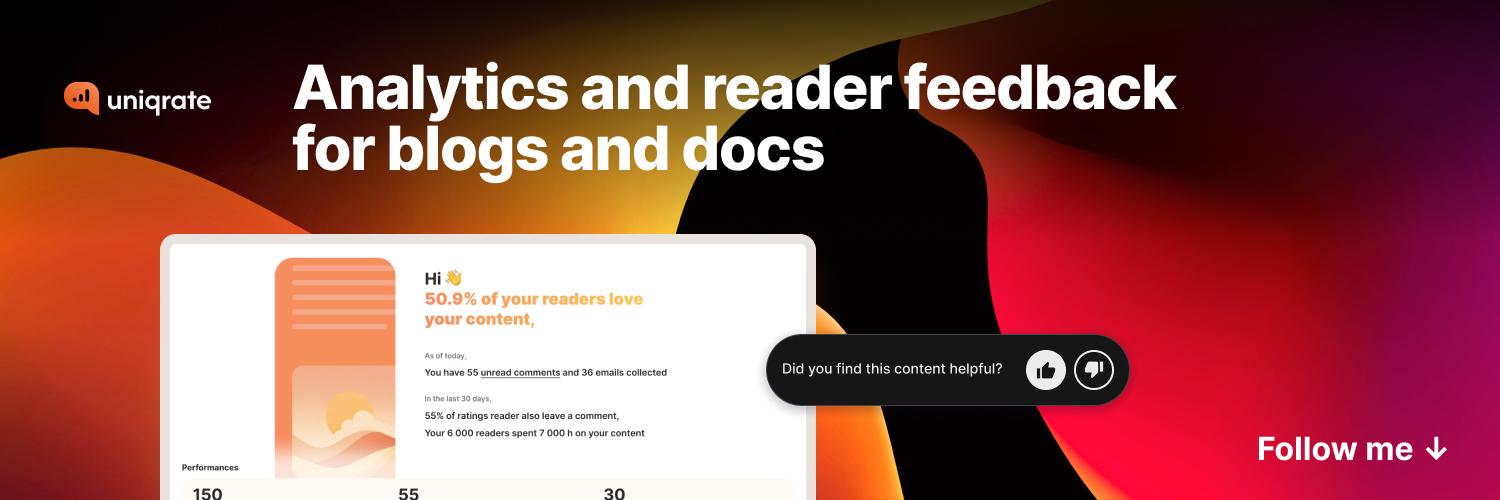
Designer 9-5 | Builder at night 📊 https://t.co/nq9oBGE8qL - Analytics for blog and docs
Paris (France) Katılım Mart 2015
167 Takip Edilen46 Takipçiler
Starting 3Makers Talk in few minutes
riverside.fm/studio/3makers
English
1st 3Makers Talk episode.
Was lovely to do that with you guys
Jérémie C.@Jeremieca
Welcome to our live show! x.com/i/broadcasts/1…
English
I struggle with conducting daily activities and posting consistently here.
Lack of inspiration.
Procrastination.
Lots of bad excuses to not keep getting active.
What are your tips to keep going?
To find inspiration to post?
#buildinpublic
English
@AdheebHameed @framer I might make the move to Framer 😅
Great insights
English

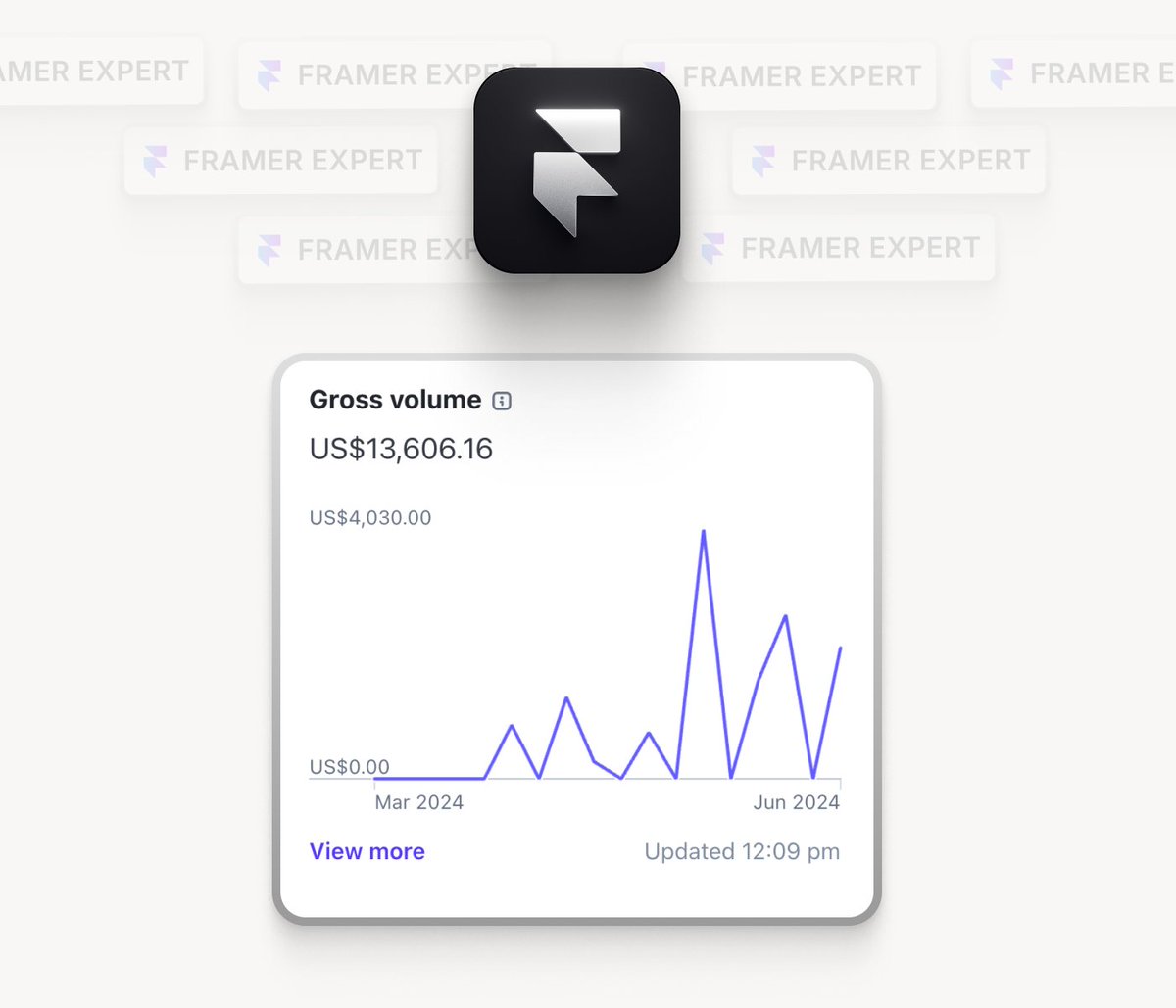
How I become a @framer expert with $0 and made $15k:
Backstory: I went from knowing nothing about Framer to becoming a certified Framer expert in 6 months while also making over $15k during the process.
Here's how you could do the same in 90 days:
1/ Learn the basics:
• Start understanding the basics of the tool. It's pretty similar to Figma, so if you know Figma, you could adapt pretty quickly.
• If not, go to (Framer Academy) website and go through it. You'll get a basic idea of how to navigate around.
• The most important things you need to have a good understanding of are: Stacks, responsiveness, components and CMS. If you have these four nailed down, you are pretty much on the right path.
• Quick tip — Do not waste time stressing and trying to learn how to animate, adding effects, or naming layers in the beginning. These are not important. Focus on what matters—the basics.
2/ Section projects:
• Start building in sections — You don't have to build entire websites. Dissect a website into various sections like: Hero, navigation, buttons, features, footer, etc. and then tackle and master building each section one by one before you get to the next.
Here are the YouTube channels I've personally used and found helpful:
@learnframer - Framer University
@theryanhayward - Ryan Hayward
@thetimgabe - Tim Gabe
3/ Replicate Templates:
• Framer Templates — this is where you'll level up your Framer skills significantly. The Framer marketplace has tons of free templates from amazing creators. You should start using them and see the backend of these websites to understand how they are built.
• Try recreating them from scratch — this will slowly cement your skills in building whole websites since you already know the basics.
4/ Build your personal projects:
• By this time, you must be on a level where you can build projects on your own. You can now build your personal website and list your services.
• You don't need to have a real client portfolio — you can start building and showcasing dummy projects. As you start getting real clients, add their work. This way, people know you're good with framer and you have good design skills.
• In the beginning you could also work with creators and businesses for free and build them small websites. If they like your work, you could request a testimonial. I am suggesting to do this for free since you'd be building dummy projects anyway, so why not real ones while gaining testimonials and potential future paid work.
5/ Document the journey:
• This is only important if you want to make money. You've got to share your design works consistently. Do landing page redesigns, section redesigns, do giveaways etc. and post them regularly, consistency is the key here. This will help you attract clients.
• One thing you need to make sure of is to try replicating designs of the type of businesses you'd want to work with. So if you want to work with coaches, redesign other coach websites, if you want to work with SaaS then redesign SaaS websites.
• Quick Tip — You could use websites like AppSumo, Crunchbase, and redesign websites of companies listed there. Most of them lack good designs. So this could be a good start. Make sure to give it your all and bring the best piece of your life every single time.
6/ Word of advice:
• Just knowing Framer won't get you far — you need to have good designs because that's what attracts the eye. Framer development comes later when you want to bring those designs to life, so do not neglect the design part. It's most important to help you get where you want.
• Replicate great designs — In this process, you’ll learn how great designs are made, as well as it gives you confidence that you can actually build something world-class.
• During this period, when it's tough — that’s exactly when you have to push harder and figure things out. These moments help you level up your skills and tackle challenging designs. Seek out challenges in this phase, on the other side of it, you gain +1 design skills.
7/ Apply with @contra and get the badge:
• Once you have all the skills — go to Framer Experts Program on Contra and follow their instructions.
• If you've followed the steps and completed all the necessary requirements mentioned, and then applied. The framer team will review the application and hopefully accept you into their pool of framer experts.
—————————
Hopefully you found this post valuable,
You got this, rooting for you..
Adheeb
English
Delivering uniqrate.com felt so good.
We are motivated more than ever to keep our goal to deliver 1 project/month.
Next one is to deploy notifizz.com
October's goal 🎯
LFG 🔥
#buildinpublic
English

Client: You have full creative freedom and we trust you fully.
The result:
English
Launching uniqrate.com felt so amazing !
My very first side project made concrete with team 💪
Huge boost in motivation and eager to keep going building better product.
Deploying our first 2 users in trial ✅
Do you feel the same launching product?
#buildinpublic
English


We are deploying our two firsts uniqrate.com users.
In trial for now.
So happy of the product we build.
#buildinpublic
English
Looking for beta testers here.
Analytics & Feedback for blogs and documentation
uniqrate.com
Jérémie C.@Jeremieca
We are looking for beta testers Anyone with a blog or doc (saas’s blog, company blog or technical documentation) can apply uniqrate.com is a widget embedded in your blog to : get feedback from readers get privacy friendly analytics #buildinpublic
English


Had lot of fun designing and creating visual style for uniqrate.com
What do you think about it?
#buildinpublic
GIF
English
Jean-Baptiste Barbera retweetledi


@Saas_Dude @Jeremieca @DamCosset Thanks for answer @Saas_Dude, toggle seems cleaner and best suited to display 2 options
English
Currently working on uniqrate.com, an analytics tool for blog.
We prompt user to choose their data location on sign-up. Which version do you prefer, select or toggle ?
#buildinpublic


English
