

joe
697 posts


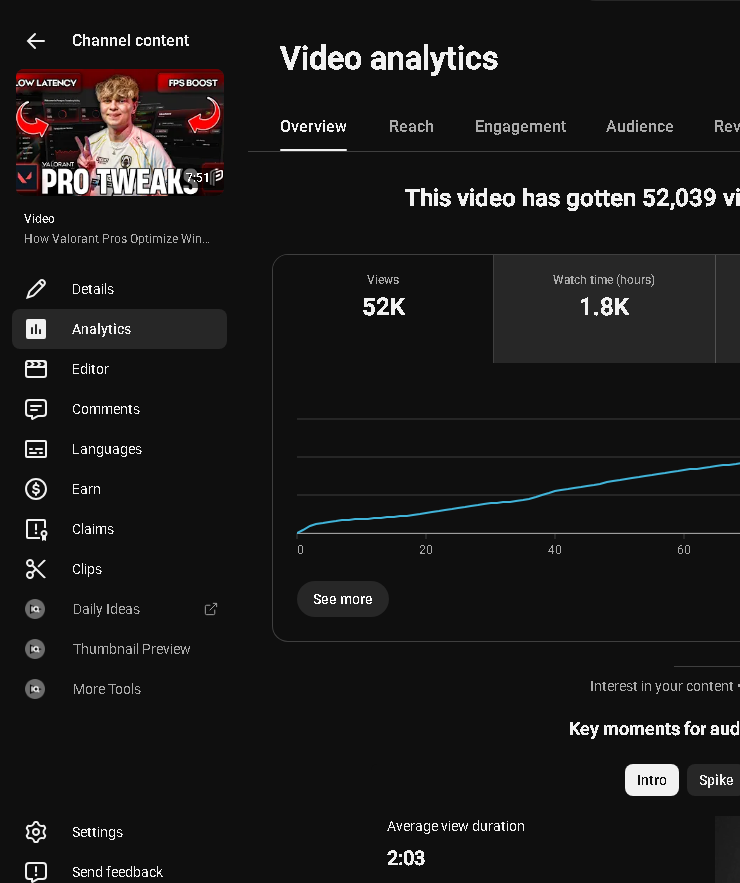


By default, Steam comes with TERRIBLE settings
Copy these settings for a more smooth/responsive game
Paragon│Boost Gaming PC Performance@ParagonTweaks
Over 132 Million Gamers use Steam and have no idea it’s causing MAJOR Stutters & Input Lag Do these settings to Optimize Steam for Maximum Performance on Windows 10/11 (Increased FPS + Reduced Latency + Lower Processes) More Info Below!
English
@ParagonTweaks I did a quick ask and some research and I’m ngl every one of these settings checkout for performance, this is all I could fit in the screenshots. These settings def help


English
joe retweetledi

Over 132 Million Gamers use Steam and have no idea it’s causing MAJOR Stutters & Input Lag
Do these settings to Optimize Steam for Maximum Performance on Windows 10/11
(Increased FPS + Reduced Latency + Lower Processes) More Info Below!
English




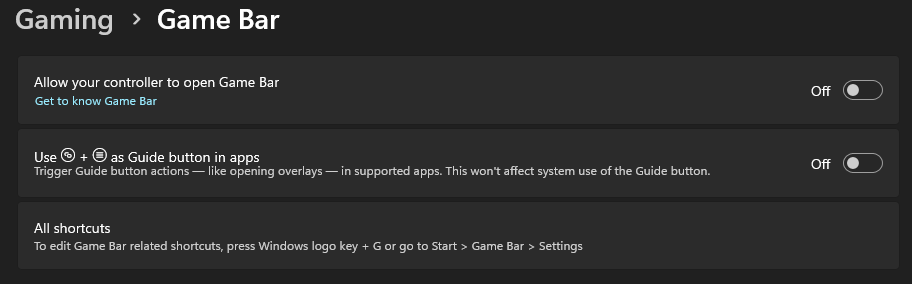
"Disable Xbox Game Bar for more FPS" is half-right. The Game Bar isn't your problem. What's hiding behind it is.
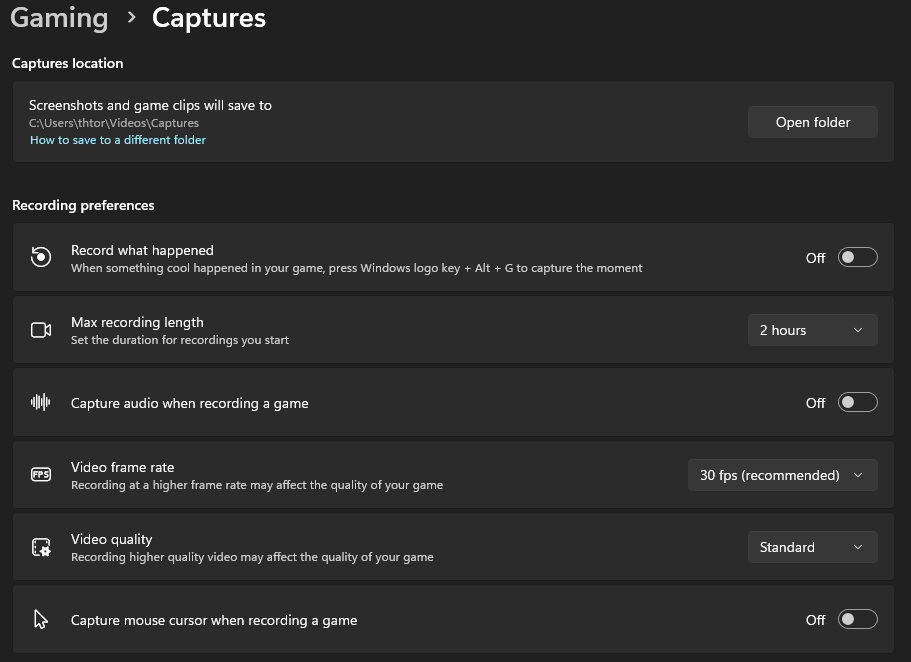
The real FPS thief: background recording (Game DVR). When "Record what happened" is on, Windows is CONSTANTLY capturing your gameplay into a rolling buffer. Your GPU encoder is running, memory is being written, every second you play. You pay for a recording you'll never watch, in every game.
The fix that matters:
Settings > Gaming > Captures > "Record what happened" > OFF
That's the gain. The Game Bar itself, sitting idle? Negligible overhead. A dormant overlay costs basically nothing measurable. Killing it entirely is hygiene, not performance: fine if you never press Win+G, but don't expect FPS from it.
And don't confuse it with GAME MODE (Settings > Gaming > Game Mode). That one is a different feature, it prioritizes your game's resources, and it should stay ON.
Honest labeling:
- Background recording was ON: real, measurable gain
- It was already OFF: disabling the bar changes basically nothing
- Game Mode: don't touch, keep it on
More optimization on the Discord in bio.
English








Hot take:
Most gaming PCs lose performance over time—not because the hardware gets worse...
...because Windows gets messier.
English
